VideoAI vs MakeShot: Two AI Video Generators, One Honest Verdict

Same brief. Same footage. Two very different experiences.
I've been down the rabbit hole of AI video tools long enough to know that most comparison articles are basically just feature lists dressed up with opinions. This one is different. I ran both VideoAI and MakeShot through identical real-world tasks — same source material, same creative goals, same deadline pressure — and tracked what actually happened.
The short version: these two tools are solving adjacent problems, not the same problem. Understanding that distinction will save you a lot of time and probably some money.
According to a 2025 Adobe Creative Economy report, 74% of video creators say AI-assisted editing has meaningfully reduced their post-production time. The market for AI video generation tools is growing fast, and the quality gap between platforms is widening just as quickly. Choosing the wrong tool for your workflow isn't just inconvenient — it's a real productivity cost.
The Testing Setup
Before getting into the platforms, here's what I used to evaluate them. My test brief was a 60-second promotional video for a fictional wellness brand — product shots, a talking-head segment, background music, and a title card sequence. I also tested a secondary brief: a 30-second social clip with visual effects layered onto existing footage.
Both tools were evaluated on output quality, workflow speed, effect flexibility, and how much manual intervention was needed to get a usable result. No tool got extra credit for features I didn't actually use.
VideoAI — Effects-First, Atmosphere-Driven
What VideoAI Is Actually Built For
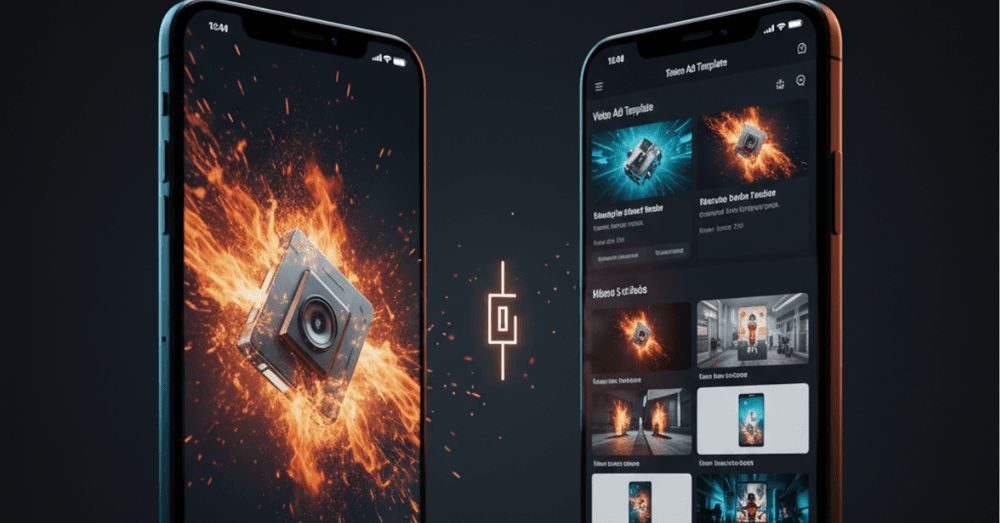
VideoAI is an AI-powered video enhancement and creation platform with a clear emphasis on visual effects and atmospheric treatment. It's not primarily a text-to-video tool or a template engine. It's built for creators who have footage and want to elevate it — adding particle effects, atmospheric layers, and cinematic texture without touching a traditional VFX timeline.
This AI Video Generator is browser-based, which means no installation and no hardware dependency. That matters more than it sounds for creators working across multiple devices or on machines that can't run heavy desktop software.
The Effect Engine: Where VideoAI Earns Its Reputation
VideoAI's core strength is its particle and atmospheric effect library. Fireworks, flame, ember drift, heat shimmer, air distortion — these aren't preset stickers dropped onto footage. They're layered, maskable, and adjustable in ways that produce genuinely composited-looking results.
The masking tool is the standout feature. It uses AI to separate subject from background, allowing effects to be applied selectively. Flame wrapping around a product outline rather than flooding the whole frame. Air distortion breathing through the background while the subject stays sharp. That level of control is what separates VideoAI from tools that just apply filters.
The pacing controls are also worth noting. Effects can be pinned to specific timestamps and triggered on beats or cuts. For music-driven content, this is a significant workflow advantage — the tool does the sync work that would otherwise require manual keyframing.
Where VideoAI Has Limits
VideoAI is not a full video production suite. It doesn't generate video from text prompts. It doesn't offer template-based ad builders or script-to-video pipelines. If you're starting from a blank page with no footage, VideoAI isn't your starting point — it's your finishing layer.
The learning curve for the masking and layering tools is moderate. The first session requires some experimentation to understand how effect intensity, opacity, and layer order interact. Once that clicks, the workflow becomes fast. But it's not instant.
Ideal Users for VideoAI
Best fit: Content creators with existing footage who want cinematic visual enhancement, social media editors working on music-driven content, brands producing product videos that need atmosphere and texture.
Not the right fit: Teams starting from scratch with no footage, marketers who need template-driven ad production, users who want text-to-video generation.
MakeShot — Structure-First, Production-Ready
What MakeShot Is Going For
MakeShot approaches AI video generation from a completely different angle. Where VideoAI enhances existing footage, MakeShot is oriented toward structured video production — taking inputs like scripts, product URLs, or briefs and generating complete video outputs with scenes, transitions, and text overlays already assembled.
The platform sits closer to the "AI video generator" category in the traditional sense: you provide direction, it produces a structured result. The workflow is more guided and more opinionated than VideoAI's open-ended effect canvas.
The Production Pipeline
MakeShot's core workflow moves from brief to output through a structured generation process. You can input a script or product description, select a visual style, and receive a draft video with scene sequencing, title cards, and basic motion already applied. For marketers who need a starting point quickly, that pipeline removes significant friction.
The template library covers common ad formats — product showcase, testimonial-style, feature highlight, and seasonal campaign structures. Each template is customizable, but the structure is pre-built. This is a deliberate design choice: MakeShot is optimized for speed and consistency, not maximum creative flexibility.
Text and caption handling is notably strong. MakeShot's AI places text overlays with attention to readability and visual hierarchy — something that sounds minor but makes a real difference in the polish of the final output. Auto-generated captions are accurate and well-timed.
Where MakeShot Has Limits
MakeShot's visual effect capabilities are more limited than VideoAI's. The platform offers basic transitions and motion treatments, but it doesn't have the particle effects, atmospheric layering, or masking depth that VideoAI provides. If your creative goal involves complex visual effects, MakeShot will feel constrained.
The template-driven approach, while efficient, can produce outputs that feel structurally similar across different projects. Experienced creators may find the guardrails limiting. The tool is optimized for getting to "good" quickly rather than getting to "distinctive" with more effort.
Ideal Users for MakeShot
Best fit: Marketers who need structured ad videos produced quickly, small business owners without video editing experience, teams running high-volume content production where consistency matters more than uniqueness.
Not the right fit: Creators who need advanced visual effects, projects requiring highly customized cinematic treatment, users who want granular control over every element.
Head-to-Head: The Direct Comparison
Here's how both platforms performed across the dimensions I actually tested:
Dimension | VideoAI | MakeShot |
| Starting Point | Existing footage required | Script or brief input |
| Visual Effects Depth | ⭐⭐⭐⭐⭐ Extensive | ⭐⭐ Basic |
| Production Speed | Moderate | Fast |
| Template Structure | None | Strong library |
| AI Masking | ✅ Yes | ❌ No |
| Text / Caption Handling | Basic | ✅ Strong |
| Learning Curve | Medium | Low |
| Best Output Type | Enhanced cinematic clips | Structured ad videos |
| Ideal Team Size | Solo creators / small teams | Marketing teams / SMBs |
The Workflow Reality: What Happened When I Actually Used Both
The 60-Second Promo Test
For the wellness brand promo, MakeShot produced a structured draft in about 12 minutes from a written brief. The scene sequencing was logical, the text overlays were clean, and the overall output was immediately usable as a first draft. I made about 15 minutes of adjustments and had a finished video in under 30 minutes total.
VideoAI required me to bring my own footage first. Once I had that, I applied an atmospheric heat shimmer to the background, edge flame around the product shots at 65% opacity, and a fireworks burst at the reveal moment. The result looked significantly more cinematic than the MakeShot output — but it took closer to 45 minutes and required footage I had to source separately.
The 30-Second Social Clip Test
This is where the comparison got more interesting. For the social clip with visual effects, VideoAI was clearly the stronger tool. The particle effects and masking capabilities produced output that genuinely looked like it had a motion graphics pass. MakeShot's effect options were too limited to compete on this brief.
But here's the honest observation: most marketers running social campaigns don't need cinematic VFX. They need clean, structured, on-brand video content produced consistently and quickly. For that use case, MakeShot's workflow is genuinely more efficient.
Which AI Video Tool Should You Actually Choose?
The answer depends entirely on where you are in the production process and what "good output" means for your specific use case.
Choose VideoAI if you have footage and want to make it look exceptional. The effect engine is genuinely impressive, and the masking capability puts it in a different category from tools that just apply filters. It rewards creators who understand visual storytelling and want precise control over atmosphere and texture.
Choose MakeShot if you need to go from brief to finished video quickly and consistently. The structured production pipeline removes friction at every stage, and the output quality is strong for standard ad formats. It's the more accessible tool for teams without deep video editing experience.
The most interesting observation from two weeks of testing: the best workflow might actually involve both. Use MakeShot to build the structural foundation quickly, then bring the output into VideoAI for an effects and atmosphere pass. That combination — structured production speed plus cinematic enhancement — produces results that neither tool achieves alone.
That's not a knock on either platform. It's just an honest reflection of where AI video generation currently sits: powerful in specific lanes, still developing toward the all-in-one ideal.
Author
Azaan Malik
SEO Writer