5 AI Photo Editors That Are Transforming Small Businesses in Photography and E-Commerce

When images go from nice-to-have to driving a sale, clever small companies take notice. For business owners juggling studio sets, lighting kits, and retouching, the emergence of AI photo editors is a game-changer.
Working with AI Photo Editors, what once required a specialized photographer and a whole afternoon of post-production is now done in minutes, consistently, quickly, and stylishly.
In this post, we will review the 5 top photo editing platforms, highlighting one that was made for the large-volume product workflow, and help you settle on which photo editing platform is best for your small business.
Why visuals are critical for online growth
Every time online customers purchase a product they haven't touched, had the material in hand, or tried something on, the first thing they see is your image. So, every pixel matters. If driving growth through your store or marketplace is serious for you, emphasizing product photography, image editing, and compelling visuals is no longer optional and should be prioritized.
Truth be told, a study revealed 75% of online shoppers use product photos when making purchases. Also, the value of the global market for e-commerce product photography is expected to grow rapidly, with approximately USD 1 billion by 2024 and projected to double by 2033.
So what this means for you is that your photos are more than just visually appealing materials—they're a brand asset. The correct AI photo editors will allow you to scale your visual output, maintain brand consistency across dozens (or hundreds) of listings, and channel your time on what moves the business rather than taking long periods to retouch each pixel by hand.

How AI simplifies product photo editing for entrepreneurs
The rise of AI photo editors is elevating how small businesses utilize visual content. Here’s how they can help with product photography and e-commerce images:
Speed & scale: Through automated workflows, you can upload, process, and export dozens or hundreds of images in a single click—saving hours.
Consistency: Regardless of whether you are listing 10 products or 1,000, AI tools assist your visuals in keeping the same aesthetic language and visual elements. This is especially valuable for maximizing brand identity and conversion rates.
Accessibility: You don’t have to be a designer, expert, or hire a studio to get professional-level editing—AI Photo Editors allows entrepreneurs to democratize professional editing of images.
Optimized output: Many AI platforms have pre-built e-commerce templates, batch processes, and export options for online channels. This means your e-commerce images are ready to be in your store, advertisement, or on a marketplace from the second you upload them and export them to that particular platform.
Lowered costs: Rather than engaging separate photographers, editors, or planning extra shoots, you simplify. The ROI of working with AI photo editors becomes evident when you take into account the time you save, quicker time-to-market, and improved perceived quality of product offerings.
To put it simply, when your graphics get better, your brand looks better, and with the time you save, you can focus on building your business, not just processing your images.
What to Look for in a Reliable AI Photo Editing Tool
When you are thinking of the right tool to support you, particularly in product photography and with images for e-commerce, you want more than just "remove bg." So, here are the key features your ideal editor should have:
Intuitive Dashboard and Easy Navigation
You want a tool that reduces friction, not adds to it. A user-friendly dashboard that allows for drag-and-drop uploading of your photo/image, guided processes, easy access from mobile and desktop, and minimal training required is vital for small teams or working on your own.
Templates and Smart Presets for Consistent Branding
If your visuals are part of a larger aspect of communication (listings, ads, social posts, etc.), you want an editor that includes ready-made templates or smart presets to set for your overall design presets (brand colors, fonts, logo, etc.) to unify your assets. With this, you'll spend less time "redesigning" and more time clicking publish.
Background Remover and Object Eraser Tools
A good background remover is a must-have in e-commerce. Being able to carefully cut out products and remove distractions to create a clean look is essential.
But, in addition to the background remover, an object eraser, a shadow generator, and realistic reflections are also important. Because when your product is lying in some arbitrary scene, it hurts your credibility.
One-Click Enhancements and Retouching Options
Small business workflows often require an "upload and go." Hence, editors that have one-click fixes—sharpening, color correction, and lighting correction—make perfect sense to help you equip yourself with outstanding product images.
Design and Branding Features for Teams
If you are working with a team—even a small one—features such as brand kit storage, shared libraries, team roles, and collaborative workflows support you in maintaining visual consistency and speed as you scale.
Pricing That Scales With Your Growth
Finally, look at your cost per image, batch limits, subscription tiers, and whether you will need API access later as you grow. A tool may look cheap with 50 images/month, but it gets very expensive quickly at 1,000 images/month. Here, the right tool should grow with you and not be a constraint.
Top AI Photo Editors to Try in 2025
Here are five premier AI photo editors small businesses are using to enhance their product photography and online presence.
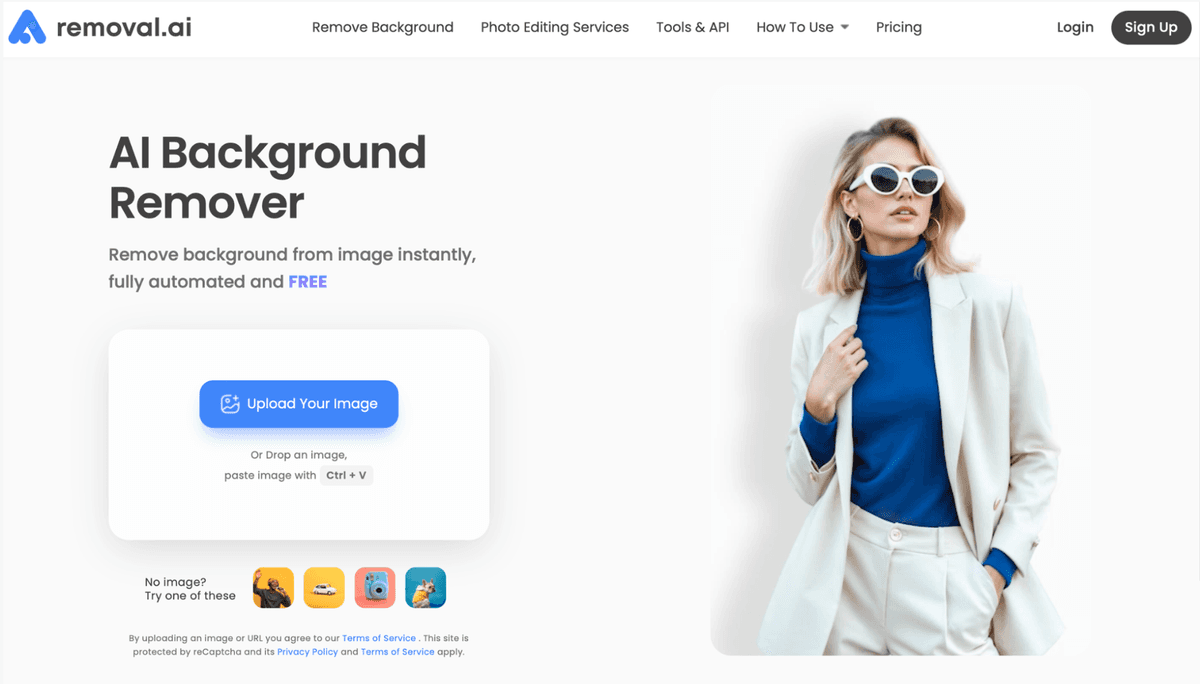
1. Removal.AI—Best for E-Commerce and Batch Background Removal
Removal.AI is truly designed for a high-volume workflow and is a first-rate background remover with capabilities well-suited for processing e-commerce photographs in bulk.
You can remove the backgrounds of images quickly and accurately, or eradicate unnecessary objects.
You can batch edit, perfect for your brand catalogue with 100+ product shots.
You can also upload a variety of formats and automate with an API.
Best pricing and terms:
They have a free plan.
They also have paid tiers, e.g., for USD 5.99, you get 40 images (~USD 0.15/image).
When to use: Removal.AI is a good solution if your small business is working with a high number of SKUs needing clean, consistent product shots and automation features.
Note: If you are managing a significant number of SKUs, verify whether you require API access, custom branding, or direct integration with your own program (e.g., Shopify, Etsy, etc.) or platform.
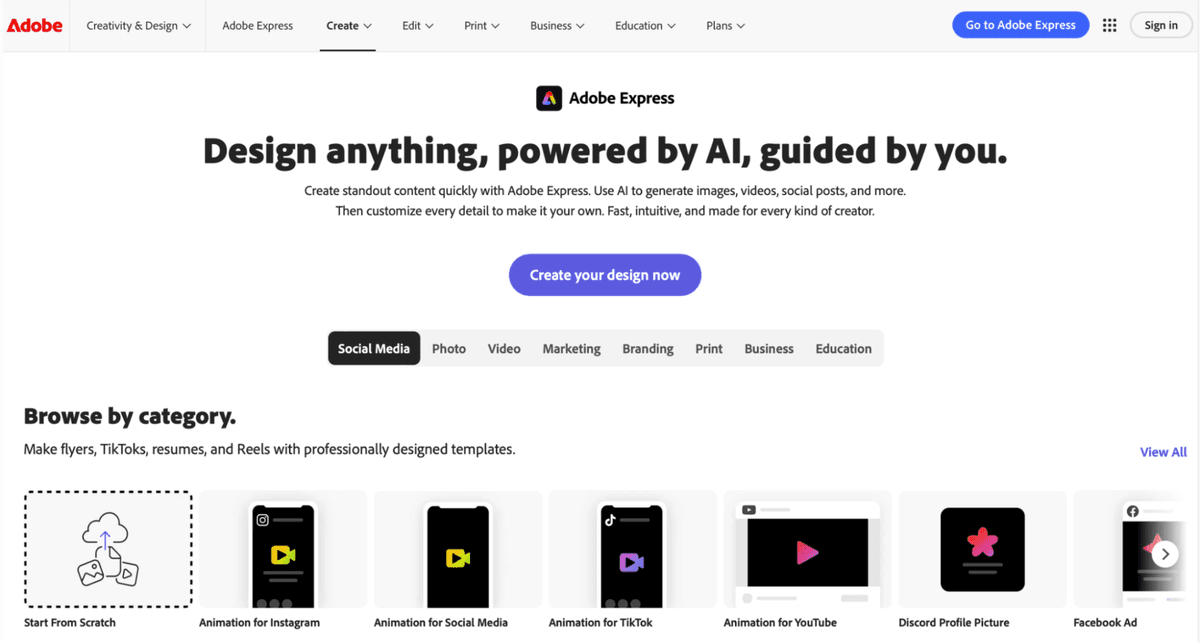
2. Adobe Express — Great for Product Brands and Creative Campaigns
Although it may not be seen as solely a product-photography tool, it has a lot of strengths when it comes to visuals needed for combined marketing and listings, aligning it to be one of the strongest AI photo editors in the general product branding space.
Creativity templates, themes, and a place to store your brand assets.
AI-friendly adjustments and design generation make this a valuable tool for small businesses.
When to use: For the small business that is not only selling products but also building campaigns, social posts, and branded content, resources are flexible using Adobe.
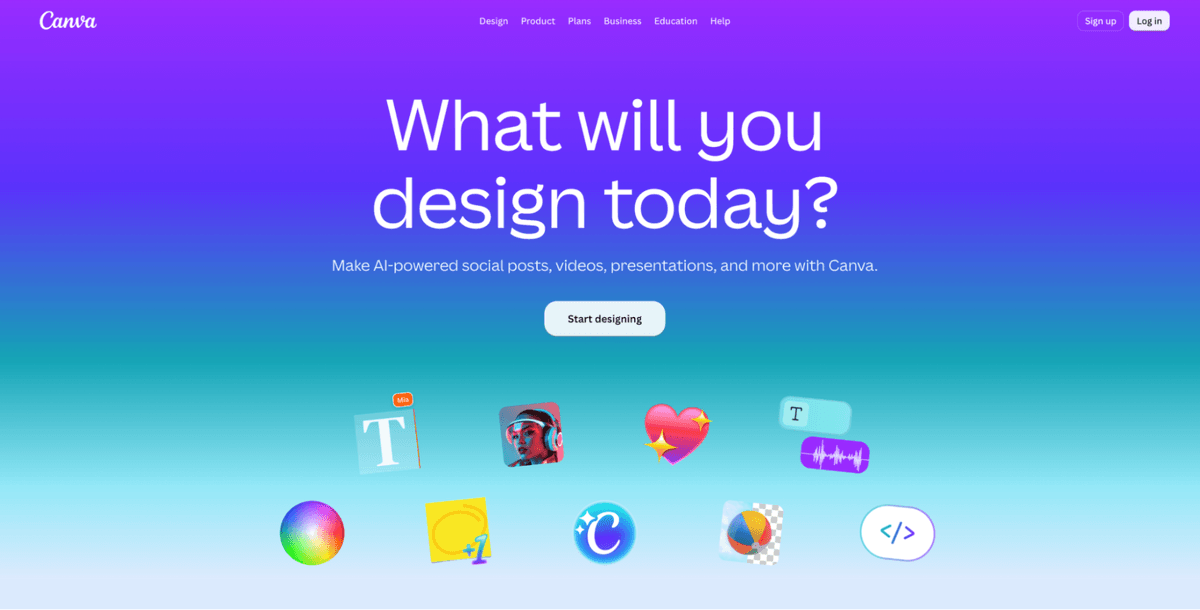
3. Canva — Ideal for Branded Store Visuals and Marketing Assets
Canva is great if you have a team working together and brand consistency in the workflow. Not to mention adding other helpful visuals for branding to marketing collateral.
When to use:
Brand Kit: store logos, fonts, and colors, and apply across all assets.
“Magic” features: auto-resizing, design generation, and shared libraries.
Note: While it can do photo editing, it is not marketed as a product photography resource for editing many product photos at once, unlike the others
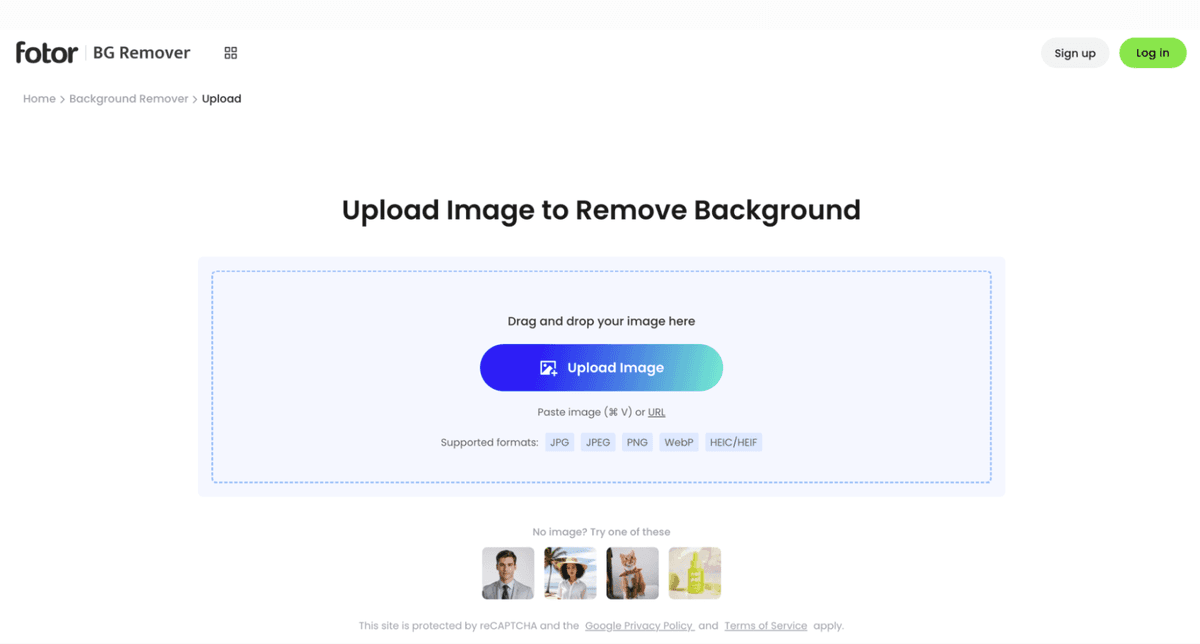
4. Fotor — Fast Enhancements for Product Photography
Fotor is one of the light, quick editors that really help with image editing and enhancing product photos for smaller volumes or edits quickly.
When to use:
All the things geared toward one-click enhancements, e.g., brightness/contrast, very basic background removal, and object eraser.
Even though it is very capable, it is best for the occasional product shot rather than processing full catalogs.
5. Magnific — All-in-One Creative Resource for Product Imagery
While Magnific is primarily noted for stock assets and templates, it plays a complementary role in the visual stack for many small businesses—they help with marketing visuals around the product listing, as opposed to just the listing itself.
When to use: Creative assets, design templates, and any other visuals you may want, in addition to listing photos.

How to Find the Best Tool for Your Business Needs
Choosing the right editor is more about "Which one is best for me?" rather than asking yourself vague questions, such as "Which is best?"
Here’s how to choose the right one for you:
Assess Your Workflow and Editing Volume
Ask yourself: how many assets do I edit per month? Are you managing a small number of premium SKUs or hundreds of listings? If you have a high volume of editing, prioritize editing tools that offer batch, robust background removal, and automations. The lower the volume of editing, the more basic an editing platform you can use.
Match the Plan With Your Budget
Don't only look at the monthly pricing—be sure to figure the price on a per-image basis, consider growth, and see what free tiers offer. For example, a platform at $0.15/image may be fine at 50 images/month, but the expenses at 1,000/month.
Check Compatibility Across Devices
Do you want to use the platform on the website and through mobile? Are you collaborating, or do you have a team that works on the images? Choose an editor that will be available on the web or mobile app or has integrations with your e-commerce platform (Shopify, Amazon, etc.).
Try Before You Commit (Free Trials, Demos, or Freemium Plans)
Always test your actual workflow: upload real product images, take all the steps of your workflow, and review export formats and quality. Free or freemium versions give you an opportunity to test before buying.
Prioritize Consistency and Reliability
Your visuals represent your brand daily. Pick a platform that has strong consistency in the output quality, is continually updating, and receives a good deal of user feedback on its quality. Consistent higher quality instills shopper confidence and complements your overall brand image.
Pro Tips: Creating Consistent, Click-Worthy Product Photos With AI
With a tool chosen, the real work is in the execution. Here are actionable techniques to maximize your investment in AI photo editors.
Techniques for maintaining visual consistency across your catalog
Standardize your shoot setup: same light, angle, distance, and background. Then use a preset from your editor to achieve repeatable results.
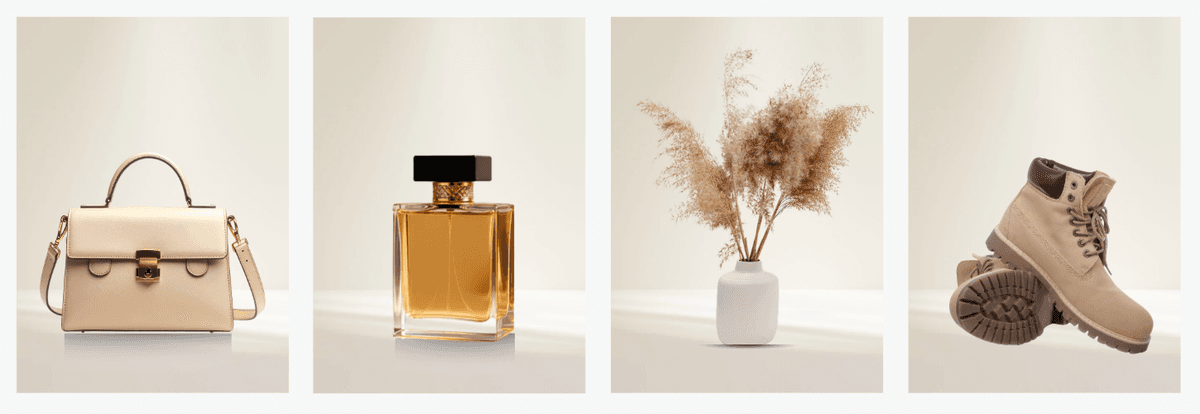
Clean and consistent backgrounds: Remove the background to achieve clean frames that let the product be front and center on the page. Even when you deviate from your style, the base layout should maintain recognition.
Use proper resolution and framing: Outputting at high resolution will allow you options when you want to zoom, crop, or add additional content for a premium appearance.
Batch process similar shots: apply the identical edits in one batch, allowing you to group similar SKUs, ensuring consistency and time saved, and spend more accurately replicating every detail across the original products.
Match your marketplace standards: just like many e-commerce platforms, such as Amazon, Shopify, or Etsy, will disclose image specs in the documentation, your product editor will have options/templates to design your images within those specs.
Consistent lighting and shadows: Good lighting is helpful for quality product photography, and when there is variation across images, the product will not appear consistent. Many editors now offer intelligent shadow/reflection tools with an interface that is easy to use.
Branding matters: your product photography should feel like it is part of your store and not a mixture of visual styles. Even minor details, such as using your brand colors or varying the angles slightly to take the same photo style, make a difference.
How to combine AI tools for faster, better photo results
Step 1: Core editing via a dedicated product tool
Use an app like Removal.AI to do all the required background removal, clipping, and exporting for your listings.Step 2: Marketing/Collateral via design-centric tools
Proceed to using your cleaned-up photos in design-centric tools like Canva or Adobe Express to create your banner images, stories, posts, and ads.Step 3: Fine-tune with enhancement tools
If you have shots that require quick color corrections or retouching, or special effects, then consider a fast tool like Fotor.Step 4: Create and refine workflow templates
Define upload → batch process → export → design collateral → publish. This helps you keep your system tight and repeatable.Step 5: Monitor analytics
Track which listings and hypotheses do better and leverage that insight to fine-tune your visual style, presets, and tools.
FAQs About AI Photo Editors for Small Businesses
Here are some popular questions small business owners may be thinking about when evaluating AI photo editors.
What is the best AI photo editor for eCommerce?
The “best” is subjective to what is important to you as the brand owner.
For volume listings and consistency, Removal.AI looks to be the best.
For marketing flexibility and collaboration with the team on projects, Canva or Adobe Express might be better.
If you're doing quick fixes or using it occasionally, Fotor is solid.
Prioritize your workflow, volume, and budget more than a brand you think might be better.
Can AI replace professional photo editors?
AI-based image editing and photo workflows have narrowed the gap significantly for many small business needs. Many everyday listing jobs can be done without a full-time photo editor. That being said, high-end campaigns, visually complex scenes, or ultra-premium lifestyle images captured are still a space for professionals in photography and editing.
Are free AI photo editors worth using?
Definitely—they help provide a nice path for experimentation. Try the free or freemium tier: you can try it out in terms of output quality, usability, ease of integration into your workflow, and export process. If the free tier holds your interest, that's wonderful. If you run into issues, whether it's credits, resolution, or the number of images to process, you'll know if the upgrade makes sense.
How do AI background removers improve product listings?
An effective background remover will help the product punch, remove distractions, and assist you in establishing a clean and consistent look throughout your catalog. Consistent backgrounds (typically white backgrounds) improve perceived quality, lower friction in the decision process, and make your product conform to marketplace conventions.
For instance, most online platforms reward sellers for a clean and consistent listing image background. Using this type of automation with an AI photo editor will save you hours of tedious work and guard your visual credibility.
When your visuals are strong, your brand goes further. Small businesses that utilize professional e-commerce imagery, impactful product photography, and streamlined image processing methods have a competitive advantage. Online retail is no different than the real world; first impressions matter, and they are almost always influenced by what you display, not what you claim.
For small business owners who need to scale their listings quickly, Removal.AI is a great option. It's easy to automate your background removal tool, and their performance pricing structure is very strong if you need speed, reliability, and consistent results.
You can also create a fully visual workflow with design software solutions like Canva and Adobe Express to create exceptional listing images, as well as strong, engaging, and useful marketing products.
Select the right tool, create a visual identity, determine a repeatable workflow, and watch as your product visuals become a growth engine, not a bottleneck.
Do you want to scale your visual assets and your product photography to become a profit-making engine? Start editing smarter with Removal.AI and be proud of the images it builds for your brand.

Author
Vivian
Vivian is a content writer for Removal.AI-- an AI tool used to remove bg from images for social media, eCommerce, web, app development, and marketing automation. She loves to share her insights about tech, AI, and marketing.