AI Product Photography for Shopify and DTC Brands: A Practical Guide
What AI imagery is good for in a modern DTC operation — and where you still need a real shoot
For a direct-to-consumer (DTC) brand, product photography stopped being a shoot-it-once-at-launch task a long time ago. Your store needs images, and so do your Meta and TikTok ads, your email flows, your landing pages, and every new color, bundle, and seasonal release. The real bottleneck usually isn't capturing one beautiful hero shot — it's producing enough on-brand imagery, fast enough, to keep up. That's the gap AI-generated product photography is starting to fill. Here's a practical look at where it fits a Shopify and DTC operation, where it doesn't, and how to put it to work without diluting your brand.
The real photography bottleneck for DTC isn't the hero shot
Most brands can scrape together the budget for one good shoot at launch. What runs past budget and schedule is everything that comes after. Modern DTC growth runs on creative: building out product pages, and promoting and advertising across different social platforms, all demand a steady stream of assets to test what works. And because shoppers get visual fatigue, ad creative has to be refreshed every so often on top of that. Done the traditional way, that means renting studios, booking models, and shooting and retouching over and over again — the more SKUs you have, the more images you need, and the more budget it burns.
That's why even a great photographer or model can't solve the whole problem. The issue isn't the quality of any single image; it's throughput. What makes AI product photography interesting to DTC brands isn't so much that each image is cheaper (though it is) as that it raises throughput — it lets a small team produce the volume and variety that growth marketing demands.
Where AI product photography fits the DTC workflow
Rather than treating AI as a wholesale replacement for photography, it's more useful to apply it to the specific jobs a DTC brand needs done.
Product detail pages (PDPs)
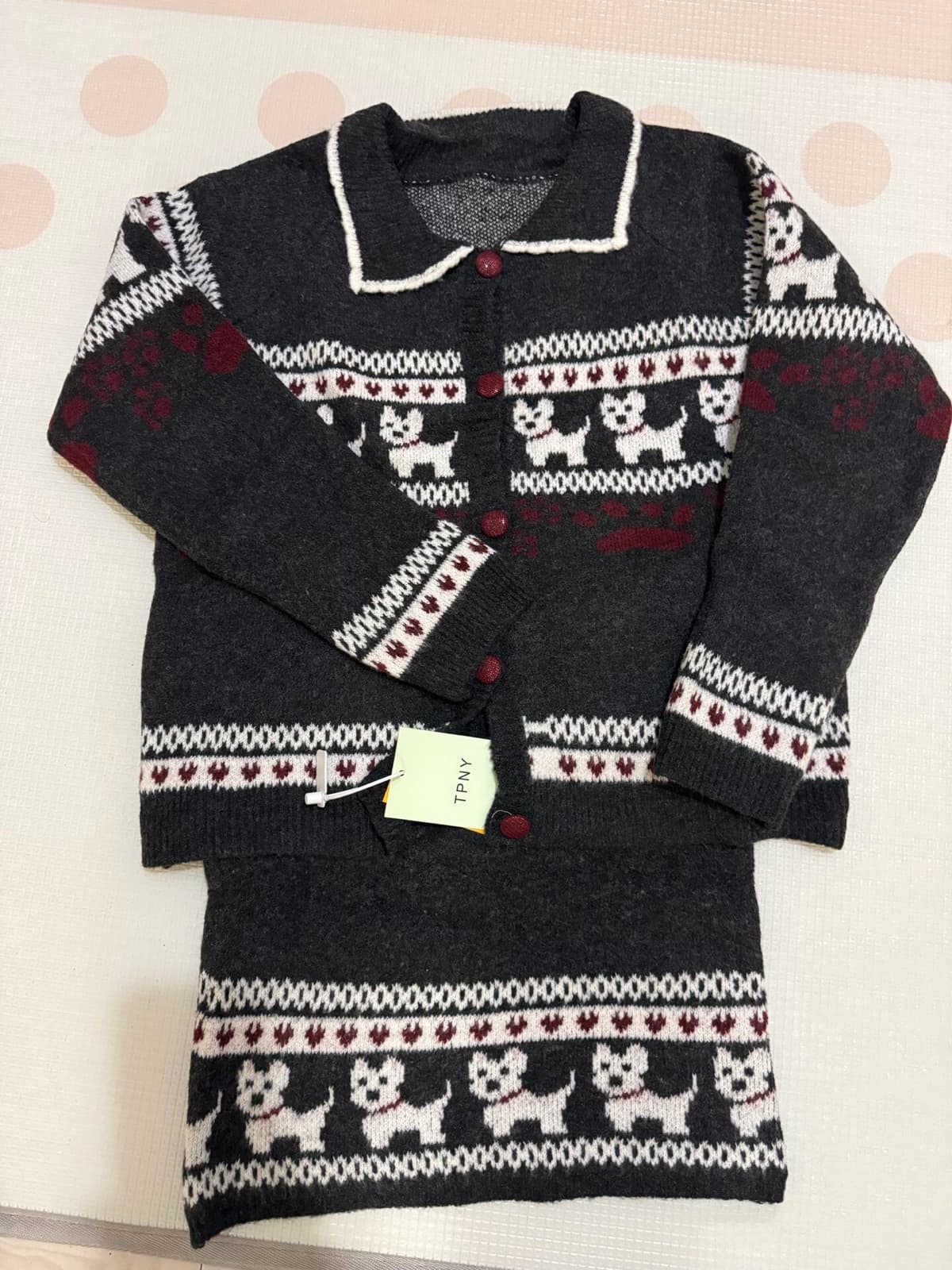
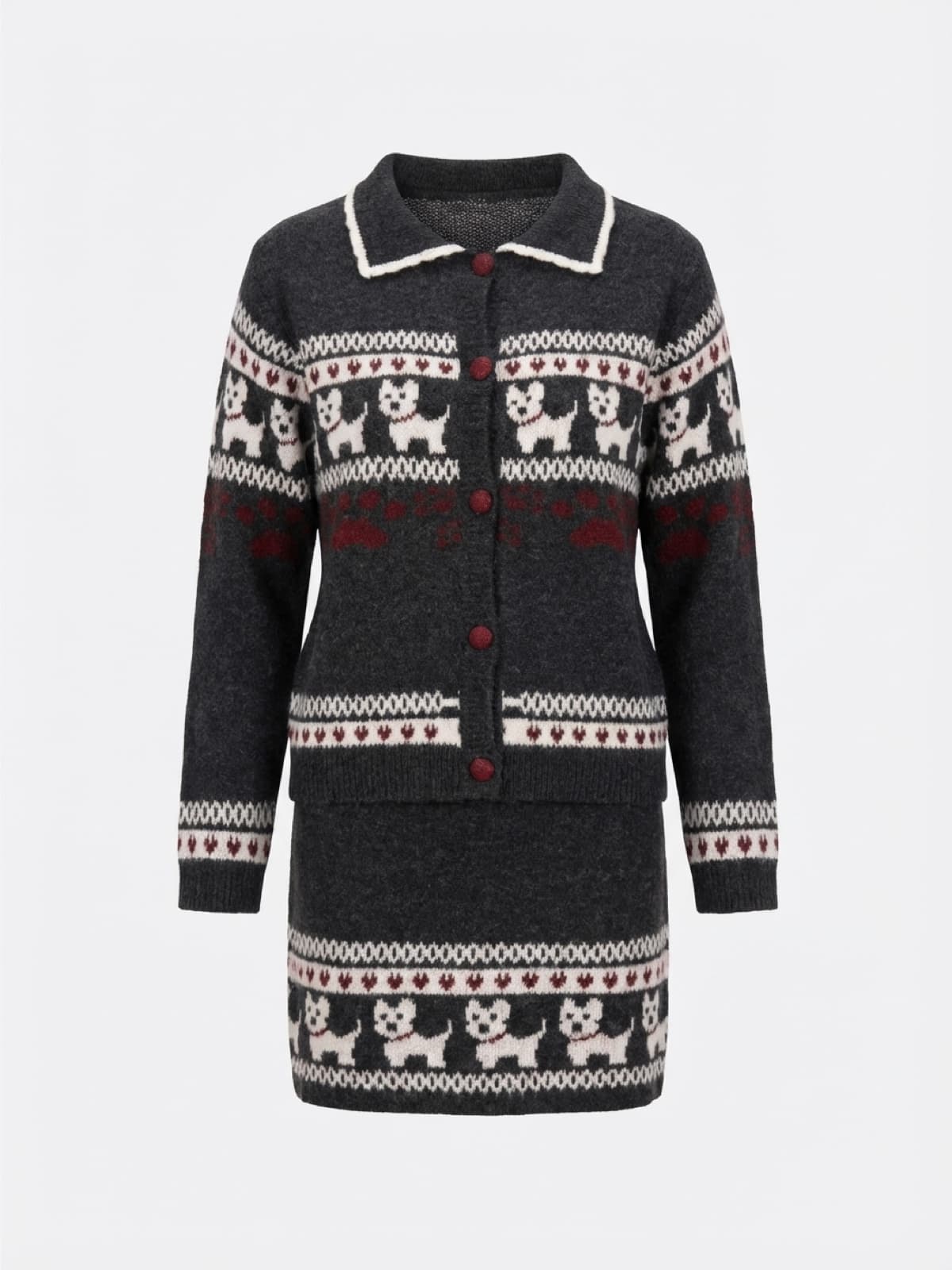
On the PDP, the job of the image is to let shoppers see the product clearly. These images usually include flat-lay and ghost-mannequin, and for apparel, on-model shots as well — on-model images show the product better, so they convert better than flat-lays. From a single real photo, AI can generate a full set of images, including flat-lays, ghost-mannequin shots, and on-model shots. Tools like Snappyit are built around exactly this — turning one flat-lay or hanger shot of the actual product into images that are ready to go straight onto the page.
Social promotion and ad creative
This is where the throughput advantage pays off most. Performance creative is a numbers game: you test backgrounds, scenes, compositions, and concepts, cut the losers, and scale the winners. From a single source photo, you can generate those variations — the same jacket on a city street, in a studio, against a seasonal backdrop — so you can build a whole library of assets without booking another shoot. The same goes for turning a still into a few seconds of motion for TikTok or Reels, where a good video consistently outpulls a static image.
Variants, colorways, and bundles
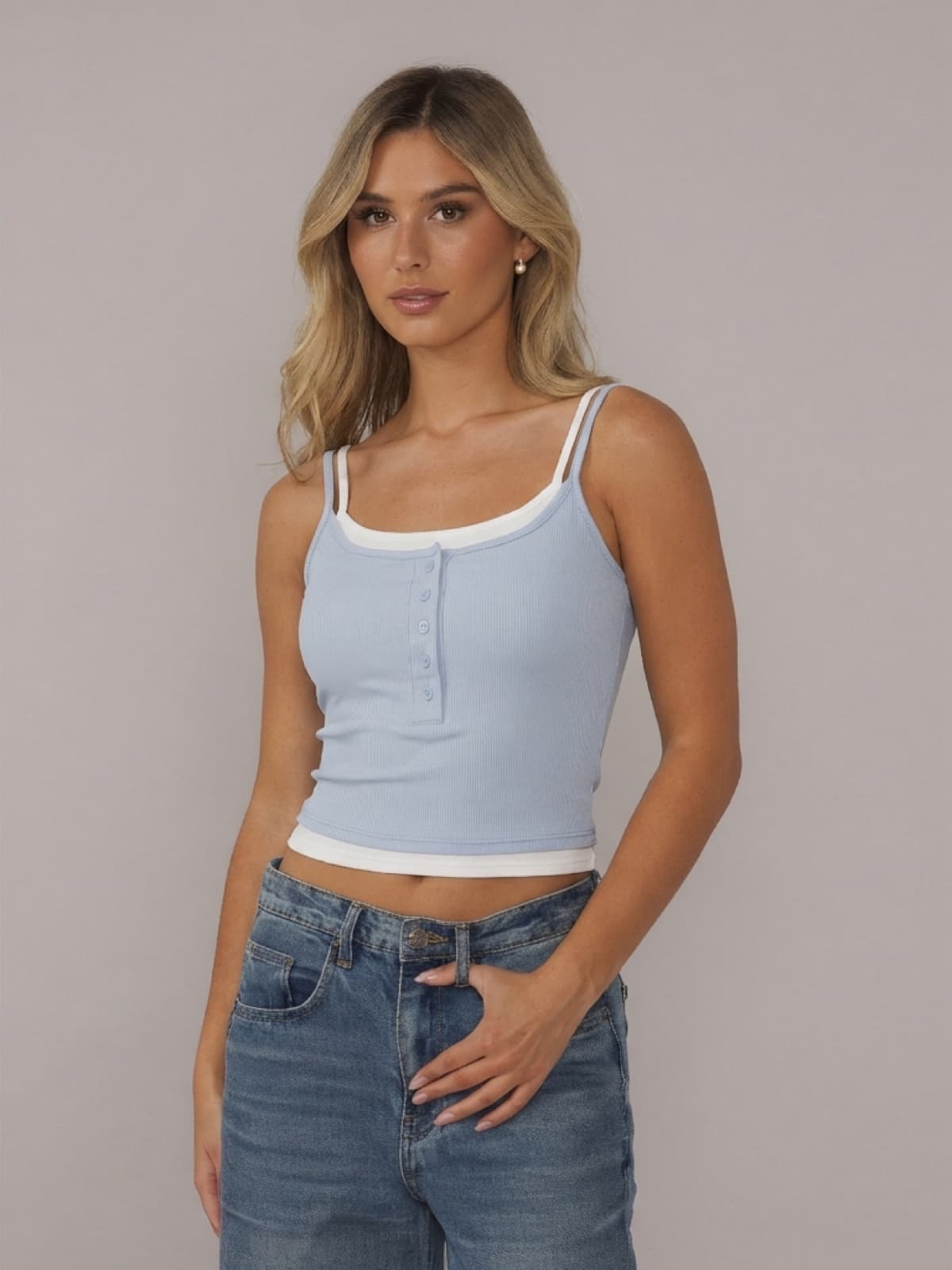
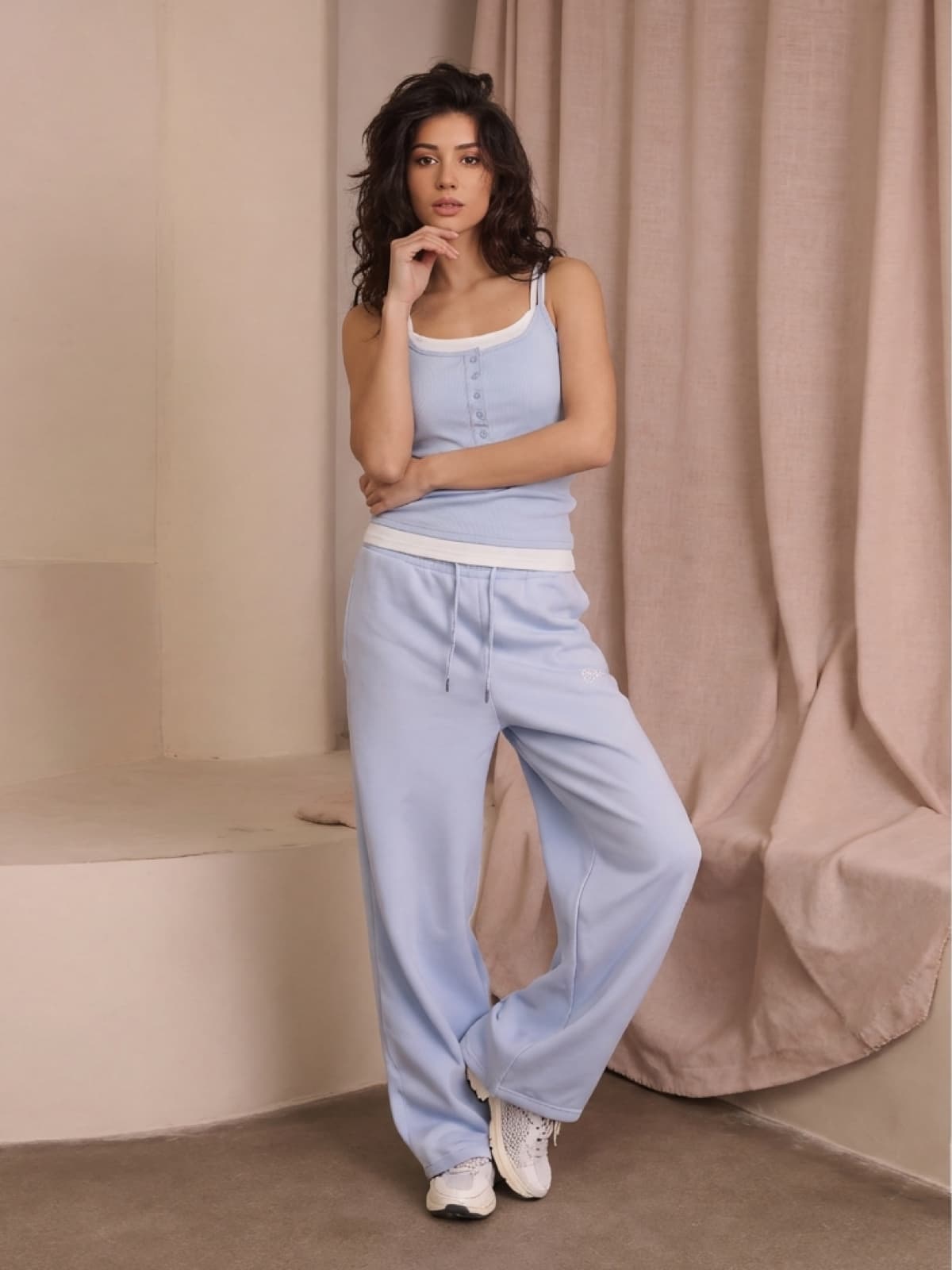
One of the biggest drains on a photo budget is variant coverage. A product in eight colors traditionally means eight times the shooting and retouching. AI can change colors and swap pairings cheaply, so every colorway and every bundle gets its own visual. For Shopify stores where each variant can carry its own image, that's a direct lift to how complete and professional the whole catalog looks.
A workflow that works for a DTC team
Getting real value from AI tools is less about the tool itself and more about the workflow you build around it:
Every product needs one clean source photo. AI can improve a good photo and multiply it, but it can't rescue a blurry or partial one. For apparel especially, a sharp, complete shot with the garment pressed and the color accurate is the best possible input for everything downstream.
Build a repeatable style system. Lock in your store's overall look and keep it consistent, so generated images always fit the brand rather than looking like generic stock.
Use AI for volume; save real shoots for the brand-defining moments. Let AI handle PDP fill, variant coverage, and ad-test images. Reserve real photography for the hero campaign and the founder story — the things that define the brand.
Always keep a human in the loop. Every generated image should be checked before it goes live. An ai image detector can provide an additional layer of review by helping teams identify whether visual assets appear AI-generated before they are published across product pages or marketing campaigns. AI saves a lot of shooting time, but you have to leave time for review: fit errors, color mismatches, and inconsistent details drive a lot of returns.
Stay consistent with your brand. Many tools let you upload your own templates. If you have specific brand requirements, try uploading your own — it turns the AI from a generic option into a genuinely customized tool for your store.
Here's what that looks like in practice. Say you're launching a jacket in five colors. The traditional path to model shots means paying a premium to book a model, taking up a studio day, and then retouching before you have anything — and shooting the still-life images, including the flat-lays, takes even more time on top of that. With an affordable AI tool, one clean sample photo gets you still-life and on-model images in all five colors directly. A human checks them, and they're ready to go live. And if you have an important hero product, you can still book a shoot for it — and with everything AI handled, you'll have more budget freed up to make it count.
What to measure
DTC teams can hold AI imagery to the same standard they use for any growth lever. Here are the metrics that show whether it's working:
- PDP conversion and add-to-cart rate: compare pages using AI images against pages using your previous photography — ideally as a clean A/B test.
- Ad performance: thumb-stop rate, click-through rate (CTR), and cost per acquisition (CPA) across your AI-generated creative variants. The point of volume is to find the winner, so watch the data and let it guide your choices.
- Time-to-launch per SKU: if AI cuts a product's path from sample to live from two weeks to two days, that speed is an advantage in itself.
- Fully loaded cost per usable image: compare the all-in cost — including review and revision time — against your previous per-image cost, not just the generation fee.
Seen this way, AI photography stops being an uncertain experiment and becomes a useful, measurable tool in your operations.
Where not to use AI
Knowing AI's limits is what lets you use it with confidence.
- Brand-defining imagery and campaigns. The visuals that establish who you are need an expert to handle the art direction and to design a real set and styling. AI is for scale, not for definition and creativity.
- Products where detail is the selling point. When exact texture, material, or fine detail is the whole selling point — luxury bags, intricate fabrics, handmade pieces — AI generation can smooth over or alter some of those details. For these categories, a real photo still wins.
- Authenticity and policy. A product image is a promise. An image that exaggerates the actual product leads to returns and erodes trust — and some platforms have rules about edited or AI-generated images that you need to follow.
Conclusion
For Shopify and DTC brands, AI product photography has already gone from novelty to infrastructure. It won't replace photographers wholesale, but the brands that treat it as a shortcut get spotted right away. Used well — as an efficiency tool, paired with review, with the brand-defining work left to human direction — it saves budget and raises efficiency. The throughput problem that used to require a bigger budget increasingly just requires a better workflow.

Author
Sophia Ma
Sophia Ma is the co-founder of Snappyit, an AI photography platform for fashion and e-commerce sellers. She writes about how growing brands can produce professional product imagery at the speed and volume modern marketing demands.