How Digital Nomads and Online Store Owners Stay Connected While Building Their Business
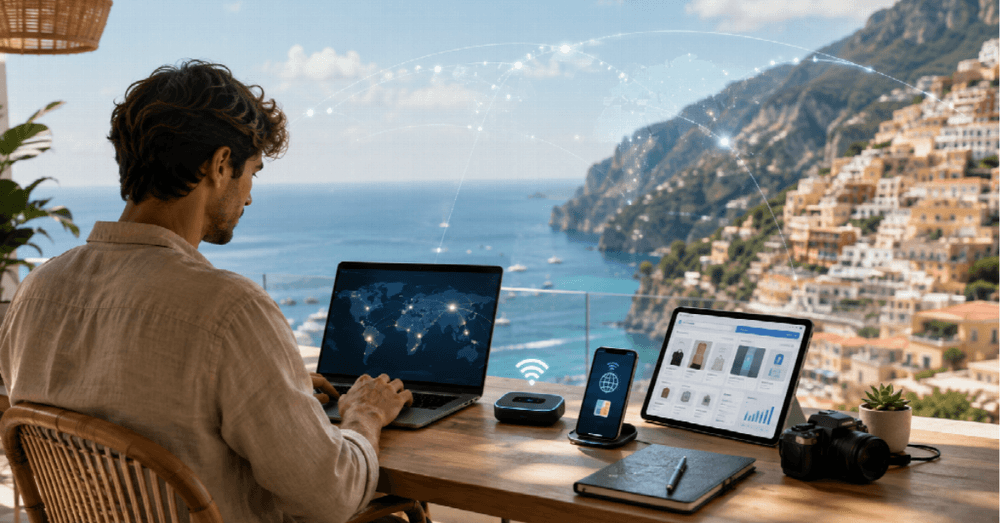
Remote work has changed how people build and manage businesses. Digital nomads, freelancers, and online store owners can now work from different countries while serving customers, managing operations, and coordinating teams across time zones.
That flexibility depends heavily on reliable internet access. A dropped connection during a client meeting, a payment issue, or a customer support conversation can quickly turn a dream location into a stressful one. This guide looks at how location independent entrepreneurs stay connected, and what to consider when choosing the tools that keep their business online.
The Real Connectivity Problem Nobody Warns You About
Slow hotel WiFi creates more than frustration. It interferes with meetings, delays customer support, interrupts payments, and makes routine business tasks harder than they need to be. Digital nomads regularly deal with:
- Unstable hotel or rental WiFi
- Expensive international roaming
- Limited public WiFi options
- Weak connections in airports and transit areas
- Difficulty getting a local SIM card right after arrival
Traditional SIM cards add their own friction: queues, paperwork, and language barriers at exactly the moment connectivity matters most.
Holafly Phone Plans for Business Travelers
For digital nomads and online store owners who need mobile data while traveling, Holafly phone plans provide one option for accessing connectivity through eSIM technology. An eSIM can be activated digitally on a compatible device, which means travelers do not need to physically replace a SIM card when entering a new country.
For business travelers, the practical benefit is convenience. A compatible plan can be arranged before departure and activated on landing, so the store stays reachable from the moment the plane touches down.
How eSIM Technology Supports Location-Independent Work
The main advantage of eSIM technology is that mobile connectivity can be configured digitally. Instead of buying and inserting a physical SIM card, users install a compatible eSIM profile directly on a supported device.
For remote professionals, travel eSIMs may support the activities that keep a business running, such as:
- Managing an online store and reviewing orders
- Accessing payment gateways
- Responding to customers
- Joining video conferences
- Using cloud tools and online marketplaces
Productivity Depends on Staying Connected
Having internet access occasionally is not enough when work depends on consistent communication. Remote professionals need connectivity that supports everyday business activity without creating disruption.
When comparing travel eSIM options, look beyond the headline amount of data. Useful factors include:
- Network coverage in the countries you will actually visit
- Connection speed suitable for calls and dashboards
- Tethering support if a laptop shares the connection
- Plan duration and how easily it can be extended
- Top-up options and customer support responsiveness
It also helps to understand how an eSIM compares with a local tourist SIM:
- Activation: usually requires physical SIM setup with a tourist SIM, digital activation with a data only eSIM
- Country coverage: often limited to one country on a tourist SIM, can include multiple destinations with an eSIM
- Physical SIM swap: usually required for a tourist SIM, not required for an eSIM
- Contract: usually prepaid in both cases
- Tethering: depends on the provider for tourist SIMs and on the plan for eSIMs
Neither option is universally better. The right choice depends on the itinerary, the devices, and how mission critical live connectivity is for the business.
Building a Reliable Remote Office Anywhere
A single internet connection can become a point of failure, so remote professionals who depend on connectivity for income should build some redundancy into their setup. A practical remote work setup may combine:
- A primary eSIM or mobile plan
- Hotel or apartment WiFi
- A portable hotspot
- A second mobile network
- Offline access to important files
That way a temporary outage at the hotel becomes an inconvenience instead of a lost business day.
How Digital Nomads Manage Online Stores Across Borders
Running an online store from multiple countries takes more than a reliable internet connection. The business itself should be designed so that temporary connectivity problems do not stop essential operations.
Useful asynchronous systems include:
- Automated order confirmations and shipping updates
- Inventory alerts that flag problems early
- Saved replies for the most common customer questions
- Scheduled backups of store settings and customer data
Ecommerce operators who automate routine workflows can step away from the laptop without the store going quiet, and return to a tidy queue instead of a pile of fires.
Staying Secure While Traveling
Connectivity is only useful if business accounts and customer information stay protected. Travelers should be particularly cautious on public WiFi in airports, cafés, hotels, and shared workspaces.
Security habits that matter on the road:
- Prefer mobile data for banking platforms, dashboards, and admin systems
- Use a VPN whenever public WiFi is unavoidable
- Turn on two factor authentication for every business account
- Disable auto joining open networks
These small habits protect both the business and the customers whose data it holds.
Cutting Connectivity Costs Without Cutting Reliability
International roaming expenses can add up fast for frequent travelers. Prepaid travel connectivity makes spending more predictable because users choose and pay for a plan in advance.
When comparing the total cost, look beyond the advertised price at:
- Data allowance
- Number of supported countries
- Plan duration
- Tethering restrictions
- Speed policies
- Renewal or top-up costs
- Taxes and additional fees
Many nomads also weigh the price of coworking spaces into the budget, since a day pass that bundles fast fiber and a desk often pays for itself in uninterrupted work.
Questions About eSIMs for Remote Business
Can an eSIM work with WhatsApp and Slack? Yes. WhatsApp, Slack, Zoom, and similar applications run over an internet connection. If the eSIM provides usable mobile data, these apps can generally function in the same way they do over WiFi.
What happens if you need more data while traveling? This depends on the provider and plan. Some travel eSIMs allow users to purchase additional data, extend the plan, or activate a new package through an app or website. Check these options before traveling if uninterrupted connectivity matters for work.
Which devices support eSIM technology? Many newer smartphones, tablets, and some other connected devices support eSIM technology. Compatibility varies by manufacturer, model, region, and carrier configuration, so always verify that your exact device supports eSIM before purchasing a plan.
Can you use an eSIM as a hotspot? Some eSIM plans support tethering or personal hotspots, while others restrict the feature or apply specific limits. Remote workers who plan to connect laptops or multiple devices should confirm tethering rules before buying a plan.
Should an eSIM be your only internet connection? For casual travel, one mobile connection may be enough. For people running a business remotely, relying on a single connection creates unnecessary risk. A backup option such as WiFi, a second SIM, another eSIM profile, or a portable hotspot provides useful redundancy. Holafly's Always On feature, for example, automatically includes 1GB of backup data each month with every plan, ready to activate the moment the primary data runs out. It will not replace a full redundancy strategy, but it adds one more layer of certainty for entrepreneurs who cannot afford to go dark mid workday.
Working from different countries is much easier when connectivity is treated as essential business infrastructure rather than something to figure out after arrival. Travel eSIMs make international mobile access more convenient by reducing the need for physical SIM swaps and visits to local carriers. The strongest remote work setup, though, goes beyond any single tool. The essentials to remember:
- Choose connectivity before departure, not after arrival
- Compare plans on coverage, tethering, and total cost, not price alone
- Build redundancy into the setup before you need it
- Automate store workflows so the business survives short outages
- Protect accounts and customer data on every public network
About Debutify: we are a Shopify theme company helping online stores turn traffic into sales with themes built for speed, trust, and conversion.

Author
Daniel Martin
Daniel Martin loves building winning content teams. Over the past few years, he has built high-performance teams that have produced engaging content enjoyed by millions of users. After working in the Aviation industry for ten years, today, Dani applies his international team-building experience at organiclinkbuilders.com to solving his client’s problems. Dani also enjoys photography and playing the carrom board.