US shoppers spent a record $11.8 billion online on Black Friday 2025, according to Adobe Analytics. Over the same weekend, Shopify’s edge network handled up to 489 million requests per minute, a load no merchant had to provision servers for. On Shopify, server capacity is the platform’s responsibility.
Everything added on top of the platform stays with the merchant. Apps rely on their vendors’ servers, and integrations pass orders to systems that Shopify does not scale. Discount rules face a test of their own under Black Friday traffic, because the sale often puts several offers into the same cart. The order of this checklist comes from the pre-sale audits our engineers run, which start with a quick look at platform settings and spend most of the time on that custom layer.
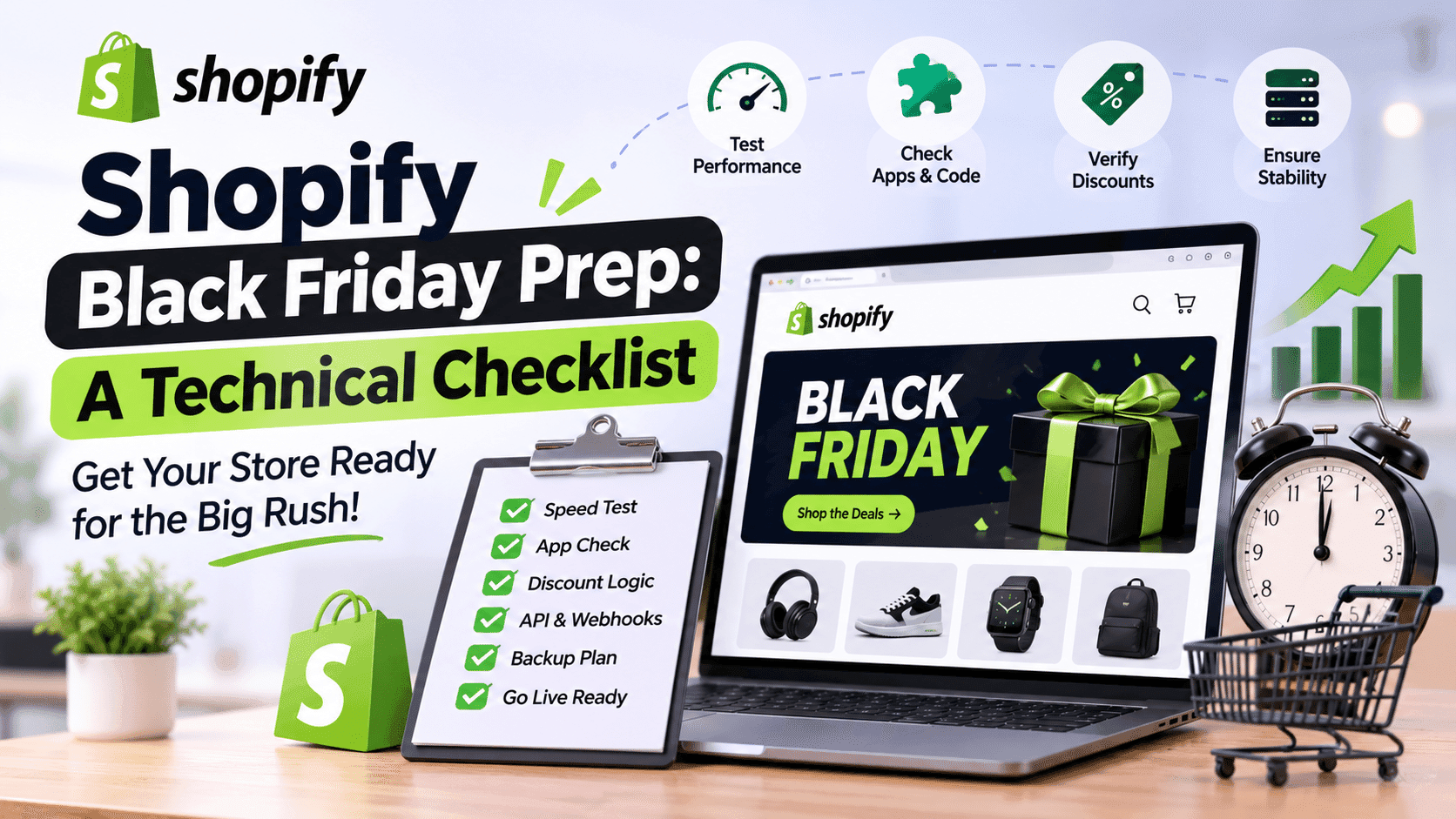
A Short Pass Over the Platform Basics
Shopify runs the hosting and checkout infrastructure, and its guide to flash sales covers the storefront tasks left to the merchant. Most of them are settings a store owner can change in the admin.
Lighter sale pages. A dedicated sale collection loads faster once the theme drops the slideshows and pop-ups the sale pages can do without.
Real-user speed data. The Web Performance dashboard in the admin reports how Chrome visitors experience the store, a better basis for page speed work than a single lab score. In the Milliseconds Make Millions study that Deloitte ran for Google, retail sites that became 0.1 seconds faster on mobile saw conversions grow by 8.4%.
Manual payment capture. Shopify recommends it for large sales, as it gives the team time to review orders before fulfillment and reduces card fees on canceled orders.
Changing these settings is quick work compared with checking the code you and your app vendors added, which Shopify’s automatic scaling does not cover.
Apps in the Cart and Checkout Path
A review widget that fails to load leaves a product page without star ratings. An app that calculates delivery rates or applies loyalty points takes part in the checkout experience itself, and a failure there stops the purchase. In Baymard Institute’s latest survey, 17% of US shoppers who abandoned a checkout named site errors or crashes as the reason.
Vendor Answers on Peak Volume
Shopify’s guidance for large sales is to share the expected order count and sale length with each app developer and ask what volume the app can handle. Vendors who have load-tested their apps can name a figure and explain what the app does once it reaches that limit. If the reply stays vague, Shopify suggests switching the app off. Delivery-rate apps get a special mention in its guide as a frequent source of trouble, and flat rates set in the admin can stand in for them.
Calls to Outside Servers
Many cart and checkout apps wait for a response from their vendor’s server, an upsell widget fetching offers or an address validator checking a postcode. Shopify scales to carry your traffic, but the vendor’s server receives the combined Black Friday traffic of every store that runs the app. Vendors can usually describe how their app handles a timeout. In a well-built app, the checkout continues and the widget stays hidden if the vendor’s server responds too slowly. Apps that freeze the checkout instead are safer to disable, unless the vendor can add a fallback.
Leftover Code From Removed Apps
Apps built on Shopify’s theme app extensions remove their code on uninstall. Older apps wrote snippets straight into theme files, and those snippets keep loading scripts for services the store no longer uses. Each orphaned script adds a request to every page a shopper opens. You can usually find them by searching theme.liquid and the snippets folder for the names of removed apps. Deleting them on a duplicate theme keeps the live store safe in case one of the snippets was still in use.
Discount Logic Under Black Friday Load
Every offer added to a Black Friday campaign multiplies the combinations a single cart can produce. A mistake in the rules that combine them shows up as lost margin or as an abandoned checkout.
The Platform Limits on Discounts
Shopify allows up to 25 active automatic discounts, and that total includes discounts created by apps. Shoppers can apply at most five product or order codes plus one delivery discount code to an order. Stores outside the Plus plan also can’t stack two product discounts on the same line item. When a campaign relies on a combination the platform doesn’t support, the checkout rejects the extra code and tells the shopper it couldn’t be used with the existing discounts. Offers checked against these limits before the campaign emails go out spare your support team questions about codes that fail at checkout.
A Test Order for Every Offer Combination
Write down every pair of offers a single cart could trigger, along with the correct total for each pair. The combinations below cause trouble in many Black Friday setups.
Offer combination | What to verify |
Sitewide automatic discount and an influencer code | Whether both apply and whether the combined discount still leaves you a margin |
A Buy X Get Y offer and a sitewide discount | Which discount reaches the free item (outside Plus, it can’t take another product discount) |
Free-delivery threshold and an order discount | Whether the discounted subtotal still qualifies for free delivery |
Bundle app pricing and a sitewide discount | Whether the bundle price and the percentage discount apply together |
These tests belong in a development store set up with the same offers, one order per row. Every total has to match the price promised in the campaign email.
Scripts Logic Rebuilt as Shopify Functions
Plus stores that relied on Shopify Scripts are running their first Black Friday without them. Scripts stopped executing on June 30, 2026, and any discount or delivery rule that was never rebuilt in Shopify Functions or a public app no longer runs. Last year’s list of Scripts, compared with the Functions and discount apps in your admin, shows which rules were left out. Wherever a volume discount was never migrated, shoppers see the full price. If your team wrote custom Functions, test them with the largest carts you expect. Large carts often trigger logic that small test orders never reach.
Integrations That Run Outside Shopify
ERP systems and fulfillment partners learn about new orders through the Admin API and webhooks. Both channels have limits that look generous on an ordinary day and tight at sale-day volume.
API Rate Limits for Sync Jobs
The GraphQL Admin API gives every app a budget of query cost per second, and the size of that budget depends on the plan. Stores on the standard plan get 100 points per second, and Plus stores get ten times as much. An inventory sync that pushes a stock update after every order stays within that budget at normal volume. Ten times the orders produce ten times the updates, and the same job starts receiving throttling errors. Once stock levels in Shopify fall behind the warehouse, the store sells items it no longer has. Integrations built for peak traffic read the cost data Shopify returns with each response and slow down before they reach the limit.
Webhook Handlers and the Five-Second Window
Shopify allows a webhook endpoint five seconds to respond. Shopify retries a failed delivery eight retries spread across four hours, and once a subscription created through the Admin API fails eight times in a row, Shopify deletes it. A handler that writes each order to the ERP before answering Shopify can respond in time for months, and the first sale-day spike is often what pushes it past the limit. The usual remedy is queue-based load leveling, where the handler acknowledges the webhook at once and a queue passes the work on at a pace the ERP can handle. Rebuilding a handler this way is developer work. Queue-based handlers are standard in custom ecommerce solutions that exchange order data with Shopify, and a developer can usually retrofit one into an older integration.
Headless Storefronts on Their Own Hosting
Headless storefronts hosted on your own cloud account move part of the hosting work back to you. Shopify sets no rate limit on the Storefront API, which means the frontend servers and caching layer determine how much traffic the store can serve. Our engineers worked through the same situation on a custom platform when they rebuilt the web store for Footshop, a European sneaker retailer whose product releases bring sharp traffic spikes. In that project, most of the effort went into stock-handling workflows and hosting spread across several AWS regions behind a CDN.
A Rehearsal Before the Sale
Ahead of Black Friday Cyber Monday, Shopify load-tests its own platform at scale. Your own rehearsal can focus on the systems Shopify does not run, and the four steps work best in sequence.
Load-test the services you own, such as middleware or a headless frontend, at several times last year’s peak traffic.
Place complete test orders in a development store using your Black Friday discounts, and confirm each order reaches the ERP and the warehouse.
Freeze theme and app changes a few days ahead of the sale, and save a copy of the published theme for rollback.
Name one person who watches order flow and app status pages through the peak hours and can switch off any app that slows checkout.
Broken test orders are a useful result of the rehearsal, since each one points to a fault that would otherwise surface in front of customers. Fixing them in a development store costs only developer time.
Your Black Friday Technical Checklist
The list sums up the tasks covered in this guide for a final review.
Sale pages trimmed and real-user speed checked;
Manual payment capture switched on;
Apps in the purchase path confirmed for peak volume or switched off;
Leftover app code deleted from the theme;
Discount combinations tested against your campaign prices;
Former Scripts logic live as Functions or app rules;
Sync jobs reading Shopify’s cost data;
Webhook handlers that acknowledge at once and queue the work;
Headless storefront load-tested on its own hosting;
Code freeze in place and an on-call owner named.
Shopify carries the traffic on its own infrastructure. The parts of the store you and your vendors built need the same preparation, and working through this list a week or two ahead of the sale leaves time to fix whatever the tests uncover.
Author
Debutify
Debutify is the easiest way to launch and scale your eCommerce brand.