5 Best Canva Alternatives for Ecommerce Branding
Looking to build your e-commerce brand?
Most entrepreneurs start with Canva. After all, it's quick, cheap, and easy to use.
But after a while, you’ll notice that it starts to feel too limiting. Canva’s popularity means that the template you used will get used by thousands of other brands. Their logos can feel too basic compared to dedicated branding platforms. And creating product videos can be one-dimensional unlike using more advanced software.
If you are feeling like this, take it as a sign that it’s time for an upgrade. Below are the top Canva alternatives that are worth exploring to help you go from a simple online store to a lasting e-commerce brand.
Top Canva Alternatives for E-Commerce Branding
Each of the platforms below approaches design a little differently. Some focus on video, while some are focused on providing an all-in-one branding system.
Here’s a quick breakdown of each of them:
- Design.com - Best for building a strong brand identity
- BrandCrowd - Best for those who want to position themselves as premium or creative
- Adobe Express - Best for those who want more creative freedom than Canva
- BeFunky - Best for more dynamic product images
- ClipChamp - Best for more upgraded product videos
Then let’s move on to the deep-dives of each tool:
1. Design.com → Best Overall for E-commerce Branding
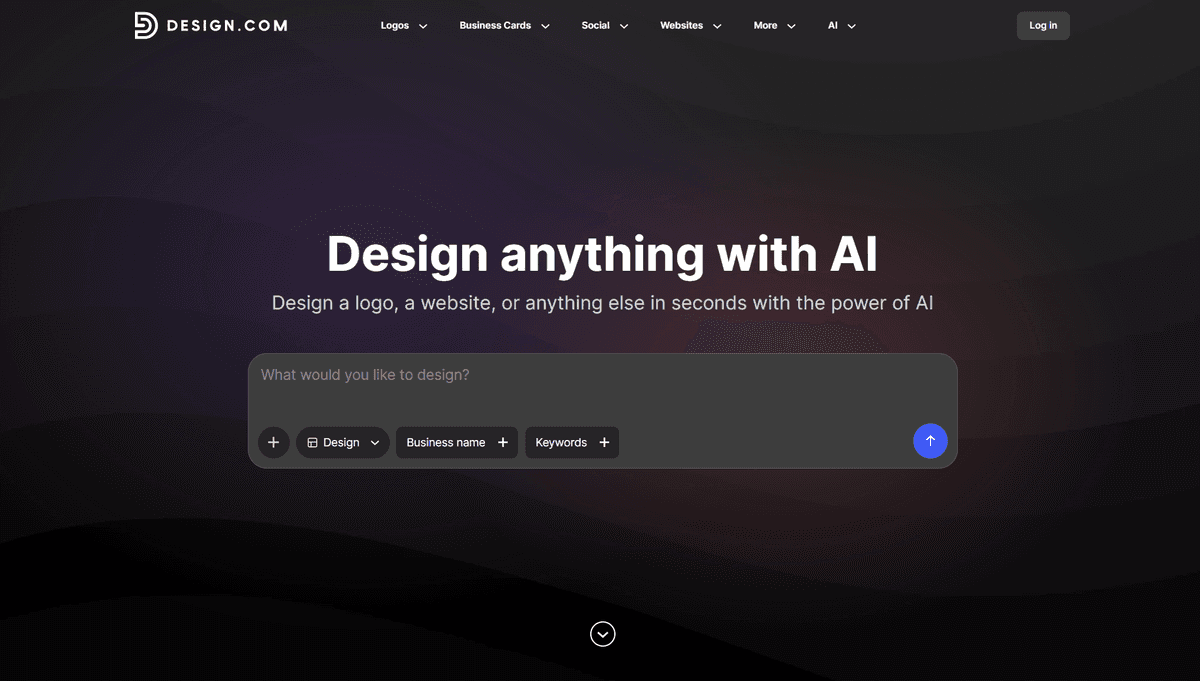
If you’re serious about building a recognizable e-commerce brand (and maybe be the next Nike), then Design.com is the one for you.
Unlike Canva that focuses on quick graphics, Design.com is focused on providing brand assets. They provide tools such as logo makers, business name generators, domain name generators, plus templates for social media graphics, videos, posters, menus, and more.
These aren’t simple or generic templates either. Templates are designed for a wide range of industries, niche, or style. So whether you have a store that sells organic quinoa or floral scented candles, you can find a design that is tailored for your brand (instead of settling for a basic template).
Why it stands out:
- Designs are geared for specific industries and niches, rather than just basic ones
- Over 50+ tools for brand and marketing assets
- Over 1M+ design assets to choose from, with the largest logo library amongst competitors as well
- Brand Kit feature, where once you create a logo on the site, you can instantly get matching assets of business cards, websites, and more
- AI tools like AI chat editing, where you can ask the AI to do changes for you instead of doing it manually
Best for e-commerce brands that:
- Want a unique and distinct brand identity
- Need to look cohesive across multiple touchpoints
- Are scaling and need repeatable brand assets
Verdict: If Canva feels too limiting then Design.com is the clear alternative, especially if you want to build a real brand and not just get design templates.
2. BrandCrowd → Best for Quality and Aesthetic Branding
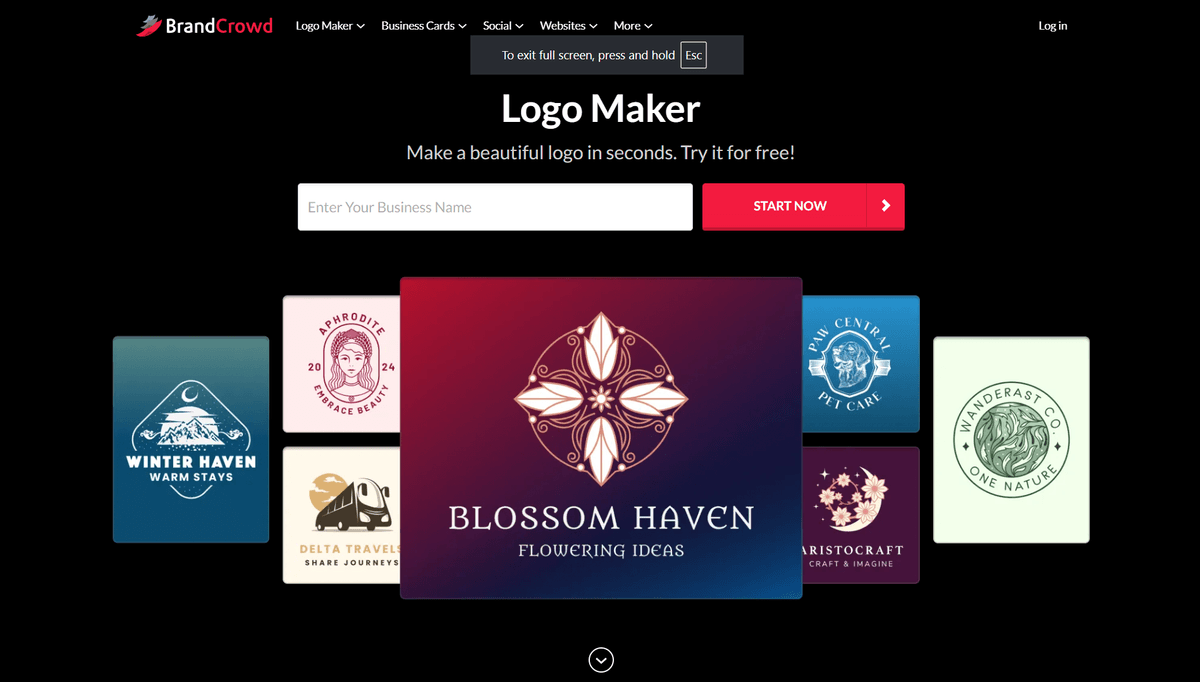
If your main concern with Canva is that the designs feel too simple or generic, then BrandCrowd is a great upgrade.
BrandCrowd focuses on providing creative concepts, high-visual polish, and aesthetically appealing designs. It’s perfect for e-commerce brands that want to look premium, stylish, or trendy. Everything feels less “template”, even if you are technically using one.
Why it stands out:
- Creative and trendy templates, from your logo design to Facebook banners
- Templates are handcrafted by top designers rather than taken from stock libraries, which reduces the cookie-cutter look typically found in template sites
- Drag and drop editor which makes editing easy and fast
- Large library of visual elements to spruce up your designs
- Exclusive fonts and icons that are only available on the platform
Best for e-commerce brands that:
- Want to brand themselves as stylish, creative, or premium
- Want designs that don’t feel templated
- Focuses on visual appeal
Verdict: If you want templates that are a step above “good enough”, then BrandCrowd is the one for you.
3. Adobe Express → Best for Comprehensive Editing
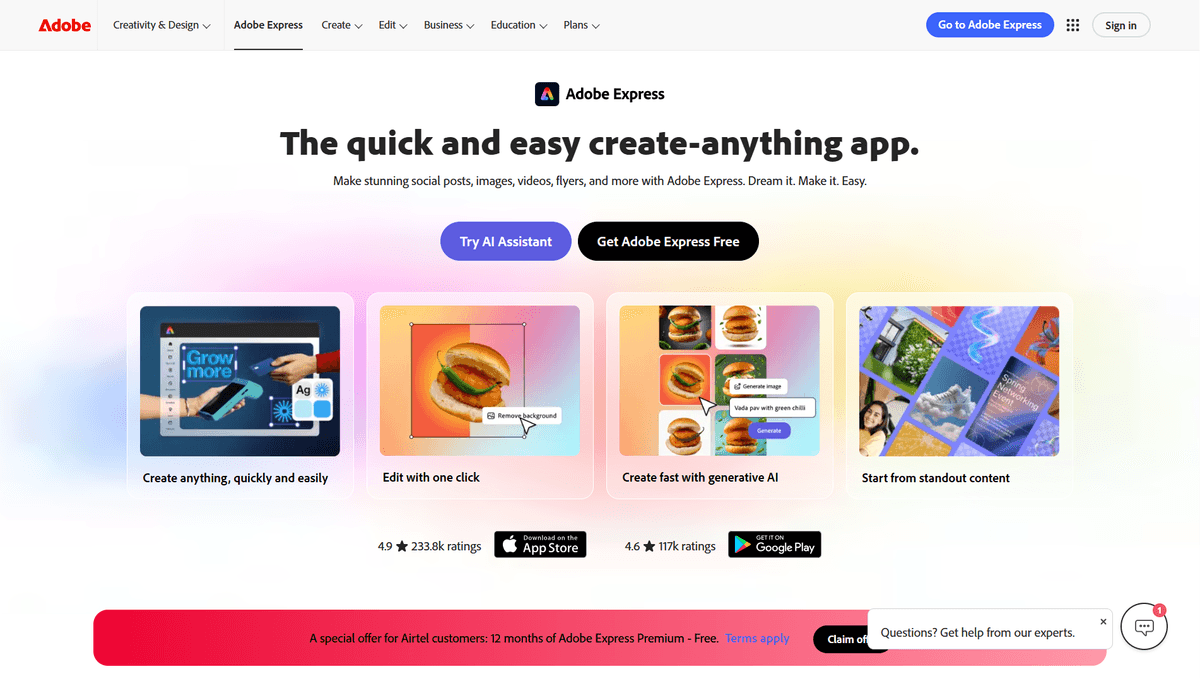
If you want a more advanced editor compared to what Canva can do, then Adobe Express is worth exploring.
Users can access more comprehensive features such as rounding the corners of an icon, changing a text’s arch, adding photo filters, or adjusting the saturation of an image. Users can also access Adobe’s premium library of fonts, graphics, and photos, which can help upgrade the quality of your designs.
Why it stands out:
- More comprehensive and granular editing capabilities
- Adobe assets, fonts, and stock images are built in the editor
- Great designs to choose from
- Still easy to use, unlike their more technical Photoshop counterpart
Best for e-commerce brands that:
- Want more creative freedom
- Need their designs to feel more unique
Verdict: Adobe Express is great for those who want to level up the quality of their branding and content marketing visuals since you can edit more without going too complex with it. Still, if your main target is finding designs that are already tailored to a specific industry or brand identity, then Design.com is still the better option.
4. BeFunky → Best for Photo-First E-commerce Brands
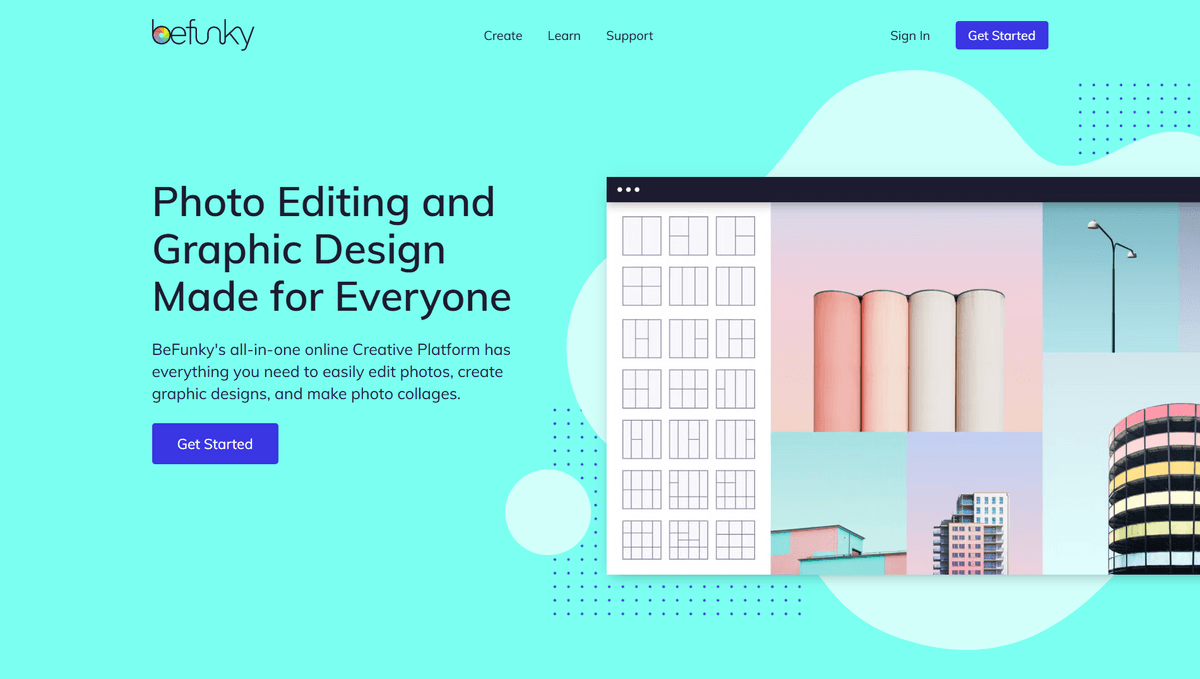
BeFunky is a strong option for e-commerce brands who mainly need product photos. They have a strong photo editing tool that can make powerful edits: restoring/ sharpening images, erasing objects, swapping colors to another, down to more artsy effects like changing the photo to look like it’s a watercolor painting.
BeFunky also has a graphic designer tool which works more like the Canva templates. Though the amount of templates is lesser than Canva and the “brandability” is also less compared to Design.com. Still the high-quality of their photo editing tool and the fact that you can also access fun customizable templates makes them a worthy addition to the list.
Why it stands out:
- Strong photo editing capabilities, great for product pictures
- Collage maker tool, which is great for e-commerce product showcases and catalogs
- Customizable templates for social media graphics, posters, and more
Best for e-commerce brands that:
- Needs a lot of product images
- Does a lot of product showcases, portfolios, brochures, menus, catalogs, and the likes
- Prioritizes image editing more than starting from a template
Verdict: BeFunky is less focused on ready-made branding assets, but its helpful for turning simple visuals to clean and quality product images (which can help level-up your overall branding quality as well)
5. VistaCreate
VistaCreate is a streamlined, template-driven alternative to Canva that focuses on speed and simplicity. It offers a large library of ready-made designs for social media posts, ads, stories, banners, and basic print materials, making it easy to produce visuals without much design effort.
The editor is lightweight and intuitive, so users can quickly go from idea to finished creative without a steep learning curve. It also includes built-in stock assets, simple animations, and basic brand kit features, which help keep designs consistent across campaigns.
However, compared to Canva, VistaCreate has a smaller ecosystem and fewer advanced tools for collaboration, automation, or complex brand systems. It’s more focused on individual creators or small teams that prioritize fast content production over deep design flexibility.
Overall, VistaCreate works best as a “quick execution” tool for social media and marketing visuals when speed matters more than advanced customization.
6. ClipChamp → Best for E-commerce Video Content
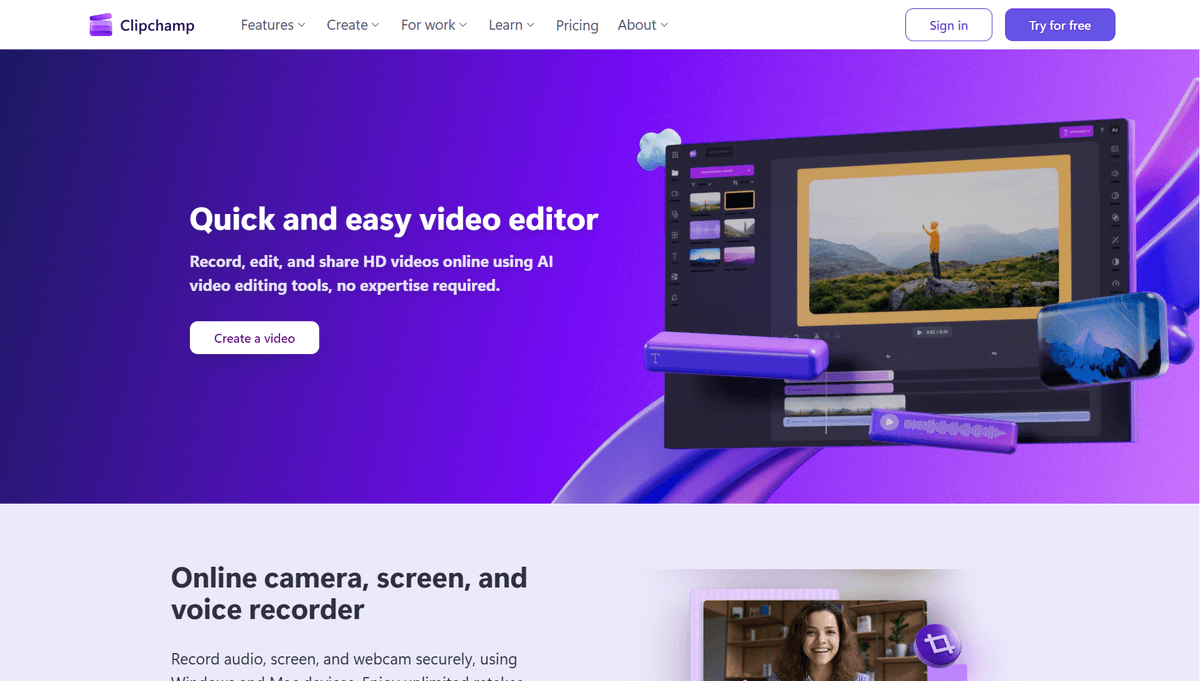
Video is a big part of e-commerce branding. If you find Canva’s video capabilities to be a bit lacking, then ClipChamp might be a stronger option for you.
ClipChamp offers video templates a la Canva for things like Instagram Reels, TikTok videos, YouTube outros, and more. But what they have extra is their more comprehensive video editing features. Users can access AI voiceovers, color corrections, auto-compose, audio enhancer, green screen editor, and many more. It’s an easy way to put your e-commerce videos to the next level without having to use more complicated tools.
Why it stands out:
- Video templates for social media graphics, gaming templates, wedding templates, and more
- Comprehensive video editor features
- AI video editing to streamline the process
Best for e-commerce brands that:
- Does a lot of video content, product videos, or influencer videos
- Are looking to upgrade their video quality
- Need more advanced video editing capabilities, to make them more suitable to their brands
Verdict: ClipChamp is a solid option for those who prioritize videos for their e-commerce brand. Though their wide-range of editing tools is their best-selling point, if you don’t want to do much editing, then this won’t work for you.
Final Thoughts
Not all Canva alternatives are doing the same thing.
Some tools are better suited for a part of your e-commerce workflow. Some might fit a specific e-commerce brand more than the other.
To sum it up:
- Design.com is best overall for branding (getting logos and business name, plus creating cohesive branded assets)
- BrandCrowd is for more creative designs
- Adobe Express is for more advanced editing
- BeFunky is geared for image editing
- ClipChamp is focused on video editing
But if you are looking at a bigger picture, it's best for your e-commerce brand to work cohesively with each other if you truly want to stand out. You’ll need to have a great logo as a foundation, have cohesive graphics across product images and social media to promote your brand, and a polished website that your users can go through.
Canva is a great starting point. But if you want to check off what we listed here, we would recommend Design.com as it has all the tools you’ll need to start and scale your business.

Author
Faviola Publico
Faviola Publico is a digital marketing specialist and SEO content writer. She specializes in branding, design, and marketing strategy content, helping B2B and B2C brands build stronger brand identities.