9 Tools Every E-commerce Startup Needs to Launch, Brand, and Grow

The complete stack for first-time e-commerce founders ready to go from idea to open-for-business.
Most startup advice misses one key point: the brands that launch are not always the ones with the best product. They are the ones with the right tools.
The founder who goes live in 30 days and the one still polishing a website six months later can start with the same idea. The difference is the stack behind them. With the right tools, you can build your brand, start selling, market your products, and run operations without hiring a developer or designer, or spending money you do not have.
This guide is designed for new e-commerce entrepreneurs in their first year. We've organized the journey into nine key categories. We evaluated each tool against the same three criteria: affordability, ease of learning, and integration with other tools. For each category, we selected a top recommendation and an alternative.
By the end, you'll have a complete blueprint you can actually use.
1. Branding and Website Design
Let's start where every customer starts: their first impression of you.
Your potential customer will judge your brand in under three seconds, and it's based almost entirely on your branding and visual identity: your logo, your website, your color palette, the way everything holds together.
Get this right, and everything else in your stack has a professional foundation to build on. Get it wrong, and you're losing customers before they've even had a chance to buy.
Top pick: Design.com
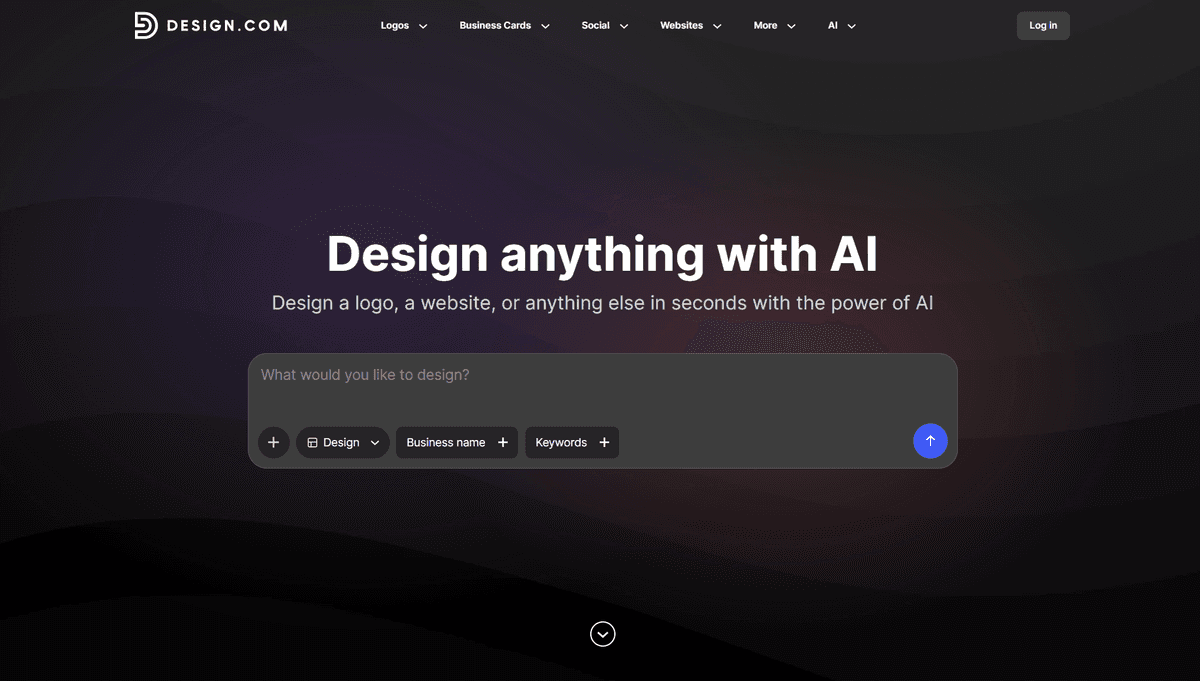
Design.com is an AI branding platform and one of the strongest tools available to e-commerce founders right now. It's the tool we'd recommend setting up before anything else in this list.
On Design.com, you can get everything done. You can get logos, websites, and business cards, presentations, social media graphics, and more. All you need is your business name and a short description or a few keywords.
Here’s an example of what you can get. Let’s start by creating branding materials for a handcrafted candle business called Luminous Candles. From the logo maker:
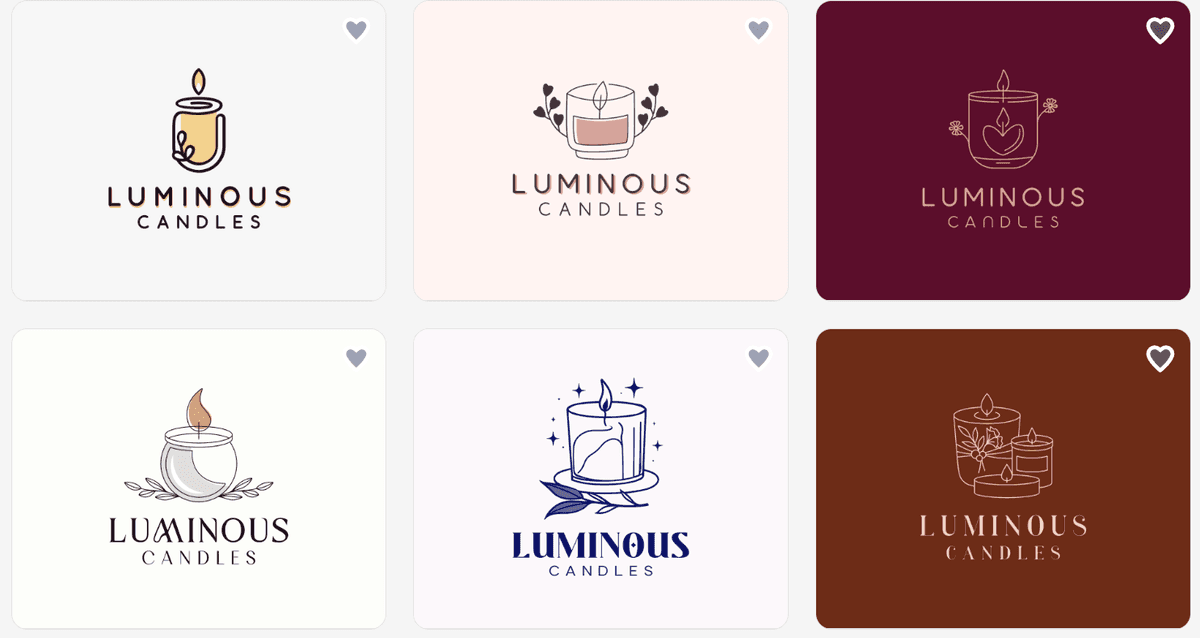
It gave us more than 9,000 choices immediately (pulled from its 400,000+ library of logo templates)! We got different styles as well, from minimalist designs to more intricate emblems.
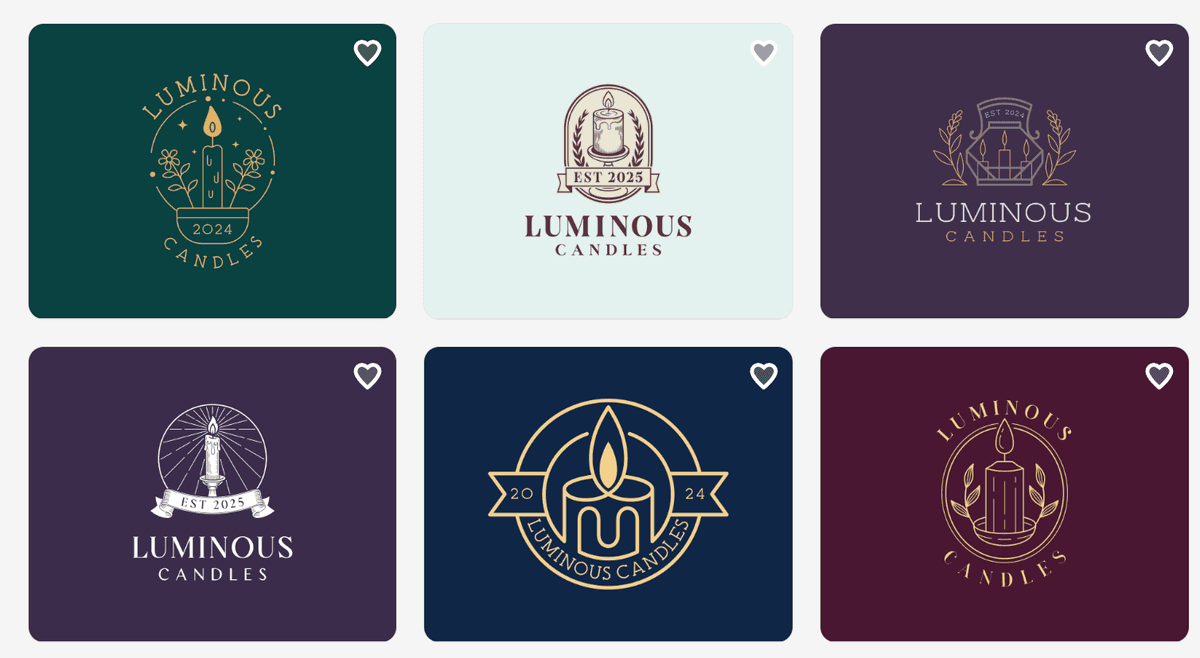
The great thing about these logos is that they’re so well-designed, you won’t have to do much tweaking and editing once you’ve made your choice. And even if you wanted to change some things, the AI editor makes it simple and easy to get exactly what you want. With this, it’s easy to see why Design.com is often cited as one of the best logo makers by sites like TechRadar and LegalZoom.
Next we wanted to create a website using its AI website builder. Here’s a sample of what we got:
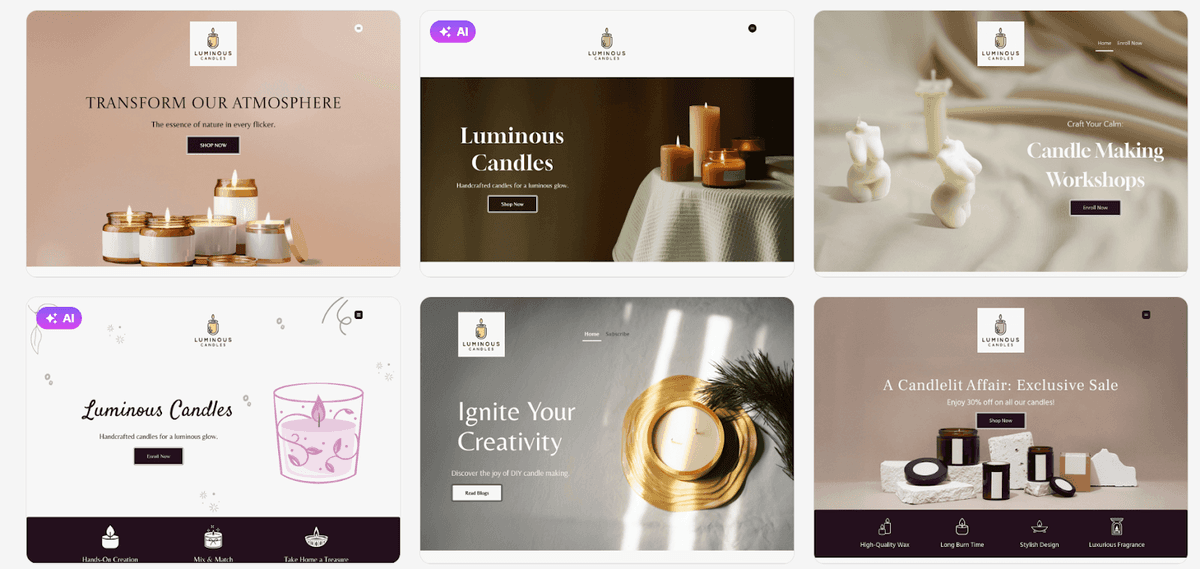
We were impressed that the AI produced complete, ready-to-edit website designs in seconds. Not a blank template. Not a wireframe. What you get is a fully designed site with the right layout, structure, and visual hierarchy for your industry, drawn from a library of over 3,000 professional designs.
Design.com’s websites are mobile-responsive by default, hosting is included on paid plans, and publishing is one click.
From there, you can create your business card…
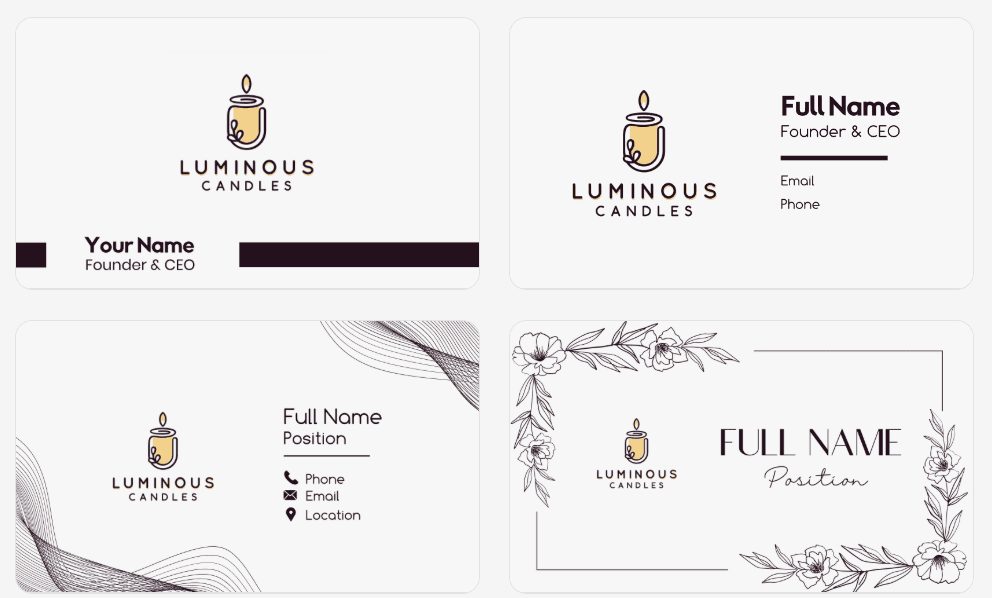
… Instagram posts, and many other social media graphics:
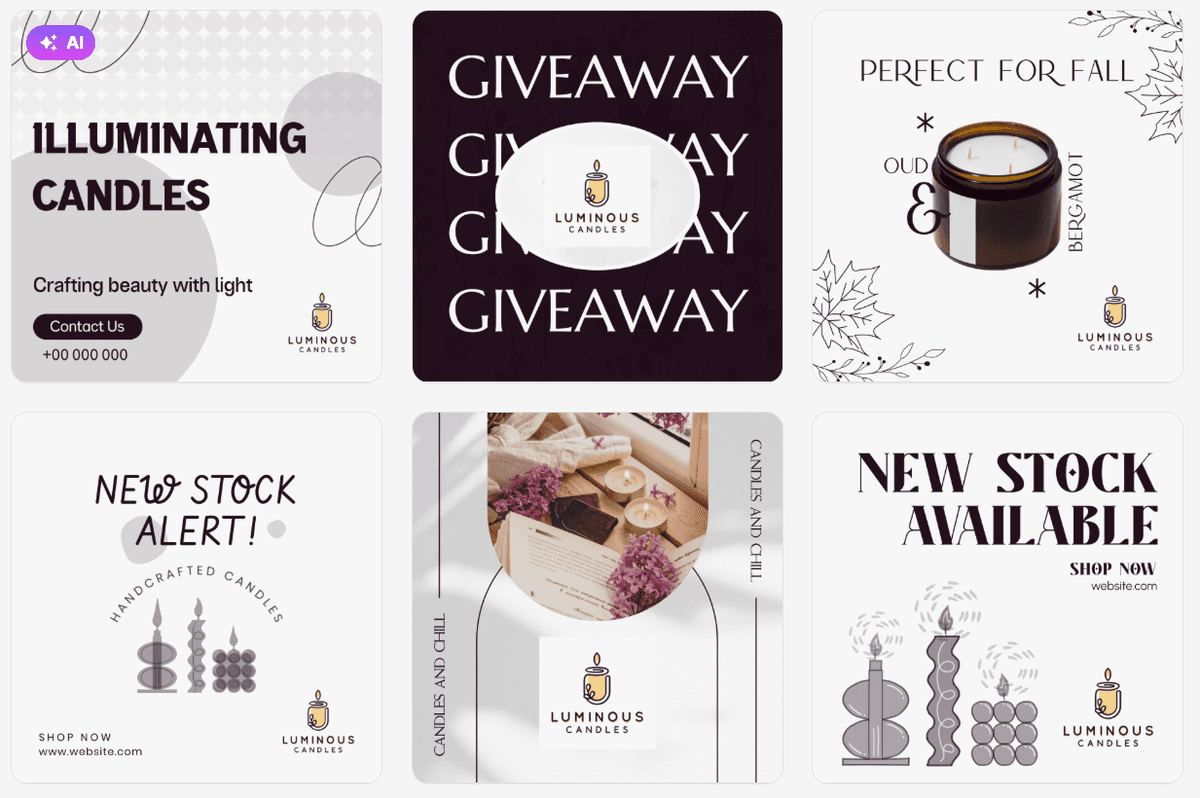
What makes Design.com genuinely powerful for startups isn't just the speed; it's the integration. Your logo, color palette, fonts, and website visuals all live inside the same platform and sync automatically. There's no patchwork look from mixing a Canva logo with a Wix site and a separate brand guide. Everything is coherent from day one.
Pricing: The premium plan starts at $6/month. This is one of the lowest price-to-value ratios in this entire stack. It also offers a free tier for most of its tools.
Runner-Up: BrandCrowd
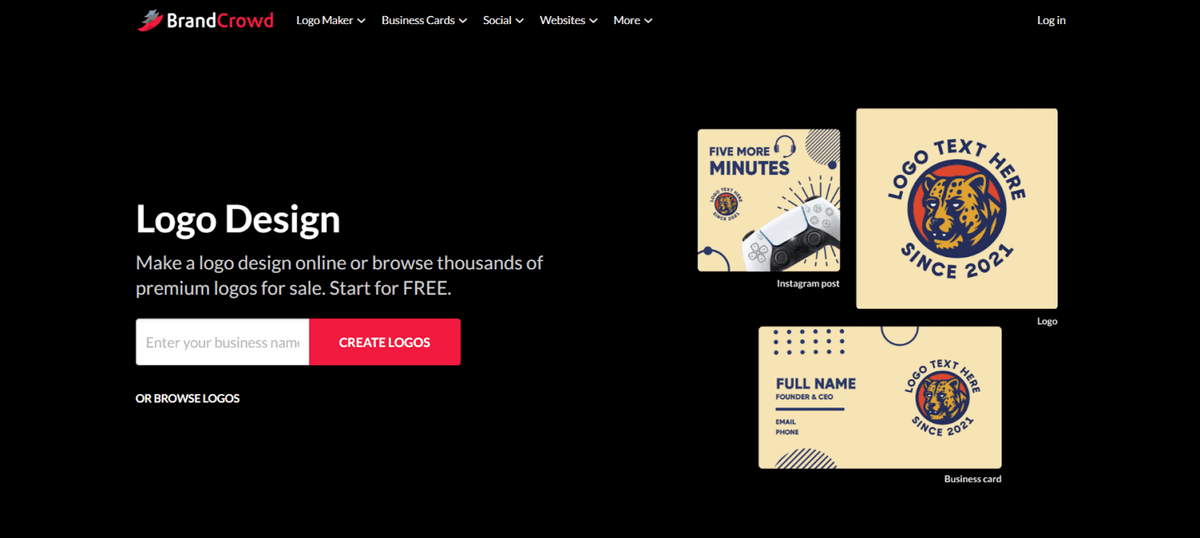
BrandCrowd is a solid choice if you prefer more hands-on control over your design. Like Design.com, you’ll still get thousands of options from any of their tools and their over 1M assets.
The workflow is also similar to Design.com where the platform generates thousands of designs from just your business name and a few keywords.
Here’s what its website builder gave us for Luminous Candles:
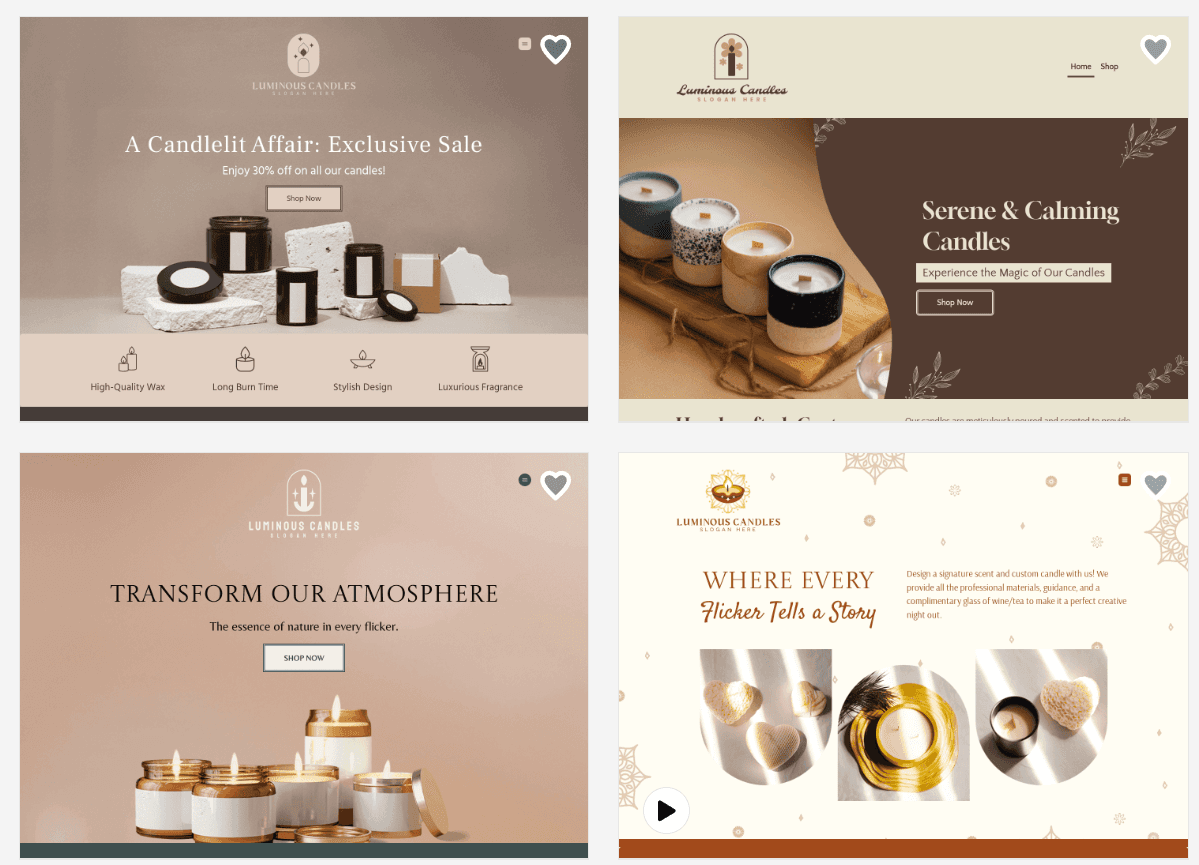
It offers 3,000+ customizable templates, and connects natively with its own logo maker and 50+ design tools, so you can build your entire brand identity in one workflow.
BrandCrowd’s guided setup is particularly good for founders who find blank-canvas tools overwhelming. The free plan gets you up to three pages with basic features; paid plans unlock unlimited pages, custom domains, and payment acceptance.
Free plan available (3 pages, watermarked). Paid from $9/month.
2. E-commerce Platform
Once your brand has a home, it needs an online store. Your e-commerce platform is the engine underneath everything. It hosts your products, runs your checkout, manages orders, and connects to every other tool in this stack.
This isn't a category where you want to experiment. Pick something with a proven track record, strong integrations, and a support community you can tap when things go sideways.
Top Pick: Shopify
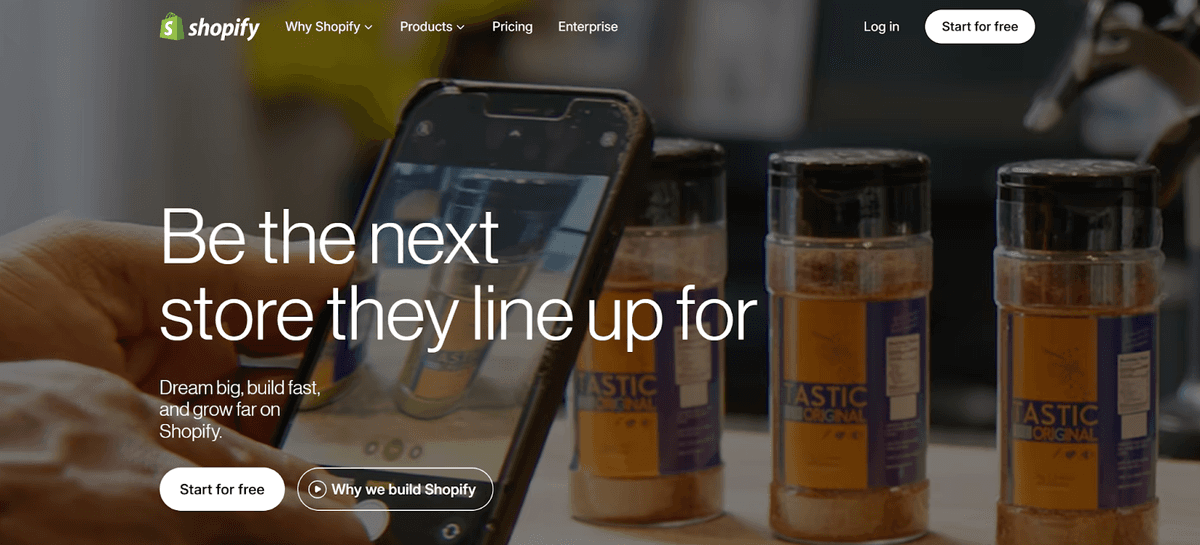
Shopify is the industry standard for independent e-commerce brands, and for good reason. It's beginner-friendly enough to set up in an afternoon, powerful enough to scale to millions in revenue, and has an app ecosystem with thousands of integrations, including native connections to almost every other tool in this list.
Pricing: Plans start at $39/month after the free trial.
Runner-Up: WooCommerce
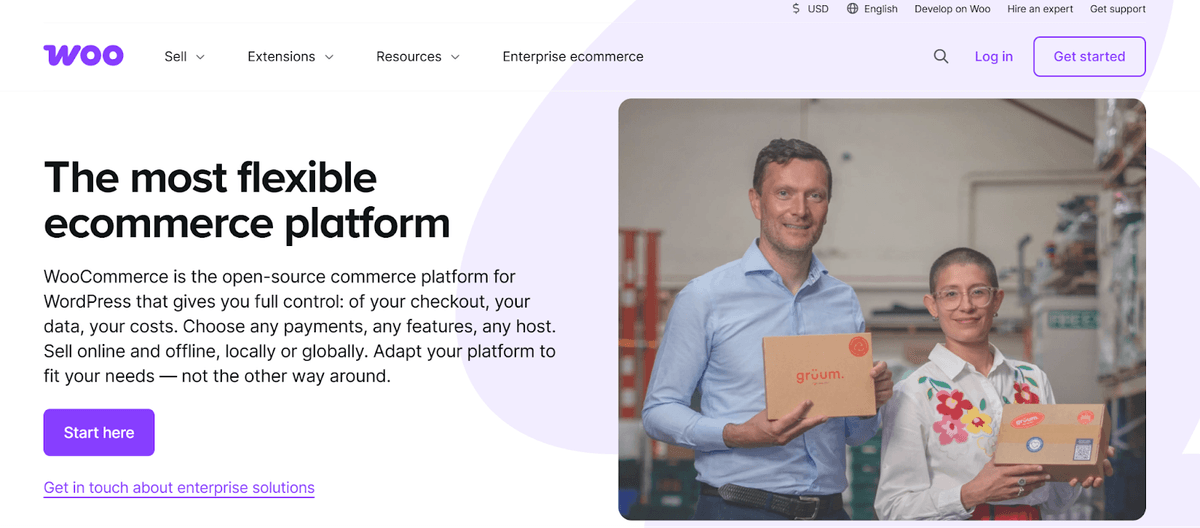
If you're already running a WordPress site and want to keep full ownership of your data, WooCommerce is the move. It's free to install, open-source, and highly customizable. The catch: hosting, security, and most serious extensions cost extra, and the setup is less guided than Shopify.
3. Storefront Design and Conversion Optimization
Here's something Shopify won't tell you: their default themes are designed to be neutral. Usable by everyone means standing out for no one. If you launch your store on a stock theme without any optimizations, you're leaving both branding impact and conversion rate on the table.
This is where conversion rate optimization (CRO) comes in. Even a 1% improvement in how many visitors convert to buyers compounds across every ad you run, every email you send, every piece of content you publish. Desiging a high-converting online store at the onset is the best thing you can do for your brand.
Top Pick: Debutify
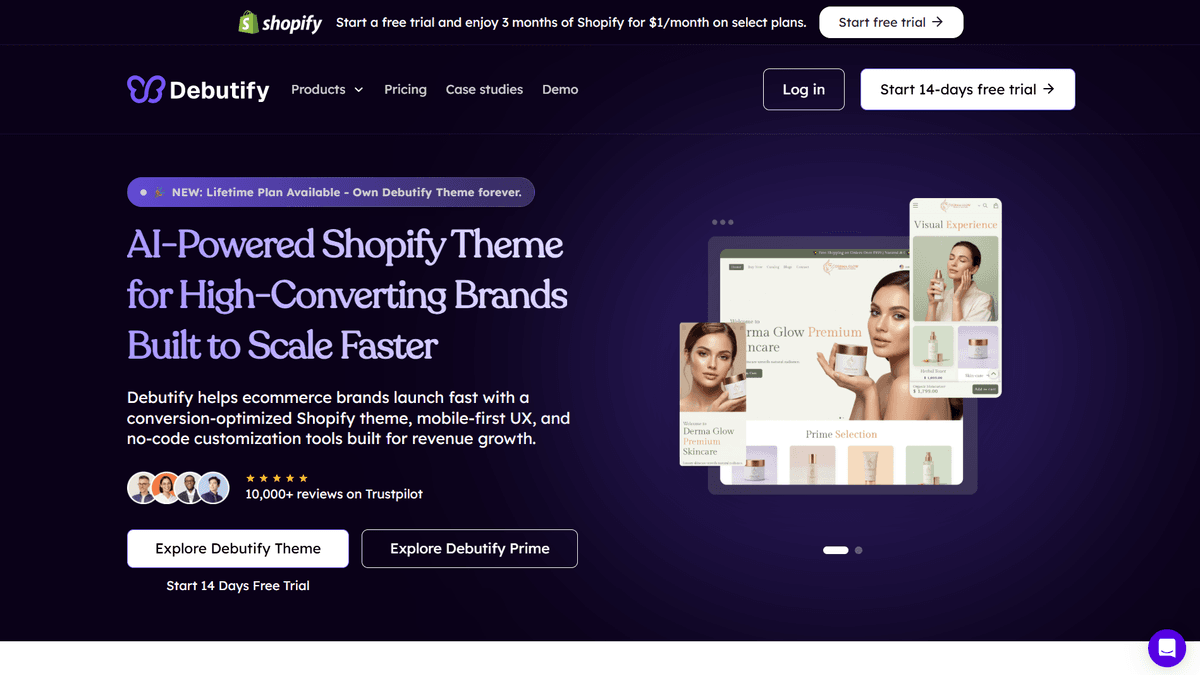
Think of Shopify as the engine and Debutify as the body kit. Debutify is a Shopify theme and storefront optimization platform built from the ground up for e-commerce conversion and not just for aesthetics.
What sets it apart is the built-in library of conversion add-ons: trust badges, sticky add-to-cart bars, countdown timers, upsell popups, and social proof notifications. These are features most brands bolt on through separate paid apps. With Debutify, they're already there. The theme is also optimized for Google's Core Web Vitals. This means your site loads faster, which translates to better rankings and fewer impatient visitors bouncing before they buy.
Install it right after Shopify, before you send a single visitor to your store. First impressions compound the same way conversion rates do.
Pricing: Free plan available. Paid plans from $29/month.
Runner-Up: PageFly
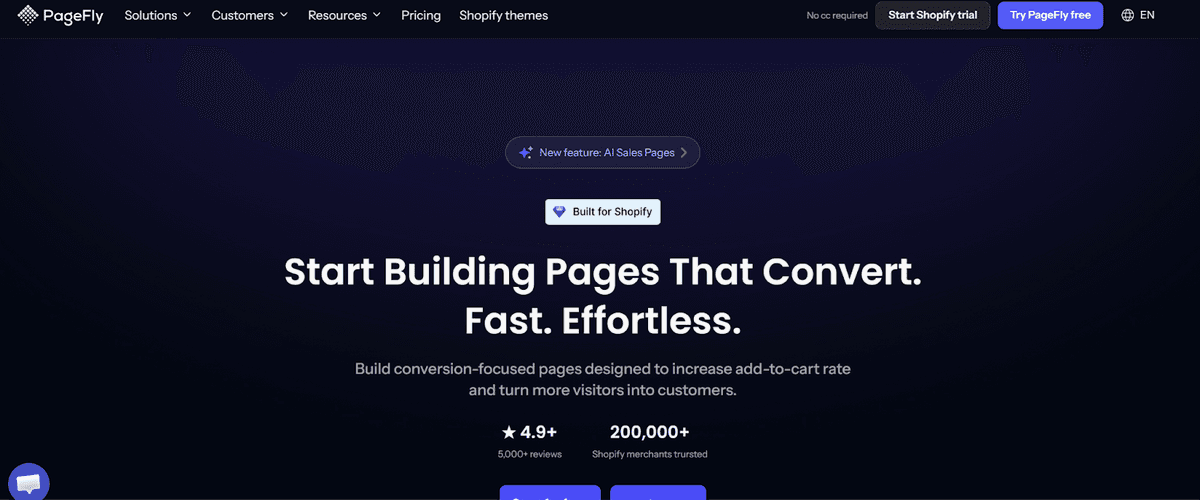
PageFly is a drag-and-drop page builder that gives you surgical control over individual pages, from product pages and landing pages to campaign pages. It's the better choice if you want to A/B test specific layouts or build high-converting pages for paid ad campaigns without touching your main theme.
4. Payment Processing
This one's straightforward: if paying you feels even slightly complicated, people won't. A confusing checkout, an unfamiliar payment provider, or a single failed transaction at the wrong moment can cost you a customer permanently.
The goal here is invisible reliability. You’ll want payments that work seamlessly every time, with the trust signals your customers are looking for.
Top Pick: Stripe
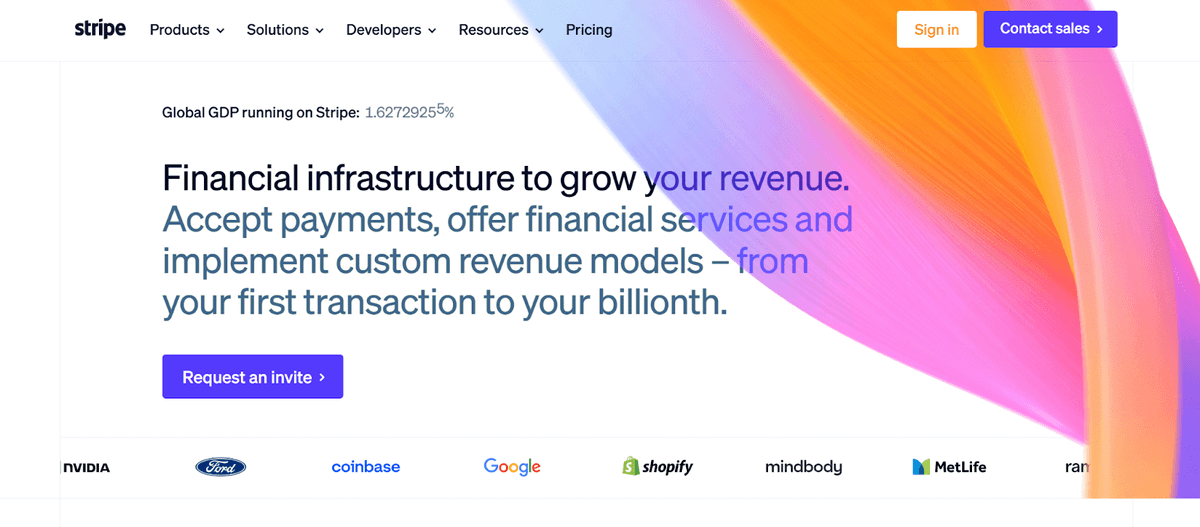
Stripe is the developer community's favorite for a reason, but it's equally good for non-technical founders. Transparent pricing (2.9% + 30¢ per transaction), excellent fraud protection, and deep Shopify integration make it the default choice for most new stores.
Runner-Up: PayPal
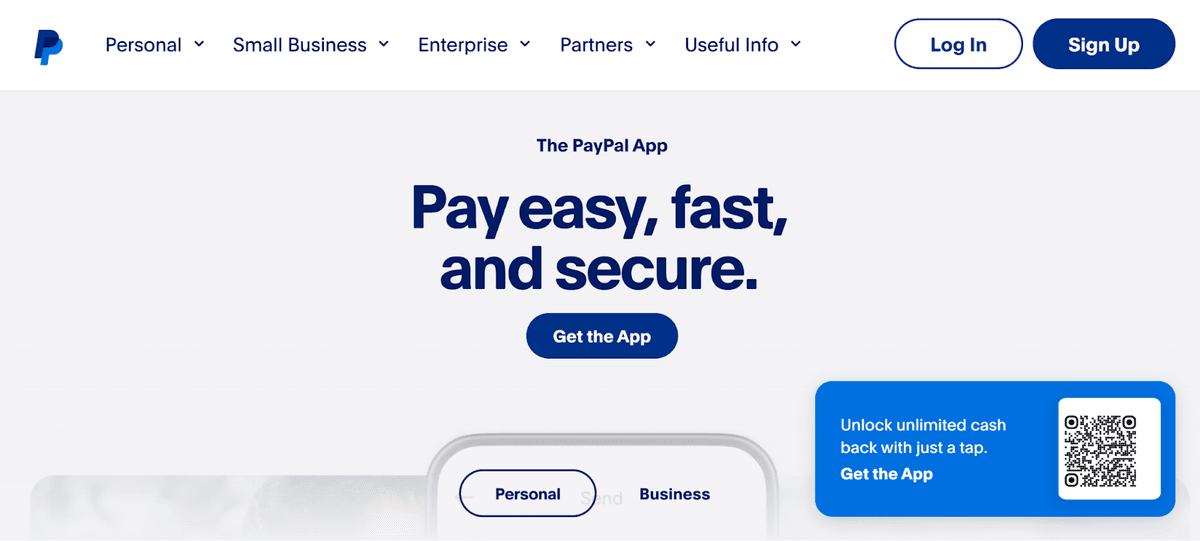
PayPal isn't going anywhere. Millions of shoppers still look for the PayPal button as a trust signal before completing a purchase. Use it as a secondary option alongside Stripe rather than a replacement. In fact, the two together cover almost every buyer preference.
5. Email Marketing
If there's one category in this list that founders consistently underestimate, it's email. Not because they don't believe it works, but because they think they'll set it up later, after they have more customers.
That's the mistake. The list you build in your first 90 days is often your most engaged audience ever. Early customers are curious, interested, and willing to hear from you. Skip email marketing at launch and you lose that window.
Top Pick: Klaviyo
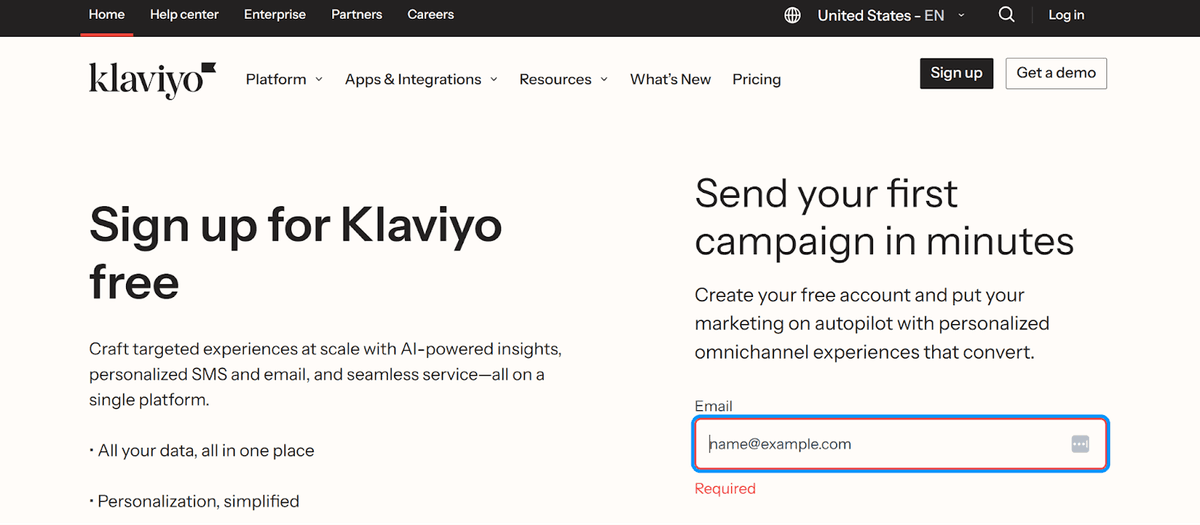
Klaviyo is built specifically for e-commerce, which means it speaks Shopify's language natively. It pulls in order data, browsing behavior, and purchase history to let you segment and automate in ways that generic email tools can't match. Abandoned cart sequences, welcome flows, post-purchase follow-ups - you can set all this up at once and just let it run forever. Free for up to 250 contacts.
Runner-Up: Mailchimp
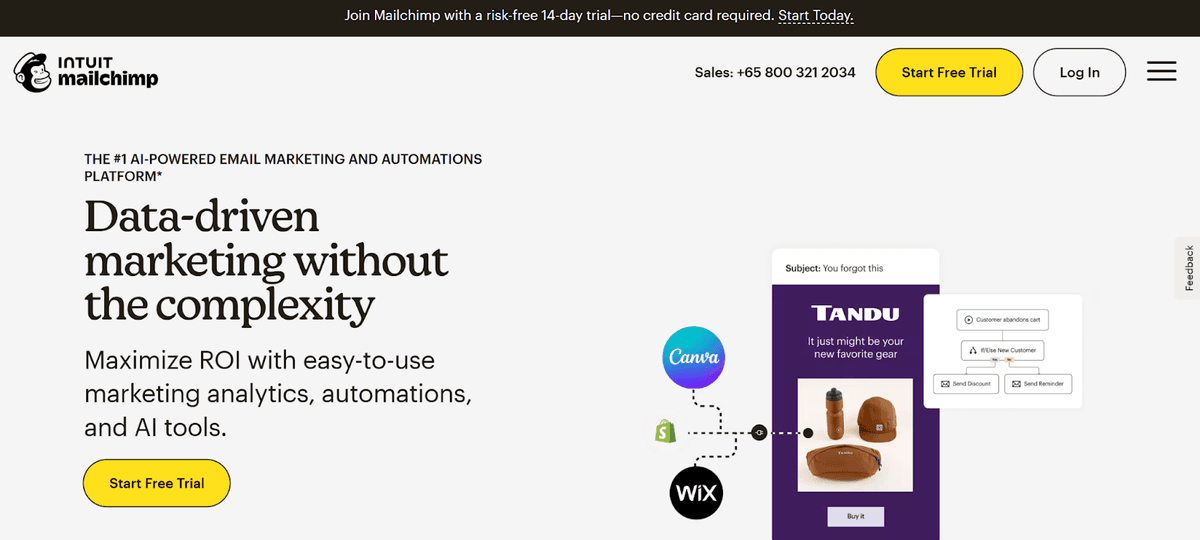
If Klaviyo feels like more than you need right now, Mailchimp is a gentler starting point. The interface is simpler, the learning curve is flatter, and the free plan covers up to 500 contacts. You'll likely outgrow it, but it'll get you started without feeling overwhelmed.
6. Inventory & Order Management
Nothing damages a new brand's reputation faster than selling a product you can't actually ship. Apart from being operational headaches, overselling, stockouts, and delayed orders generate refund requests, negative reviews, and the kind of customer experience stories that spread.
Once orders start moving, you need visibility into what you have, what you're running low on, and what you should reorder before you run out. The right order management software makes it easier to track inventory and fulfill orders efficiently.
Top Pick: Inventory Planner
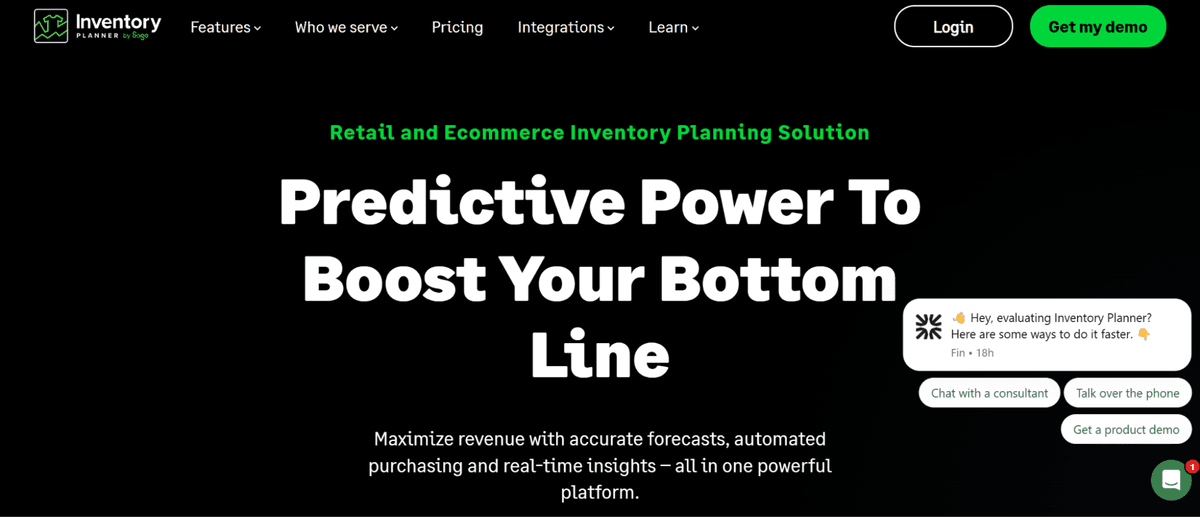
Inventory Planner uses your actual sales data to forecast demand and tell you exactly when to reorder and how much. It syncs with Shopify and eliminates the spreadsheet-based guesswork that trips up most early-stage brands. Start using it as soon as you have a few weeks of sales history.
Runner-Up: Skubana
If you're selling across multiple channels simultaneously, like Shopify, Amazon, or wholesale, Skubana is the better fit. It centralizes inventory across all your sales channels and automates order routing, which becomes essential as volume grows.
7. Customer Support
At some point, something will go wrong. A package will get lost. A customer will order the wrong size. A question will come in at 11pm about whether a product ships internationally. How quickly and smoothly you handle those moments is one of the biggest drivers of repeat purchases and word-of-mouth.
The goal isn't just to resolve tickets. What you want to do is turn a frustrating experience into a reason for a customer to come back.
Top Pick: Gorgias
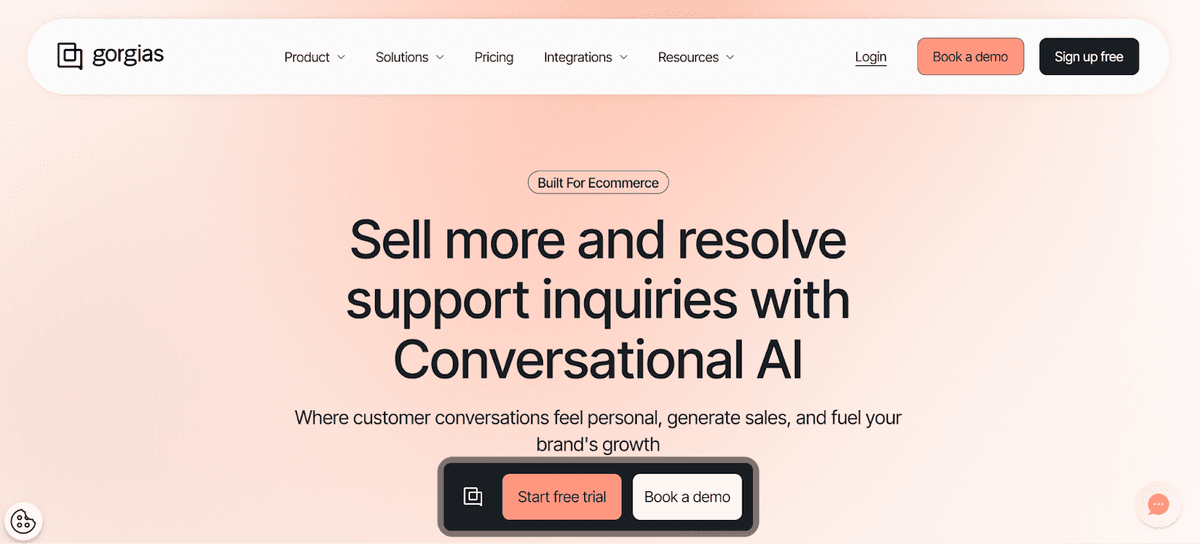
Gorgias is built for Shopify merchants. It pulls order details, shipping status, and customer history directly into every support ticket, so you're not switching between tabs to answer basic questions. You can resolve most inquiries in a single view, and automation handles the repetitive ones before they reach you at all.
Runner-Up: Tidio
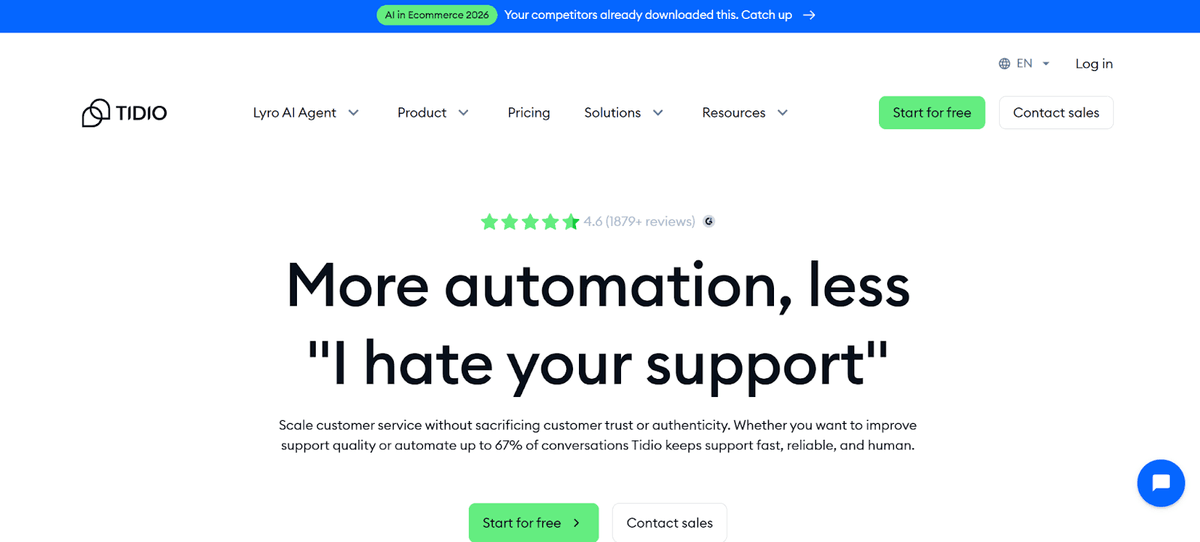
For very early-stage founders who aren't ready for Gorgias pricing, Tidio is a lighter option with live chat, email support, and an AI chatbot that handles common questions automatically. Free tier available, and it's one of the easiest support tools to set up from scratch.
8. SEO & Content
Paid ads get you traffic while you're paying for them. SEO gets you traffic that compounds over time. The brands that invest in content and search from day one end up with a significantly lower customer acquisition cost 12 months down the road.
You don't need to become an SEO expert. But you do need to understand what your customers are searching for and make sure your store shows up for it.
Top Pick: Ahrefs
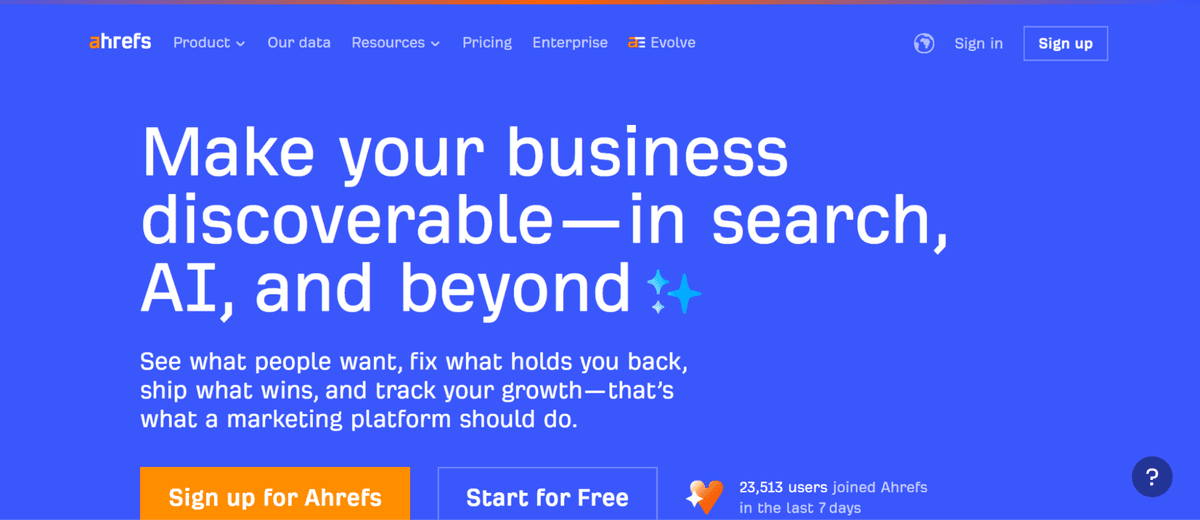
Ahrefs is the most comprehensive SEO toolset available. It’s perfect for keyword research, competitor analysis, backlink tracking, site audits, and content gap analysis all in one place. It's the tool serious content-driven brands grow up on.
Pricing: Plans from $129/month, which makes more sense once you're investing in content as a core growth channel.
Runner-Up: Ubersuggest
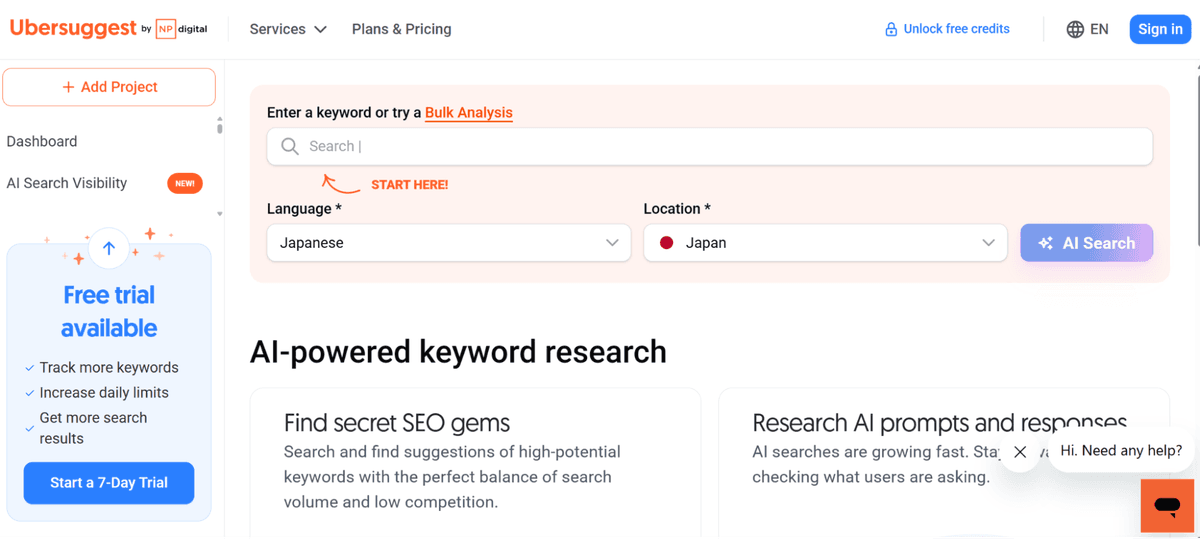
If you're not ready for Ahrefs pricing, Ubersuggest gives you keyword research, basic site audits, and competitor insights at a fraction of the cost. A lifetime plan is available from around $120. For bootstrapped founders, this one-time payment removes the monthly bill entirely while you're still in early growth mode.
9. Analytics and Reporting
You cannot improve what you cannot see. Analytics closes the feedback loop between everything else in your stack. It tells you where customers are coming from, what they're doing on your site, where they're dropping off, and which marketing efforts are actually working.
Set this up before you drive any traffic. Every visitor who arrives before your analytics are live is data you can never get back.
Top Pick: Google Analytics 4
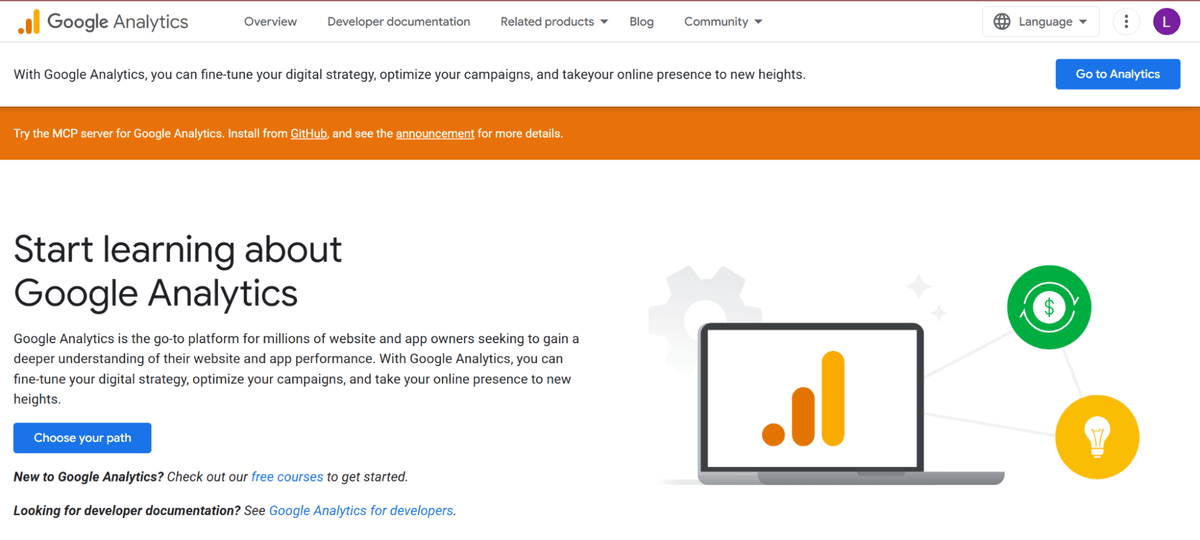
GA4 is free, powerful, and the industry standard. It integrates with every other tool in this stack, giving you a complete picture of the customer journey from first click to completed purchase. There's no paid alternative that meaningfully beats it for early-stage brands.
Runner-Up: Hotjar
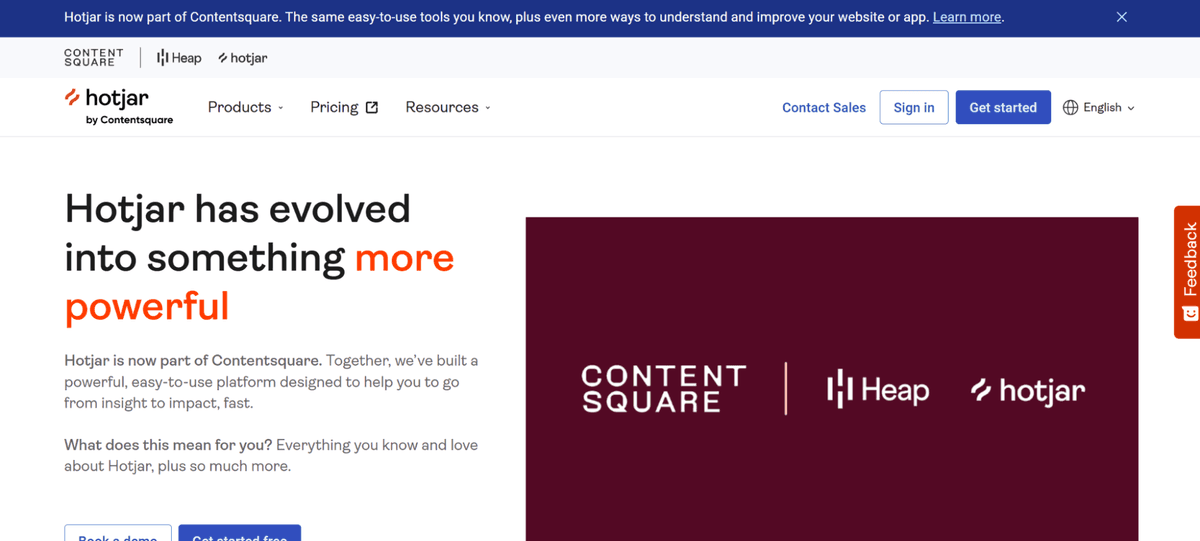
GA4 tells you what's happening. Hotjar shows you why. Heatmaps, session recordings, and user surveys surface the friction points that numbers alone can't explain. It tells you why people are abandoning a specific page, where they're getting confused in checkout, and what's stopping them from clicking 'Add to Cart'. Free tier available.
The Full Stack at a Glance
Here's every tool in the stack, in one table. Use this as your reference when budgeting and prioritizing.
| Category | Top Pick | Free Option? | Price Range |
| Branding & Website | Design.com | Yes | $0–$9/mo |
| E-commerce Platform | Shopify | Trial only | $39–$105/mo |
| Storefront & CRO | Debutify | Yes | $0–$29/mo |
| Payment Processing | Stripe | Pay-per-use | 2.9% + 30¢/txn |
| Email Marketing | Klaviyo | Up to 250 contacts | $0–$45/mo |
| Inventory Management | Inventory Planner | 14-day trial | $99/mo |
| Customer Support | Gorgias | Trial only | $10–$60/mo |
| SEO & Content | Ahrefs | Limited free tools | $129/mo |
| Analytics | Google Analytics 4 | Fully free | $0 |
How These Tools Work Together
It's worth stepping back to see how this stack functions as a system and not just a collection of separate tools.
It starts with Design.com. The logo, color palette, and website you build there establish the visual language that carries through every customer touchpoint that follows. That brand identity lands on a Shopify store wearing Debutify's conversion-optimized skin, including trust badges, sticky cart, and social proof built in before your first visitor arrives.
Stripe handles payment invisibly in the background. GA4 watches every click from the first page load to the order confirmation. Klaviyo captures the customer's email at checkout and fires a post-purchase sequence without you lifting a finger. If there's an issue, Gorgias catches the support ticket before it becomes a refund request or a bad review.
Ahrefs fuels the content strategy that fills the top of the funnel with organic traffic, and Inventory Planner makes sure you can actually fulfill every order that comes through.
Each tool is excellent at exactly one thing. Together, they run your entire operation.
What to Set Up First
The order you build this stack matters. Here's the sequence that gets you to launch fastest without rework:
Week 1: Your Foundation
- Design.com — Build your brand identity and website before anything else. Your visual language needs to exist before your store does.
- Shopify — Set up your storefront, add your products, and configure your settings while your brand is fresh.
- Debutify — Install immediately after Shopify, before your store goes live. Don't send a single visitor to an unoptimized store.
- Stripe — Connect payment processing and do a test transaction before you announce to anyone.
Week 2: Operations and Marketing
- Google Analytics 4 — Install before you drive any traffic. Every visitor before this is lost data.
- Klaviyo — Build your welcome email sequence and abandoned cart flow before launch day. These should be running from your very first customer.
- Gorgias or Tidio — Set up your support inbox before you announce publicly. You'll get questions sooner than you think.
Month 1 — Growth Levers
- Ahrefs or Ubersuggest — Once your site is live, run your first SEO audit and start building your keyword strategy.
- Inventory Planner — Once orders start flowing, get your restocking process on data rather than guesswork.
What Does the Full Stack Actually Cost?
Here's the honest breakdown at three different budget levels. The goal isn't to use every paid tier from day one. The goal to start on free plans wherever possible and upgrade as revenue justifies it.
| Budget Level | Monthly Estimate | What You're Running |
| Bootstrap ($0–$30/mo) | ~$15/mo | Design.com free, Shopify trial, Debutify free, Stripe pay-per-use, Klaviyo free, GA4 free, Tidio free |
| Growth ($30–$150/mo) | ~$125/mo | Design.com paid, Shopify Basic, Debutify starter, Klaviyo starter, Gorgias starter, Ubersuggest |
| Scale ($150+/mo) | ~$330+/mo | Full stack paid tiers: Ahrefs, Inventory Planner, Debutify advanced, Gorgias mid-tier |
The realistic minimum to launch professionally is around $50–$70/month once your Shopify trial ends. That's less than a single Facebook ad campaign — and unlike ads, it keeps running indefinitely.
The Takeaway: Stop Planning, Start Building
Successful founders are the ones who make good-enough decisions fast, launch with what they have, and improve from real feedback. This stack is designed to make that possible. Every tool in it has a free starting point. None of them require a developer. All of them are used by real e-commerce brands generating real revenue right now.
If you take nothing else from this guide, take this: start with your brand. Everything downstream - your store, your marketing, your content, your customer experience - is built on top of the foundation you establish in those first few hours.
Design.com is where that foundation starts. Its AI website generator gets you from business name to live, professionally designed website faster than any other tool in this list. Its built-in branding ecosystem means your logo, site, and marketing assets all speak the same visual language from day one. And with its affordability, it's the highest-value first investment you can make as a new e-commerce founder.
Build your brand on Design.com. Set up your store in Shopify. Install Debutify before your first visitor arrives. The rest follows from there.

Author
Faviola Publico
Faviola Publico is a digital marketing specialist and SEO content writer. She specializes in branding, design, and marketing strategy content, helping B2B and B2C brands build stronger brand identities.