Google AI Studio Explained: What Store Owners Should Know Before Picking an AI Stack
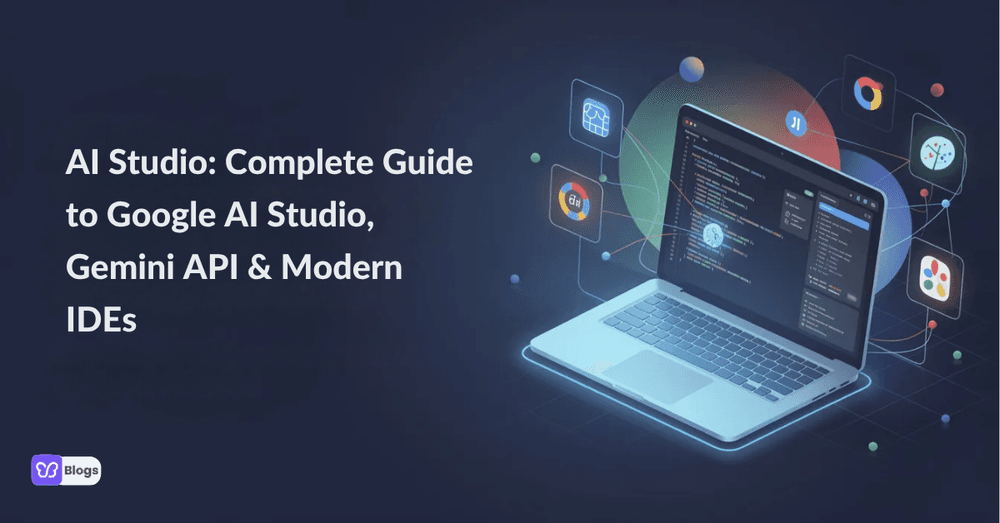
Whether you are a seasoned developer or a student exploring generative models for the first time, understanding where AI Studio fits in the modern toolkit is worth your time. This guide covers everything from prompt design to production deployment, and answers the common questions that come with it.
Store owners have a practical reason to pay attention. The models behind AI Studio are the same class of technology powering the assistants, image tools, and chat widgets now appearing on storefronts. Understanding the layer underneath helps you choose better tools and ask better questions when a vendor pitches you one.
What Is AI Studio? (Fast Answer + Core Definition)
The fast answer: AI Studio is Google's browser based workspace for experimenting with its generative models. It sits among the most accessible artificial intelligence tools available today, because it removes setup entirely. You open a tab, pick a model, and start prompting.
The deeper definition matters more. AI Studio is a prototype first environment: the place where you figure out what a model can do for your use case before committing engineering time. That framing is exactly how a store should treat any AI capability: prototype cheap, commit slow.
Build with Google AI Studio and the Gemini API
Building follows a clean arc. You craft a prompt, tune the model's behavior with system instructions, test against real examples, and when it works, take the same setup to the Gemini API for production. The path from idea to integration is deliberately short, which is why teams use it to sketch everything from an ai voice agent to a product description generator.
For a merchant, the lesson is the arc itself. Every AI feature on your store, from support replies to search, should follow it: prototype in a sandbox, prove the value on real questions, and only then wire it into the live experience.
Key Features: Context Windows, URL Context, and Prompt Workflow
Three features do most of the work. Large context windows let the model hold long documents in mind. URL context lets it read a page you point it at. And the prompt workflow tools make iteration visible, so you can compare versions instead of guessing. Used well, these turn raw AI tools into reliable systems.
The context features deserve special attention, because they are what make chatbots and assistants able to answer from your own information instead of generic training. Teams shipping anything serious on top of these models also lean on Generative AI Testing Tools to catch the failures that a quick demo never shows.
The store version is the same discipline. Feed an assistant your policies and catalog, test it against the questions customers really ask, and measure the misses. That loop is what separates a helpful assistant from an expensive one.
Beyond Text: Veo, Nano Banana, Audio, and Multimodal Creation
The multimodal side is where things get interesting for marketing. Video generation, image editing, and audio output all live in the same family of tools, and they feed directly into content workflows. No surprise that teams hunting the best AI marketing tools keep circling back to this ecosystem.
For storefronts, multimodal generation is the practical frontier: product visuals, ad variants, and short video without a production team. The winners will be the stores that treat these as a system with standards, not a toy with no gatekeeper.
AI Studio vs IDE: Visual Studio, Gemini Code Assist, and Google Tooling
AI Studio is not the only door into these models. Inside a code editor, Gemini Code Assist brings the same family of models to developers where they already work. The split is simple: AI Studio for exploration and prompt craft, the IDE integration for engineering.
That division generalizes. Exploration tools and production tools are different jobs, and teams that confuse them either overbuild prototypes or underbuild experiments. Name which phase you are in and pick the tool that matches it.
Privacy, Pricing, and Getting Started with Google AI Studio
Two practical points close the guide. Pricing starts free with usage limits, which is enough for real experimentation. And the data privacy question deserves attention before anything else: know what happens to the data you feed any model, and keep customer information out of anything you have not vetted.
Getting started takes minutes, but starting well takes a rule: prototype with sample data, never with live customer data. That one habit prevents most of the regret that follows fast adoption.
Before you bring any AI tool near your store, run this checklist:
- Prototype with sample data, never live customer data.
- Name the business problem before choosing a model or tool.
- Ground assistants in your own information so they answer, not invent.
- Test against real customer questions and measure the misses.
- Read the privacy terms of every model you feed.
- Commit to production slowly, after the prototype earns it.

Author
Debutify
Debutify is the easiest way to launch and scale your eCommerce brand.