The All-in-One Creation Shift, and What It Means for Your Store's Content
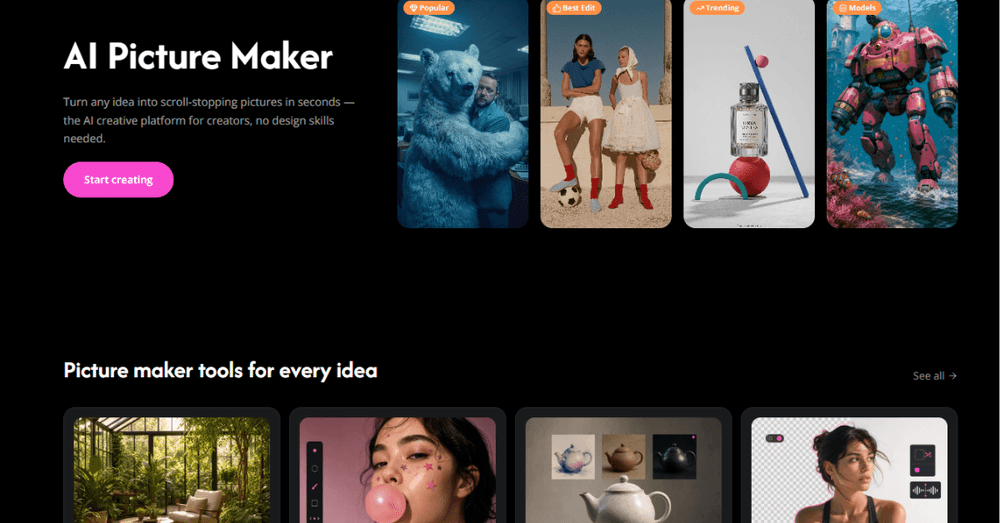
Creative workflows are moving fast. Juggling separate platforms for graphics, video clips, and voiceovers is no longer practical. Modern creators now rely on an integrated AI Picture Maker that handles multi-modal assets in a single browser tab. The showdown between two leading platforms reveals where the whole category is heading.
Store owners should watch this shift closely, because the same pressure applies to storefront content. Product images, ad creatives, and short video all compete for the same scarce resource, which is your time. The tools that collapse five steps into one change what a small team can publish.
Setting the Stage: The Shift Toward Full-Stack AI Creation
The defining trend is consolidation. Instead of one tool for images, another for video, and a third for audio, platforms now try to own the entire creative stack. An AI Picture Maker that also generates supporting assets saves the friction of moving files between apps, and friction is where creative momentum dies.
For a store, this consolidation is the difference between shipping one asset a week and shipping five. When the tools stop fighting each other, the content calendar finally keeps up with the product catalog.
PictureMaker.ai: Practical Canvas and Fast Iteration
PictureMaker leans toward the practical: a canvas built for fast iteration, where you try a direction, react, and try again without ceremony. Its strength is the short loop between idea and result, which rewards experimentation over careful planning.
That loop is exactly what store content needs. Most product visuals fail the first time, and the winning move is cheap retries. A tool that makes the second attempt nearly free turns a cautious team into a prolific one.
PhotoGenerator.ai: Comprehensive Multimedia and Story Continuity
PhotoGenerator takes the broader view, aiming at multimedia output with continuity across assets. Where the first tool optimizes for speed, this one optimizes for a coherent story that stretches across images and beyond.
Continuity matters for brands more than most realize. A shopper who sees your product in an ad, on the product page, and in an email should recognize one visual voice. Tools that hold that consistency across formats are doing quiet, valuable work.
Head-to-Head Comparison: Where They Align and Diverge
The two platforms align on the obvious: both generate from prompts, both aim to reduce manual work, and both improve fastest when given clear direction. They diverge on philosophy, one favoring the fast single asset, the other favoring the connected set.
The useful lesson is that there is no universal winner. The right choice depends on whether your bottleneck is speed or consistency. Know which problem you actually have before you pick a tool, and the decision makes itself.
Industry Relevance: Why Multi-Modal Platforms Matter
Multi-modal matters because real marketing is multi-modal. A campaign lives across image, video, and copy at once, and a platform that speaks all three languages removes the translation loss between them. The asset you imagine is the asset you ship.
Stores feel this acutely. The same product needs a thumbnail, a lifestyle shot, and a short clip, all saying the same thing. When one platform keeps them in sync, the brand stops sounding like three different stores.
Matching Tools to Creative Needs
Choose by your constraint. If you produce volume and need it fast, favor the quick iteration canvas. If you are building a recognizable brand across many touchpoints, favor the tool with story continuity. If you need both, run them for different jobs.
The meta lesson is worth keeping: tools should be matched to the problem, not adopted for the novelty. A small team with the right tool for its actual constraint outpublishes a larger team with the wrong one.
Final Thoughts
The all-in-one shift is real, and it favors whoever moves first without moving carelessly. Before you switch your content stack, run this checklist:
- Name your real constraint: speed or consistency.
- Test with your actual product, not a demo prompt.
- Check the output across formats you really use.
- Confirm you own what you generate.
- Measure time saved per asset, not features listed.
- Keep one visual voice no matter which tool you pick.

Author
Emilia
Emilia is a passionate writer and content creator with an interest in technology, digital trends, and online business. She enjoys researching new topics and turning complex ideas into clear, engaging, and useful content for readers.