Best Mintlify Alternatives (7 Docs Platforms Ranked)

Teams leave Mintlify for clearer AI readiness, deeper OpenAPI controls, easier migration or simpler pricing. I tested each platform with a trial project and a pricing check.
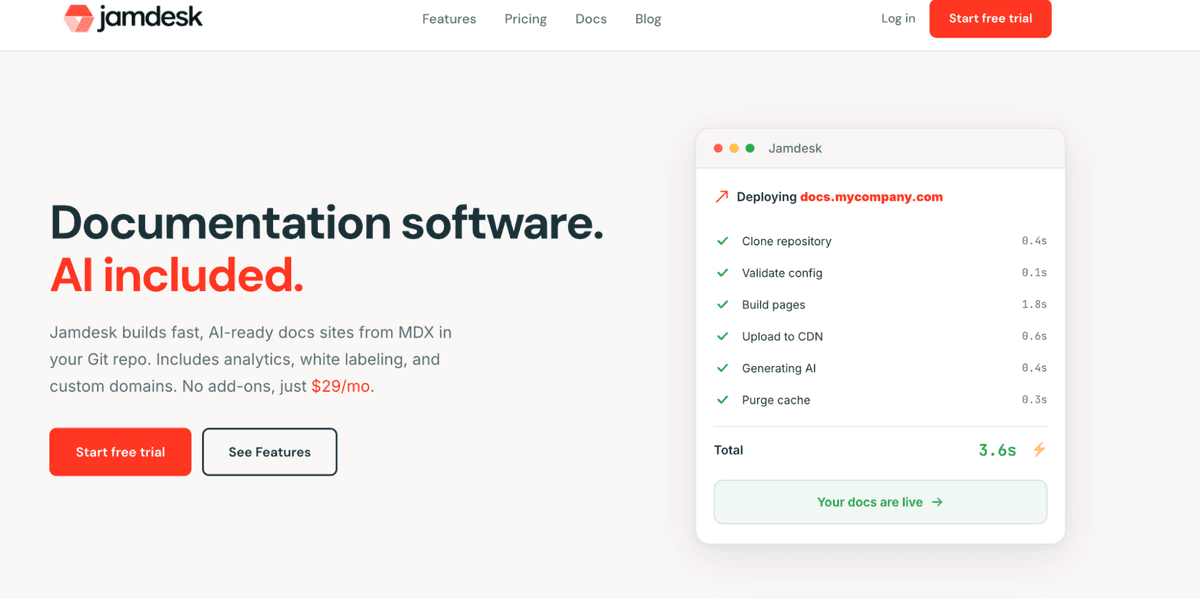
Jamdesk is the top pick for most SaaS teams because pricing is flat, AI is built in and Mintlify migration is a single command.
Key Takeaways
Jamdesk is the best overall Mintlify alternative for flat pricing, unmetered AI and one-command Mintlify import. GitBook fits branded docs when multi-site management and private access matter. ReadMe is strong for API references where developers can test calls and see responses. Document360 fits help centers that need AI search and governance. Docusaurus, Redocly and Read the Docs cover open source, OpenAPI governance and budget versioning.
How I tested these documentation platforms
I compared authoring, OpenAPI support, AI readiness, cost, analytics, roles, branding and migration fit. For the top pick I checked every claim against its live comparison and pricing pages.
Quick comparison
Platform | Best for | Pricing |
| Jamdesk | Flat-rate, all-included developer docs | $29/mo flat, unlimited members |
| GitBook | Branded docs, private access, multi-site | Free tier, then site plus per-user fees |
| ReadMe | Interactive API references | Tiered, see plans page |
| Document360 | AI help centers and governance | Sales-assisted quote |
| Docusaurus | Open source and full control | Free, self-hosted |
| Redocly | OpenAPI governance at scale | $10 per seat each month |
| Read the Docs | Open source and budget versioning | Free for open source, paid business tiers |
Jamdesk
Jamdesk pros
Flat $29 per month Pro pricing with predictable costs Unlimited team members on every plan Unmetered AI features included, not gated behind add-ons Built-in Model Context Protocol server on every site AI Score grades every build for AI readability One-command Mintlify import via npx jamdesk migrate Built-in analytics so you do not need a separate tool
Jamdesk cons
Newer ecosystem than Mintlify with fewer public templates and community resources available for reference.
My experience with Jamdesk
Jamdesk was the easiest platform to budget for because one flat plan keeps tradeoffs clear for small product and engineering teams. A six-person team pays $29 per month, where Mintlify's comparable Pro plan runs about 18 times higher before any usage overages.
In testing, it felt like the easiest drop-in Mintlify alternative thanks to built-in analytics, AI checks and the one-command import you run through the jamdesk CLI. I would still test the import on a real project.
Password protection, PDF export and white labeling sit on every plan here, rather than behind Mintlify's Pro or Enterprise tiers. The AI set is unmetered too, instead of drawing on a monthly credit pool. The AI Score gives each build a readability signal for AI tools, while the built-in MCP server gives assistants a structured way to query the docs.
Jamdesk pricing
The Jamdesk Pro plan is $29 per month with unlimited team members on every plan and unmetered AI features included. A 14-day free trial opens every feature before you commit to paid pricing.
GitBook
GitBook pros
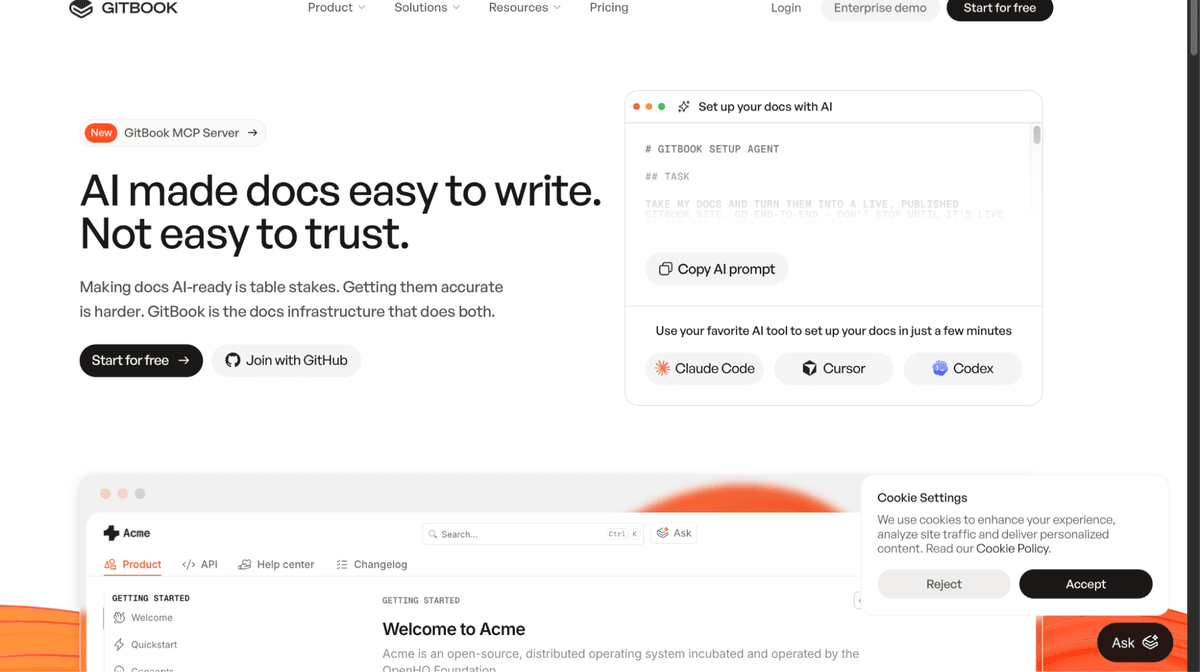
Polished UI for public and private docs Strong enterprise access controls MCP server and AI Assistant options
GitBook cons
Total cost can stack with users and add-ons Some AI features sit on higher plans
My experience with GitBook
GitBook is my pick when brand polish, private access and multi-site management matter. The editor is clean, but AI features need plan review.
GitBook pricing
GitBook has a free tier. In my review, Premium and Ultimate used site fees plus per-user fees, while Advanced AI added a separate site charge.
ReadMe
ReadMe pros
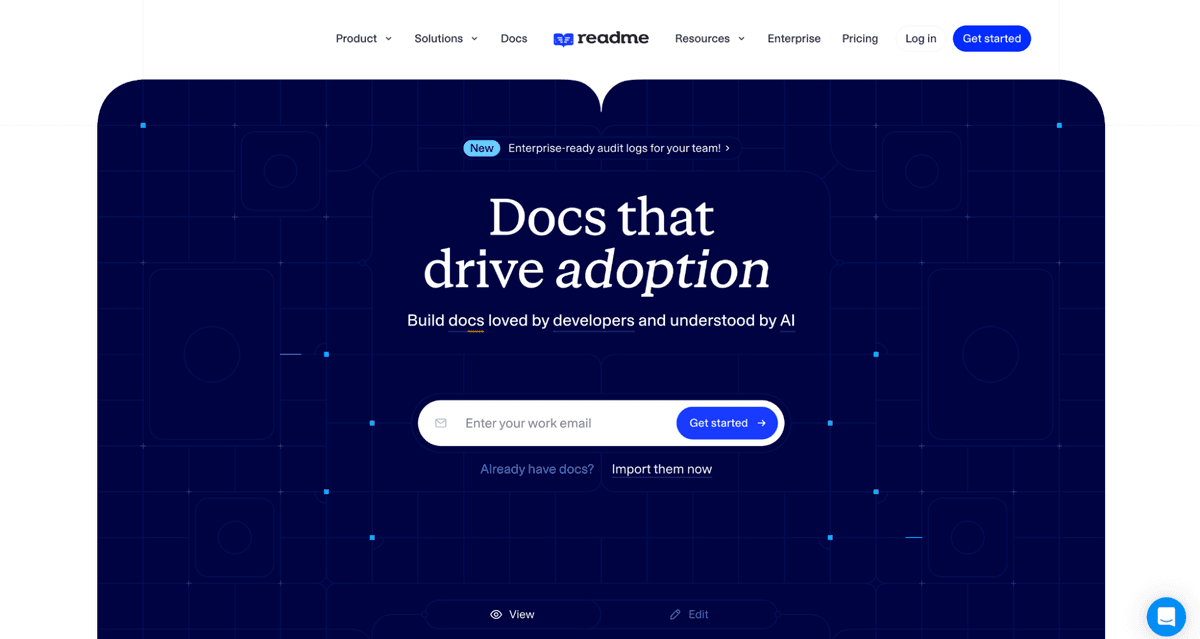
Very strong interactive API reference Developers can make test calls in the docs Ask AI, MCP and LLMs.txt have clear toggles
ReadMe cons
More API-first than knowledge-base-first Costs can climb for larger teams
My experience with ReadMe
ReadMe is strong for API consumers because developers can test calls and see responses in the docs. Its AI settings are clear, and ReadMe says it does not use your data for model training.
ReadMe pricing
ReadMe publishes tiers and trial details on its plans page. Check the live page before budgeting because exact numbers can change.
Document360
Document360 pros
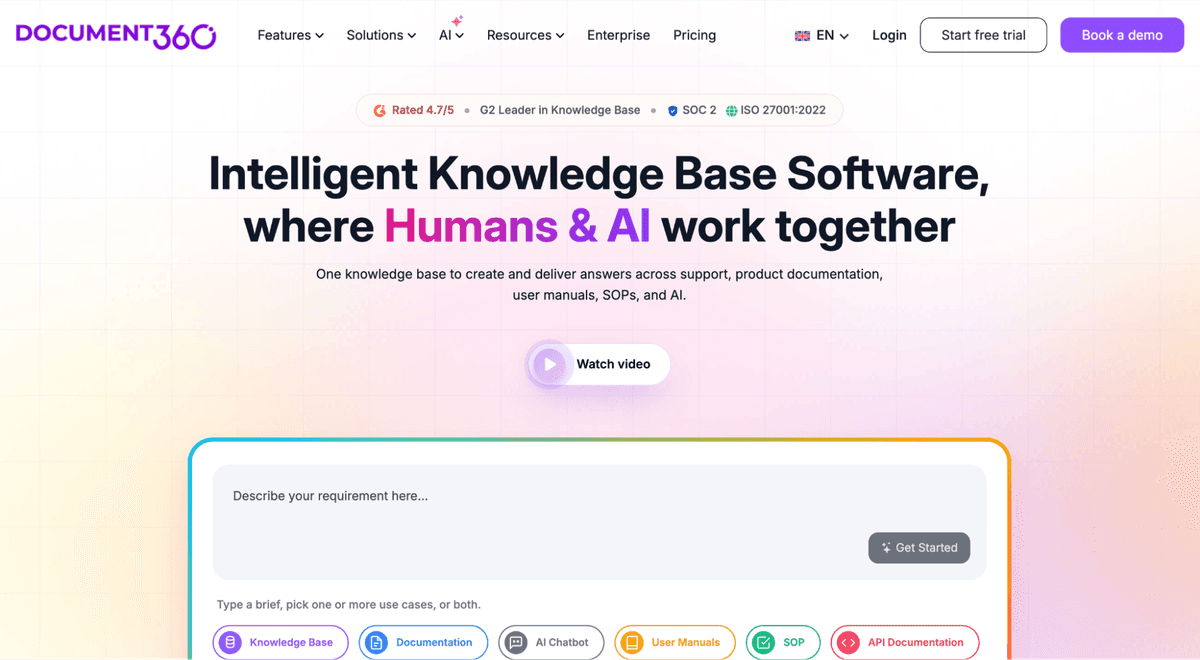
AI-native knowledge base positioning MCP connectivity to ChatGPT, Claude and GitHub Copilot
Document360 cons
More help-center-focused than dev-docs-focused
My experience with Document360
Document360 makes sense when support deflection and governance drive the choice. Ask Eddy AI can index published content, including PDF attachments up to 40 MB.
Document360 pricing
Document360 uses sales-assisted pricing with a free trial, so request a quote and confirm the current tiers.
Docusaurus
Docusaurus pros
Free open source under the MIT license MDX support for React components
Docusaurus cons
Requires engineering time to maintain
My experience with Docusaurus
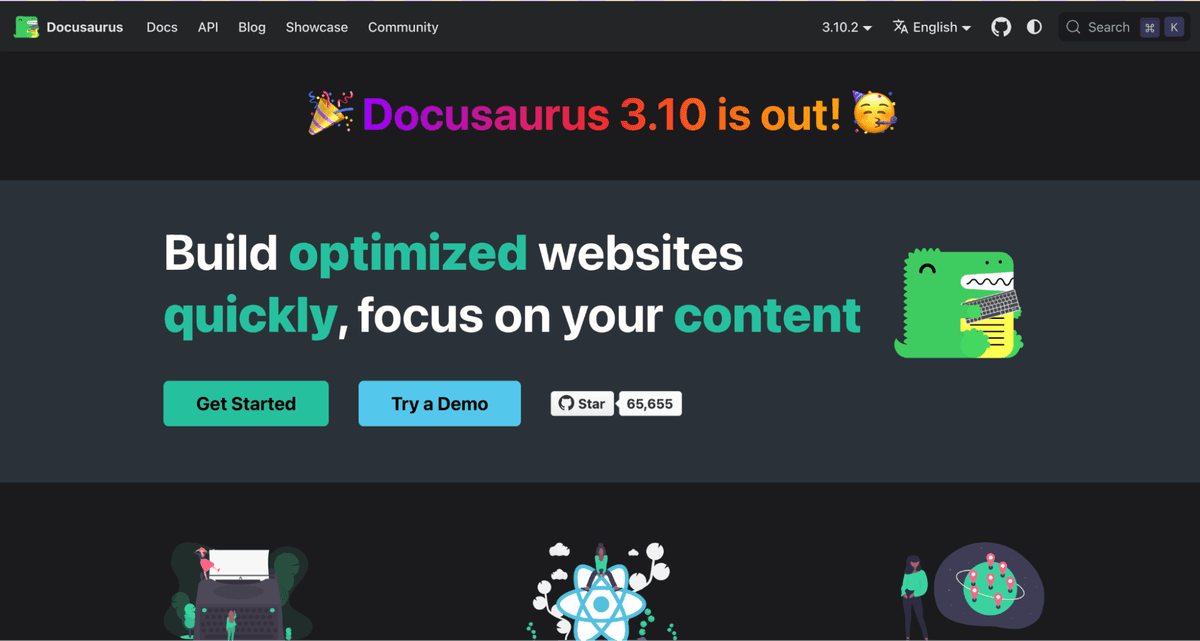
Docusaurus is the best own-it path for teams that prefer code and full control. Analytics, AI and search need extra setup.
Docusaurus pricing
Docusaurus is free to use. Your real costs are hosting and engineering time.
Redocly
Redocly pros
Strong OpenAPI 2.0, 3.0 and 3.1 support Governance tools for large API surfaces
Redocly cons
Modular pricing can take planning
My experience with Redocly
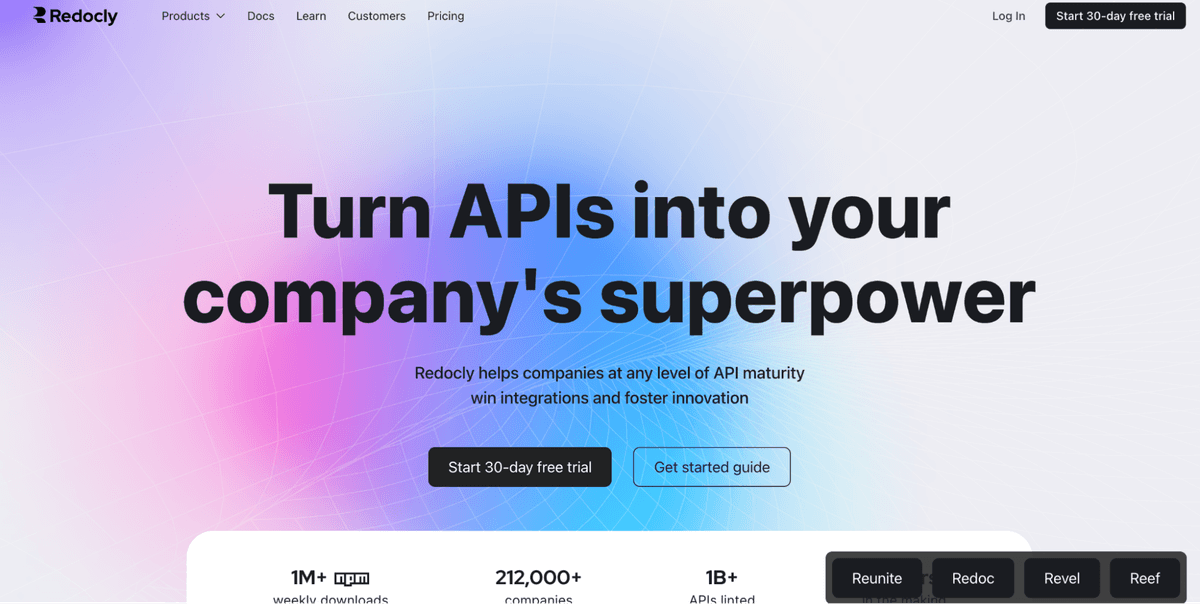
Redocly is practical for complex API reference and governance work. It is less natural for broad narrative product docs.
Redocly pricing
Redocly Pro is listed at $10 per seat each month. Respect Monitoring has a free request tier, then usage-based pricing.
Read the Docs
Read the Docs pros
Free for open source projects Automated builds, search and versioning
Read the Docs cons
Fewer branding options than hosted SaaS tools
My experience with Read the Docs
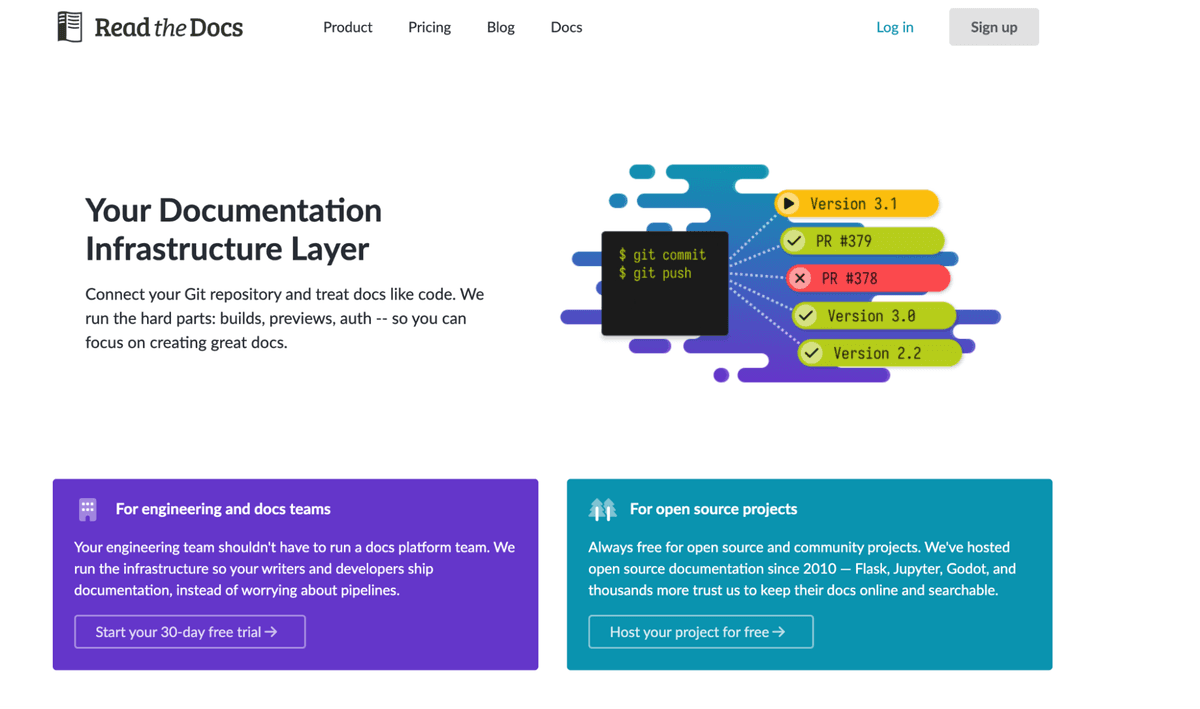
Read the Docs works well for open source and budget-minded private docs. It is technical, but versioning is dependable.
Read the Docs pricing
The community is free for open source. Business plans include Basic, Advanced and Pro tiers with a paid trial.
Conclusion
Jamdesk is my top Mintlify alternative because pricing is simple, AI features are included without metered add-ons and Mintlify import is easy to test.
GitBook, ReadMe and Document360 fit branded docs, API references and support-led knowledge bases. Docusaurus, Redocly and Read the Docs fit teams that want more control or deeper OpenAPI governance. Run a trial with real docs before switching.
FAQ
1. How hard is it to migrate from Mintlify?
It depends on your docs. Jamdesk offers one-command Mintlify import via npx jamdesk migrate, so the import itself usually finishes in minutes, though you should still budget a review pass and test it during a trial.
2. Is Jamdesk cheaper than Mintlify?
For most teams, yes. Jamdesk is one flat $29 per month with unlimited members, while Mintlify's comparable Pro plan is $540 per month billed monthly, so a six-person team pays about 18 times less before any AI overages.
3. Does Jamdesk limit AI usage or team size?
No. Every Jamdesk plan includes unlimited team members and unmetered AI, with no credit pools or overage billing. Mintlify caps its free plan at five members and meters AI in credits.
4. Which platform has the best AI setup?
Jamdesk is strongest overall for AI scoring, unmetered features and MCP access. GitBook, ReadMe and Document360 also have useful AI options.
5. How should I compare total cost?
Look at users, sites, AI add-ons and engineering time. For broader stack research, a guide to comparing tools shows how to weigh pricing and integrations side by side.

Author
Vlad Orlov
Managing brand partnerships at Respona, Vlad Orlov is a passionate writer and link builder. Having started writing articles at the age of 13, their once past-time hobby developed into a central piece of their professional life.