The second Shopify store usually starts as a side experiment. A new niche, a test market, a separate brand for a product line that doesn’t fit the main store. Six months later, you are running three storefronts, five ad accounts, two payment setups and a VA who logs into all of them, often from the same browser.
That’s where the problems start. Not with the stores themselves, but with how they are accessed and managed. This guide covers how to structure a multi-store operation so accounts, ads and data stay separate, mistakes stay small and growth doesn’t turn into chaos.
Why Merchants Run More Than One Store
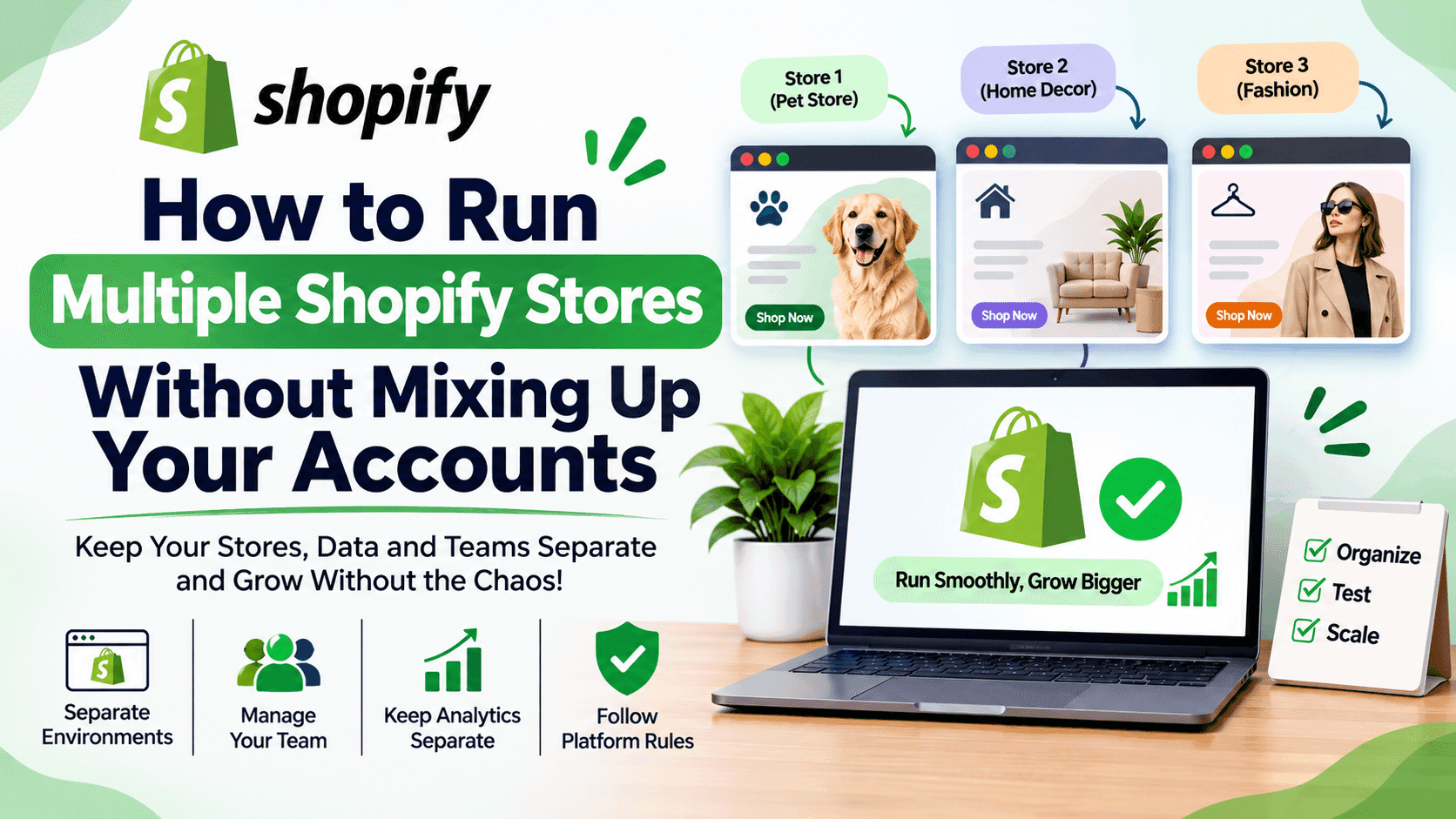
There are good reasons to split a business across several Shopify stores. Separate brands are the most common: a pet accessories store and a home decor store speak to different customers and need different themes, copy and ads. Some merchants prefer regional storefronts for the US, the UK or the EU, with local currencies, shipping and policies, rather than one store with markets.
Others use a lean test store to validate a new niche without touching the reputation or data of their main brand. If you are choosing what to test, see what still works in Shopify dropshipping in 2026. And businesses that sell both wholesale and retail often split them, because B2B buyers and retail shoppers need different pricing, checkout rules and catalogs.
Shopify allows merchants to run multiple stores, each with its own plan and admin. The challenge is operational: every store brings its own admin login, apps, ad accounts, analytics and payment setup. Managing all of that by hand doesn’t scale, so it pays to set up a clear structure early.
Where Multi-Store Setups Break
Most problems in multi-store operations come from the same root: everything runs through one browser, one set of logins and one person’s memory.
The wrong account. A discount code published in the wrong store, a budget raised on the wrong ad account, a product imported into the wrong catalog. With identical-looking admin panels, it happens more often than anyone admits.
Mixed sessions. Logging into a second Shopify admin or ad account in the same browser can sign you out of the first or keep the wrong one active.
Shared apps and extensions. A browser extension installed for one store’s research runs on every admin page you open, including stores and accounts it has no business seeing.
One login, many people. When a VA, a freelancer and an agency all use your credentials, nobody can tell who changed what, and removing one person means resetting everything.
Platform security checks. Ad platforms and payment providers watch for unusual logins. Accounts accessed from many devices and locations at once are more likely to face verification requests, often in the middle of a sale.
Give Every Store Its Own Environment
The most effective fix is simple: stop running every store through the same browser session. Each store, together with its ad accounts, analytics and supplier logins, should live in its own isolated environment.
For two or three stores, built-in browser profiles in Chrome or Edge go a long way. Each profile keeps its own cookies, saved logins and extensions, so the pet store’s admin never shares a session with the home decor store’s ad account.
Merchants with larger teams or many markets sometimes add anti-detect browser profiles, which also keep each environment’s device settings and network configuration separate and let a teammate use an environment without seeing its passwords. They come with a learning curve and a subscription cost, so they make the most sense once you run more than a handful of stores or work with a team. Whatever tool you choose, the aim is the same: each store should behave like one consistent business rather than a tangle of overlapping sessions, and every platform’s rules still apply.
Whichever tool you use, keep the rules simple: one environment per store with a clear name such as “US Pet Store” or “EU Home Decor”, only the extensions that store actually needs, and no personal browsing, email or social media inside store environments.
Ads, Payments And Platform Rules
Separation helps you stay organized, but it doesn’t replace the rules each platform sets. Start by using business structures as intended: Meta’s business portfolios and Google Ads manager accounts are built for running several ad accounts under one business, so use them rather than juggling personal profiles. Keep each store’s identity consistent, too. Business details, payment methods and domains should match the store they belong to, so platforms can see a clear, legitimate setup.
Just as important, don’t use separation to dodge restrictions. If an ad account or payment profile gets restricted, the path back is the platform’s appeal process, not a fresh account in a new environment, because creating new accounts to get around a restriction breaks most platforms’ terms. Marketplaces in particular also have their own rules about how many seller accounts one business may operate, so read the policies for every channel you sell on.
Keep Analytics And Customer Data Separate Too
Separating logins is only half the job. Data needs the same discipline, or your reports and audiences will quietly blend stores together.
One analytics property per store. A shared GA4 property mixes traffic, conversions and revenue from different brands, which makes every decision about budgets and products less reliable.
One pixel per store and ad account. Sharing a Meta or TikTok pixel across stores pollutes audiences and optimization signals, so campaigns learn from the wrong customers.
Separate email lists. Customers subscribed to your pet store did not agree to hear from your home decor brand. Keep lists, flows and consent records apart in your email platform.
Consent settings per store. Each storefront needs its own banner configuration and privacy policy that match the markets it sells to and the apps it actually uses.
Clear naming everywhere. Use the same store names in analytics, ad accounts, email lists and browser environments, so anyone on the team can tell at a glance which data belongs where.
Clean separation pays off twice: fewer compliance headaches, and numbers you can actually trust when it is time to decide which store deserves more budget.
Test Each Store Like A Local Customer
If you run regional storefronts, test them the way local shoppers experience them, not the way they look from your desk. Prices, currencies, shipping options, consent banners and even payment methods often depend on the visitor’s location.
Before a big sale, open each store from an environment located in its target market, with no saved cookies, and walk through the full journey: landing page, product page, cart and checkout. You’ll catch wrong currencies, missing shipping zones and banners that fire before consent, problems that never show up when you test from home. For the consent side of that check, the ecommerce privacy compliance checklist maps which privacy rules apply in each market you ship to.
Working With VAs And Agencies
Multi-store merchants rarely work alone. Virtual assistants handle orders and customer service, freelancers manage ads, agencies run campaigns. Each of them needs access, and each access point is a risk if it’s handled through shared passwords.
The safest approach is to give every person their own identity. Shopify staff and collaborator accounts let each team member log in with their own credentials and permissions, and ad access works the same way through partner access in Meta or user roles in Google Ads. Where an account can’t have individual users, share a protected browser environment instead of the password, and revoke that access as soon as the work ends.
Offboarding deserves the same care. When someone leaves, remove their users, revoke shared environments, sign out active sessions and check that no account still uses their email or phone number for recovery.
A Quick Multi-Store Checklist
One isolated environment per store, named clearly.
Individual logins for every team member, with only the permissions they need.
Ad accounts organized under proper business structures.
Business details and payment methods consistent with each store.
Separate analytics, pixels and email lists for every store.
Extensions installed only where needed.
Regional stores tested from their own markets before every major sale.
A written offboarding routine for VAs, freelancers and agencies.
Conclusion
Running several Shopify stores is one of the most effective ways to test niches, reach new markets and build separate brands. But the more stores you add, the more your operation depends on structure rather than memory.
Give every store its own environment, give every person their own access, keep each store’s data in its own lane, follow each platform’s rules and test each store the way its customers see it. Do that, and your second, third or tenth store becomes an asset you can scale, not a source of mix-ups waiting to happen.
Author
Debutify
Debutify is the easiest way to launch and scale your eCommerce brand.