The Complete WooCommerce Operations Stack: Every System a Serious Store Runs

A grown up WooCommerce shop is not simply a website with a shopping cart tacked on; rather, it is a collection of interconnected systems, with each system serving its purpose: driving sales, collecting payments, operating legally, running its back-end smoothly, and making sure customers return. Most shops develop such systems spontaneously, piece by piece, when their existing system breaks.
This document will work in the opposite way, by presenting the complete stack of operational systems required for a serious store, arranged according to their functionality. Consider this as an architectural diagram, not a shopping list. Not every store will need to implement every single system from day one, nor will any store ever have the need to implement everything at once — but seeing the whole picture will give you a clear idea of what systems your store already has, what systems it has created itself, and what systems it still lacks.
We've divided everything into six layers of functionality. For each layer, we will discuss what it does, why it is important, and what tools, selected from well-established solutions, perform the required functionality efficiently. If a solution provides a free version of its product, we will indicate this fact.
Layer 1: Storefront & Conversion
What this layer does: turns visitors into buyers. Everything here works on the traffic you already have, which makes it the highest-leverage layer for most stores — improvements convert existing visitors rather than requiring new ones.
Visual product selection — Variation Swatches for WooCommerce
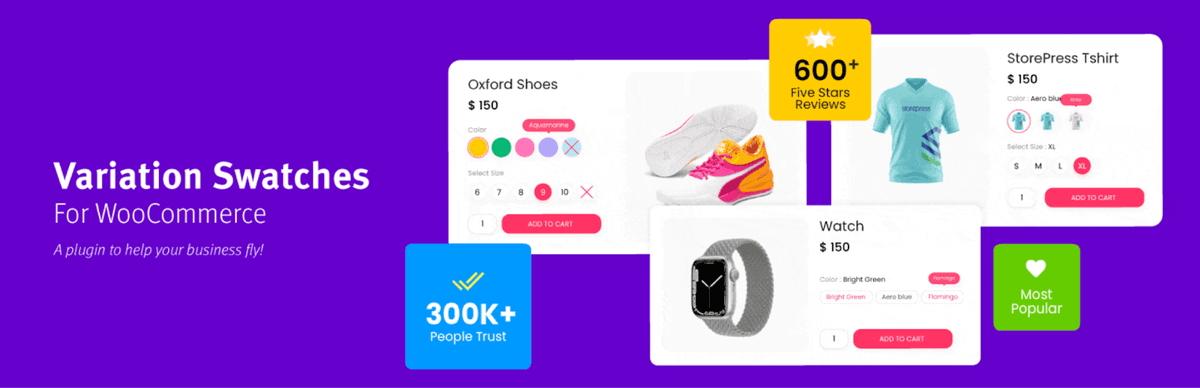
The standard WooCommerce dropdowns are a little outdated for mobile and are definitely better replaced with a much more modern look offered by Variation Swatches for WooCommerce, which allows shoppers to see the available options and choose one in one tap via color swatches, image swatches, or just plain labels.
Social proof — TrustPulse

A first time customer has nothing to make him feel secure about the unknown store. TrustPulse shows real activity notifications – order completions and signups – which gives assurance to a first time customer that the store is real. It works great when you have some order traffic already.
Product discovery & AOV — WooCommerce Product Recommendations
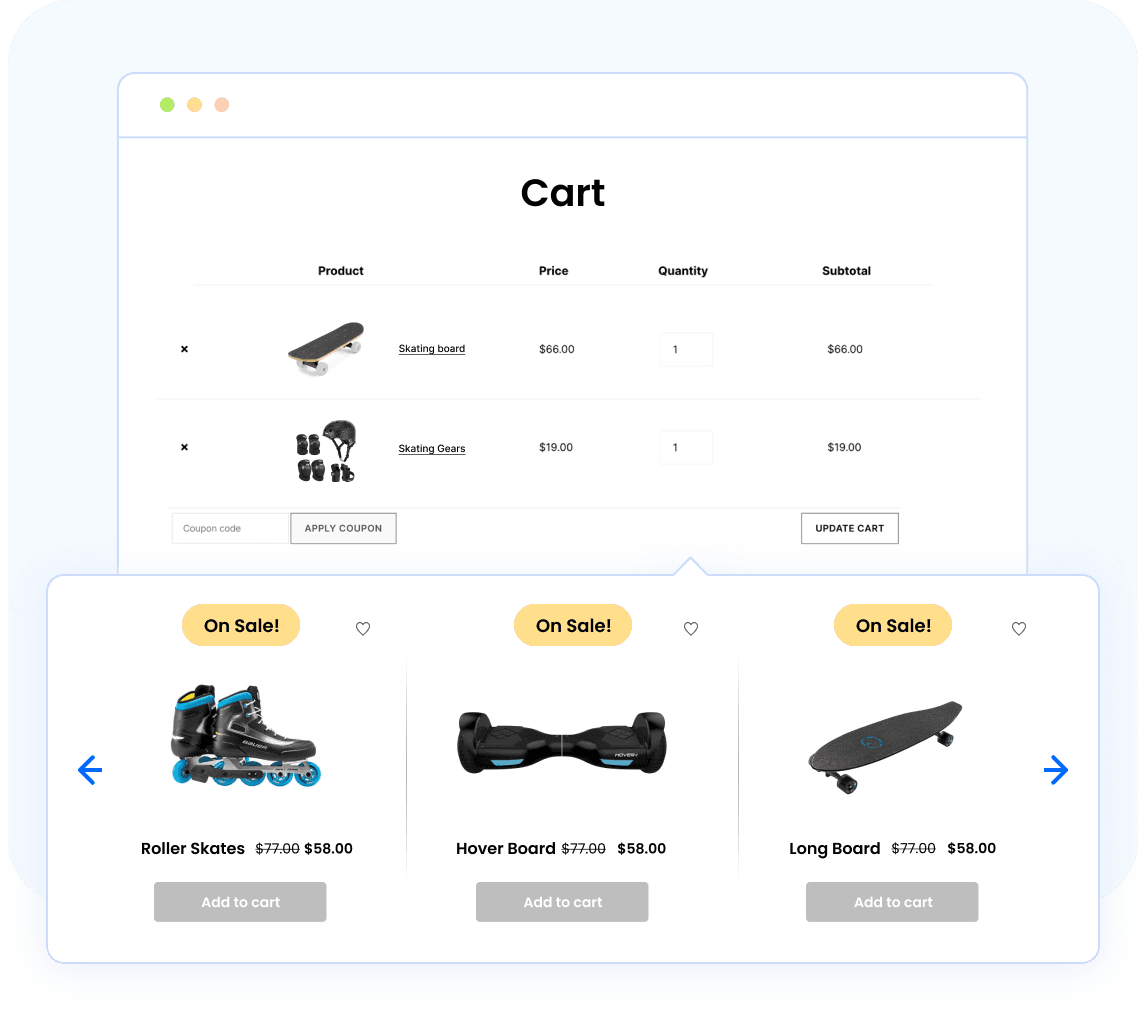
A catalog that implies nothing leaves everyone shopping to merchandise themselves. The WooCommerce Product Recommendations plugin puts popular item bundle recommendations, upsells, and cross-sells on all product, cart, and checkout pages. With multiple recommendation types (related products, bestsellers, frequently bought together, and more) across product, cart, and checkout pages. (Free related-products and basic upsell functionality is available through WebToffee's separate Related Products for WooCommerce plugin.)
Layer 2: Promotions & Retention
What this layer does: drives repeat purchases and gives you levers to move inventory. Acquisition fills the top of the funnel; this layer makes sure customers come back and buy more once they're in.
Advanced promotions — Smart Coupons for WooCommerce
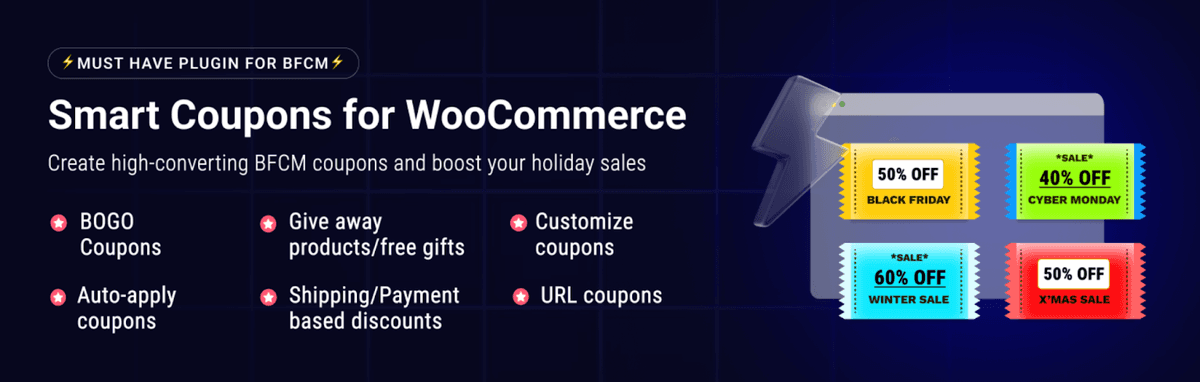
WooCommerce's native coupons stop at flat discounts. WooCommerce coupons plugin adds BOGO deals, spend-threshold rewards, store credit, bulk code generation, and pre-applied coupon links, the campaign formats that actually move inventory. The free version covers the essentials.
Reviews — Customer Reviews for WooCommerce

Customers who are happy tend not to leave reviews voluntarily, resulting in an unbalanced review portfolio. Customer Reviews for WooCommerce, which works with more than 80,000 websites, is responsible for sending reminders to customers after purchases have been made, providing thank you coupons, and adding review snippets and schema markup.
Gift cards — WooCommerce Gift Cards
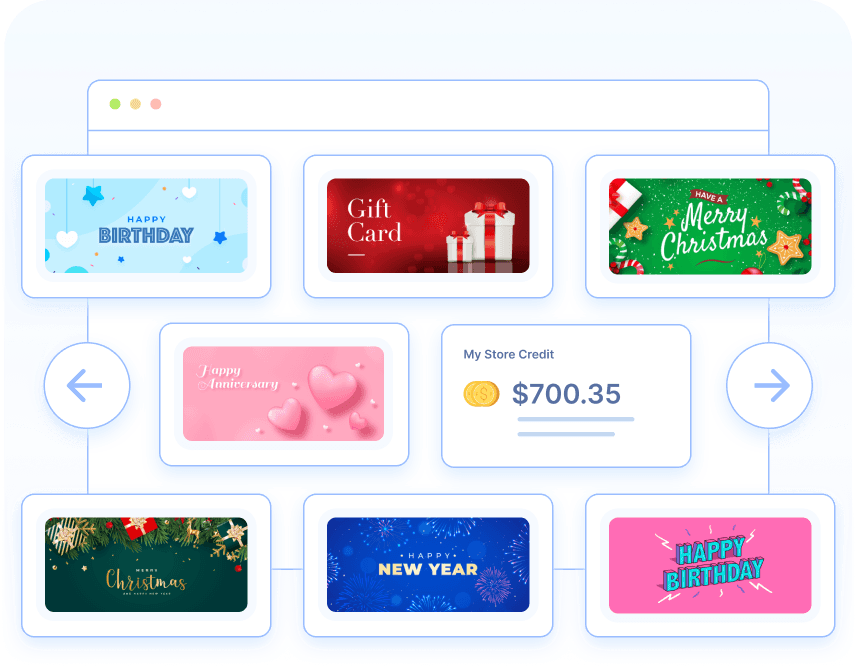
Gift cards earn immediate sales and attract new customers when redeemed. WebToffee’s WooCommerce Gift Cards plugin takes care of everything from digital/physical gift cards, customizable amounts, timed delivery with personalized messages, and even manages the balances. The free plugin lets you create one gift card product with a set of ready-made templates; the premium version adds unlimited gift card products and 20+ templates.
Lifecycle automation — eCommerce Marketing Automation
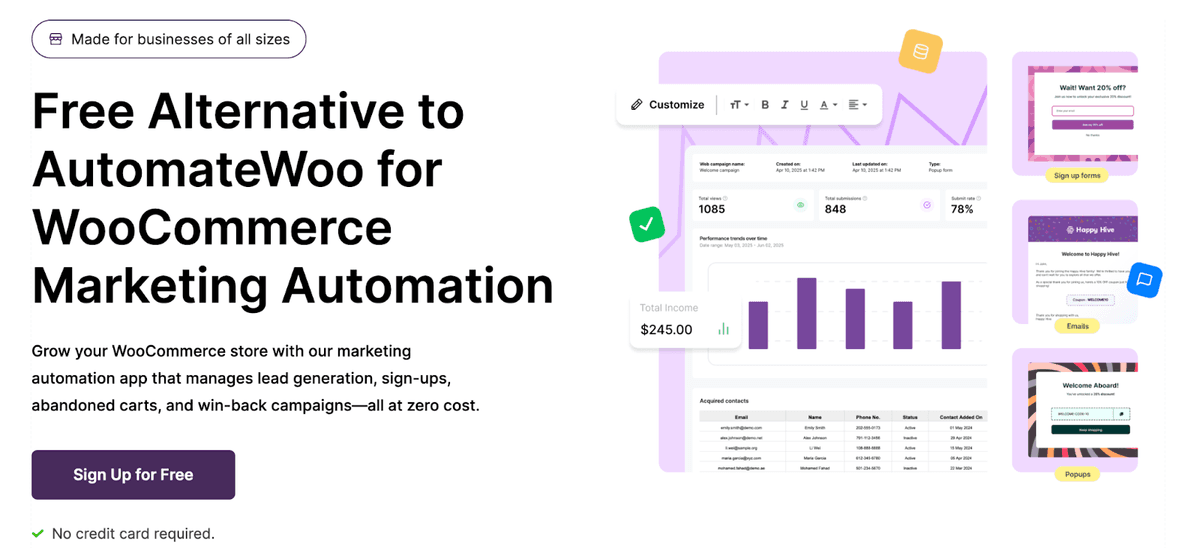
The highest-ROI retention work — cart recovery, welcome flows, post-purchase follow-ups, win-back campaigns — is exactly what no owner sustains by hand. eCommerce Marketing Automation by WebToffee runs all of it on behavior-based triggers, with popups and signup forms for list growth. Free to get started, no credit card required.
Layer 3: Checkout & Payments
What this layer does: converts the decision to buy into completed money. This is the most expensive place in the entire store to have friction, because the customer was already reaching for their wallet when they hit it.
Checkout optimization — Checkout Field Editor for WooCommerce
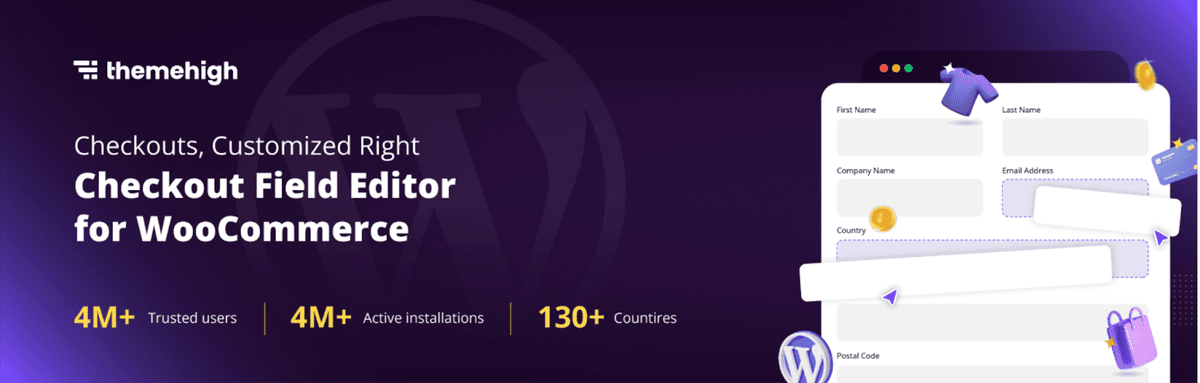
Each extra checkout field offers another opportunity for the shopper to rethink the decision. Checkout Field Editor for WooCommerce by WebToffee allows you to create, delete, and rearrange fields using drag and drop functionality, along with conditional logic allowing you to show fields when appropriate, such as skipping the shipping section for digital products.
Payment coverage — Mollie Payments for WooCommerce
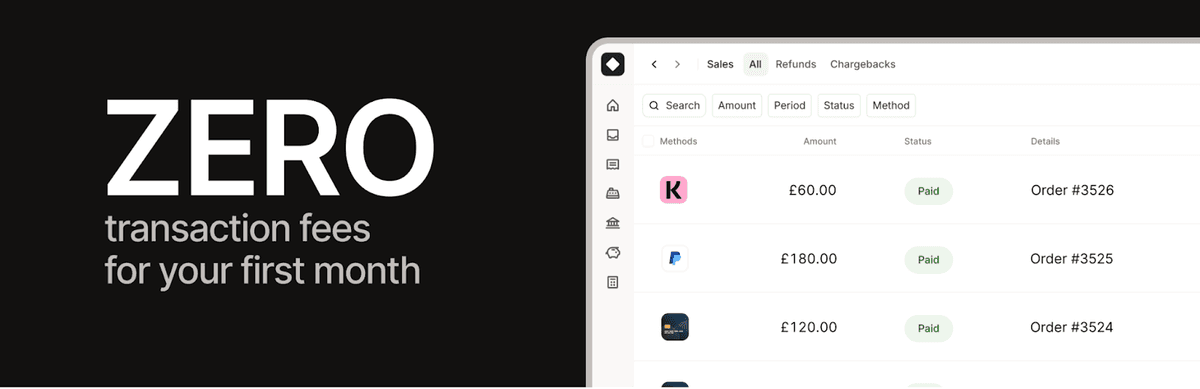
The customers who cannot afford to pay using their favorite method just go away, and that’s noted as just another mysterious disappearance. Mollie Payments for WooCommerce brings together all the popular world-wide and regional payment methods like credit/debit cards, PayPal, Apple Pay, Klarna, iDEAL, and many others in a single integration.
Layer 4: Compliance & Legal
What this layer does: keeps your store on the right side of laws that apply based on where your customers are, not where you are. The systems here generate no revenue directly — their entire value is in the costs and liabilities they prevent.
Cookie consent — GDPR Cookie Consent
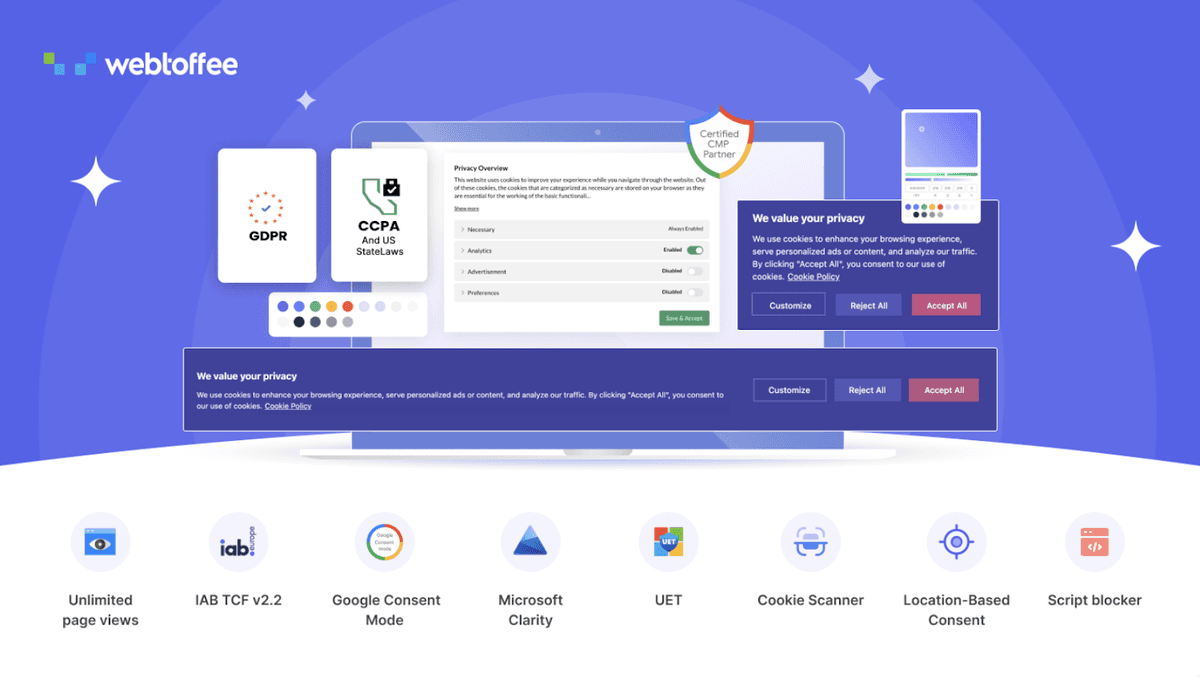
For cases where your users come from any of the regions in the EU, UK, California, and Brazil, compliance with consent management becomes mandatory. GDPR Cookie Consent Plugin is a Google Certified Consent Platform which can scan your website for cookies, categorize them, block trackers, and is compatible with Google Consent Mode. The GDPR plugin is also available in WooCommerce Marketplace
Accessibility — WebYes Accessibility Tool

The lawsuits against online stores are ADA, the European Accessibility Act has become a law, and the WCAG compliance requirements are increasing every day. The WebYes Accessibility Tool analyzes the website code instead of using overlay tools that, according to their critics, hide problems and offers an easy Chrome plugin to perform WCAG check. Furthermore, WebYes also provides a Chrome extension called Accessibility Checker Chrome Extension that performs instant WCAG testing and alerts you of such common problems as absence of alt attributes, bad header hierarchy, insufficient contrast, and so forth.
EU right of withdrawal — EU Withdrawal Button for WooCommerce

Selling to EU customers brings a specific obligation: the Right of Withdrawal directive (EU 2023/2673) requires a clear way to cancel orders within a set window. The EU Withdrawal Button for WooCommerce by WebToffee adds a withdrawal button on the customer's orders page (visible only during the active window), a guided two-step form for full or item-level withdrawals, an admin dashboard, and a configurable period (14 days is the EU standard). Completely free on WordPress.org.
Layer 5: Operations & Data
What this layer does: keeps the back office running as volume grows. These systems save no customer and close no sale directly — they save you, in hours not spent on manual work and mistakes not made under load.
Order documentation — WooCommerce PDF Invoices, Packing Slips & Credit Notes
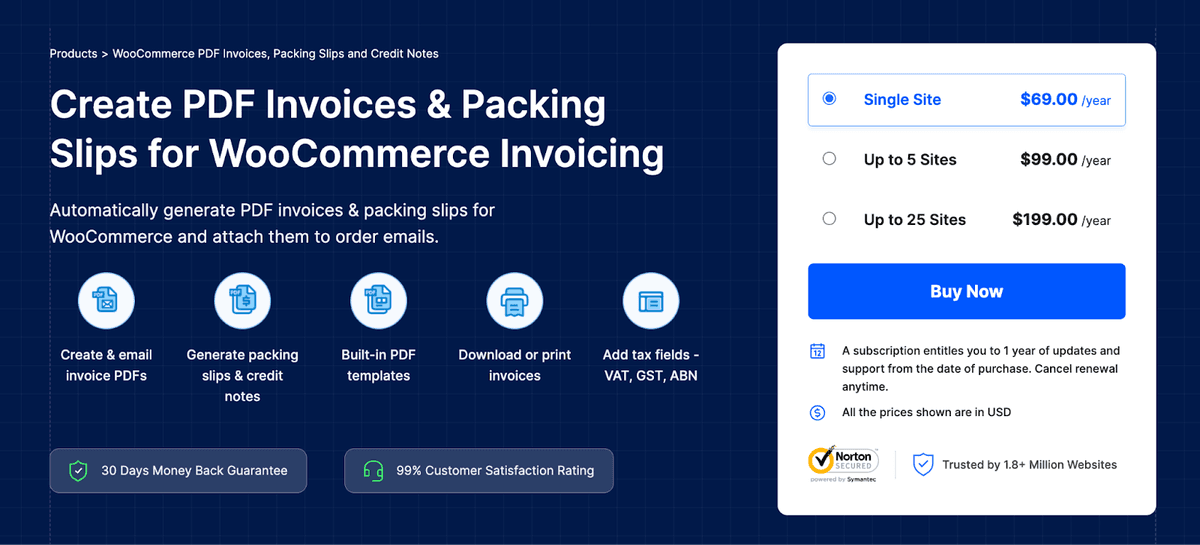
Manual invoicing is fine at five orders a week and quietly ruinous at fifty. PDF invoices & Packing Slips for WooCommerce by WebToffee generates branded, tax-compliant documents automatically when orders arrive and attaches invoices to customer emails. The free version covers core invoice generation.
Order references — Sequential Order Numbers for WooCommerce
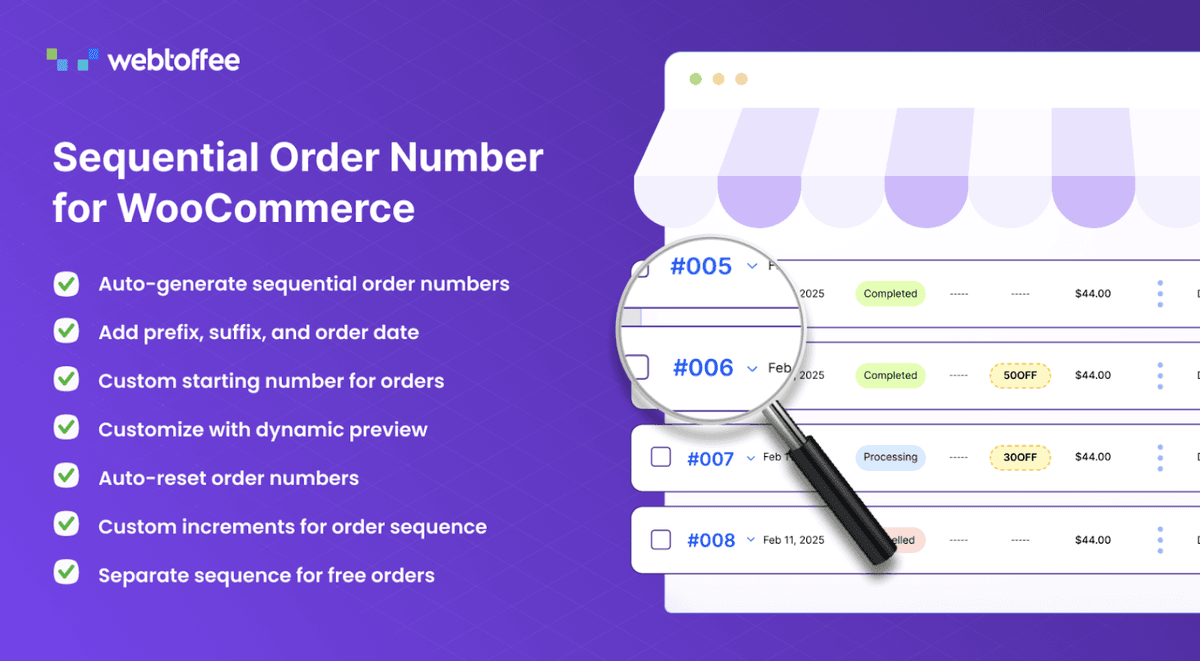
WooCommerce’s randomly generated order ID numbers make every customer service interaction and export a little awkward. However, a plug-in called Sequential Order Numbers for WooCommerce, changes these IDs into simple sequences of numbers. There is even a free version available.
Order data — Order Import Export for WooCommerce
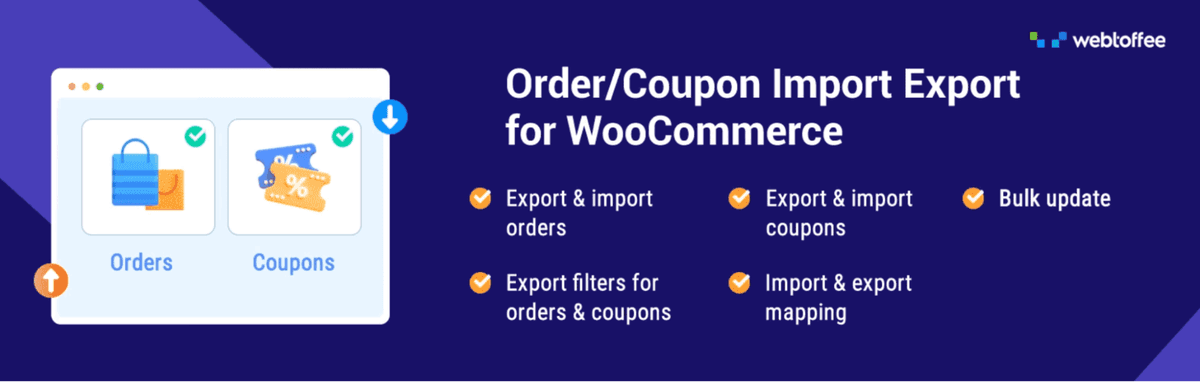
Orders data has to be moved as well – to accounting software, to the second shop or backup files. Order Import Export for WooCommerce is a plugin which exports and imports orders, subscriptions and coupons in CSV, XML, TSV and Excel formats using filters for date, status, and category with wizard import. There is a free version for basic data transferring.
Just a word about both plugins above – if you have to transfer several types of data (products, orders and customers), then the Import Export Suite by WebToffee includes all of them into one tool. Separate plugins described above will suit you in case you have to transfer just one data type.
Layer 6: Multi-Channel & Growth
What this layer does: extends your store beyond its own storefront. This is the most situational layer — essential once you're ready to sell across channels, and pure overhead if you're not there yet.
Shopping channels — Product Feed for WooCommerce
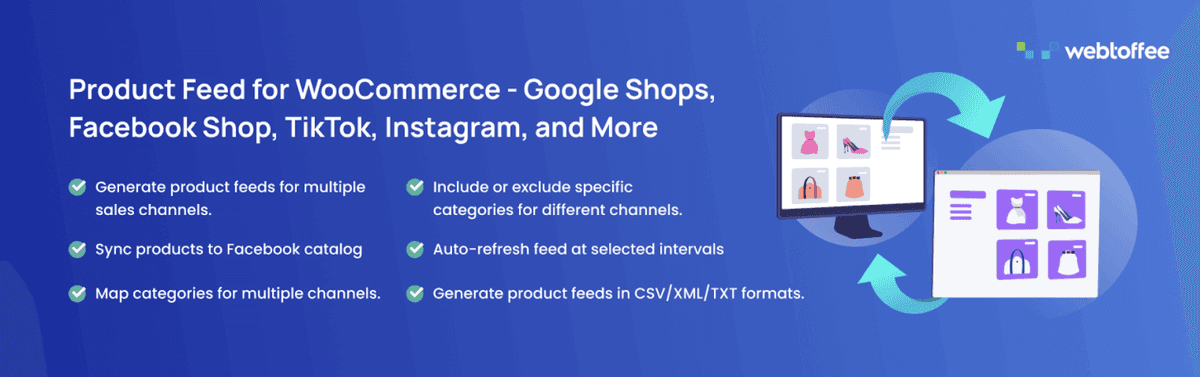
Google Shopping, Facebook, Instagram, and TikTok are all competing for your catalog with different feeds which have to be continually updated as prices and availability change. Product Feed for WooCommerce creates and auto syncs feeds for the important platforms with attributes mapped out, filtered, and scheduled. There is even a free product feed builder.
Live sales support — Tidio
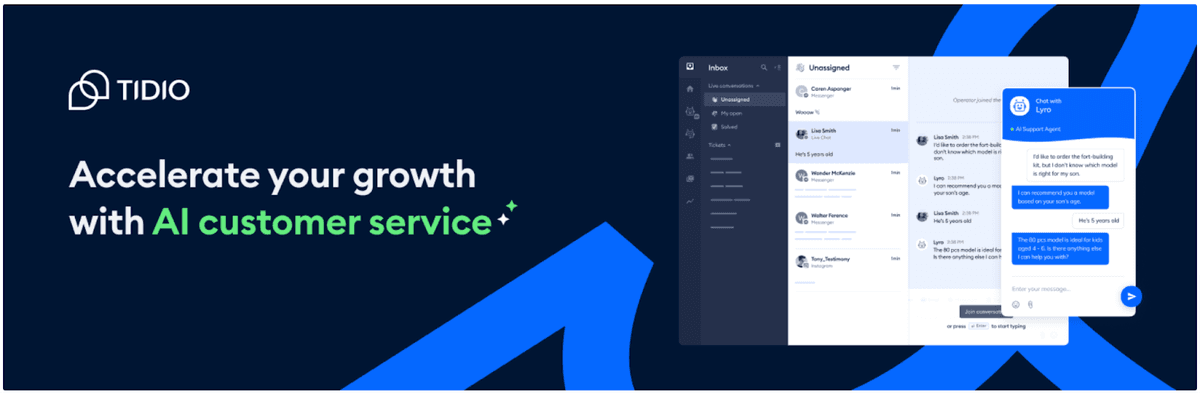
As traffic increases, pre-sales questions come quicker than email can handle. And one thing's certain – an unanswered question while a customer is shopping means a lost opportunity for a sale. The Tidio combination of live chat and AI assistant allows handling basic questions, as well as seeing the customer's order history via the WooCommerce integration. Try it free!
Reading Your Own Stack
This framework serves two purposes. First, it is a diagnostic tool as well. If you apply this checklist to your store, you will immediately understand where your strengths and weaknesses are: your business is good in some layers (storefront and payments are usually quite evident) and bad in others (compliance and operations, for example, as they are not that visible until something goes wrong).
Your priorities regarding the layers you lack are not universal. High-volume store having problems with manual invoicing needs to improve its operations layer first of all. An expanding business with ambitions to move into Europe can no longer avoid building a compliance layer. The store receiving good traffic but having just one product per order will benefit most from conversion and retention layers. The structure stays the same; the priorities are yours.
But there is one rule you must always follow: don't put any unnecessary layers on your map. Your store having 30 orders per week needs no bulk data tools, and your store selling only domestically does not require EU withdrawal tool.

Author
Ahmar Naeem Khan
Helping SaaS Brands Scale Organically | High-Authority Link Building • Strategic Outreach • Revenue-Focused SEO