6 Best AI Design Tools for E-commerce Marketing

Running an e-commerce brand means producing a constant stream of visual content. Product graphics, social media posts, email headers, promotional banners, logo assets, brand kits. The list does not stop, and neither does the pressure to make everything look professional.
AI design tools have changed what is possible here. What once required a full design team or a freelancer on standby can now be done in minutes by anyone, regardless of experience. But not every tool is built for e-commerce, and the differences become obvious once you start comparing outputs side by side. The ones worth using disappear into your workflow. The ones that do not end up costing you more time than they save.
Among the platforms built to meet this demand, Design.com stands out as the one that most naturally fits the rhythm of running a brand. This tool is fast, intuitive, and designed for operators.
This guide breaks down the best AI design tools for e-commerce marketing in 2026, starting with the one that consistently rises to the top.
| # | Tool | Best For | Free Plan | Design Quality |
| 1 | Design.com | All-in-one branding and e-commerce marketing | Yes | 10/10 |
| 2 | BrandCrowd | Logo generation and brand kits | Yes | 9.5/10 |
| 3 | Canva | General graphic design | Yes | 8/10 |
| 4 | Adobe Express | Adobe ecosystem users | Yes (limited) | 7/10 |
| 5 | Shopify Logo Maker | Ecommerce-native logo creation | Yes | 8/10 |
| 6 | Wix Logo Maker | Quick standalone logos | Yes | 7/10 |
The Six Categories We Compared
Before getting into each tool, here is what each category means for e-commerce specifically:
- Design Quality covers how polished and professional the output looks straight out of the tool. For e-commerce, visuals need to build trust immediately. Designs that look generic or unfinished cost conversions.
- Speed measures how quickly you can go from entering a business name or prompt to having a finished logo, a complete brand kit, and marketing-ready assets. For e-commerce brands launching fast, this matters.
- Quantity of Output reflects how many relevant concepts the tool generates from a single prompt. More options mean more creative range and a better final result.
- Editing Features covers both AI editing and the manual editor. The best tools let you describe a change in plain language and apply it instantly, then give you granular control when you need it.
- Additional Design Tools looks at what the platform offers beyond logos. E-commerce brands need social graphics, email banners, product flyers, business cards, and more. A platform that covers all of it saves real time and money.
- Value is about the full picture of what you get, at every price point, including the free tier.
1. Design.com — 10/10
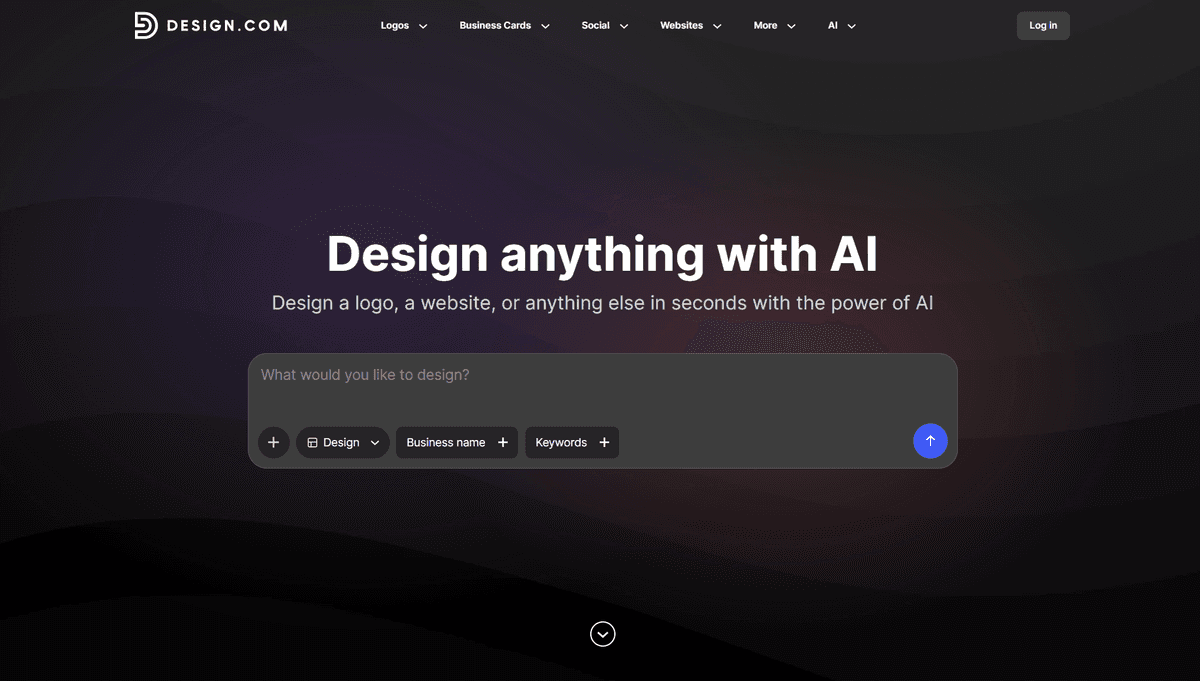
Design.com is the world's number one AI branding platform and top logo maker, holding a 4.7 Trustpilot rating from more than 3,000 reviews. For e-commerce stores that need more than just a logo, it is built to sharpen the way you work across every stage of your marketing output.
What Makes It Stand Out
The scale alone is hard to match. Design.com holds the world's largest library of logo templates, with over 400,000 options and more than 1 million total design assets across the platform. That library is backed by:
750+ fonts, including 525 exclusives unavailable anywhere else
62,000+ custom vector shapes and icons
Every logo individually checked for originality and commercial safety.
The suite is advanced enough to produce genuinely professional results, but intuitive enough that no design background is needed.
Here are samples generated by Design.com using our prompt, “SmartShop” as the business name, with “ecommerce” as the keyword. After entering it, a wide range of templates instantly appeared, reinforcing the idea that you’ll never run out of options.
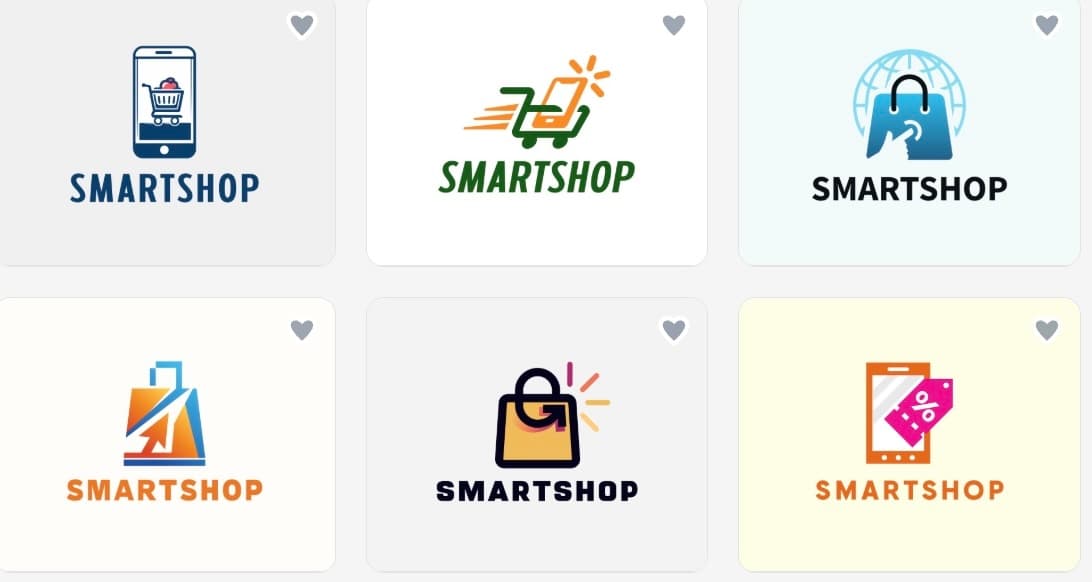
Quantity: Thousands from One Prompt
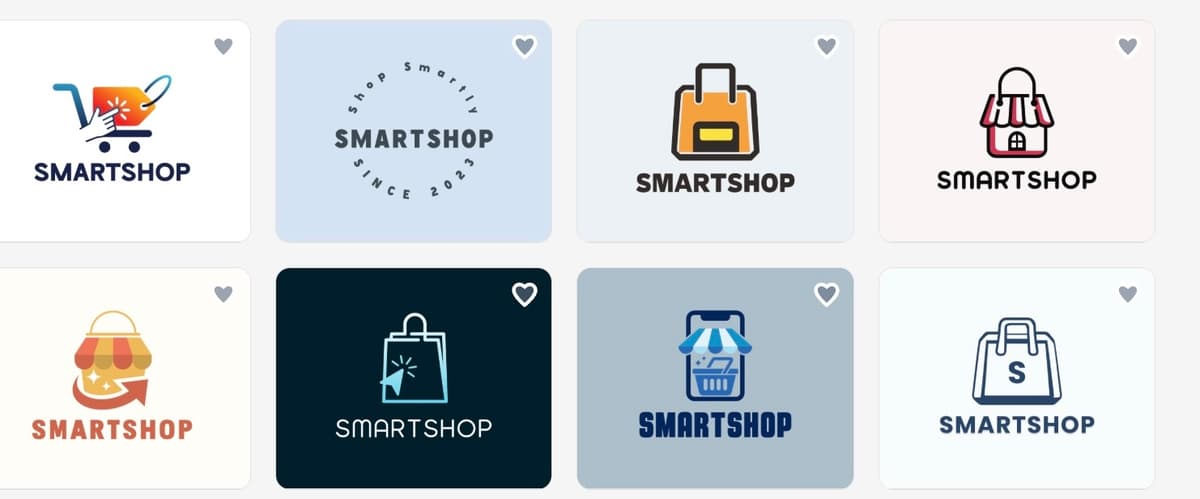
Where most tools return a handful of concepts, Design.com returns thousands. That volume gives ecommerce marketers genuine creative range, enough to explore directions they had not considered while staying brief.
Let’s explore the second page of designs produced in a flash.
Editing: Two Layers, Both Strong
The AI editor responds to plain-language prompts and applies changes immediately
The manual editor gives full control over every element, from spacing to color values, without requiring any design experience.
Together they serve both the user making one quick adjustment and the one rebuilding a concept entirely.
As shown in the image, the AI editor streamlines the entire editing process, making it quick and efficient from start to finish. We simply instructed it to modify the logo by incorporating a box and a truck, and the result matched the request perfectly.
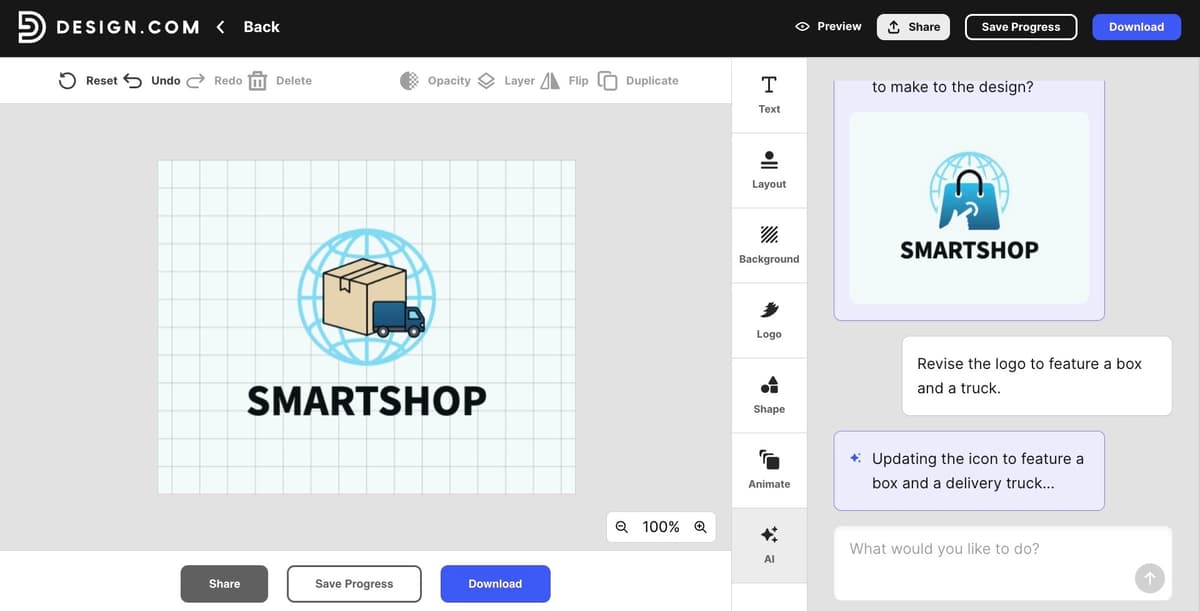
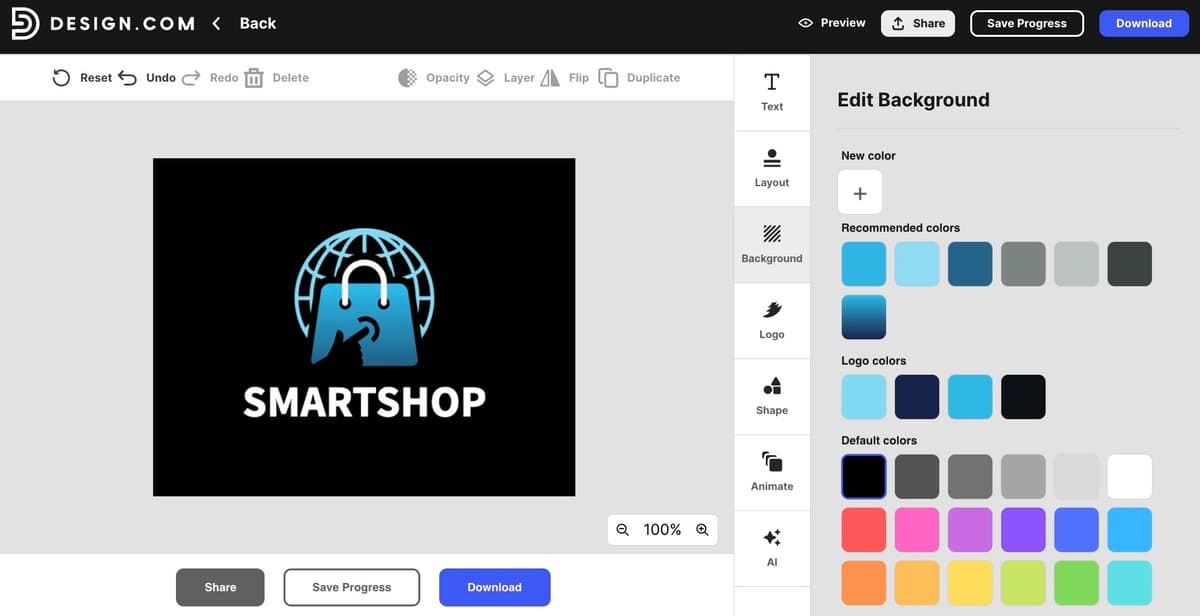
When it comes to manual adjustments, such as changing the background color, updating fonts, or modifying the overall theme, the process remains simple and user-friendly.
Design Quality: Outstanding
The assets Design.com produces are not drafts to refine. They come out finished, carrying the kind of visual credibility that helps ecommerce brands convert browsers into buyers. Every logo is exclusive to the platform, created by designers from around the world and built on proprietary fonts, custom vectors, and advanced AI.
For sellers competing in crowded categories, that originality is a tangible advantage. Every design is also 100% commercially safe, with no licensing concerns or third-party rights to navigate.
Speed: The Fastest Available
From entering a business name to receiving a full logo with a matching brand kit, the turnaround is near-instant. As said, the AI generates thousands of concepts, with colors, fonts, and supporting brand assets ready the moment a design is selected. No extra steps, no separate setup required.
Additional Tools: The Most Complete Set Available
This is where Design.com separates itself from every other platform on this list. Beyond logos, it includes:
AI website builder
AI business name generator
Social media graphics, email headers, product flyers, posters, and presentations
50+ design tools, all under one roof
This platform is also the only logo maker in the world to offer extended licenses, allowing customers to remove templates from the library entirely for exclusive use.
Value: Competitive at Every Tier
Paid plans start at $3 per month billed annually, the lowest entry point of any comparable all-in-one platform in this category. The free tier functions as a genuine starting point, not a preview designed to force an upgrade.
2. BrandCrowd — 9.5/10
With a 4.8 Trustpilot rating from more than 9,000 reviews, BrandCrowd has earned its place as one of the more intelligent AI logo makers available. Its strength lies in how seamlessly AI runs through the entire creative process, from generating a logo design to applying brand colors across a full suite of marketing materials without any manual input.
The library is substantial: over 380,000 exclusively designed logo templates, all created by professional designers and available only through BrandCrowd. The range spans every industry imaginable, and the editor is accessible enough that no design background is needed to get strong results.
Speed: Fast, with a Few Extra Steps
Logo concepts arrive quickly after entering a business name and industry. Brand kit generation is available and straightforward, though pulling everything together for ecommerce use involves slightly more manual steps than some competing platforms. Still fast by any reasonable standard.
BrandCrowd stands out for its speed, making the generation process smooth and efficient. It lets you explore multiple design options with ease.
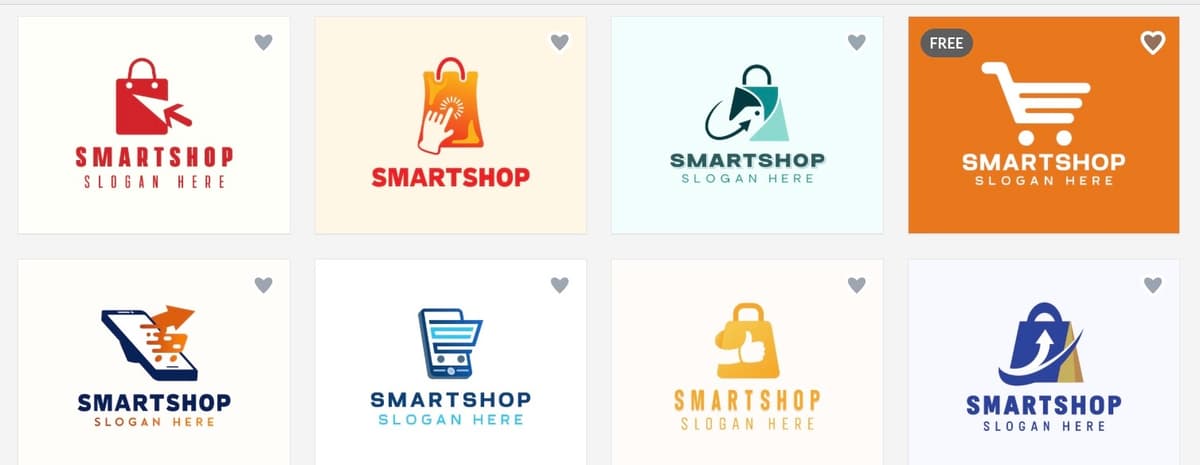
Here are the results generated using “SmartShop” as the business name and “ecommerce” as the keyword.
Design Quality: Professional, With Room to Refine
BrandCrowd produces consistent, visually distinctive outputs drawn entirely from exclusive assets. The quality sits well above what generic platforms deliver. That said, designs occasionally benefit from a light round of editing before they are fully ready to publish, making it a strong option for brands comfortable with minor refinements rather than those who need final-ready output from the first generation.
Quantity: Solid Range, Focused Selection
BrandCrowd surfaces a curated selection of concepts rather than flooding the screen with options. For users who find large volumes of choices overwhelming, that focused approach works well. Those who prefer to explore widely before committing may find the range more limited than expected.
Editing: AI Chat Is the Standout Feature
The most distinctive thing about BrandCrowd's editor is the AI chat interface. Users describe what they want changed in plain language and the AI applies it, with every edit kept copyright safe through a custom-trained model. The drag-and-drop manual editor sits alongside it for users who prefer direct control.
- AI chat editing via natural language prompts
- Drag-and-drop manual editor requiring no design experience
- All edits remain commercially safe by default.
Additional Tools: Covers What E-commerce Needs
BrandCrowd includes the core tools most ecommerce brands use regularly:
- Social media templates and brand kit assets
- Free website builder and link-in-bio creator unlocked with any free logo download
- Export formats covering SVG, EPS, PDF, PNG, JPG, GIF, MP4, icon-only, and transparent backgrounds.
Value: Generous Free Tier
Free logos and templates are available to customize and download without a subscription. Paid plans start at $5 per month billed annually, sitting slightly above the lowest price point in this category but remaining competitive for the breadth of tools included.
3. Canva — 8/10
Canva is the most widely used general design tool in the world and a staple in many e-commerce marketing workflows. Its template library is broad, the interface is approachable, and it covers most of the formats online sellers regularly need.
Design Quality: Variable
Template quality varies across the library. Strong designs exist, but they share space with a high volume of generic layouts that need extra editing to feel distinctive. For e-commerce brands, more curation time is typically needed to get outputs to a publishable standard.
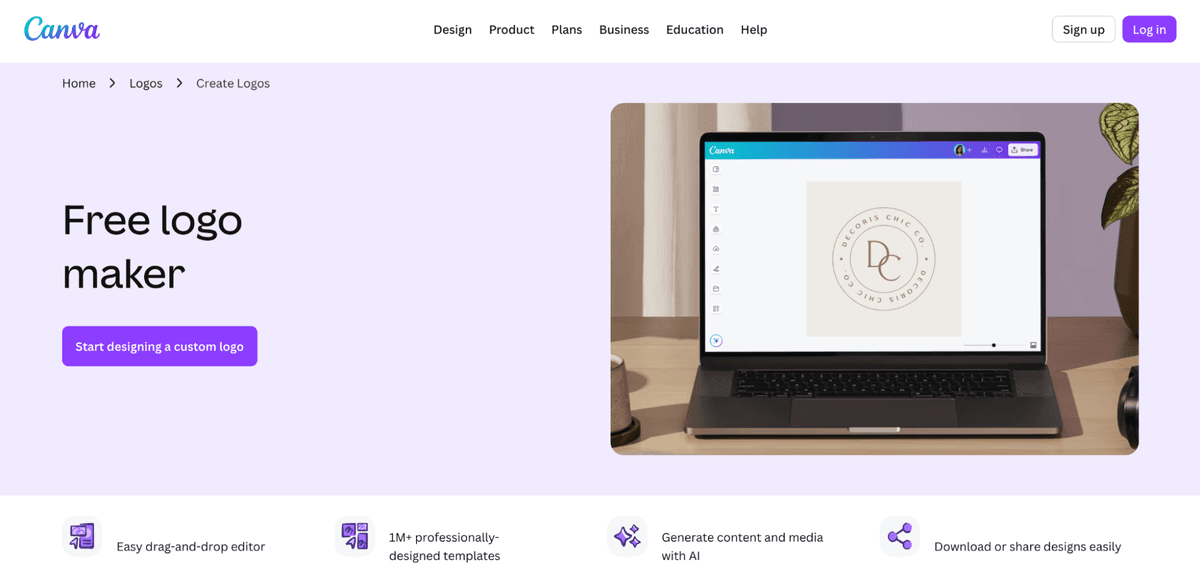
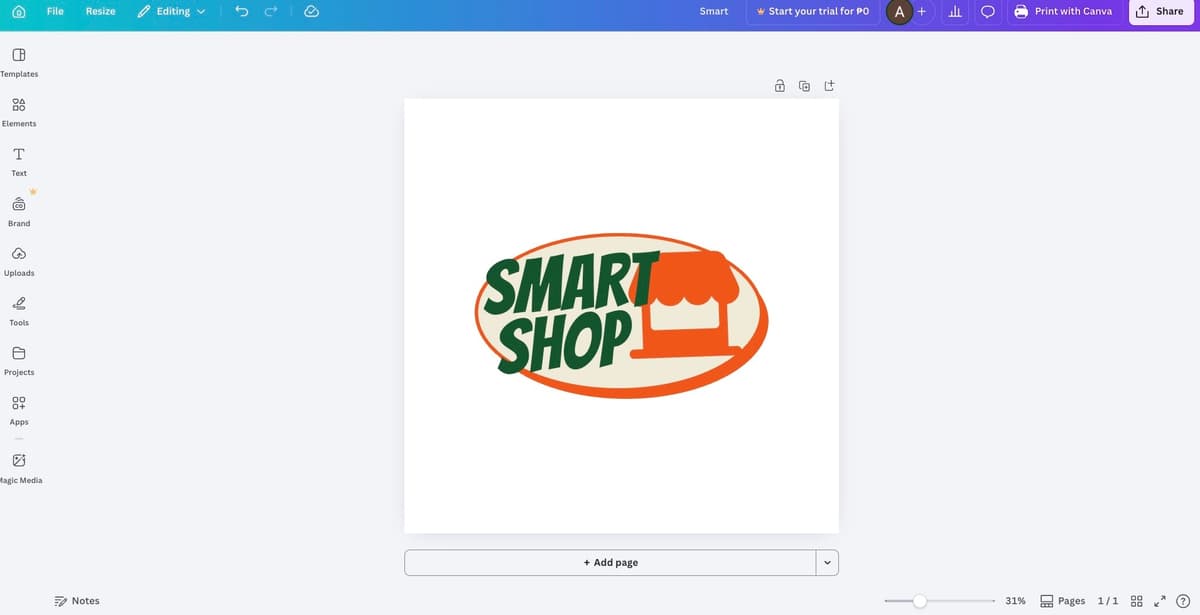
Here’s an example of a logo generated by Canva.
Speed: Decent for Templates, Less So for Branding
Finding and customizing a social graphic or email header is quick. Logo creation and brand kit generation are functional but less streamlined, with AI tools that are more limited at comparable price points.
Quantity: Large Library
Template volume is a genuine strength. Finding something usable is rarely a problem, though finding something that fits a specific brand aesthetic takes more filtering.
Editing: Accessible, With Some Restrictions
The editing experience is beginner-friendly. AI features like background removal and text generation are available but metered on the free plan.
Additional Tools and Value
Canva covers social media graphics, presentations, video, print, and websites. Branding consistency tools and brand kit features sit behind the Pro subscription at $15 per month. For straightforward content creation it does the job, though brands needing consistent end-to-end branding output may find the free tier limiting.
4. Adobe Express — 7/10
Adobe Express suits ecommerce marketers already working inside the Adobe ecosystem. It integrates cleanly with Photoshop, Illustrator, and other Adobe products, making it a natural addition to larger brand and agency workflows.
Design Quality: Consistent
Templates reflect Adobe's design standards. The library is more curated than expansive, which works for users who know what they want but limits exploration for brands that need a wide range of options quickly.
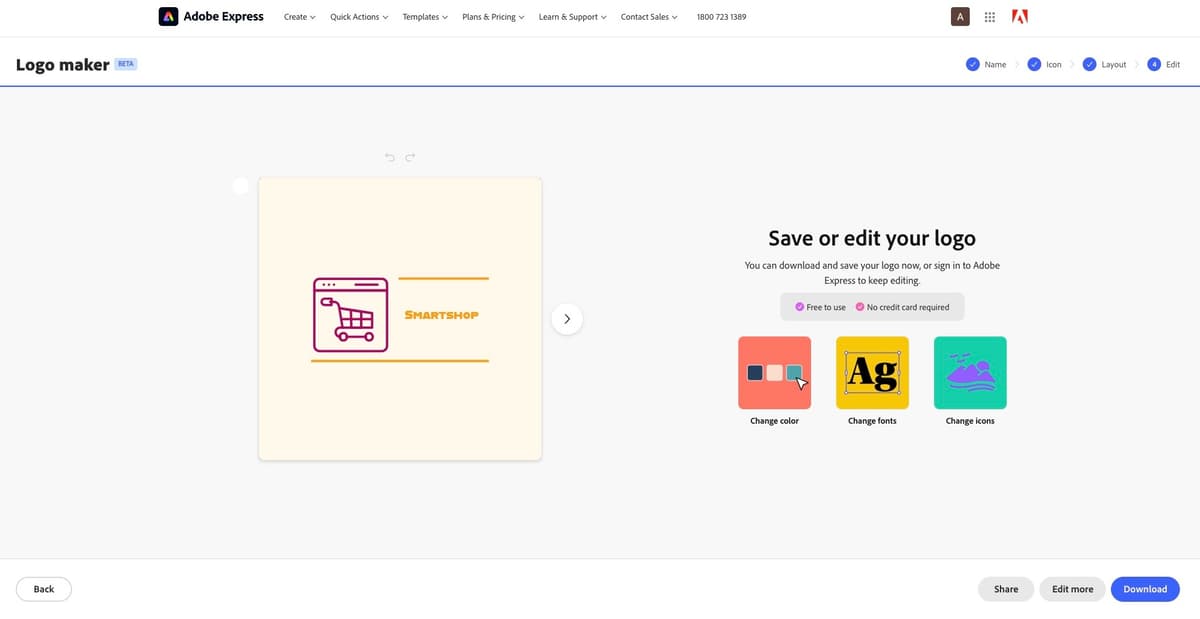
This is a sample AI logo created using the tool.
Speed: Moderate
Getting from a business name to a complete brand identity takes more steps than on dedicated branding platforms.
Quantity: Smaller, More Curated
The template library prioritizes quality over volume, which can be a practical limitation for brands in the early exploration stage.
Editing: Capable
Editing is solid, particularly for those familiar with Adobe's interface. Firefly AI features are useful, but run on a credit system that restricts usage on lower-tier plans.
Additional Tools and Value
Covers social graphics, PDFs, video, and print-format designs. The free plan has meaningful restrictions around AI credits and export options. The paid tier sits at $10 per month.
5. Shopify Logo Maker — 8/10
Shopify Logo Maker is built for Shopify merchants focused on getting a basic brand mark in place quickly, with no design experience required.
Design Quality: Basic
Outputs are simple and functional. The style range is narrow and designs lack the distinctiveness that dedicated branding platforms deliver.
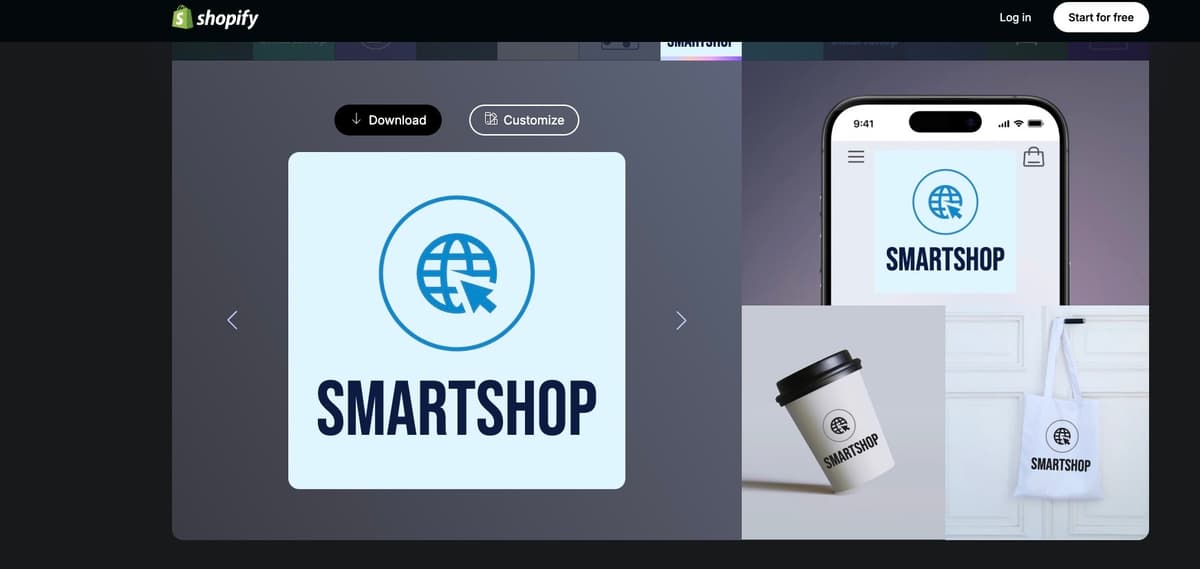
This is a sample logo output from the platform.
Speed: Straightforward
Logo generation is quick. Building out anything beyond a basic mark requires additional manual work.
Quantity: Limited
Generates a modest selection of concepts per prompt, which restricts creative exploration at the early stages.
Editing: Minimal
Covers standard adjustments like colors, fonts, and icon swaps. Does not go much further than surface-level changes.
Additional Tools and Value
Logos connect directly to Shopify store branding, which is useful for merchants already on the platform. Outside of that integration the toolset is limited. Free for Shopify users, but brands with broader design needs will find it falls short fairly quickly.
6. Wix Logo Maker — 7/10
Wix Logo Maker is a basic option for ecommerce founders who need a standalone logo quickly and are already building on the Wix platform. Outside of that context it is hard to make a strong case for it over the other tools on this list.
Design Quality: Templated and Generic
Output quality and originality are noticeably lower than dedicated branding platforms. Designs frequently feel templated, which is a real limitation for ecommerce brands where visual distinctiveness matters.
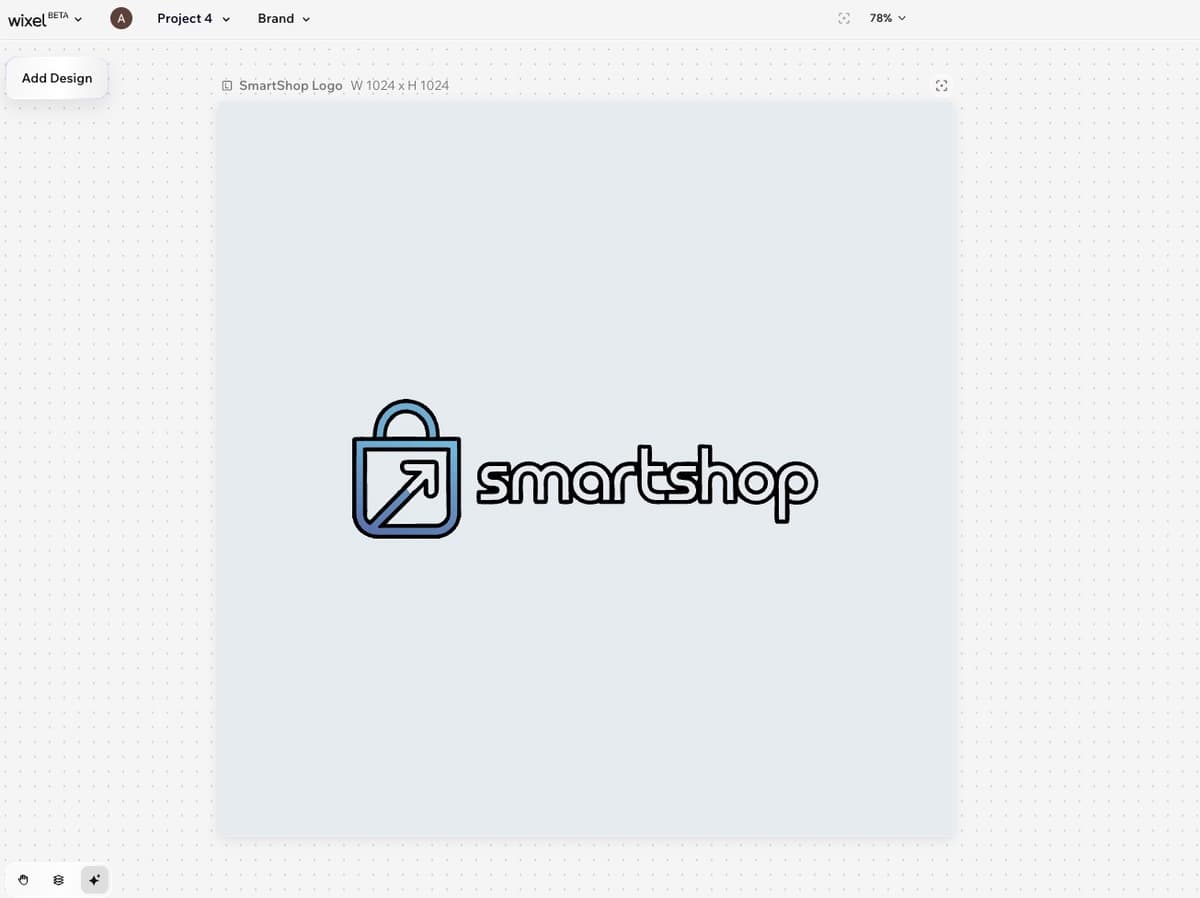
Here’s a sample output of a logo generated by Wix.
Speed: Fast for a Basic Output
Getting from a business name to logo concepts is quick. Building anything beyond that takes considerably more manual effort.
Quantity: Limited
The number of concepts generated per prompt is low, which restricts creative range and increases the likelihood of settling for something adequate rather than something right.
Editing: Surface Level
Covers basic adjustments but lacks depth. Users who want to refine beyond standard changes will find the editor restrictive fairly quickly.
Additional Tools and Value
Connects naturally to the Wix website builder, which is its main contextual use case. Free to design and preview, with download packages starting at $12.99.
Final Thoughts
The best AI design tool for e-commerce marketing is the one that fits your workflow and helps drive online sales. Again, not every platform on this list is built for the same job. Across six tools, the differences in template libraries, AI capabilities, export options, licensing terms, and pricing are bigger than most people expect.
When you weigh everything up, Design.com is the one that fits best. From the depth of the template library to the speed of brand kit generation, the quality of AI editing to the breadth of export formats, it holds up at every stage. For e-commerce businesses serious about building a brand that looks the part and stays consistent across every channel, it is the natural place to start and the hardest one to outgrow.

Author
Faviola Publico
Faviola Publico is a digital marketing specialist and SEO content writer. She specializes in branding, design, and marketing strategy content, helping B2B and B2C brands build stronger brand identities.