The Best AI Tools for Ecommerce Social Media Marketing (By Use Case)

Running an ecommerce store today means you are also running a content machine. You need social posts, branded graphics, ad creatives, and a consistent visual identity across every platform your customers use. That is a lot to manage, especially if you are doing it on your own or with a small team.
AI tools have changed what sellers can do. What used to take a designer hours can now be done in minutes. The hard part is no longer making content. It is knowing which tool to use.
This guide breaks down the best options by use case so you can skip the guesswork and find the right fit.
Summary Table
Tool | Best For | Pricing | Key Strength | Ease of Use |
Design.com | Small businesses and solo sellers | Free templates available to browse, edit, and download; Paid plans from $3/month | Complete AI branding platform with 50+ tools | Very easy |
BrandCrowd | Freelancers and side hustlers | Free templates available to browse, edit, and download; paid plans from $3/month | 1M+ templates with fast AI generation | Very easy |
Canva Pro | Agencies and teams | Freemium | Team collaboration and brand kits | Very easy |
AdCreative.ai | Paid social ad creative | Paid | AI-optimized ad creative with performance scoring | Moderate |
VistaCreate | Budget-conscious and new sellers | Free | Wide template library at zero cost | Very easy |
#1 Design.com — Best for Small Businesses and Solo Sellers
Rating: 10/10
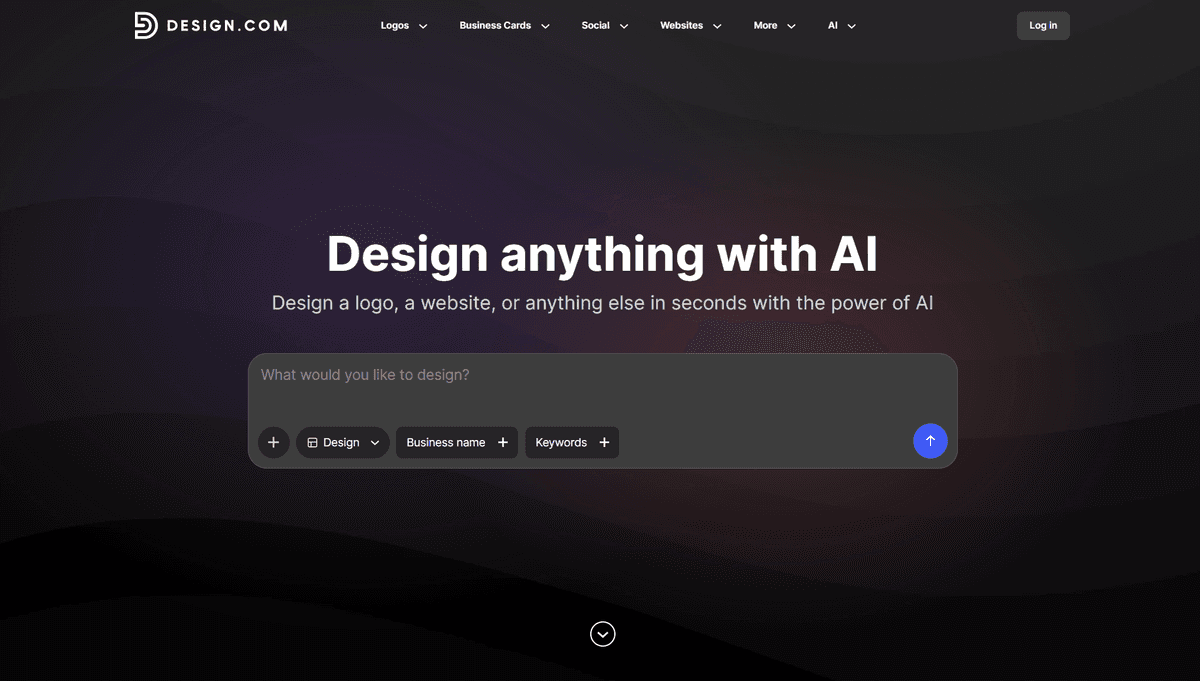
What it is
Design.com is the most complete AI design and branding platform available for ecommerce sellers today. It brings together logo creation, website building, social media content, print materials, and business tools under one platform, so you can juggle just one subscription and build and manage everything from one place.
If you sell at markets, pop-ups, or trade shows, the AI business card generator is worth trying on its own. It produces print-ready, branded cards in minutes, with no design experience required.
Who it is best for
Design.com works well for Shopify or Etsy sellers building a brand from scratch who want a professional look fast. It is also a strong fit for small business owners who sell both online and in person, since the platform covers digital and print assets equally well.
Key features
- AI logo generator and complete brand identity builder
- Over 50 design tools in one unified platform
- Social media content creation for Instagram, Facebook, LinkedIn, and YouTube
- Website builder with branding, images, videos, and contact forms
- AI business card generator for events, markets, pop-ups, and trade shows
- Link-in-bio pages, domain names, and other digital business tools
- Flyers, posters, menus, letterheads, and print materials
- Free templates available across all design categories
- Downloads in PNG, JPG, SVG, EPS, and PDF for both digital and print use
- Automatic brand consistency applied across all assets
- Commercial usage rights are included on all designs
- 24/7 customer support
What makes it stand out
Once you set your logo, colors, and fonts, the platform automatically applies them to every new design you create. No manual hex code matching and no re-uploading your logo every session. It is also genuinely beginner-friendly. You can go from a blank page to a finished logo, a social media post, and a business card in the same session, even if you have never touched a design tool before.
What Design.com looks like in practice
Picture a small skincare brand named “Serenity Skin Co.” The owner enters the business name and a few keywords, and Design.com generates a full set of logo options in seconds, just like the ones below:
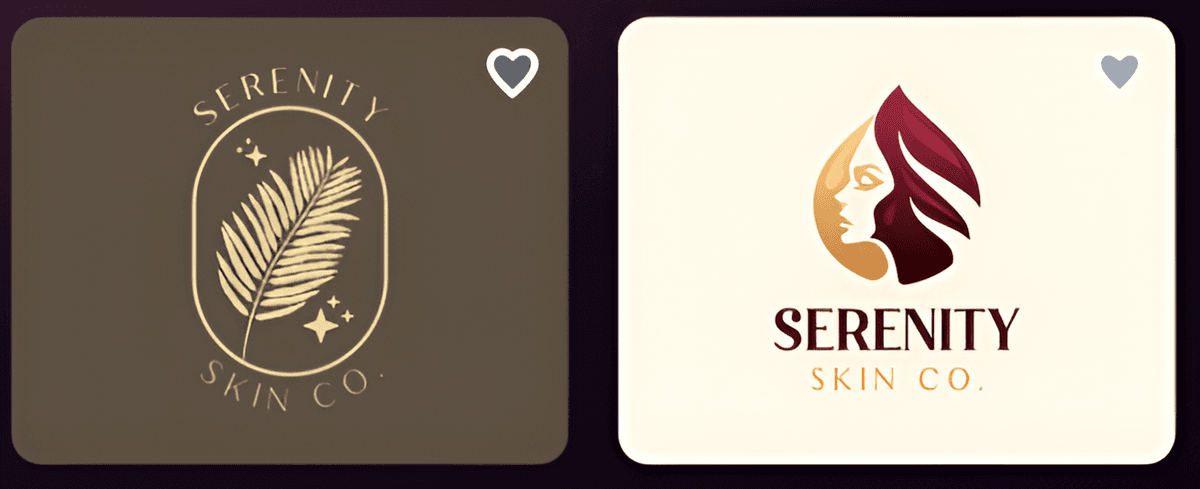
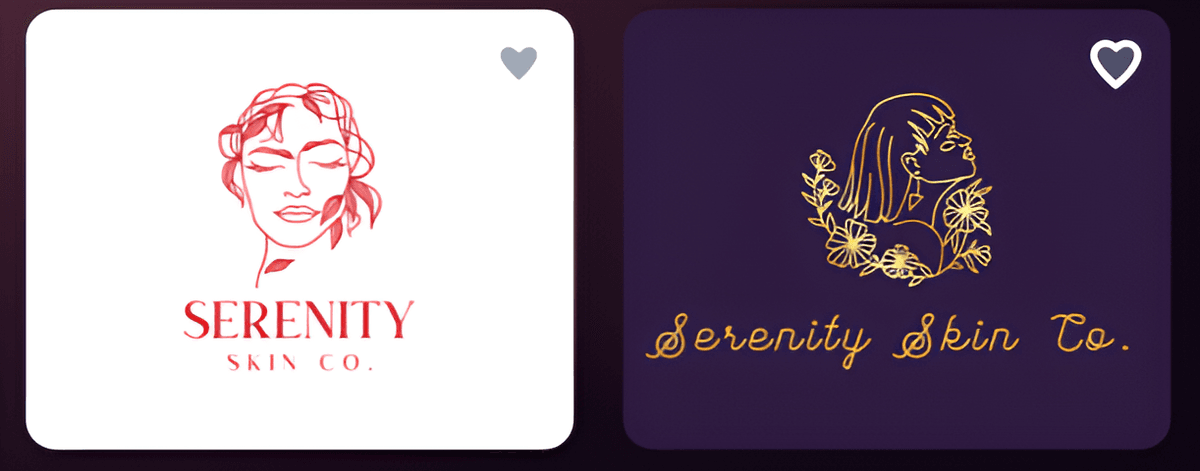
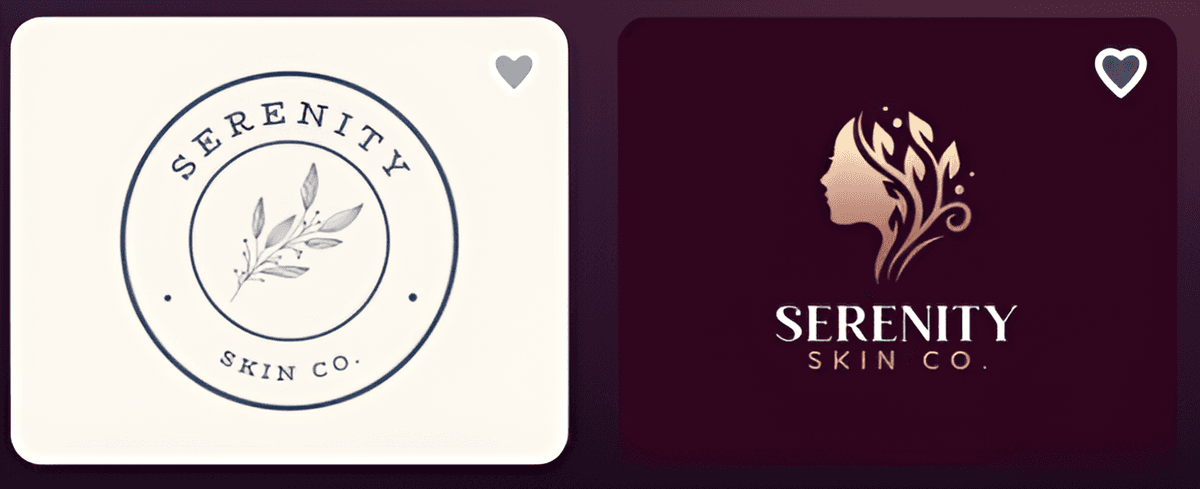
Once selected, the font and color are tweaked, and the platform automatically applies that branding to an app layout, a business card, a website header, a poster, and so much more!
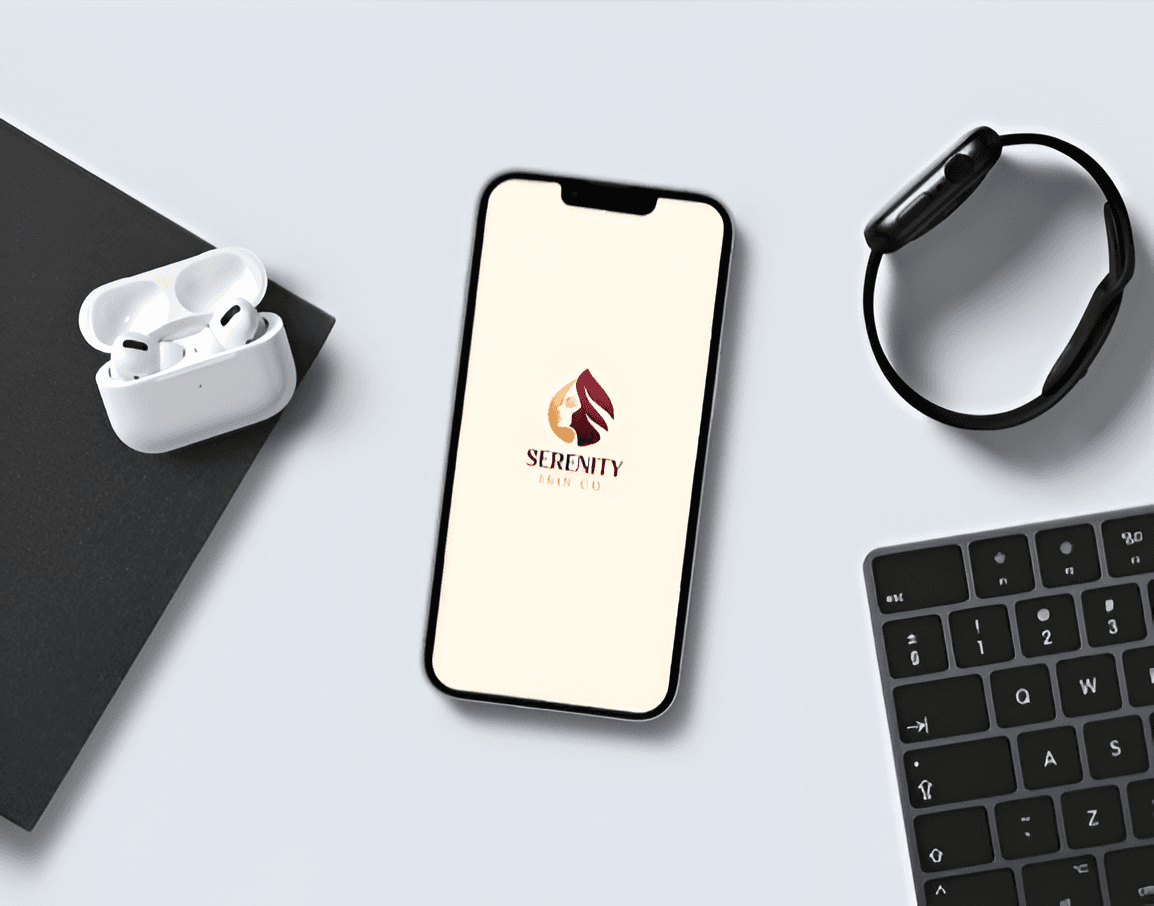
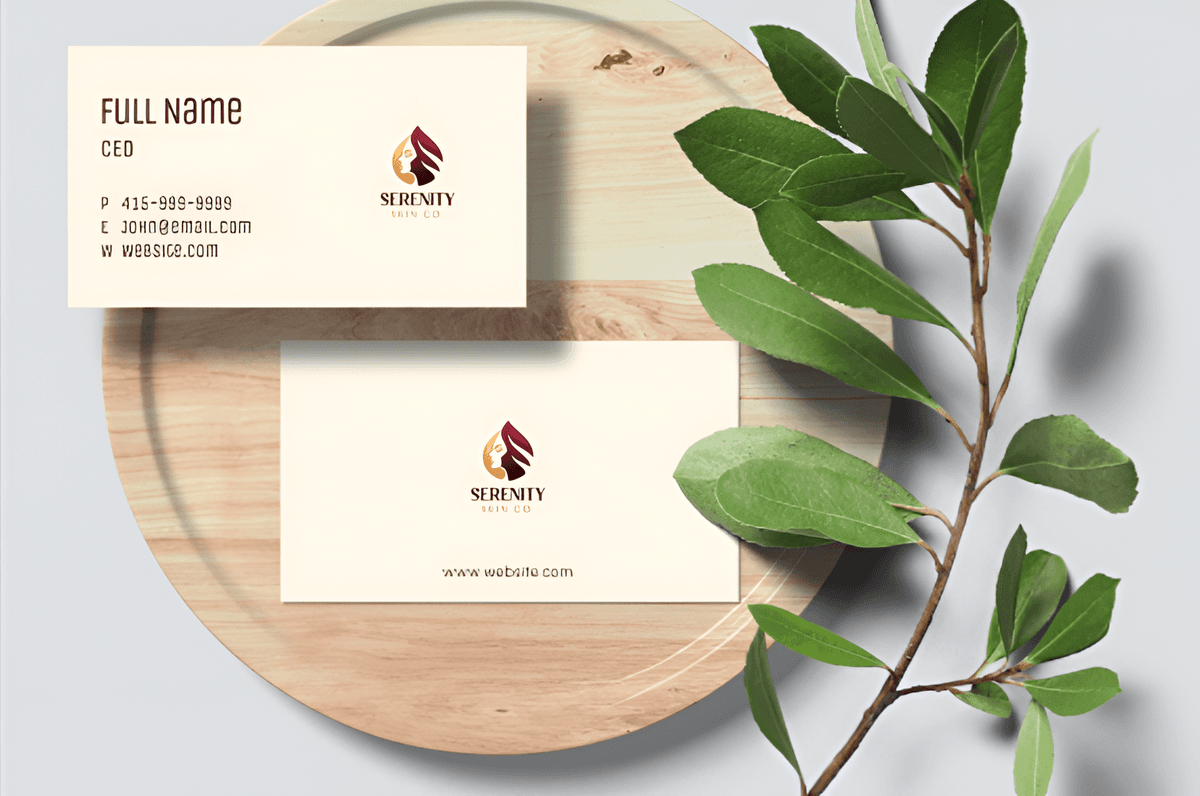
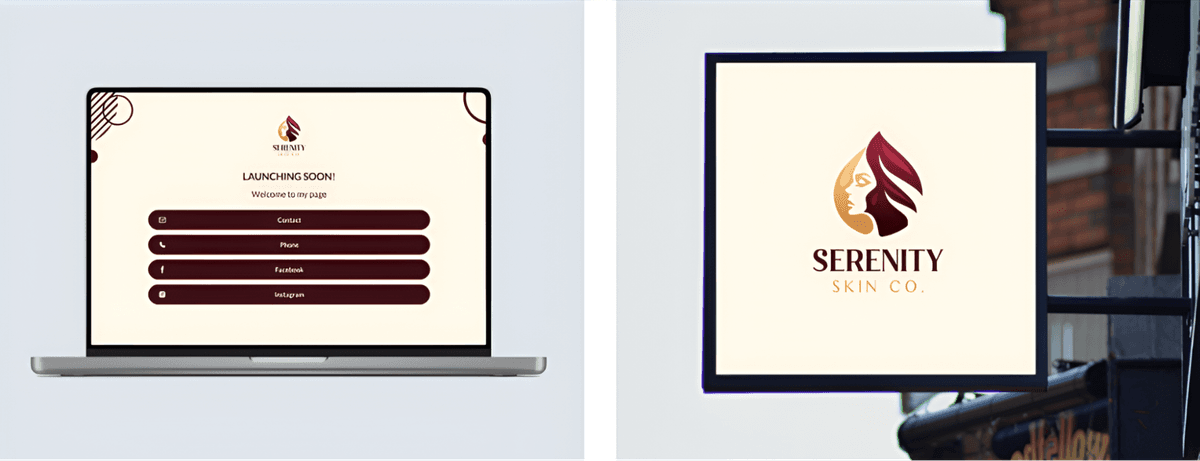
Within an hour, there is a logo, a ready‑to‑publish homepage, a social media graphic, and a printable card for the next market. All matching, all professional, all done without leaving the platform.
#2 BrandCrowd — Best for Freelancers and Side Hustlers
Rating: 10/10
What it is
BrandCrowd is one of the best-stocked branding platforms, pairing AI-generated design with a library of over 1 million professionally created templates. It covers logos, social media content, websites, flyers, presentations, QR codes, and more. It also has a business card maker that lets you design, customize, and order printed cards with delivery.
Who it is best for
BrandCrowd is a natural fit for freelance social media managers who handle multiple ecommerce clients simultaneously. It also works well for side hustlers and independent creators who want polished output without a steep learning curve.
Key features
- Over one million design templates created by professional designers worldwide
- AI logo and design generation based on business name and keywords
- Social media content tools covering Instagram, Facebook, LinkedIn, TikTok, and YouTube
- Business card maker with full customization and print delivery options
- Digital business cards, invoices, email signatures, and link-in-bio pages
- Flyers, posters, presentations, and QR codes
- Downloads in PNG, JPG, SVG, EPS, and PDF for web and print
- Free templates available and downloadable in all file formats
- Unlimited customization within the design editor
- Automatic brand color and logo application across assets
- Print and merchandise options, including apparel and promotional materials
- Commercial usage rights are included on all designs
- 24/7 customer support via chat and email
What makes it stand out
With over a million templates spanning every industry and aesthetic, you can keep each client's content looking completely distinct without starting from scratch every week. Brand colors and logos carry over automatically, so consistency holds even when you are moving fast across several accounts. Designs are generated in seconds, and the editing tools are easy enough to pick up without any training.
What BrandCrowd looks like in practice
Imagine a boutique fitness studio called “Pulse & Flow.” By entering the business name and a few keywords, BrandCrowd instantly opens up a massive library of logos, social media graphics, flyers, and business card templates. To show the range, here are some logo samples generated by the platform:
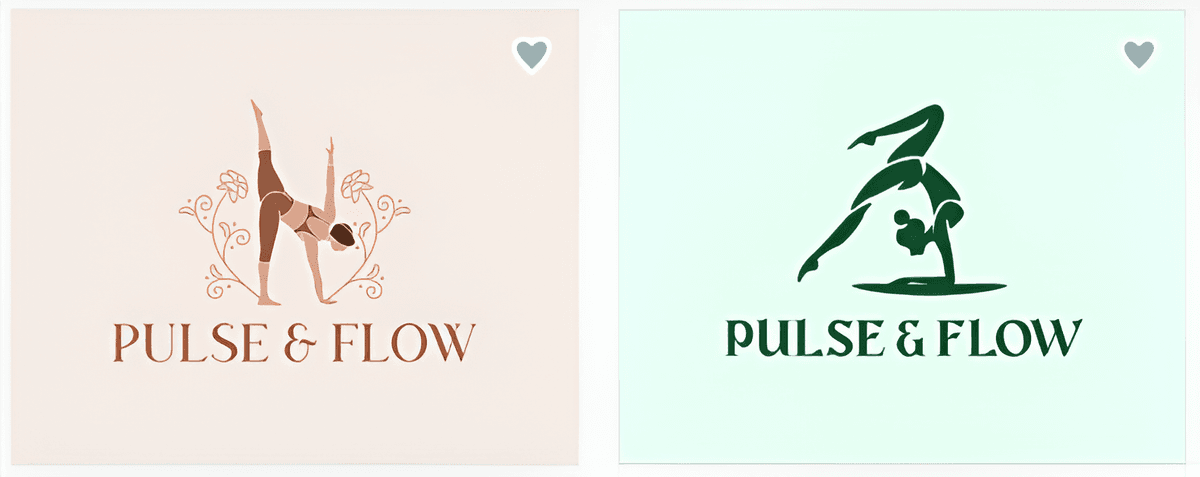
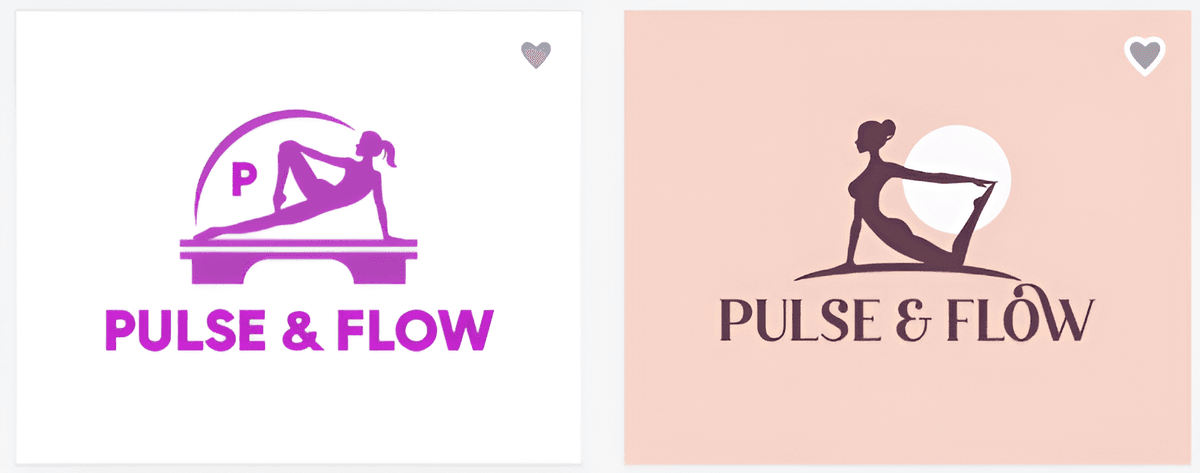
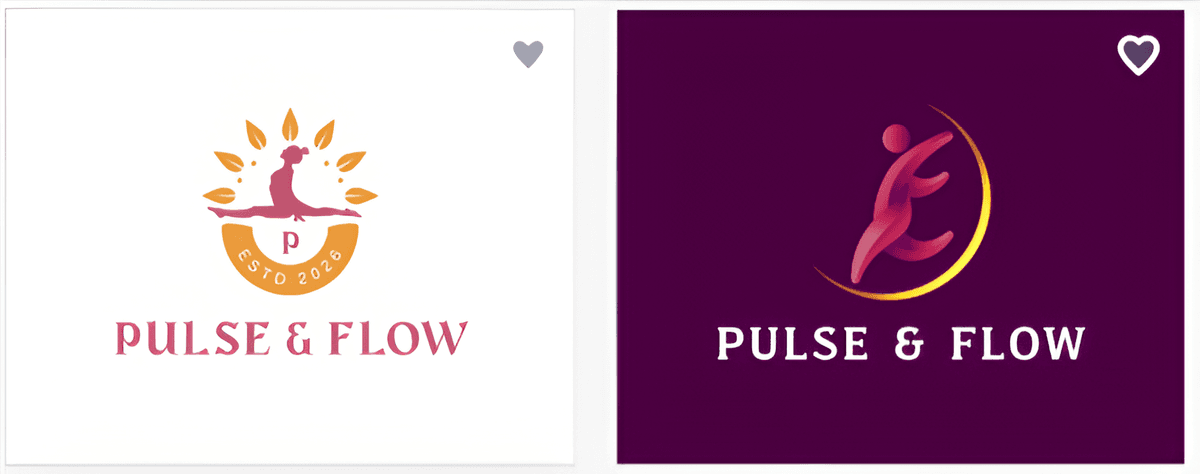
Rather than walking you through a single design path, BrandCrowd presents dozens of ready‑made options across styles and industries. You can browse, filter, and customize until you find the designs that fit your brand’s personality, then apply your colors and fonts to keep everything consistent.
#3 Canva Pro — Best for Agencies Managing Multiple Ecommerce Clients
Rating: 8/10
What it is
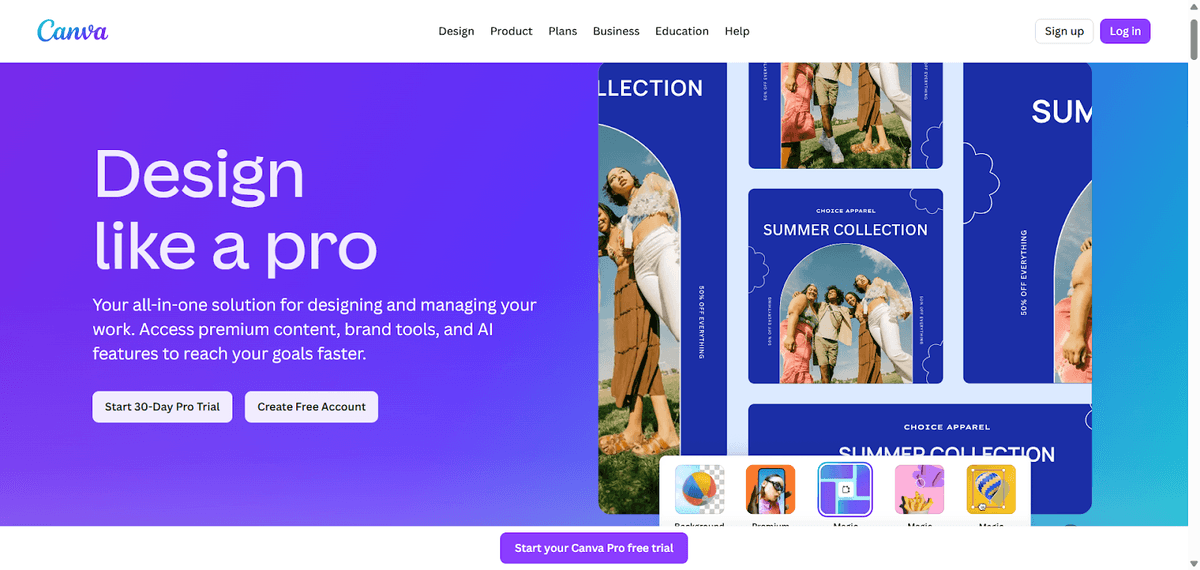
Canva is a web-based design platform with a large template library, a drag-and-drop editor, and team collaboration features. The Pro plan adds brand kits, bulk creation tools, and content scheduling built for users managing multiple accounts or working in teams.
Who it is best for
Canva Pro works best for marketing agencies managing social media for several ecommerce brands at once, and for in-house teams where multiple people work on brand assets together.
However, it is not built for solo sellers or full brand creation from scratch. Its print options are more limited than those on platforms that specialize in physical brand assets.
Key features
- Brand kit tools to lock in colors, fonts, and logos per client
- Team collaboration with shared folders and simultaneous editing
- Large template library across all major social media formats
- Bulk content creation for high-volume output
- Background remover and AI-assisted design features
What Canva Pro looks like in practice
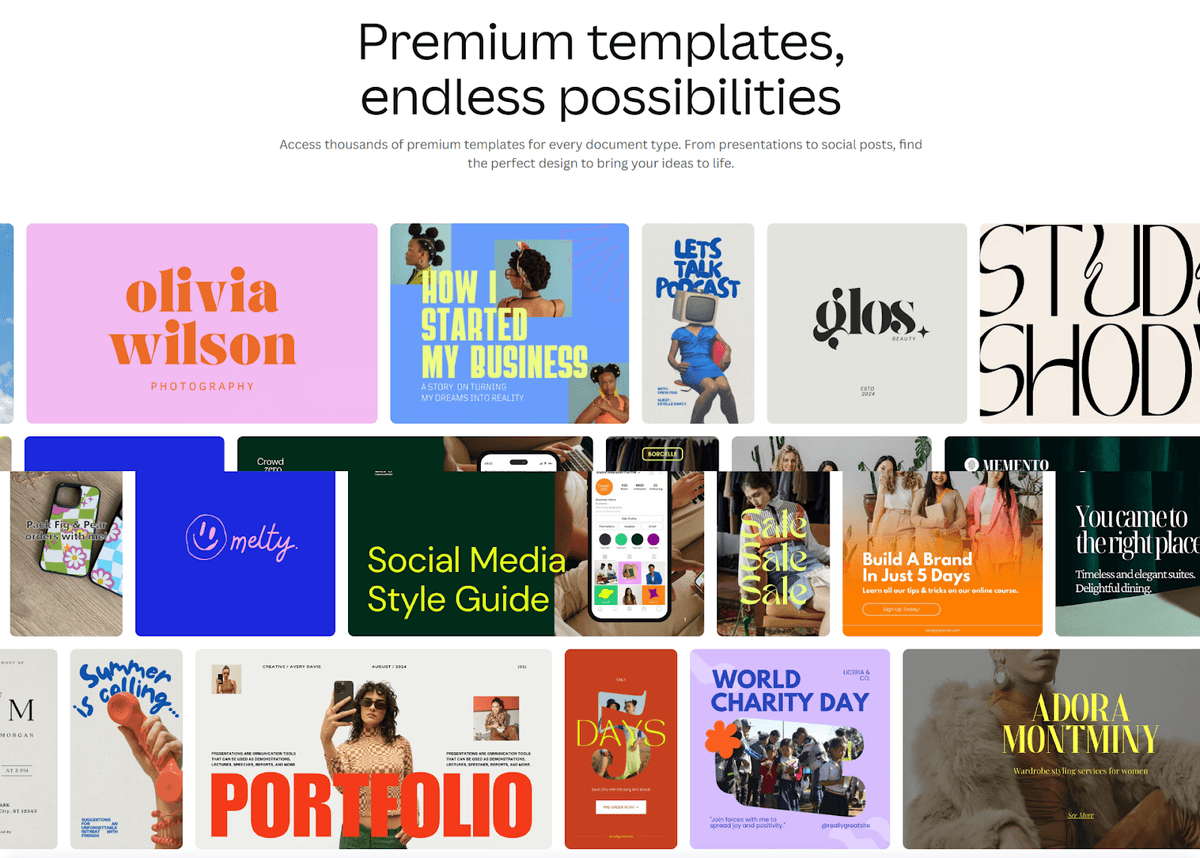
Canva Pro has a wide range of templates for social media posts, stories, presentations, and marketing materials. Agencies can set up brand kits for each client, organize assets in shared folders, and use the scheduler to plan posts in advance.
#4 AdCreative.ai — Best for Ecommerce Brands Running Paid Social Ads
Rating: 7/10
What it is
AdCreative.ai is an AI platform that generates ad creatives for paid social and search campaigns. Its entire purpose is to help brands produce ad visuals that are more likely to convert.
Who it is best for
AdCreative.ai is best for DTC ecommerce brands running active paid campaigns on Meta, TikTok, or Google, and for ecommerce marketers who need to test many ad variations without spending hours in a design tool.
Still, AdCreative.ai is not a general design tool and has limited use outside of paid ads. Sellers who need logos, social posts, or print materials will need another platform in addition to it.
Key features
- AI-generated ad creatives built for conversion performance
- Performance scoring to predict which creatives will perform best
- Generates multiple ad sizes and format variations at once
- Integration with Meta Ads, Google Ads, and other platforms
- Copy and headline suggestions alongside visuals
What AdCreative.ai looks like in practice
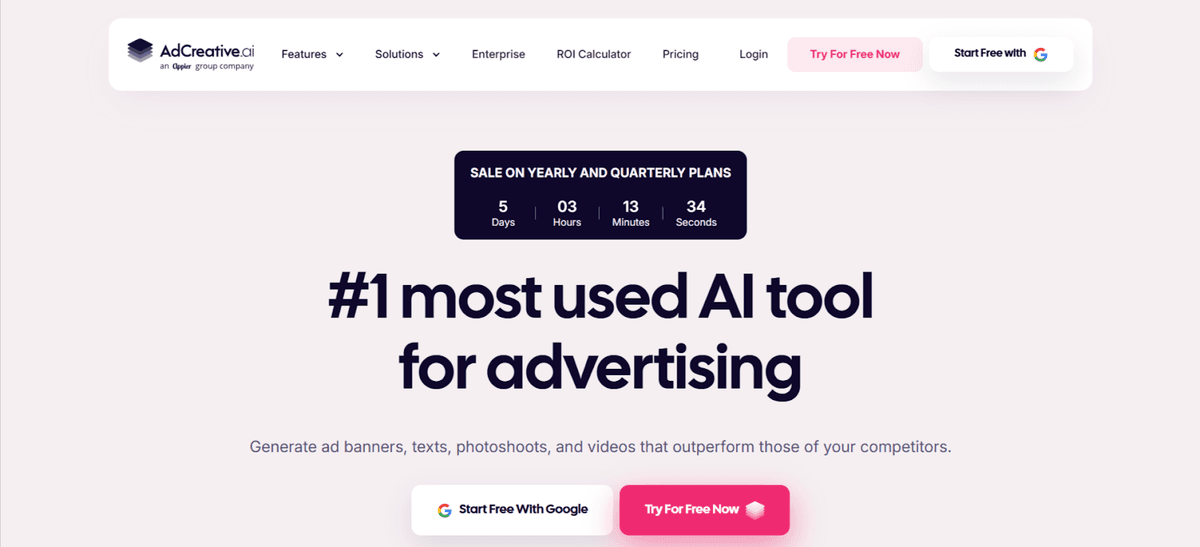
AdCreative.ai offers a range of templates and layouts designed specifically for advertising. The platform generates multiple variations of ad creatives at once, complete with suggested headlines and performance scores, so you can quickly test different approaches without starting from scratch.
#5 VistaCreate — Best Free Option for New and Budget-Conscious Sellers
Rating: 6/10
What it is
VistaCreate is a free design platform that gives new ecommerce sellers access to thousands of templates, a drag-and-drop editor, and basic branding tools, all without a subscription. It is designed to help beginners create social media content quickly and easily, while offering enough flexibility to experiment with different formats.
Who it is best for
VistaCreate is best for new ecommerce sellers just starting out who want to keep costs low. It is also a good fit for budget-conscious brands that need to publish content regularly but are not yet ready to invest in a paid tool.
That free offer, however, has drawbacks, including limited resolution options and fewer advanced features than paid platforms. As your store grows, you may find its capabilities restrictive.
Key features
- Thousands of free templates across social media formats
- Drag and drop editor with basic customization options
- Content creation for Instagram, Facebook, LinkedIn, TikTok, and more
- Basic AI features for text and image editing
- Standard resolution downloads in PNG and JPG
What VistaCreate looks like in practice
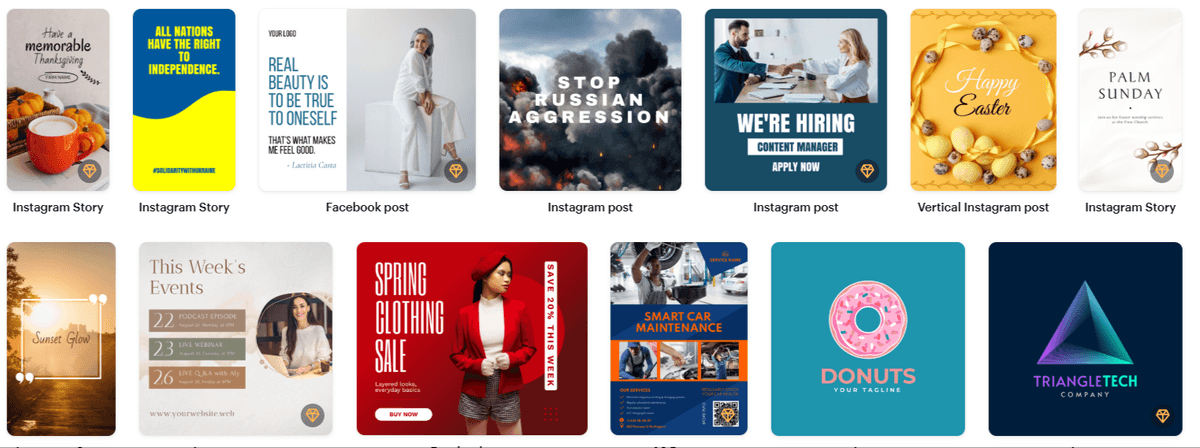
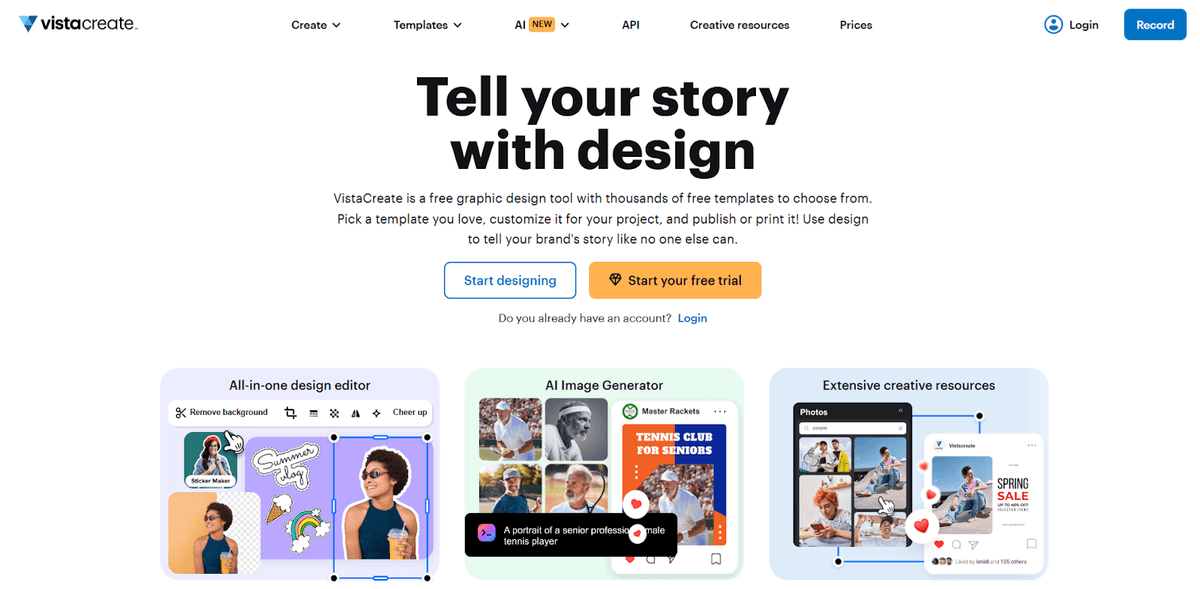
VistaCreate offers a wide range of templates for social media posts, stories, and banners. You can browse categories that match your niche, customize them with your product images and text, and publish content quickly without needing design experience.
Choosing the Right AI Tool for Your Ecommerce Growth
AI design tools have made it genuinely possible for a solo ecommerce seller to build a brand that looks professional, consistent, and ready to compete. You no longer need a design agency or a full in-house team to produce quality content at scale.
For most small business owners and solo sellers, Design.com offers the most complete solution available. It brings together branding, social content, print design, and web tools from one platform, and keeps everything consistent automatically. For freelancers and side hustlers handling multiple accounts and clients, BrandCrowd delivers the speed, variety, and template depth to keep every project looking fresh without starting from scratch.
Both platforms let you browse and create for free before committing to a paid plan. That alone makes them worth trying first.
Whichever tool you choose, the time you save on design is time you can put back into your products, your customers, and your store.

Author
Faviola Publico
Faviola Publico is a digital marketing specialist and SEO content writer. She specializes in branding, design, and marketing strategy content, helping B2B and B2C brands build stronger brand identities.