Debutify Theme Add-Ons Guide: What Beginners Must Know
Key points:
- Debutify add-ons are built-in theme features, not separate apps
- They help reduce app overload and keep stores lightweight
- Beginners can activate them without technical skills
- Free add-ons are enough to launch a store
- Premium add-ons are optional and best added gradually
Launching a Shopify store usually starts with excitement. Then reality hits. You open the app store, search for one feature, and suddenly you’re looking at ten different tools—each with its own pricing, setup steps, and learning curve.
Navigation apps. Pop-up apps. Cart apps. Chat apps.
Before long, your store feels heavier than it should, and managing everything becomes harder than building the store itself.
This is where Debutify Theme Add-Ons quietly change the experience.
Instead of asking you to stack apps on top of apps, Debutify includes useful features directly inside the theme. You enable what you need, skip what you don’t, and keep everything under one roof. No complicated setup. No extra dashboards. Just practical tools that work together naturally.
This guide explains what Debutify add-ons are, how beginners should use them, and how to avoid common mistakes early on.
What Is the Debutify Theme?
The Debutify theme is a Shopify theme built with performance and usability in mind. It’s designed for store owners who want a clean layout, fast loading times, and essential features without technical complexity.
Instead of focusing on heavy visual effects, Debutify focuses on structure, clarity, and speed. That approach makes it especially appealing to beginners and growing stores.
Why Beginners Often Choose Debutify
For many new store owners, Debutify feels easier to understand than most themes. The settings are straightforward, the layout options are flexible, and you’re not pushed into advanced customization unless you want it.
Another key reason is control. Features are built into the theme, so you’re not constantly managing third-party tools that may conflict with each other over time.
What Are Debutify Theme Add-Ons?
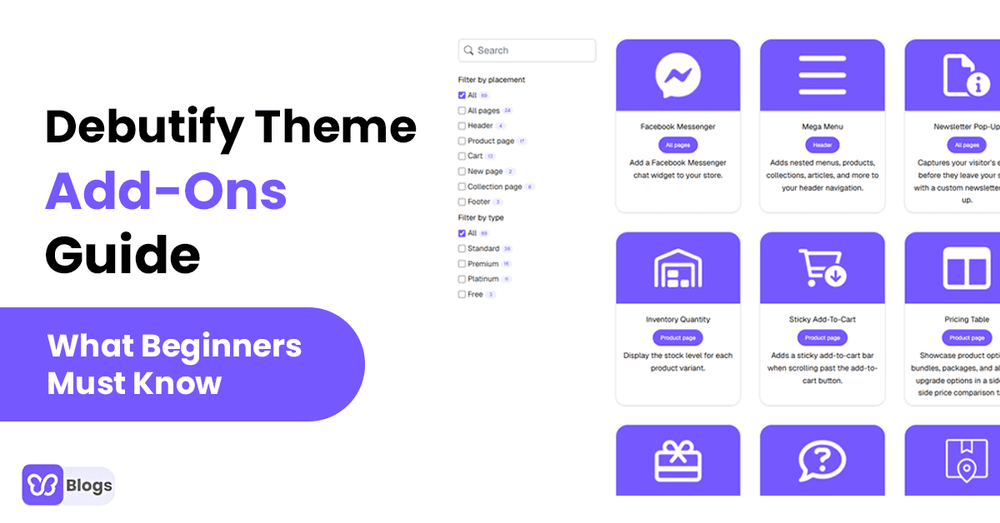
Debutify theme add-ons are optional features you can activate inside the Debutify dashboard. Each add-on adds a specific function to your store, such as improved navigation, customer communication, or shopping convenience.
These are not external Shopify apps. They are part of the theme itself, which means they’re designed to fit the layout and performance structure from the start.
How Debutify Add-Ons Work
Add-ons are managed through a simple on-and-off system. You choose an add-on, enable it, adjust a few settings if needed, and save.
There’s no installation delay and no separate billing setup for individual features. Everything stays centralized, which makes updates and changes much easier to manage.
Why Debutify Add-Ons Matter for New Stores
Less App Dependence
Every extra app adds code, scripts, and potential slowdowns. Using built-in add-ons helps reduce that load and keeps your store simpler.
More Consistent Performance
Because add-ons are designed specifically for the Debutify theme, they tend to behave more predictably across devices and browsers.
Common Types of Debutify Add-Ons
Navigation and Layout Tools
Add-ons like Mega Menu help organize products and collections clearly, especially as your catalog grows.
Customer Interaction Features
Tools such as Newsletter Pop-Up make it easier for visitors to connect with your store without interrupting their browsing experience.
Shopping Experience Enhancements
Features like Sticky Add to Cart and Inventory Quantity Display improve usability by making actions clearer and more accessible.
Beginner-Friendly Debutify Add-Ons to Start With
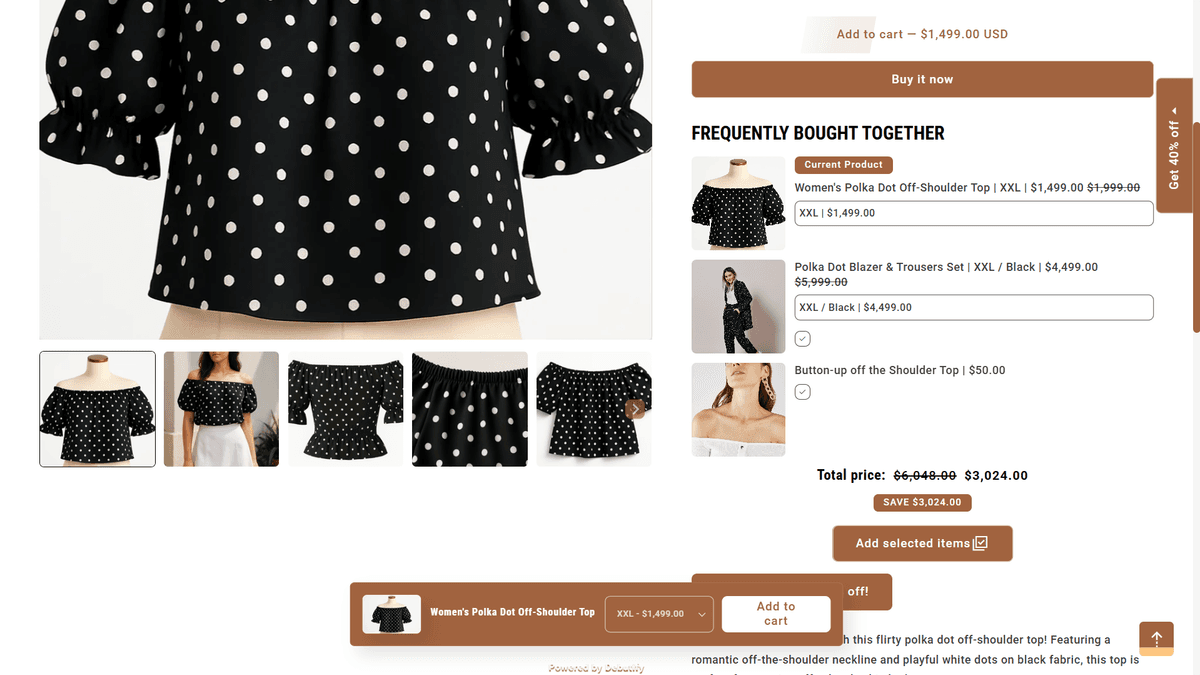
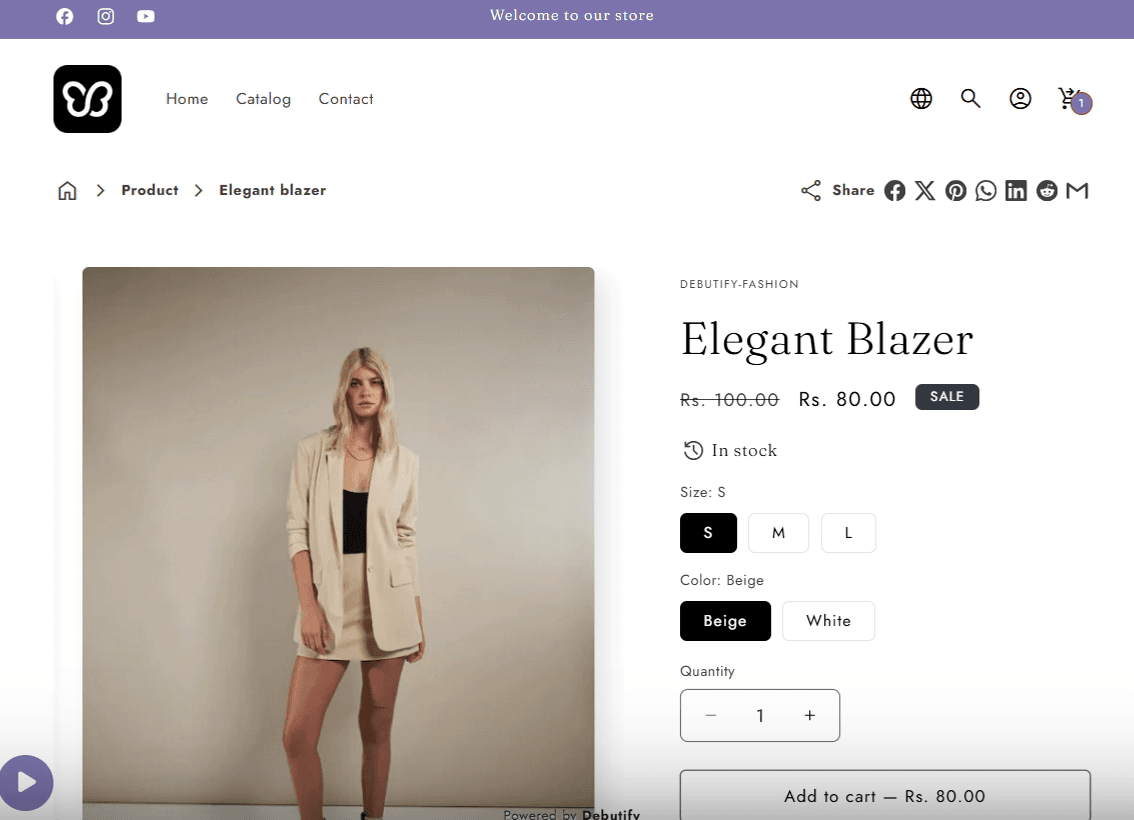
Sticky Add to Cart
This keeps the add-to-cart button visible while visitors scroll through a product page, making the buying process smoother.
Mega Menu
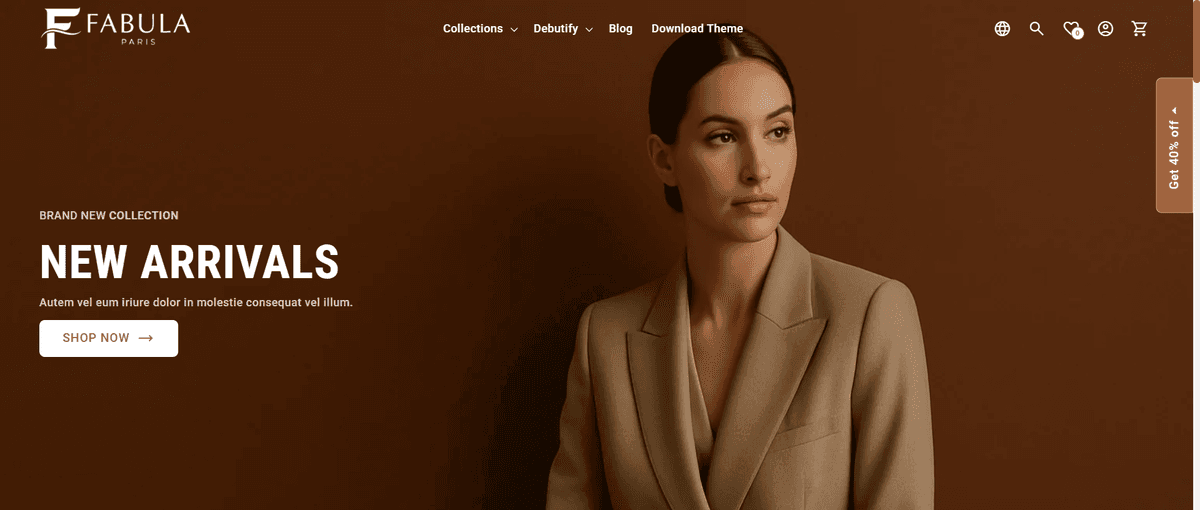
A Mega Menu helps visitors navigate multiple categories without feeling lost or overwhelmed.
Newsletter Pop-Up
This add-on allows you to collect email subscribers early, which is useful even before your store starts generating steady traffic.

Inventory Quantity Display
Displaying stock levels helps customers understand availability at a glance.
Free vs Premium Debutify Add-Ons
Free Add-Ons
Free add-ons cover the basics and are more than enough to launch a professional store.
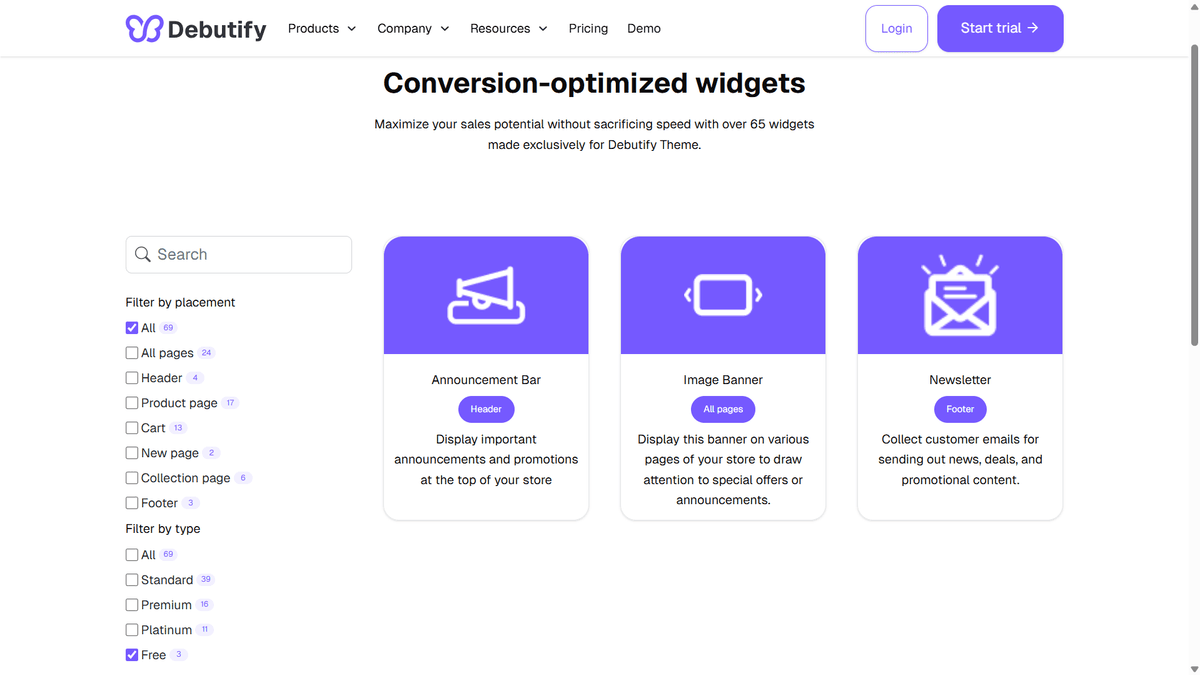
Premium Add-Ons
Premium add-ons offer advanced customization and layout options. These are best introduced slowly as your store grows and your needs become clearer.
How to Enable Debutify Add-Ons
- Log in to your Debutify dashboard
- Open the Add-Ons section
- Enable the add-on you want
- Save and preview your store
You can disable or adjust add-ons at any time without reinstalling your theme.
Best Practices for Using Add-Ons
- Start with only essential features
- Test changes on mobile and desktop
- Avoid enabling overlapping tools
- Review your store layout after each change
- A simpler store is usually easier for visitors to navigate.
Mistakes Beginners Should Avoid
- Activating every add-on at once
- Ignoring mobile layout behavior
- Adding features without a clear purpose
- Making changes without previewing
Who Benefits Most From Debutify Add-Ons?
- First-time Shopify store owners
- Dropshippers looking for speed and simplicity
- Brands aiming to reduce app usage
- Stores focused on clean design and performance
Frequently Asked Questions
1. What are Debutify theme add-ons?
They are built-in theme features that add functionality without third-party apps.
2. Are Debutify add-ons easy for beginners?
Yes. They require no coding or technical setup.
3. Do add-ons affect store speed?
They are optimized to work efficiently within the theme.
4. Can add-ons be disabled later?
Yes. You can turn them on or off at any time.
5. Are free add-ons enough to launch a store?
Yes. Most beginners can launch successfully using only free add-ons.
Debutify theme add-ons are designed to help beginners build functional, organized Shopify stoes without unnecessary complexity. By choosing only the features you actually need and adding others over time, you can keep your store fast, manageable, and easy to use.
Start simple. Adjust as you grow. Let your store evolve naturally.

Author
Debutify
Debutify is the easiest way to launch and scale your eCommerce brand.