Best 6 Headless CMS for Scaling Multiple Brands Without Cost Surprises for

Running one brand on a CMS can be straightforward. Running several brands on the same content stack is where the awkward costs start to appear.
A second brand might need its own product pages, approvals, regional copy, campaign landing pages, permissions, and integrations. Add a few more brands, and the CMS choice starts affecting more than publishing. It affects how many times your team repeats the same update, how often developers get pulled into content work, and how predictable your costs stay as the setup grows.
That is the lens for this list. The platforms below can all support multi-brand content in different ways, but they suit different teams. Some are better for visual editing. Some make more sense for developer-led builds. Others are stronger when content has to connect with product data, portals, commerce tools, or several frontends. Keep reading to find out the best choice for your business needs!
How to Evaluate a CMS for Multiple Brands
Before comparing tools, define what "scaling" means for your business. A brand group with three storefronts has different needs than an agency running client sites or a retailer expanding into several regions.
When you review CMS options, look at:
how easily each brand can keep its own content structure
whether approved content can be reused across brands, markets, and channels
which pricing variables grow with usage, such as users, locales, spaces, API calls, and traffic
how well the CMS connects with commerce platforms, PIMs, DAMs, analytics tools, and frontend frameworks
whether marketers can handle routine updates without developer help
how permissions, reviews, and publishing workflows work across different teams
how much hosting, maintenance, and implementation work your team will own
The monthly subscription is only one part of the cost. The bigger question is what happens when you add the next brand.
1. Hygraph
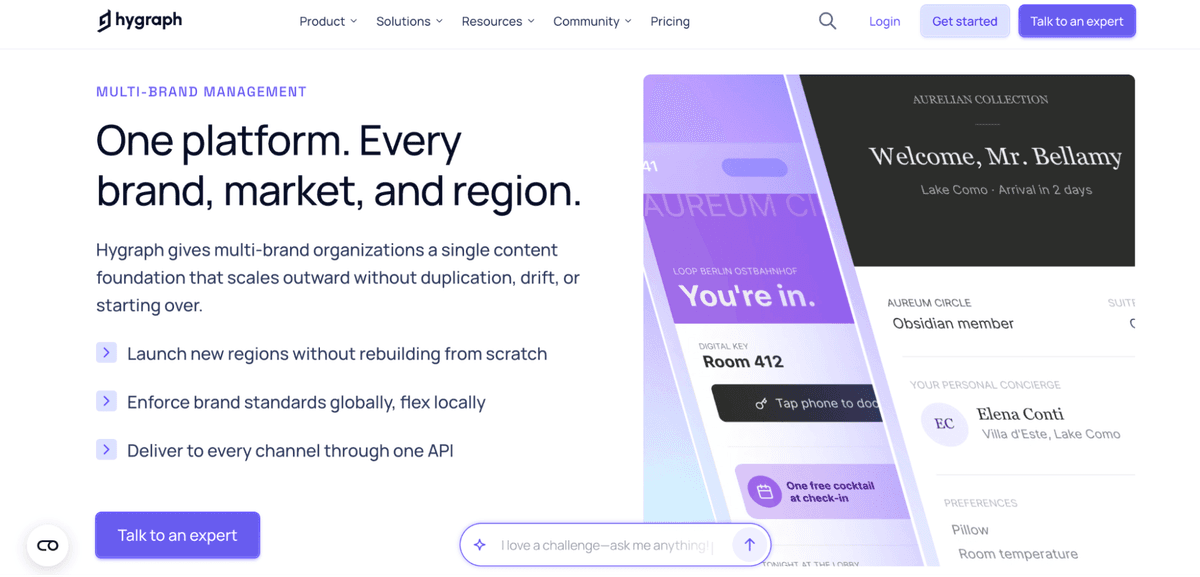
Hygraph fits organizations where content has to move across more than one brand, market, or digital product. Its GraphQL-native architecture lets teams model content as reusable entities, while Content Federation helps connect external systems so editors are not forced to copy the same information between tools.
This is useful when scaling starts to create content sprawl. A team managing product information across several brands, for example, can use Hygraph for product catalog management, with descriptions, specs, media, and regional variants structured for reuse from one content foundation.
Good fit: Organizations with complex content relationships across brands, markets, products, or channels.
Cost note: Budget for implementation, API usage, environments, and the internal work needed to design the content
Potential mismatch: A team that only needs a simple publishing interface for one website may not need this much architecture.
2. Storyblok
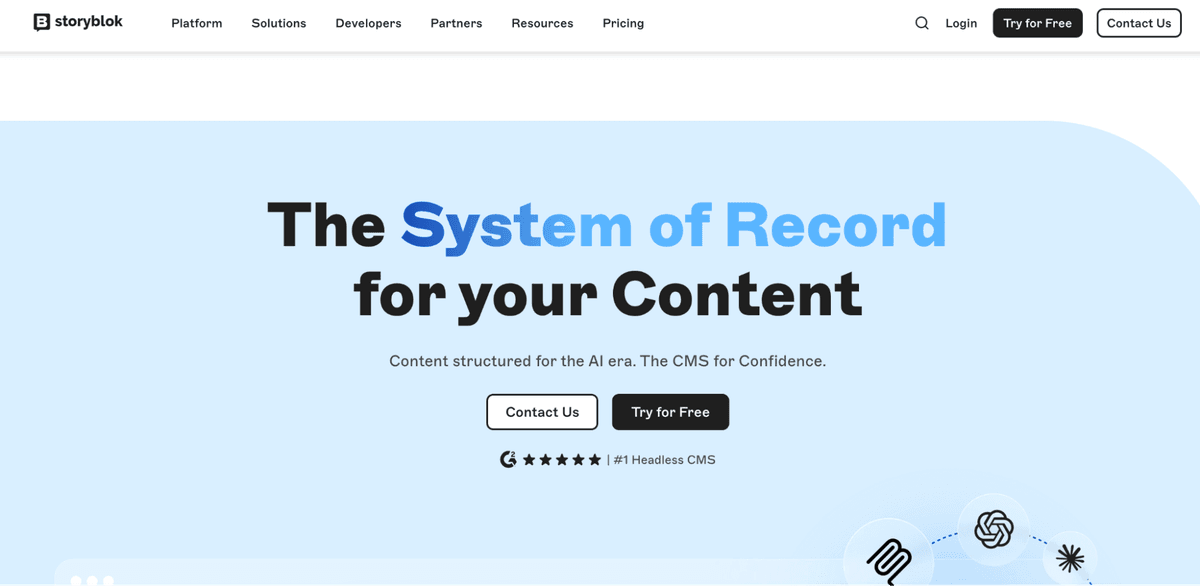
Storyblok works well when marketers need more control over page updates. Its visual editor lets teams preview and adjust content in context, which can help with campaign pages, product storytelling, seasonal pages, and localized storefront content.
For a multi-brand setup, the appeal is speed. Brand teams can work with reusable components while central teams keep some consistency in layout and structure. That balance can be useful when each brand needs room to move, but the business still wants shared rules.
Good fit: Marketing-led teams that need visual editing and reusable components.
Cost note: Watch how spaces, seats, locales, traffic, and API usage change as more brands are added.
Potential mismatch: Teams that want a database-first or code-owned setup may find it less natural.
3. Directus
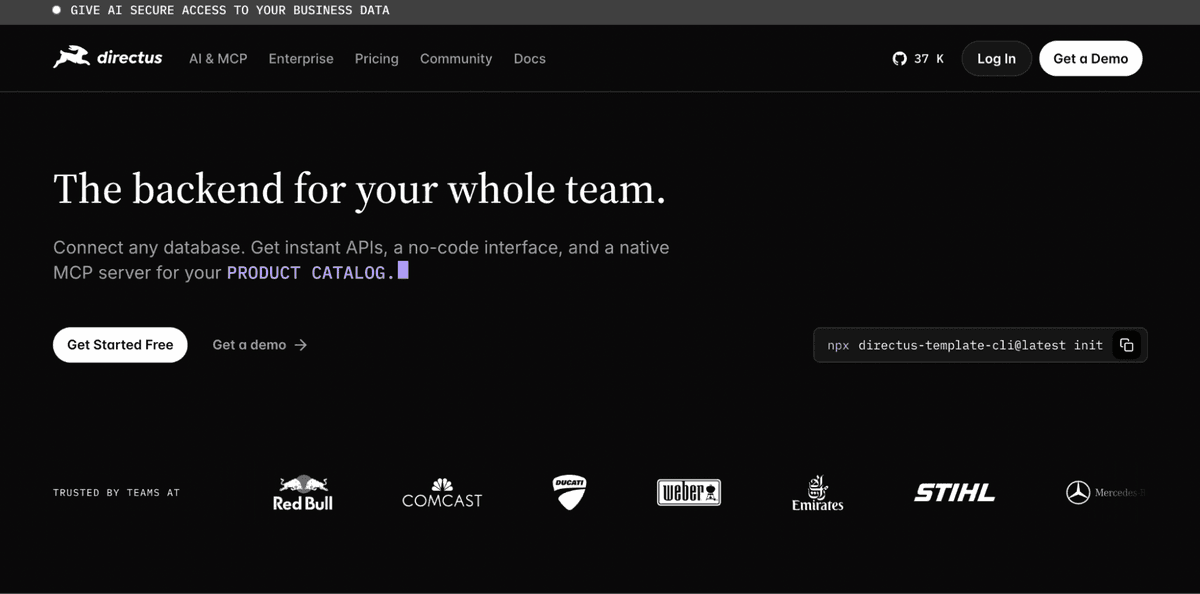
Directus is worth considering when the content problem is also a data problem. It can sit on top of an existing SQL database, which makes it useful for teams with custom product data, internal tools, or operational systems they do not want to rebuild inside a new CMS.
That gives technical teams a lot of control. Directus can expose content and data through APIs, and it can be self-hosted for teams that want more say over infrastructure. The tradeoff is that the team needs enough technical ownership to manage the setup properly.
Good fit: Technical teams that want database-first control and self-hosting flexibility.
Cost note: Include infrastructure, setup, maintenance, and developer time in the total cost.
Potential mismatch: Marketing teams that want polished page editing out of the box may find it too technical.
4. Payload CMS
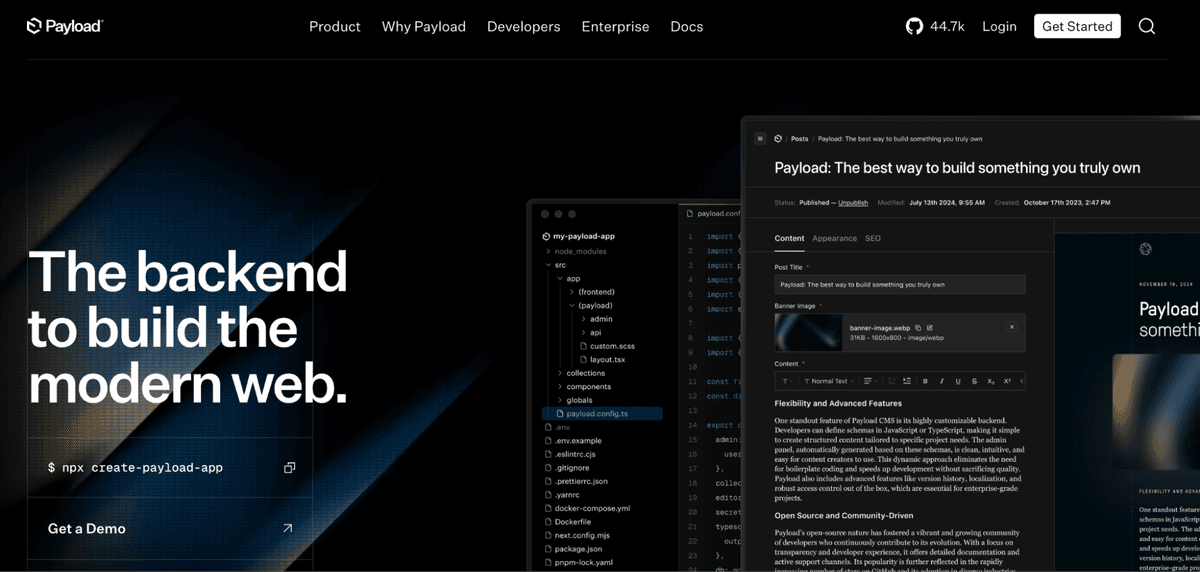
Payload CMS is built for teams that want the CMS close to the codebase. Developers can define schemas, access control, and behavior in a way that fits the application, which is appealing for teams already working in TypeScript, React, or Next.js.
For multi-brand projects, Payload is strongest when the frontend experience is highly custom, and engineering has a clear role in content architecture. It gives teams control, but that control comes with responsibility. Marketers may still need developer support when models, workflows, or page structures change.
Good fit: Developer-led teams building custom digital products with TypeScript or Next.js.
Cost note: Self-hosting can reduce platform dependency, but hosting and engineering time still count.
Potential mismatch: Teams that want marketers to reshape pages without engineering help may prefer a visual CMS.
5. Builder.io
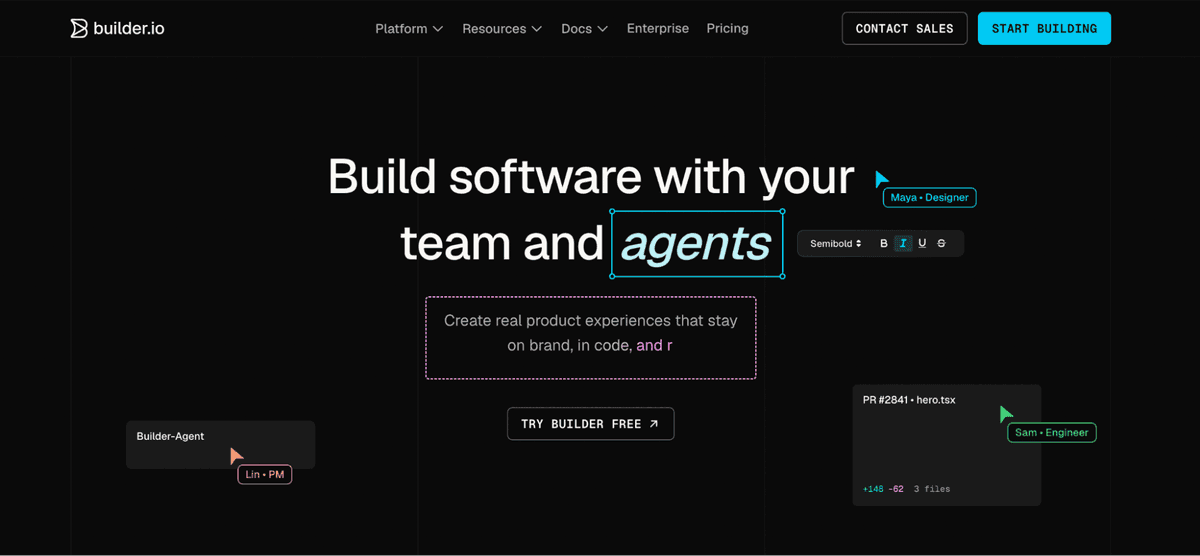
Builder.io is strongest when the team needs faster page creation. Marketers and designers can build landing pages, campaign pages, product sections, and other storefront experiences without sending every layout request to developers.
That makes it useful for brands with frequent launches, promotions, tests, or seasonal campaigns. In a multi-brand environment, Builder.io can help teams move quickly while developers keep guardrails around components and frontend behavior.
The main decision is whether you need a visual experience layer, a structured backend CMS, or both. Builder.io can be useful for storefront iteration, but complex content relationships may need a separate structured content foundation.
Good fit: Teams that need visual page building and faster campaign production.
Cost note: Review users, roles, spaces, enterprise controls, and usage before rolling it out across several brands.
Potential mismatch: Teams mainly looking for deep content modeling may need another CMS at the center.
6. Craft CMS
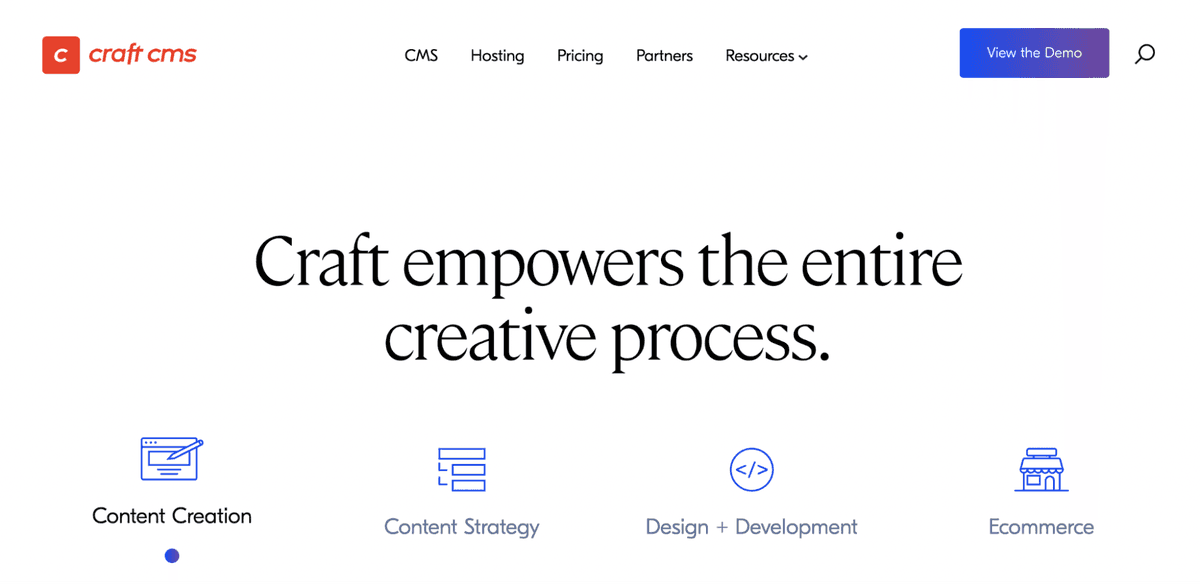
Craft CMS suits custom builds where an agency or internal development team is already involved. It gives teams flexibility over content structure, templates, localization, and multi-site setups.
For several brands, Craft can work well when the websites are connected but still need different layouts, languages, or publishing rules. It is not the lightest path, but it can be a practical one when the business wants a tailored site system instead of a managed SaaS workflow.
Good fit: Bespoke sites built and maintained by agencies or experienced technical teams.
Cost note: Plan for development, hosting, plugins, updates, and maintenance.
Potential mismatch: Teams that want a managed SaaS CMS with less technical responsibility may prefer another option.
CMS Comparison Table
CMS | Best fit | Main strength | Cost risk to check |
Hygraph | Multi-brand teams with structured content needs | Content federation, GraphQL, governance | Seats, API usage, implementation scope |
Storyblok | Marketing-led ecommerce teams | Visual editing and reusable components | Spaces, locales, traffic, users |
Directus | Data-heavy technical teams | Database-first control | Hosting, maintenance, developer time |
Payload CMS | TypeScript and Next.js teams | Code-owned CMS setup | Engineering workload and hosting |
Builder.io | Fast ecommerce page iteration | Visual storefront building | Users, roles, spaces, enterprise needs |
Craft CMS | Bespoke agency-led builds | Custom content modeling | Development, plugins, hosting |
What causes CMS cost surprises?
CMS costs usually become harder to predict when growth touches parts of the platform that were not reviewed early.
Common examples include:
adding a new brand that needs its own project, space, or environment
bringing in more editors, developers, translators, and reviewers
expanding into new regions or languages
increasing API requests, bandwidth, or traffic
duplicating content models for each brand
paying for extra plugins, workflows, or integrations
relying on developers for routine campaign updates
maintaining custom hosting, security updates, and infrastructure
Before choosing a CMS, model the cost at your current size, then again at three, five, and ten brands. That exercise often shows whether the platform can support the next stage or only the setup you have today.
How to choose the right CMS
Start with the bottleneck you already feel.
If content is scattered across brands, systems, and channels, look at a structured content platform like Hygraph. If marketers need faster page editing, Storyblok or Builder.io may be stronger candidates. If the team wants infrastructure control, Directus or Payload CMS may make more sense. If an agency is building a custom multi-site system, Craft CMS can be a practical fit.
A good CMS should make each new brand easier to launch and manage. If every brand adds duplicated content, custom workarounds, and unclear new costs, the platform is not scaling with the business.
As businesses expand across multiple brands and markets, maintaining a consistent SEO content strategy becomes just as important as choosing the right CMS. An AI-powered SEO content platform like DraftRank can help teams discover relevant topics, organize content opportunities, and streamline SEO content creation across their publishing workflows.
FAQ
1. What makes a CMS good for multiple brands?
A good multi-brand CMS supports reusable content models, permissions, localization, scalable APIs, approvals, and integrations with the systems your teams already use.
2. Which CMS has the most predictable pricing?
Predictability depends on your setup. Review seats, projects, locales, API usage, traffic, hosting, plugins, and developer time before comparing platforms.
3. Is a headless CMS worth it for Shopify brands?
It can be worth it when a Shopify brand needs custom storefronts, rich content, localization, or multi-brand publishing. A single store with simple pages may not need one yet.
4. Do small ecommerce brands need a headless CMS?
Not always. A small brand should consider a headless CMS when content operations become too complex for native ecommerce tools. For basic stores, simpler tools may be enough.

Author
Debutify
Debutify is the easiest way to launch and scale your eCommerce brand.