Free Shopify Geolocation App: Replace What Shopify Removed
If a visitor from London lands on your US-priced homepage and bounces before seeing your UK pricing, that's a sale you probably lost the moment the page loaded. Not because of your product. Because of where Shopify's built-in geolocation used to sit.
On March 24, 2025, Shopify sunset its native Geolocation app. If you built your store after that date, you may not even know it used to exist. If you built before it, you likely lost country detection, visitor redirects, and market recommendations overnight. Shopify pointed merchants toward its own settings and third-party apps, but nothing switched over automatically.
A lot of stores are still running without it today. Here's what actually changed, what your real options are, and how to fix it with a free Shopify geolocation app in about five minutes.
Why Shopify Removed Its Geolocation App
The old Geolocation app detected where a visitor was browsing from and recommended the matching Shopify Market: right country, right currency, right shipping estimate. Shopify announced the change through its own changelog, and even delayed the original deprecation date before the app was fully sunset on March 24, 2025.
Shopify's own guidance was direct. For most single-domain stores, turning on automatic domain redirection and automatic browser language redirection under Online Store → Preferences covers what the old app did, no app needed. (On older Markets 1.0 setups, this is still under Settings → Markets → Preferences instead.)
But Shopify was just as direct about the exception: if you sell into the EU on an EU top-level domain, like a .fr or .de domain, local regulations require a consent-based redirect, asking the visitor before switching their experience, not doing it automatically. Shopify's own changelog says plainly that for this case, merchants should use a third-party app from the App Store. That's the real gap the built-in settings don't close.
Where the Existing Replacement Guides Fall Short
Search for this problem today and most results fall into one of three buckets: Shopify's own changelog notice (accurate, but not a guide), generic "how to pick a geolocation app" checklists that never actually walk you through installing one, or roundups built around a single paid, enterprise-leaning app that's overkill if you're not running a dozen international markets.
None of it answers the question a smaller store owner actually has: what's the free, no-code option that just works.
The Free Shopify Geolocation App That Covers the Gap
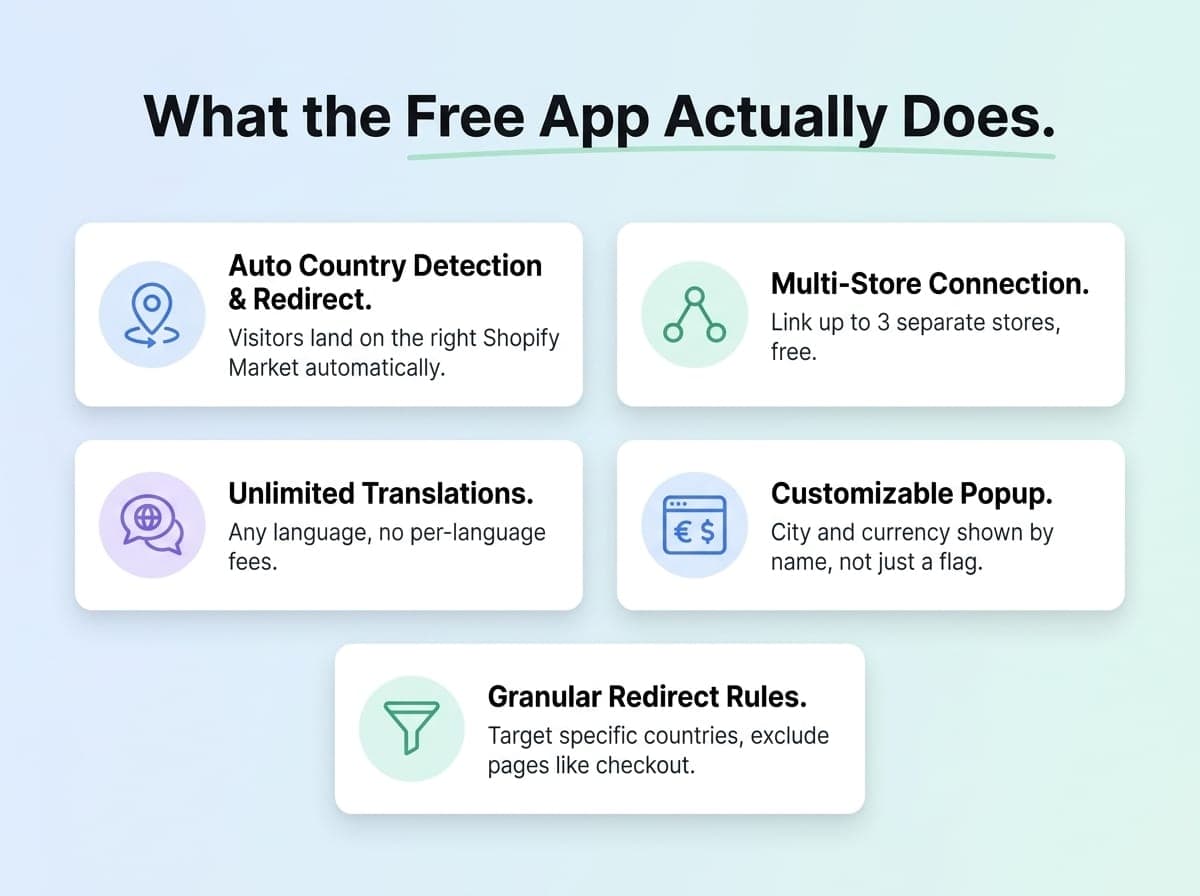
IPGeolocation.io built a free Shopify app specifically to cover the gap Shopify left. It brings back everything the old native app did and adds a few things it never offered.
What it does:
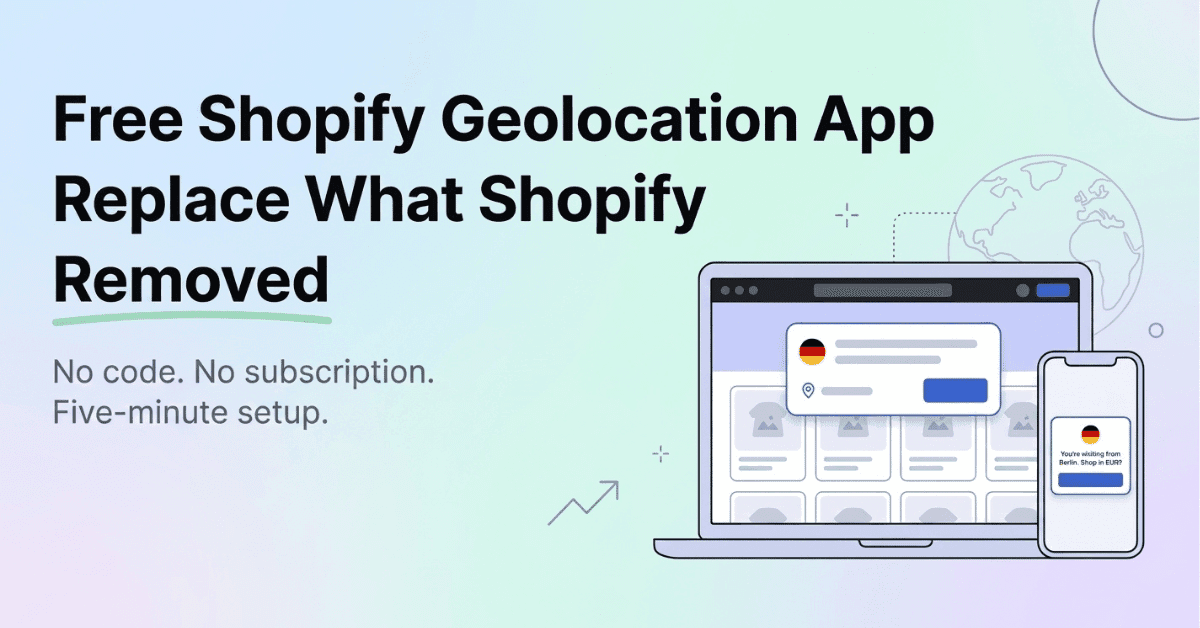
Detects visitor location and shows a popup recommending the matching Shopify Market, or a separate connected store if you run more than one. Once a visitor confirms, or on their next visit, they're routed there automatically
Connects up to 3 separate Shopify stores for free, useful if you run region-specific domains instead of a single multi-market store
Shows a customizable popup with dynamic variables like {city} and {currency_symbol}
Supports unlimited popup translations at no extra cost
Gives granular redirect rules: show the popup to everyone, specific countries only, or everyone except your home market, and exclude pages like checkout or your privacy policy
Detects bots using IPGeolocation's own IP data and skips the redirect for them, so every localized version of your store stays crawlable and indexable
Powered by a Real IP Geolocation API
The app runs on ipgeolocation.io's own IP geolocation API, the same data used by companies including Atlassian, Verizon, and SpaceX, with 99% country-level accuracy and IP data updated daily. It loads asynchronously, so it doesn't slow down your storefront while it works in the background.
Using the IP Location API Directly
The Shopify app covers store personalization out of the box, but the IP Location API behind it is available on its own too, for anyone who wants to go beyond what the app does.
A single call to the API returns a visitor's city, country, coordinates, ISP, currency, and time zone for any IPv4 or IPv6 address. That's useful outside the storefront popup itself: autofilling country, state, and ZIP code on a checkout form so customers don't have to type them, or flagging a mismatch between a visitor's detected location and the billing address they enter, a common early signal for card fraud.
The free plan covers 1,000 lookups a day for life, no credit card required, and includes core location, currency, and time zone data. SDKs are available for most major languages if a developer on the team wants to wire it into a custom checkout flow or backend instead of the packaged app.
This isn't necessary for most stores using the app for popups and redirects. It's for teams building something more custom on top of the same location data.
Setting Up the App in 5 Minutes
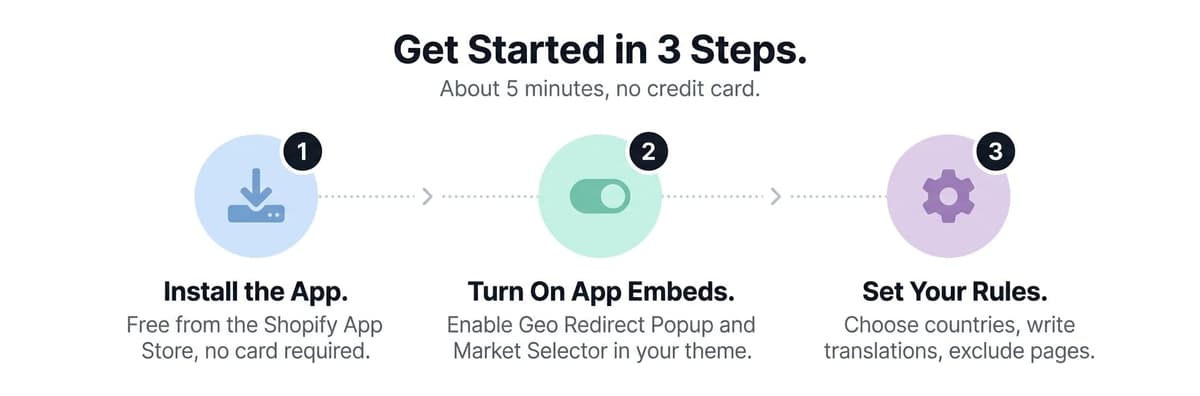
Install the app. Get it free from IPGeolocation app on the Shopify App Store. No credit card required.
Turn on app embeds. In your theme editor, enable the Geo Redirect Popup and Market Selector under App Embeds.
Set your rules. From the app dashboard, choose which countries trigger a redirect or popup, write your translations, and exclude any pages you don't want it running on.
That's it. The app syncs automatically with your existing Shopify Markets setup, and if you add or change a market later, one click on the dashboard's Sync button pulls in the update.
Who This Fits Best
A DTC brand selling in two or three countries who wants visitors routed to the right currency and shipping without running separate ad campaigns per region
A multi-market Shopify store that wants a personalized "you're visiting from France, want to shop in French?" popup instead of a generic country banner
An agency managing several client stores, where one Connection ID links up to three regional stores under one dashboard
Anyone who used the old Geolocation app before March 2025 and just wants the same core features back, plus a few Shopify never offered
Where This Free App Doesn't Work
Being upfront here matters more than the pitch. The free plan includes 1,000 geolocation lookups a day, and there's no paid tier to raise that cap. That's plenty for most small and mid-sized stores, but a high-traffic store well past that daily visitor count will hit the ceiling, and lookups beyond it won't process until the next day's reset.
The free multi-store connection caps out at 3 stores. Agencies managing more than that per group will need to plan around the limit or look at a paid tier.
It also doesn't replace your own compliance homework. A location-based popup still counts as tracking visitor data in some jurisdictions, so if you have EU traffic, check your consent banner setup separately. The app handles geolocation and redirect logic, not legal consent requirements.
And if your theme is heavily customized, enabling app embeds is usually simple, but a handful of older or heavily modified themes may need a developer's five minutes to get it placed correctly.
Shopify removing its Geolocation app left a real gap for anyone selling outside a single home market. The native Markets settings cover the basics, but if you want a custom popup, multi-store routing, or a popup that greets visitors by city while still routing them to the right country-level market, this free Shopify geolocation app is a five-minute way to get all of that back, and then some.

Author
Ahmar Naeem Khan
Helping SaaS Brands Scale Organically | High-Authority Link Building • Strategic Outreach • Revenue-Focused SEO