Shopify Templates: What They Are, Where to Get Them, and How to Choose in 2026
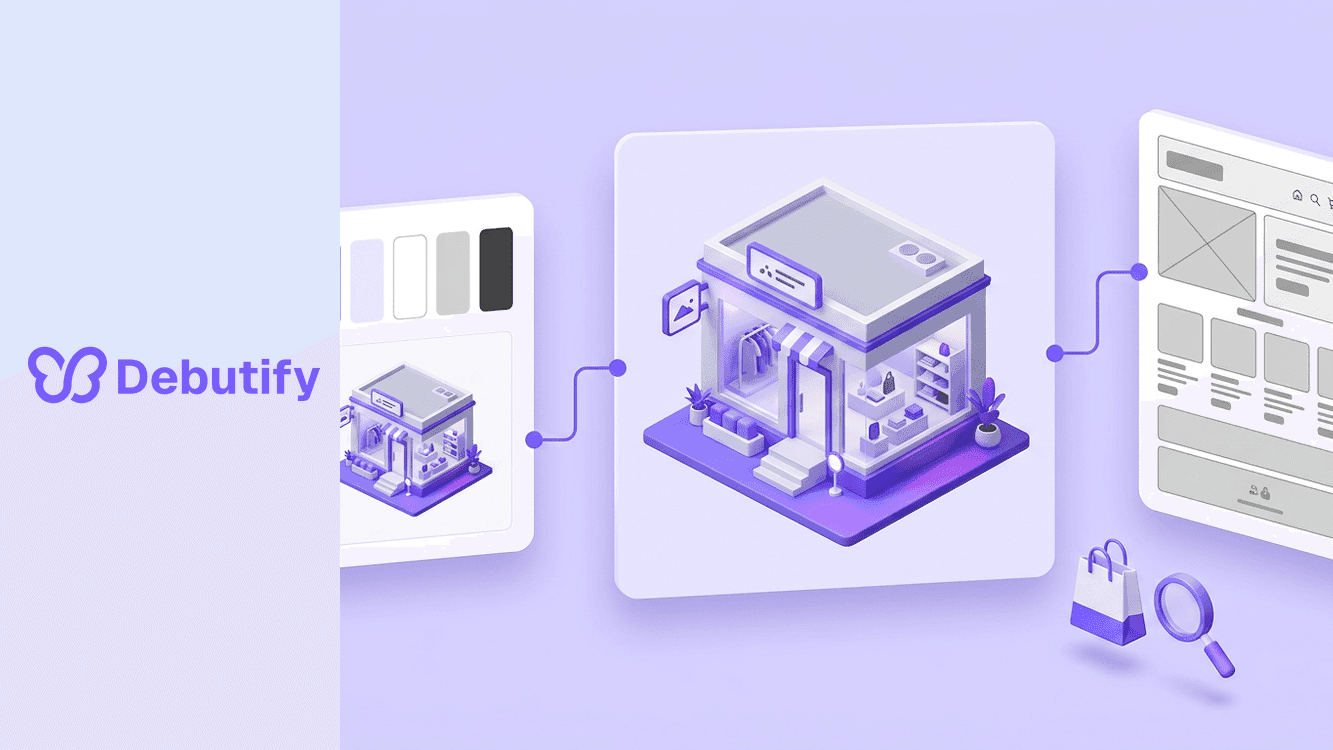
"Shopify templates" covers three different things, and mixing them up wastes money. A theme is the complete design system you install store-wide, which is what most people mean. A page template is a layout file inside that theme for one page type, like a product or landing page. A preset is a pre-styled demo of a theme that you can load in one click. This guide maps all three, tells you where to get each safely, and routes you to the right deep dive for your situation.
The terminology matters because the buying decision attaches to it. You install one theme per store (plus unpublished copies for testing), you duplicate page templates as often as you need, and you pick one preset when you set a theme up. Everything below assumes you want the fastest safe route to a storefront that converts, not a glossary lecture.
The three meanings of "Shopify template"
- Themes. The full package: layouts, sections, settings, and styling for the entire store. The Shopify Theme Store carries hundreds, from a free lineup that now spans the ten-theme Horizon collection plus classics like Dawn, to premium themes priced roughly $320 to $485 as one-time purchases. When someone searches "shopify templates", this is almost always what they want.
- Page templates. Inside every Online Store 2.0 theme, each page type (home, product, collection, blog, article, page, 404) has a JSON template listing which sections appear and in what order. Merchants can duplicate these to build variants, such as a landing-page template for ads or a gift-guide template for the holidays, then assign any page to it. This is the "template" in Shopify's developer docs.
- Presets. Curated starting looks shipped with a theme. Impact looks different from Impulse mostly because of presets: same engine, different arrangement and styling. Loading a preset is the fastest way to get close to the demo you liked.
Where to get Shopify templates safely
- The Shopify Theme Store is the default answer. Themes are reviewed before listing, include lifetime updates and developer support, and the license covers one store per purchase. Free themes cost nothing; premium themes are a one-time fee, not a subscription.
- Theme developers directly. Studios sell their own Shopify-format themes with the same license model. Buying direct sometimes includes extras like setup help; confirm the theme is Theme Store-listed or genuinely Shopify-built either way.
- Third-party marketplaces. Cheaper themes exist on general marketplaces, with wider variance in code quality, update cadence, and support. If you go there, check the changelog date before buying; a theme last updated before Shopify's current platform era will cost you in migration work.
- Nowhere else. "Free download" sites offering premium themes are distributing nulled copies: license checks stripped out, frequently with skimmers and backdoors added. We published the honest answer on nulled Debutify searches because the malware evidence is overwhelming, and it applies to every theme brand. A stolen template is not a discount; it is an incident waiting to happen.
How to choose: five decision points
- Catalog size first. Under 100 products, nearly any theme works. Large multi-category catalogs need themes built for dense grids and heavy filtering.
- List the features you will actually use, then find themes that ship them natively. Paying for thirty features you will not enable is paying for slower pages.
- Check field speed data, not demo screenshots. Demo installs are empty; your store will carry images, apps, and tracking. Real-store Core Web Vitals data is the honest test, and speed is measurable revenue: a 0.1-second mobile improvement correlates with roughly 8.4% more conversion in Google/Deloitte session data. Our technical SEO checklist covers the thresholds.
- Read the changelog. Update cadence tells you whether the developer keeps pace with Shopify platform changes; a stale theme is a future migration bill.
- Judge presets, not marketing. Load the preset closest to your catalog and imagine your worst product photography in it. Good templates survive bad inputs.
Customizing without breaking anything
The safe workflow never changes: duplicate the theme, edit the copy, publish when it passes. Inside the theme editor you rearrange sections and blocks visually; for landing pages, duplicate a page template and assign it per page rather than bending the default layout. Two guardrails worth repeating because they cause most template disasters: never edit the live theme during a campaign, and schedule seasonal template swaps through Shopify Rollouts with an automatic revert. If you are customizing a homepage, our section-order guide tells you which order converts before you touch a single block, and the customizing templates guide walks through the editor mechanics step by step.
Frequently asked questions
Are Shopify templates free?
Some are. Shopify's own free lineup includes the ten-theme Horizon collection plus earlier themes like Dawn. Premium templates cost roughly $320 to $485 once, with lifetime updates and support included. Anything offering a premium template "free" is offering a nulled copy with the risks that come with it.
What is the difference between a Shopify template and a theme?
In everyday usage, none: people say template when they mean theme. In Shopify's technical language, a theme is the installed package and templates are the individual page-layout files inside it. Presets are a third thing: the demo looks a theme ships with.
Can I use a WordPress or HTML template on Shopify?
Not directly. Shopify themes are built on Liquid plus JSON templates, so a generic HTML template or a WordPress theme cannot be installed as-is. Page-builder apps can recreate some layouts inside a Shopify theme, but the theme itself has to be Shopify-native.
How many templates does one store need?
One theme, a handful of duplicated page templates for the pages that earn their keep (an ad landing page, a gift guide, a wholesale page), and one unpublished duplicate theme for testing. More than that is maintenance debt.
Do templates affect SEO and page speed?
Strongly. The template decides baseline code weight, image handling, and script loading, which is where Core Web Vitals are won or lost before any app is installed. Choose on field speed data and keep the app count disciplined.
Pick the right meaning first
Ninety percent of the confusion around Shopify templates is vocabulary: buyers searching for themes, developers talking about JSON files, and marketplaces selling presets as products. Decide which one you actually need, then hold the line on where you get it. Theme Store or a trusted developer for themes, duplicated JSON files for landing pages, one preset that survives your real photography. Do that and the template stops being a gamble and becomes what it should be: the quietest, most profitable decision your store makes this year.

Author
Debutify
Debutify is the easiest way to launch and scale your eCommerce brand.