Theme Detector Shopify: How To See What Shopify Theme A Website Is Using
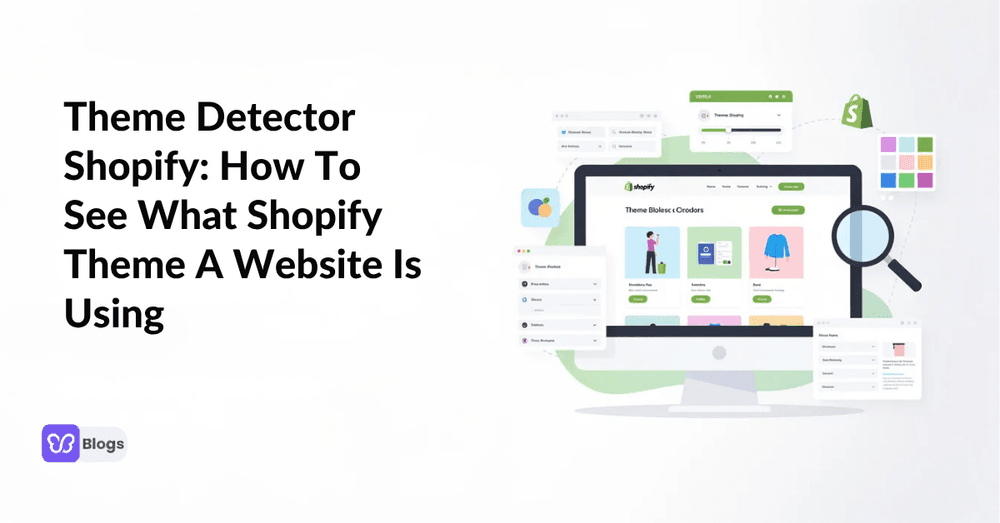
A good theme detector shopify workflow helps you move from “I like this store” to “I know the theme, structure, and likely design investment behind it.” Here’s how to identify a Shopify theme quickly, then use that insight for smarter theme selection.
Quick Answer: What Shopify Theme Is This?
- A theme detector shopify tool lets you answer what shopify theme is this for almost any public Shopify store by entering the store url.
- It works like a shopify theme finder or shopify detector: the tool scans storefront code and returns the theme name, shopify theme id, and whether it is free, paid, or custom.
- You can check shopify theme details in under 30 seconds with a web tool, view page source, or a browser extension.
- This guide shows how to find shopify theme details, understand how to tell what shopify theme is being used, and choose between free themes, paid shopify themes, and custom themes for your own shopify store.
What Is a Shopify Theme Detector?
A shopify theme detector is a free tool that identifies which theme any Shopify store uses by analyzing the store’s source code and cross-referencing it against a database of known themes. It answers which shopify theme is this and how to tell what shopify theme a website is using from a store URL.
- Modern detectors can recognize an official Shopify theme, free shopify themes, paid shopify themes, premium themes, and many custom themes.
- If the exact theme is too modified, the result may show “Custom” or “Unknown,” which usually means a custom theme or heavily edited underlying theme.
- Some tools also show theme details, direct links to the shopify theme store, apps, and add ons.
Why Identifying a Shopify Theme Matters for Your Store
Knowing what shopify theme is this on top performing stores helps store owners avoid guesswork. Instead of copying design secrets blindly, you can see whether a competitor’s design trends come from a theme, custom mega menu, smart filters, or separate apps.
- 52% of all Shopify stores run free themes, indicating a strong preference among merchants for no-cost options.
- Approximately 52% of all Shopify stores use free themes, with the Dawn theme being the most popular, powering nearly one-quarter of all detected stores.
- Stores using premium themes earn 2.4 times more per visitor than those using free themes, highlighting the potential revenue benefits of premium options.
- Stores using premium themes earn 2.4 times more per visitor than those using free themes, highlighting the importance of theme choice in competitive analysis.
- Stores using premium themes earn 2.4 times more per visitor than those on free themes, highlighting the significant impact of theme choice on revenue.
- Premium themes typically include built-in conversion features such as advanced filtering, sticky add-to-cart buttons, and optimized mobile layouts, which are often lacking in free themes.
- Switching to a conversion-optimized theme can increase conversion rates by 37-52%, demonstrating the importance of selecting the right theme for sales performance.
- Themes that effectively display trust signals, such as reviews and badges, can increase conversion rates by 15-30%, indicating that design elements play a crucial role in consumer trust and purchasing decisions.
- Your Shopify theme sets the perception of your brand. For better consistency, across your storefront, a web design agency can customize the experience around your eCommerce brand rather than relying entirely on a pre-built theme.
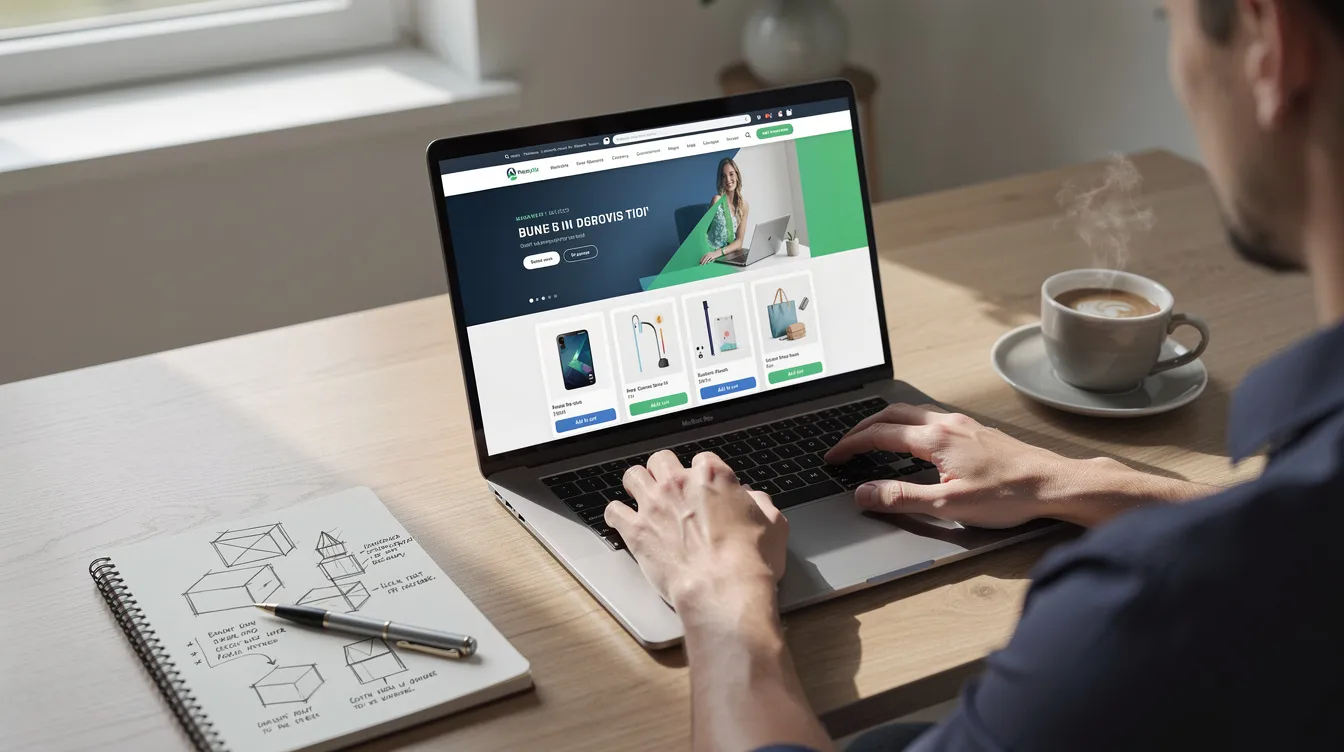
How To Tell What Shopify Theme a Website Is Using (3 Main Methods)
There are several ways to learn how to tell what shopify theme a website is using: use an online theme detector, inspect source code, or install a browser extension. Each method can help you detect theme data, run a shopify theme id search, and identify what a store is using.
- Online tool: fastest, easiest, best for non-technical users.
- Page source: most transparent, useful when tools fail.
- Browser extension: best for continuous research across other stores.
Method 1: Use an Online Theme Detector (Fastest & Easiest)
The fastest way to identify a Shopify theme is by using dedicated web-based tools. PageFly Shopify Theme Detector, Shopthemedetector.com, and Koala Inspector are reliable tools to uncover the layout architecture of online storefronts.
- Copy the shopify store address from the website.
- Paste the url into a Shopify theme finder.
- Click “Detect Theme,” “Check Theme,” or a similar button.
- The tool scans the source code for theme signatures, performs a shopify theme id search, and displays the shopify theme name.
- The process of detecting a Shopify theme typically involves entering the store’s URL, scanning the source code for theme signatures, and then displaying the theme name and source.
For example, a detector may return Dawn as a free theme, Impulse as a paid theme, Prestige as a premium option, or “Custom/Unknown” if no exact match is found. The official Shopify Theme Store is useful when you want to compare demos after detection.
Method 2: Check the Page Source Manually
Manual checking is helpful when a tool gives a blank result, especially if the merchant renamed the theme in Shopify admin.
- Open the page source with Ctrl+U on Windows or Cmd+Option+U on Mac.
- Search for “Shopify,” “theme_store_id,” “theme,” “assets,” or “/themes/”.
- A theme_store_id can be mapped to an official shopify theme store listing when the theme is from the theme store.
- If a detector fails to identify a highly customized or renamed theme, it can be located manually by searching the source code.
- If a merchant renames the theme, detector tools may return a generic or blank result; the original theme can be found by examining the source code.
- Remember that the visible label in the store’s source code may be internal, so it may not fully answer what shopify theme is this, but it still gives useful clues.

Method 3: Use a Browser Extension (On-the-Fly Detection)
A browser extension lets you inspect a shopify site while browsing. Install one from the Chrome Web Store, visit a suspected Shopify store, and click the extension icon.
- Browser extensions can be installed for continuous research, automatically detecting a site’s underlying technology and theme upon visiting the page.
- Koala Inspector reveals the theme name and uncovers traffic insights, popular products, and the specific apps powering the storefront.
- Extensions are useful for developers, agencies, and store owners reviewing competitors themes.
- The downside is that extensions may miss brand-new themes, renamed themes, or heavily custom builds.
Understanding Your Theme Detection Results
A shopify theme identifier usually returns one of three outcomes: official, customized official, or custom-built. When analyzing competitor themes, identifying the theme type (official, customized, or custom-built) provides insights into their investment in conversion optimization and design strategy.
Official: available in the official shopify theme store.
Customized: recognizable base theme with custom sections, apps, or page builder work.
Custom-built: bespoke implementation that may not be purchasable.
Official Shopify Theme (Free or Paid)
Official themes include free shopify themes like Dawn and Refresh, plus paid themes like Impulse and Prestige. If a theme detector shopify tool gives a direct theme name and link, you can preview the same theme, read reviews, and install it without touching code.
This is the easiest path for beginners because you can test similar themes, compare features, and validate whether the theme fits your niche and catalog size.
Customized Official Theme
A customized official shopify theme starts with a known base but adds custom code, apps, custom sections, or layout changes. A shopify theme identifier will often detect the base theme while the storefront looks unique.
This path can get you 70–80% of a bespoke look at a fraction of the cost. You might install the same theme, then work with developers to adjust navigation, product pages, collection filters, and branded sections.
Fully Custom Theme (Bespoke Build)
A fully custom theme is built specifically for one brand and often costs several thousand dollars or more. A Shopify detector will usually show “Custom” or “Unknown,” meaning you cannot buy the same theme directly.
Study the layout, UX, product storytelling, and trust signals for inspiration.
Use strong Shopify themes as a base before commissioning fully custom work.
Choose custom only when your business needs unique features that existing themes cannot support.
Practical Examples: Using a Shopify Theme Finder on Real Stores
Here are simple 2026-style examples of how to interpret results from a theme detector shopify tool.
- Footwear brand: paste the store url, detect Dawn, and see a free theme using strong photography and simple navigation. The insight is that free themes can work when branding and imagery are strong.
- Beauty brand: paste the url, detect Impulse, and see a paid shopify theme with promotional sections, advanced filtering, and sticky cart features. This suggests the store is investing in conversion-focused UX.
- Tech accessories brand: paste the url, see “Custom,” then inspect the page source for clues. The insight is that the brand likely invested in custom design, but you can still borrow design inspiration without copying assets.
When Theme Detection Fails (And What You Can Do)
Theme detection is strong, but it is not perfect. A Shopify theme detector may fail if the site is not on Shopify, the online store is password-protected, the front end is headless, or the theme has been heavily customized.
- Problem: The website is not Shopify. Solution: check footer hints, cart URLs, or Shopify CDN patterns.
- Problem: The result is blank. Solution: try another free tool or inspect page source.
- Problem: The result says Custom. Solution: focus on layout patterns instead of chasing the exact shopify theme id.
- Problem: The feature you like may not be native. Solution: detection tools can reveal if a feature is part of a native theme or an added app.
How To Use Theme Detection in Your Shopify Strategy
Theme detection tools help move the store design phase away from guesswork and align it with a data-driven strategy. Running theme detection across multiple competitors can reveal patterns in theme choices that align with successful conversion strategies in a specific niche.
- Pick 10–20 competitor Shopify stores in your niche.
- Run a check shopify theme process on every store.
- Record the theme name, type, theme choices, visible features, and whether stores use the same theme.
- Compare free themes, paid themes, and premium options against the site’s merchandising quality.
- Brief agencies with specifics: “Use this shopify theme id as a reference, but adapt the product page and filters for our catalog.”

FAQ: Shopify Theme ID, Theme Finder & Other Common Questions
1. What is a shopify theme id?
It is a numeric identifier connected to a theme. Official themes may expose a theme_store_id, while each installed theme also has its own store-specific ID.
2. Is a shopify theme finder different from a shopify theme identifier?
Not really. Both describe a tool that helps you identify which shopify theme a store is using.
3. What does shopify theme id search mean?
It means finding the theme ID in code or a detector result, then matching it to a known theme database or theme store listing.
4. How do I find shopify theme data if everything says custom?
Inspect the source code, try multiple detectors, and look for repeated asset names, template structures, or app clues.
5. Is it legal to use a theme detector shopify tool?
Yes. These tools read public source code and storefront assets. Do not copy copyrighted images, copy, or proprietary code.
6. Can a detector show apps too?
Yes. Some tools show apps, analytics scripts, reviews, filters, and other add ons alongside the theme.
7. Why should I check shopify theme data before redesigning?
Because theme choices affect speed, UX, trust, and conversion. A shopify theme detector helps you benchmark competitors before investing.
8. What is the best method for how to tell what shopify theme is being used?
Start with a web-based detector, then confirm with view page source if the result looks incomplete.
9. What should I do after I discover the theme?
Shortlist similar themes, compare features, and decide whether your store needs a free, paid, customized, or custom approach.
Theme detection is not about cloning another store. Use it to understand what works, reduce risk, and build a better Shopify store with evidence instead of assumptions.

Author
Debutify
Debutify is the easiest way to launch and scale your eCommerce brand.