The Complete Guide to the Shrine Theme: Pricing, Features, and Real-World Results
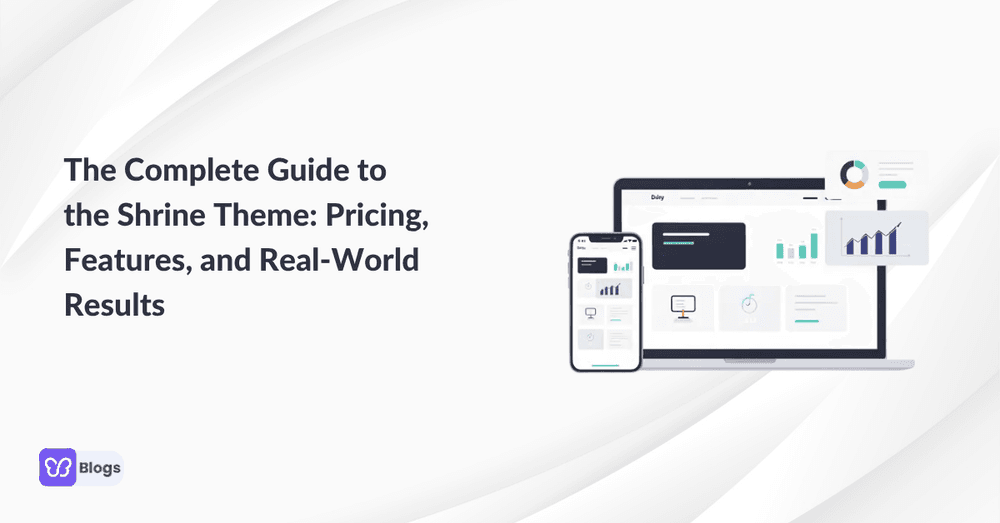
If you are comparing Shopify themes in 2026, shrine is hard to ignore. The shrine theme is marketed as a conversion-focused Shopify ecosystem, not just a pretty storefront template. It combines minimalist design, sales tools, cart upgrades, and a visual builder into one paid package for store owners who want to sell more without stacking too many apps.
In this guide, we’ll break down shrine pro, pricing, core features, performance, licensing, support, and real shrine reviews so you can decide whether the shrine template is the right fit for your store.
What Is the Shrine Theme and Why Stores Use It in 2026
The shrine theme is a paid, third-party Shopify theme built for ecommerce brands that care about speed, product presentation, and higher conversions. It is often described in marketing as the “shrine of commerce” because it aims to replace many separate conversion apps with built-in tools.
Before we get into Shopify, it is worth noting what the word shrine means. Shrines are sacred spaces dedicated to a specific deity, holy figure, relic, or historical event. Shrines protect sacred objects, bones, or clothing of holy figures and commemorate locations of divine interventions, miracles, or historical religious events. In many traditions, shrines act as physical “homes” for the divine, bridging the gap between the material world and the spiritual realm.
Historically, the practice of creating shrines dates back to prehistoric times, evolving across cultures and eras. The earliest shrines were sacred natural features-such as mountain peaks, waterfalls, or groves-where ancient peoples believed spirits resided. Early humans designated natural sites like caves, springs, and groves as sacred spaces to honor nature spirits. Shrines evolved from outdoor sacred areas into constructed spaces as civilizations developed, often built to honor ancestors or martyrs.
Across religions, shrines serve primarily as focal points for personal devotion and veneration, unlike temples or churches built for congregational worship. They provide a sanctuary for prayer, purification, and community unity. Hindu shrines function as personalized altars dedicated to specific manifestations of the divine to facilitate intimate puja, or worship. Buddhist shrines enshrine sacred artifacts or statues, offering a designated space for practitioners to meditate, offer incense, and make prayers. Shinto shrines mark the dwelling places of kami, spirits or gods inherent in nature, and often act as mediators between the human and spiritual worlds.
There are famous examples across the world. The Kaaba in Mecca is the most venerated shrine in Islam, serving as the focal point of the Hajj pilgrimage and the direction for daily prayers. The Church of the Holy Sepulchre in Jerusalem is traditionally believed to encompass both the site of Jesus’ crucifixion and his tomb. Christianity utilizes shrines to honor saints or commemorate miraculous events or locations tied to the life of Jesus. Stonehenge is widely considered an ancient astronomical shrine and ritual site, dating back to roughly 3000 BCE. Fushimi Inari-taisha is the head shrine of the kami Inari, dedicated to agriculture and business, famous for its path of thousands of torii gates.
In ecommerce, the shrine website idea borrows the same sense of focus. Instead of building a sacred place, merchants create a focused sales environment around a product, offer, or brand.
According to BuiltWith usage data, tens of thousands of stores have used ShrineTheme, with more than 26,000 live sites visible in recent tracking and marketing claims often referencing 30,000+ Shopify stores. Many of these stores sit in beauty, gadgets, apparel, fashion, and dropshipping niches.
The ecosystem includes:
- The core shrine theme for new and growing stores.
- The upgraded shrine pro and shrine pro theme for high-volume brands.
- A drag-and-drop shrine website builder built around Shopify sections.
- The companion shrine app for license management, demo imports, and support access.
- Storefronts that often show a powered by shrine badge in the footer.
What makes Shrine different from typical Shopify themes?
- It is built around conversion features, not only visual design.
- It includes tools such as sticky add-to-cart buttons, product badges, cart upsells, bundle deals, and comparison tables.
- It uses a minimalist layout that emphasizes large product imagery and simple navigation.
- It is optimized for modern Shopify features, including predictive search and dynamic checkout buttons.
- It reduces reliance on extra apps that may slow down a store.
- It is a paid license, not a legal shrine theme shopify free download from an unofficial source.
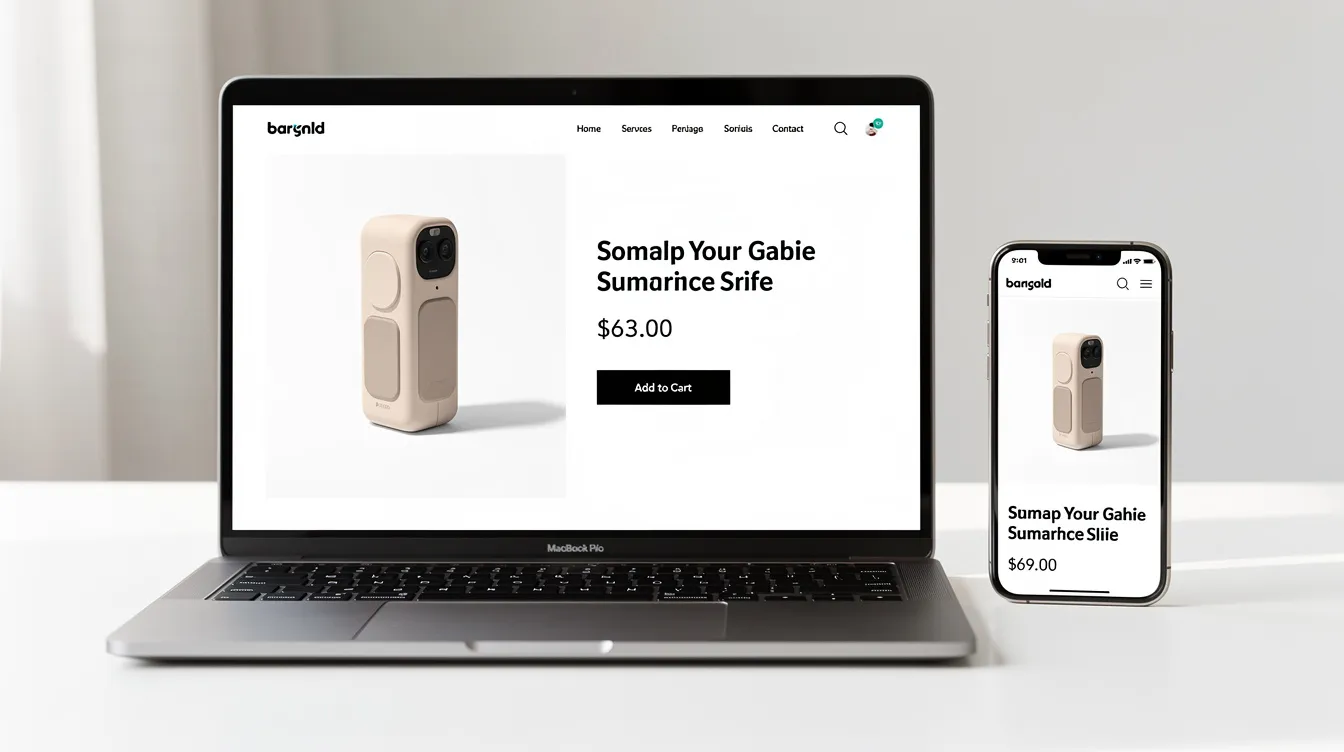
Shrine Theme vs Shrine Pro: Plans, Pricing, and One‑Time Payments
Shrine’s pricing is built around a one time purchase model. That matters because many Shopify tools charge every month, and small costs can become expensive once you add review widgets, upsell apps, bundle apps, popups, and optimization tools.
The Shrine Theme offers three pricing tiers: Shrine Lite for $49, Shrine Standard for $149, and Shrine Pro for $349. Some older or regional pricing references show ranges such as €128.95 up to €343.90, and promotional pricing may change during sales. Always check the official checkout page before you buy.
Here is the practical breakdown:
- Shrine Lite is the low-cost version for testing the theme or building a simple store.
- Shrine Standard is the main shrine theme option for new and growing stores.
- Shrine pro is the advanced tier for brands that need more cart control, richer sections, and stronger conversion tools.
- The shrine pro theme can potentially save users over $100–150 per month by replacing multiple paid apps.
- Shrine uses a one-time payment model, providing lifetime access to the theme and one year of free updates, which simplifies budgeting for store owners.
- In some agency or development workflows, licenses may be moved or reassigned between stores through the dashboard, but you should confirm current license rules before assuming a transfer is allowed.
- If your store grows, you can usually upgrade by paying the difference between your current version and shrine theme pro.
The value is not just the upfront cost. The real question is whether the theme helps you remove recurring apps while keeping the features that drive revenue.
Standard Shrine Theme: Best for New and Growing Stores
The standard shrine theme works best for lean setups. Think single-product stores, small catalogs, early DTC brands, and first-time Shopify users who need a clean storefront without custom code.
This version includes many key features focused on conversions. These usually include product badges, sticky add-to-cart buttons, trust blocks, basic upsells, simple bundles, cart improvements, and sections for reviews or comparison content.
A typical product page in the standard Shrine setup uses:
- A large hero image or product gallery.
- Simple navigation.
- Trust badges near the product form.
- A sticky add-to-cart button.
- Clean product content.
- Minimal distractions around the buy action.
The Shrine Theme is designed with a minimalist layout that emphasizes large product imagery and simple navigation, making it ideal for brands that rely heavily on visual presentation. Shrine includes built-in conversion tools such as sticky add-to-cart buttons and product badges, which help streamline the shopping experience and encourage purchases.
The theme is also optimized for modern Shopify features, including predictive search and dynamic checkout buttons, enhancing the overall user experience and efficiency of the store.
Shrine Pro / Shrine Pro Theme: For High‑Volume and Multi‑Brand Stores
Shrine pro is built for stores where a small improvement in conversion rate or average order value can have a large revenue impact. If you are spending heavily on ads, a 1–2% lift in conversions can matter more than the theme’s one-time cost.
The shrine pro theme is strongest when you need:
- Deep cart customization.
- More advanced bundle deals.
- Better comparison tables.
- Richer video and MP4 layouts.
- More product information blocks.
- Advanced trust and urgency sections.
- Cart drawer upsells and free gift thresholds.
- Countdown timers in promotional areas or the cart.
A common upgrade path looks like this:
- Start with the standard shrine theme.
- Validate the offer, product, and traffic source.
- Add basic bundles, trust blocks, and comparison sections.
- Upgrade to shrine theme pro when the store needs more control.
- Use the advanced cart and layout tools to improve AOV.
The benefits are clearest for high-volume stores:
- A cosmetics store can use bundles and quantity breaks to move customers from one item to a three-pack.
- A fashion brand can use product badges, sliders, and comparison blocks to highlight fit, quality, and shipping.
- A gadget brand can use video demos, sticky CTAs, and cart upsells to reduce hesitation.
Core Conversion Features of the Shrine Template
The shrine template is designed to turn traffic into sales, not just create a nice-looking storefront. Its strongest features focus on layout, trust, speed, and checkout flow.
- Layout: Shrine’s design puts the product first. Large visuals, short content blocks, and clear action buttons help visitors understand the offer quickly.
- Speed: The Shrine Theme is optimized for speed, with mobile scores often falling within the 90–100 range on tools like Google PageSpeed Insights when stores are properly optimized. Independent tests on unoptimized demos can be lower, so image size and app usage still matter.
- Trust: Product badges, payment icons, reviews, guarantees, and FAQ sections make the store feel more reliable without forcing merchants to install extra apps.
- Checkout experience: Sticky buttons, quick add options, cart drawers, and dynamic checkout buttons reduce the number of steps between product interest and payment.
- AOV tools: Bundles, quantity breaks, and cart upsells help shoppers buy more without using aggressive popups.
- Mobile experience: Shrine’s clean layout is built to match different device sizes, which is important when most paid traffic lands on mobile.
Built‑In Upsells, Bundles, and Quantity Breaks
One of Shrine’s biggest selling points is that store owners can create bundle deals directly in the theme instead of installing a separate app.
For example:
- A supplement store can offer “Buy 3 bottles, save 20%.”
- A cosmetics store can offer “Buy 2 serums, get a cleanser discounted.”
- An apparel store can offer “Buy 2 shirts, save 10%; buy 4, save 20%.”
Quantity breaks follow simple tiered logic:
- 1–2 units = full price.
- 3–4 units = 10% off.
- 5+ units = 15–20% off.
These offers work because they appear beside the main product offer. Instead of hiding the upsell inside a popup, Shrine displays better-value options at the moment the customer is already deciding what to buy.
This can increase average order value without making the experience feel cluttered. It also reduces the cost and code load that usually comes from third-party bundle apps.
Comparison Blocks and Comparison Tables
Comparison tables help customers choose faster.
In a shrine website, a comparison table usually includes columns for product versions, kits, bundles, or plans. Rows explain features, sizes, guarantees, ingredients, delivery options, or pricing differences.
For example, a skincare brand might compare:
- Starter Kit.
- Pro Kit.
- Family Kit.
The table can show product count, routine length, best use case, discount, and bonus items. This reduces decision friction because the customer can see which option matches their need.
No coding is required. The merchant can add these blocks through theme sections, update content, and match the layout to the rest of the design.
Video, MP4, and Visual Storytelling in Shrine
Shrine supports visual storytelling through images, videos, sliders, reviews, and hero sections. In shrine pro, merchants get stronger support for video-heavy layouts and direct MP4 use.
You can still embed a youtube video if you want visitors to watch hosted content, but many brands prefer direct MP4 uploads for cleaner product demos, unboxings, and testimonials.
Best practices include:
- Keep clips under 30 seconds.
- Use autoplay on mute.
- Use mobile-first aspect ratios.
- Compress files before upload.
- Place videos near reviews, FAQs, or hero images.
Video is most useful when it removes uncertainty. If a product needs a demo, a fast-loading video block can help customers understand size, texture, fit, or use in seconds.
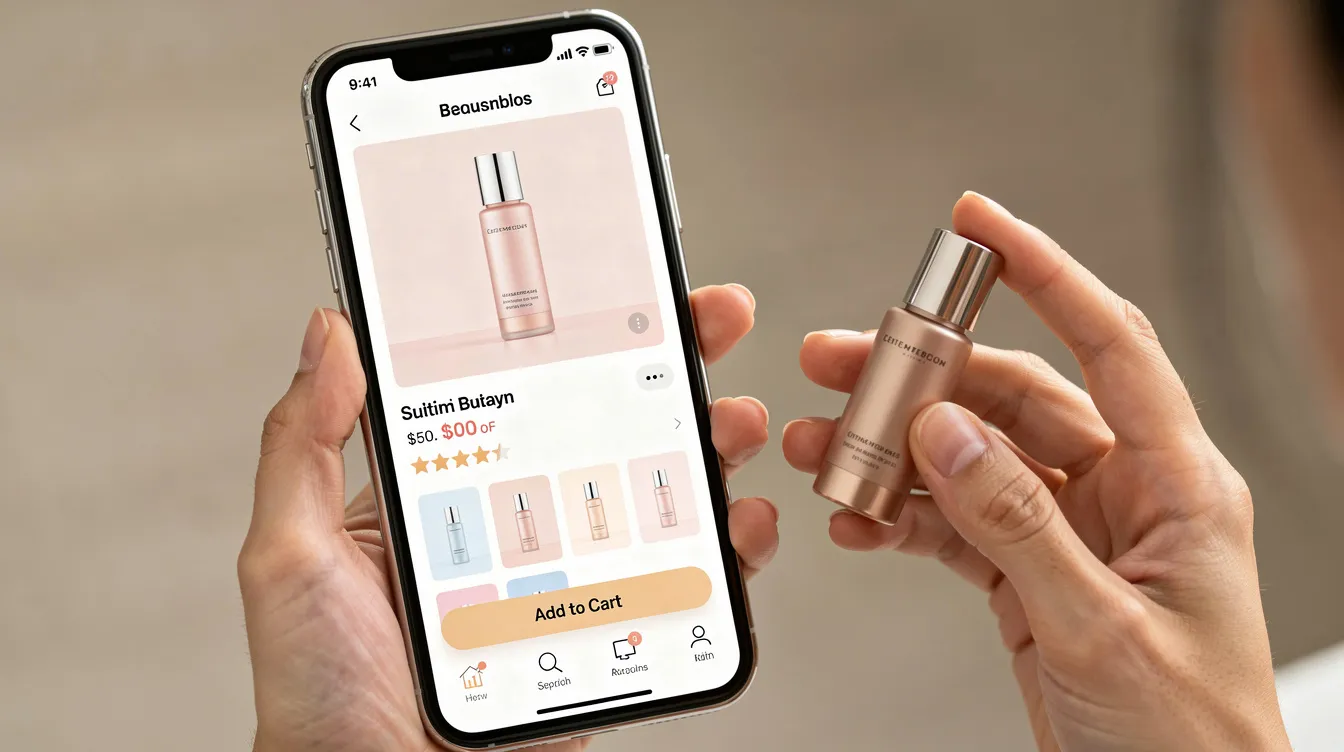
Design System and the Shrine Website Builder
The shrine website builder combines Shopify’s native editor with flexible Shrine sections. The goal is to give non-coders more layout control without forcing them into custom development.
Store owners can create product pages, homepages, landing pages, and campaign pages using reusable content sections. Each block can be positioned, styled, and adjusted to match the brand.
This is where Shrine becomes more than a theme. It becomes a builder for a focused sales experience that is still powered by shrine.
Useful design areas include:
- Hero sections with large product imagery.
- Product grids for collections and bestsellers.
- Review sections for social proof.
- FAQ blocks to reduce objections.
- Sliders for testimonials or media.
- Bundle and comparison sections.
- Custom content blocks for education or storytelling.
Section Groups and Layout Flexibility
Section groups let merchants combine different types of content in the same row or area.
For example, you might create a conversion block with:
- Social proof on the left.
- A bundle offer in the center.
- Guarantee badges on the right.
On desktop, these can sit side by side. On mobile, Shrine can stack them vertically so the content remains readable on a smaller device.
This flexibility is useful because a good product page rarely needs only one kind of content. It needs merchandising, education, proof, and action. Shrine lets merchants combine these without relying on external plugins.
Typography, Color Systems, and Brand Identity
Shrine’s typography system helps create consistency across pages. Store owners can define styles for H1–H6 headings, body text, captions, buttons, badges, and other interface elements.
Color settings usually include:
- Primary colors.
- Secondary colors.
- Accent colors.
- Badge colors.
- Background colors.
- Button colors.
These settings help the whole shrine website feel cohesive.
For example:
- A tech brand might use bold black-and-white typography with sharp product photography.
- A skincare brand might use soft pastel gradients with rounded sections.
- A fashion brand might use editorial fonts, large images, and clean white space.
The goal is not to make every store look the same. The goal is to give creators enough tools to make a store feel branded while keeping the experience fast and clean.
Performance: Why the Shrine of Commerce Is Built for Speed
Fast Shopify themes matter more in 2026 because ad costs are higher, mobile users are impatient, and Google Core Web Vitals still influence user experience. A slow store wastes traffic before shoppers even see the offer.
Many stores switch to Shrine because slow multipurpose themes and heavy app stacks hurt conversion rates. The “shrine of commerce” idea is about balancing visual richness with minimal script overhead.
Shrine performance is helped by:
- Lazy loading images and media.
- Reduced JavaScript compared with app-heavy setups.
- Lightweight design assets.
- Built-in sales tools that replace extra apps.
- Fast-loading pages and smooth transitions.
- Fewer unnecessary animations.
The theme features fast-loading pages and smooth transitions, avoiding unnecessary animations to enhance user experience. Shrine’s minimalist design helps focus on product visuals, which can lead to higher conversions by reducing distractions during the shopping experience.
Realistic Speed Benchmarks and Optimization Tactics
Optimized Shrine stores can reach mobile PageSpeed scores in the 90–100 range. That said, not every Shrine store will hit those numbers automatically. Large images, uncompressed videos, tracking scripts, and too many third-party apps can reduce performance.
To keep a shrine theme store fast:
- Compress all product and hero images.
- Use WebP where possible.
- Avoid uploading oversized MP4 files.
- Remove duplicate popups, review widgets, and bundle apps.
- Test mobile pages before desktop pages.
- Keep the homepage focused instead of adding every available section.
- Review speed after every new app is added.
You can open your Shopify store in a new window, run a PageSpeed test, make one optimization, then test again. This makes it easier to see which change actually improves speed.
For real-world context, BuiltWith ShrineTheme trends show broad adoption, but performance still depends on how each merchant configures content, apps, and media.
Cart, Checkout Flow, and Revenue Impact
Shrine improves the revenue path by reducing friction from product view to cart.
A basic setup might include:
- Sticky add-to-cart buttons.
- Product badges.
- Simple quantity selectors.
- Trust icons near the payment area.
- A clean mobile cart.
- Dynamic checkout buttons.
In shrine pro, the cart can become a stronger revenue tool. Merchants can add inline upsells, free gift thresholds, visible quantity breaks, countdown timers, and custom cart messaging.
Here is a simple before-and-after example:
Before Shrine:
- Store uses a generic theme.
- Bundle app slows down product pages.
- Cart has no upsell.
- Average order value is $38.
After Shrine Pro:
- Bundle deals appear beside the main product.
- Cart includes a free gift threshold.
- Quantity breaks encourage multi-item orders.
- Average order value rises from $38 to $54.
That kind of lift is not guaranteed, but it shows why high-volume brands care about the cart. If the offer is strong, the layout can make it easier for customers to buy more.
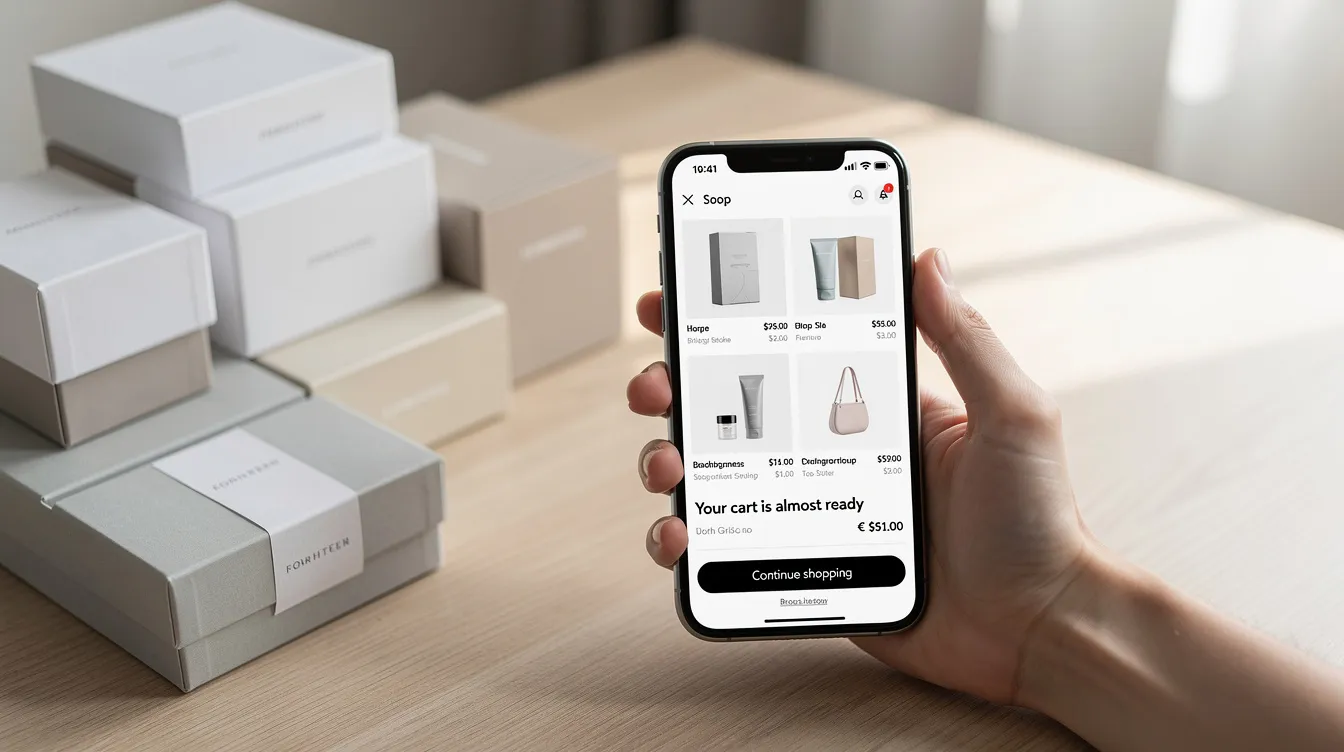
Licensing, “Free Download” Myths, and the Shrine App
Searches for shrine theme shopify free download and shrine theme free download are common, but unofficial copies are risky. A pirated theme can contain broken code, hidden scripts, malware, or outdated files that fail when Shopify updates.
A genuine license gives you:
- Theme access.
- One year of free updates.
- Support access.
- Compatibility improvements.
- Documentation.
- The ability to use the official shrine app and dashboard.
A pirated shrine template gives you none of that. It may look cheaper at first, but it can cost more if your store breaks, loses tracking, or exposes customer data.
If you are serious about building a brand, pay for the legitimate version. The risk of a free download is not worth the short-term savings.
How the Shrine App and Dashboard Work
The shrine app helps connect your store to the Shrine ecosystem.
A typical onboarding flow looks like this:
- Buy the correct Shrine version.
- Sign in to the Shrine dashboard.
- Connect your Shopify store.
- Activate the license key.
- Import demo content if needed.
- Start customizing sections.
- Use support links, documentation, or community help when needed.
The dashboard can also help you see which stores are currently powered by shrine, manage feature toggles, access recommended performance tips, and find documentation.
The app is not a magic replacement for good store strategy. It is a management tool that helps keep licensing, updates, and onboarding organized.
Community, Support, and Unfiltered Shrine Reviews
Shrine has a large user base, visible live stores, and an active community around Shopify conversion design. Many shrine reviews praise the theme for fast setup, clean design, and AOV-focused features.
Common praise includes:
- Easy setup for non-coders.
- Good product page structure.
- Built-in upsells and bundles.
- Reduced need for monthly apps.
- Strong visual presentation.
Common criticism includes:
- Some advanced features require shrine pro.
- Support response time can vary.
- Certain layouts may feel rigid for custom-code agencies.
- Mobile speed still depends on media and app choices.
- Refund policies may be strict.
A few realistic testimonial-style examples:
“We started with a basic Shopify theme and moved to Shrine for the sticky cart and product badges. Setup took one weekend, and the store looked cleaner immediately.”
“Our apparel store needed better bundles and comparison sections. Shrine Pro helped us remove two paid apps, but we still needed support for a custom layout.”
“The theme worked well for our beauty brand, especially the product visuals. The main lesson was to compress every image before publishing.”
Support usually happens through email, help center articles, a knowledge base, and community channels. If you need help, be specific. Share screenshots, the page URL, your theme version, and the action that caused the issue. Clicking through vague support requests wastes time for both sides.
Who the Shrine Ecosystem Is (and Isn’t) For
Shrine is a good fit if you want an all-in-one, one time purchase solution instead of multiple monthly apps.
It is especially useful for:
- DTC founders.
- Dropshipping stores.
- Beauty and skincare brands.
- Fashion and apparel stores.
- Gadget brands.
- Single-product stores.
- Growing stores that need stronger conversion tools.
It may not be ideal for:
- Agencies that need full custom-code freedom.
- Stores with unusual checkout logic.
- Brands that need highly complex multilingual setups.
- Merchants who expect every Pro feature in the standard version.
- Users who need a free trial before they pay.
Use this checklist before you buy:
- Do you need built-in bundle deals?
- Are you paying for several apps that Shrine could replace?
- Is your current theme slow?
- Do your product pages need better trust content?
- Are you ready to test layout changes with real traffic?
- Do you need shrine pro theme features now, or can you start with standard Shrine?
- Is the cost easier to justify than another month of recurring app fees?
If you are still unsure, watch a youtube walkthrough, open a demo in a new window, and compare the product page layout to your current store.
How to Decide: Is the Shrine Theme Right for Your Store?
The shrine theme is worth considering if you want a clean, conversion-focused Shopify setup with built-in bundle deals, comparison tables, sticky CTAs, cart improvements, and one time pricing.
It is not automatically the best theme for every store. You still need a strong product, clear offer, good content, optimized media, and reliable traffic. But Shrine gives store owners a solid starting point with many tools already built into the theme.
A simple testing roadmap:
- Clone your current store.
- Install the shrine template on the duplicate theme.
- Match your branding, colors, and typography.
- Rebuild your top product page first.
- Add bundles, trust badges, and comparison sections.
- Test speed on mobile.
- Compare conversion rate, AOV, and bounce rate.
- Upgrade to shrine pro only if the extra features match your growth plan.
The best decision is not based on hype. It is based on whether Shrine can replace your current theme and apps while improving speed, design, and revenue.
Explore a live demo store powered by shrine, compare the base version with shrine pro, and choose the plan that matches your store’s current stage-not the stage you hope to reach someday.

Author
Debutify
Debutify is the easiest way to launch and scale your eCommerce brand.