Adobe Artificial Intelligence: The Complete Guide to AI‑Powered Logo Design and Branding
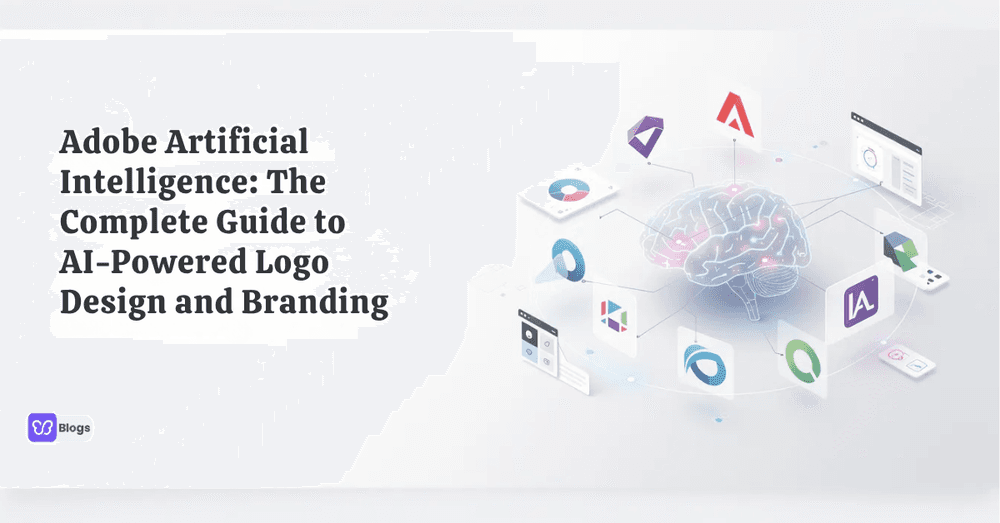
AI has moved from a nice-to-have feature into the center of modern creative work. This guide covers how Adobe's artificial intelligence tools streamline logo design and branding for designers, founders, and small teams, making creative work faster and more accessible. With adobe artificial intelligence, you can create a logo, refine a brand identity, resize content, and publish across every channel, including social media, from a single workspace. The sections below explain what the technology is, how it changes logo work, and which Adobe tool fits your situation.
What is Adobe Artificial Intelligence?
Adobe artificial intelligence is Adobe's collection of AI and machine learning tools built into apps like Adobe Express, Adobe Illustrator, Photoshop, Acrobat, Adobe Stock, Adobe Target, and Adobe Analytics. Adobe integrates artificial intelligence into its products through two engines: Adobe Sensei, a machine learning and predictive AI framework, and Adobe Firefly, a family of generative AI models.
In practice, these engines cover the whole creative pipeline. Generative Fill and Text to Image create or edit visuals from prompts, smart automation handles masking, selection, and layout tasks, and analytics layers optimize how content performs. Because the models are trained on Adobe Stock content, openly licensed material, and public domain work, the outputs are designed to be commercially safe. The same machine learning techniques that protect store payments can also power creative decisions, and understanding the broader field of artificial intelligence helps you judge where automation genuinely improves the user experience. Teams can even compare variations with A/B testing before committing a design to live marketing campaigns.
How Adobe AI Transforms Logo Design
When you create a logo with Adobe, AI can move you from first idea to export-ready files much faster. Instead of manually testing every shape, font, and color, you can generate options, preview them in context, and refine the strongest direction. AI suggests color palettes, icons, typography, and styles based on your industry. A modern tech brand, for example, might receive clean sans-serif fonts, geometric icons, and blue-gray palettes, while a bakery brand leans toward warm colors and soft, rounded shapes.
The value is not that AI designs the final logo for you. It compresses the exploration phase. Concepts that once took hours of manual iteration now appear in minutes, leaving your time for the decisions machines cannot make: what the brand should mean, and which direction deserves refinement.
Adobe Express: AI‑Powered Logo Maker for Everyone
Adobe Express is a browser-based design tool for fast content creation, including logo design, banners, images, videos, and social posts. Its built-in adobe express logo workflow acts like a guided logo maker: you enter your business name, industry, slogan, preferred styles, and design direction, and the tool returns curated logo concepts you can customize.
The Adobe Express logo maker is especially useful for a small business that needs a professional mark without hiring a designer. AI features generate images and videos, remove backgrounds, and resize content for any channel. Brand kits store your fonts, colors, and logos so every export stays on-brand, and everything runs in the browser, which means no installs and quick collaboration with teammates.
The realistic workflow is: generate concepts in Express, pick the strongest, then either finish it there for digital use or rebuild it in Illustrator when you need true vector precision.
Using Adobe Illustrator with AI for Professional Logo Work
Adobe Illustrator is the professional step after a logo maker workflow. If Express helps you create the first concept, Illustrator gives you the precision to refine, scale, and export a serious brand system. Use adobe illustrator when you need a master vector logo that scales from app icon to billboard, clean curves and balanced stroke weights, alternate marks and typography rules, and export files that printers and developers can actually use.
AI assists inside Illustrator too. Text to Vector Graphic converts prompts into editable vector art, Recolor lets you explore palette variations instantly, and the Shape Builder and Pathfinder tools make construction faster. The pattern that works: let Express or Firefly produce the raw idea, then let Illustrator's precision tools make it production-ready.
Choosing the Right Tool in the Adobe Ecosystem
Adobe gives you more than one right tool for branding. Use Adobe Express for speed, Adobe Illustrator for precision, and Firefly-powered AI for generative exploration. A quick decision guide:
- Hobbyist: start with Adobe Express and a free logo maker workflow
- Freelancer: use Express for drafts, then refine in Illustrator when clients need vector deliverables
- Startup: build a brand kit, social system, and pitch visuals inside Adobe Creative Cloud
- Design team: run Firefly for exploration and Illustrator for final production
Whichever path you choose, ground it in solid branding strategy first, and listen to how experienced operators think about quality and identity, like the conversation on branding with John Roman. Tools change; principles do not.
The Future of Adobe Artificial Intelligence in Creative Design
As the world embraces digital transformation, adobe artificial intelligence continues to innovate, pushing the boundaries of creativity and efficiency in design. Adobe's AI-driven tools are becoming more intuitive, enabling creators worldwide to bring their visions to life faster and with greater precision.
- Expanding capabilities: Adobe keeps enhancing frameworks like Sensei and Firefly, bringing video, audio, and 3D generation into the same trusted ecosystem
- Deeper app integration: generative features appear natively inside Photoshop, Illustrator, Express, and Acrobat rather than as separate products
- Commercial safety focus: training on licensed and public domain content positions Adobe's outputs for business use with fewer legal questions
- Personalization at scale: Experience Cloud AI connects creative production with audience data, so the right variant reaches the right customer
For store owners and designers, the practical takeaway is simple: the Adobe AI stack you learn today will keep getting more capable, and the workflows you build now will compound in value.
Harnessing adobe artificial intelligence transforms the logo design and branding process, offering speed, creativity, and professional quality. Whether you need a quick concept from the adobe logo generator or a polished brand identity refined in Illustrator, Adobe's AI tools provide unmatched flexibility and power. Start exploring Adobe's AI-driven design tools today and see how easy it is to build a memorable brand.

Author
Debutify
Debutify is the easiest way to launch and scale your eCommerce brand.